multigateway
Health Warn
- License — License: NOASSERTION
- Description — Repository has a description
- Active repo — Last push 0 days ago
- Low visibility — Only 5 GitHub stars
Code Fail
- new Function() — Dynamic code execution via Function constructor in app/src/main/assets/code-preview/runtime.js
- child_process — Shell command execution capability in scripts/check-code-preview.cjs
- process.env — Environment variable access in scripts/check-code-preview.cjs
- fs module — File system access in scripts/check-code-preview.cjs
Permissions Pass
- Permissions — No dangerous permissions requested
No AI report is available for this listing yet.
AI Client for Android. Support OpenAI API, Google Gemini, Anthropic, Ollama, OpenAI Codex, Claude Code, Antigravity, GitHub Copilot, and compatible
MultiGateway
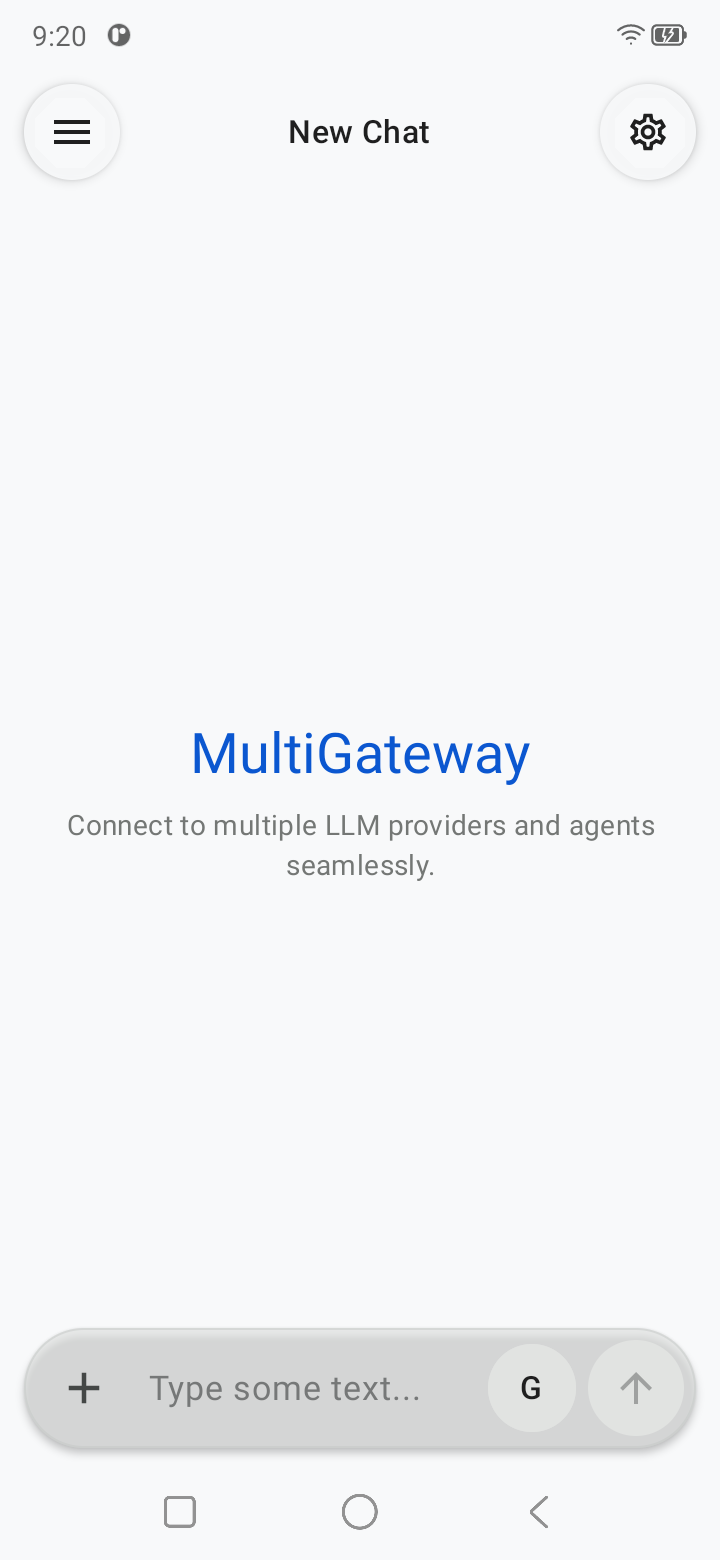
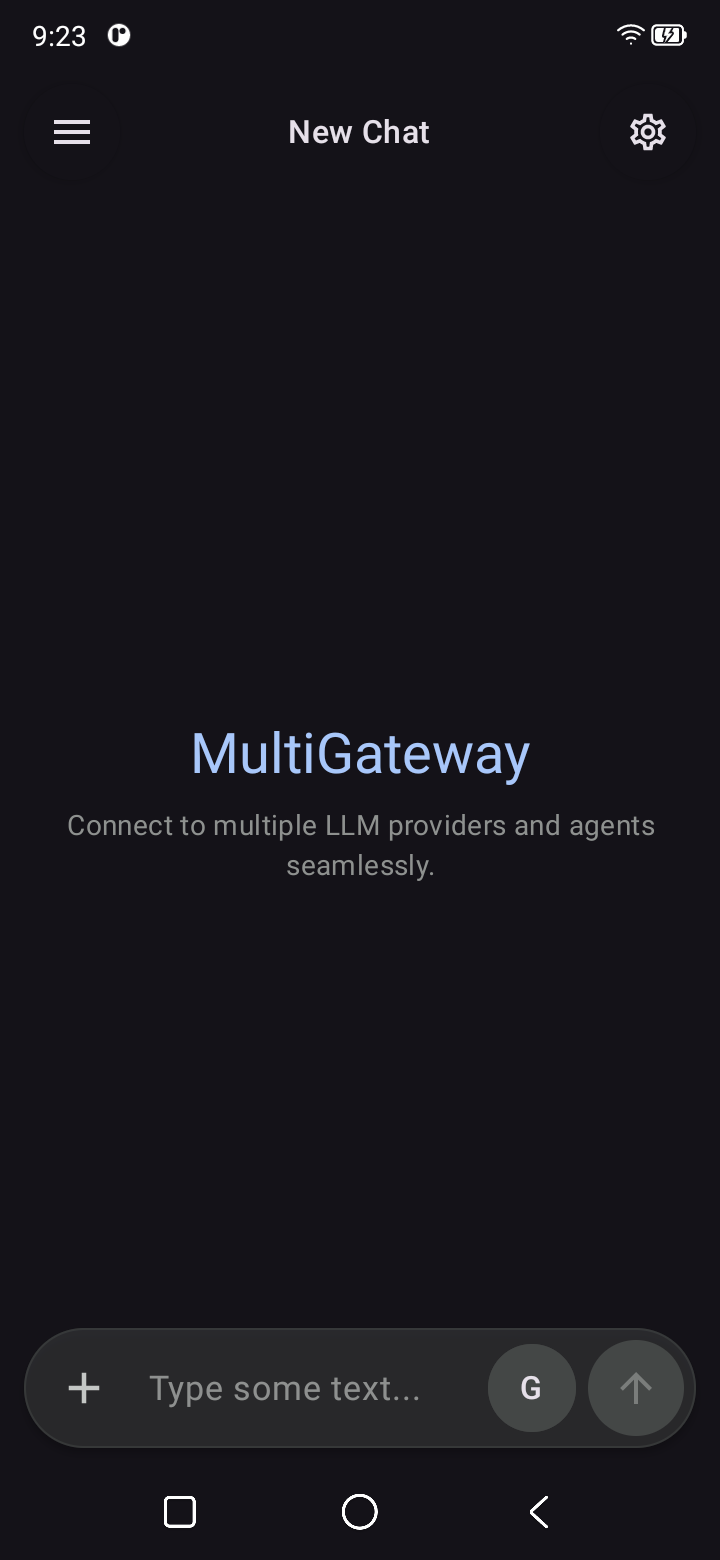
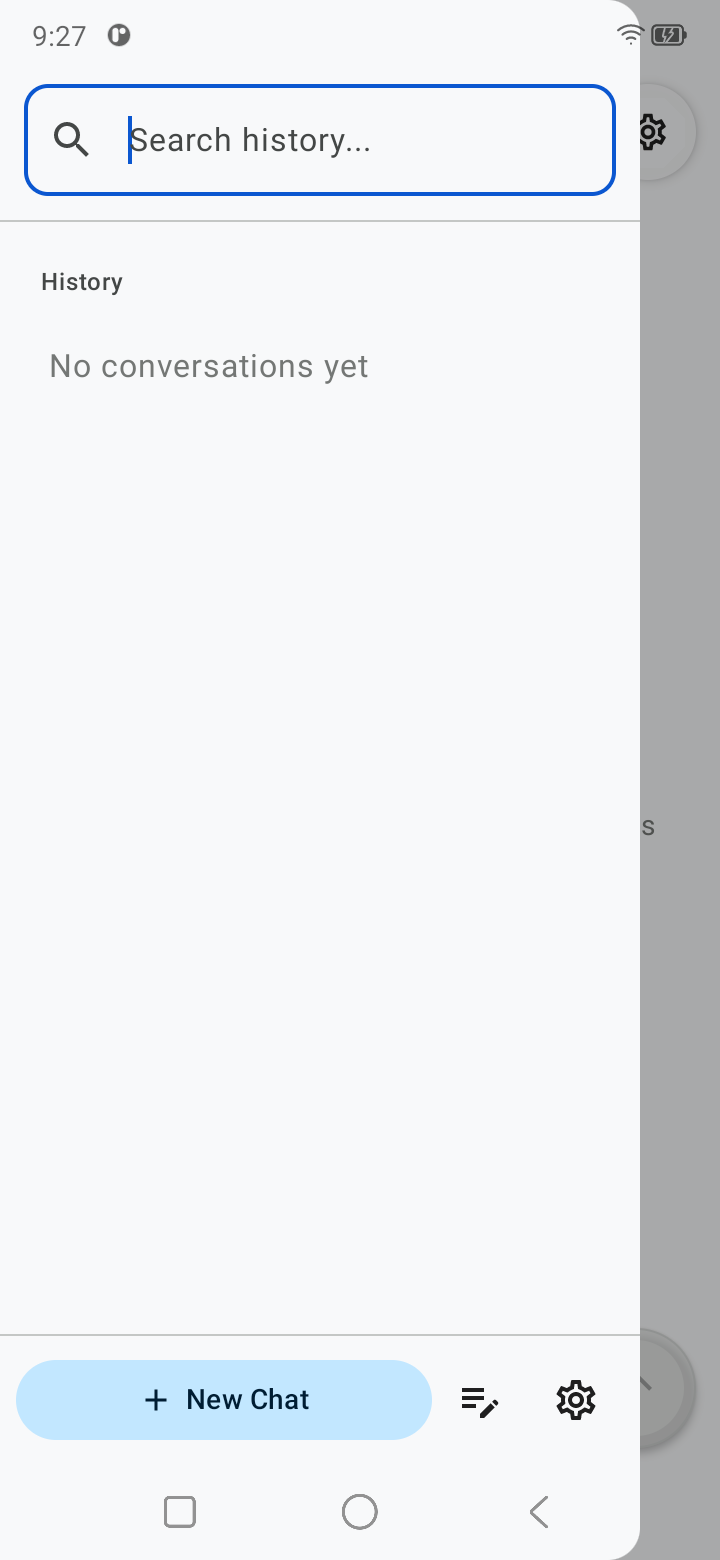
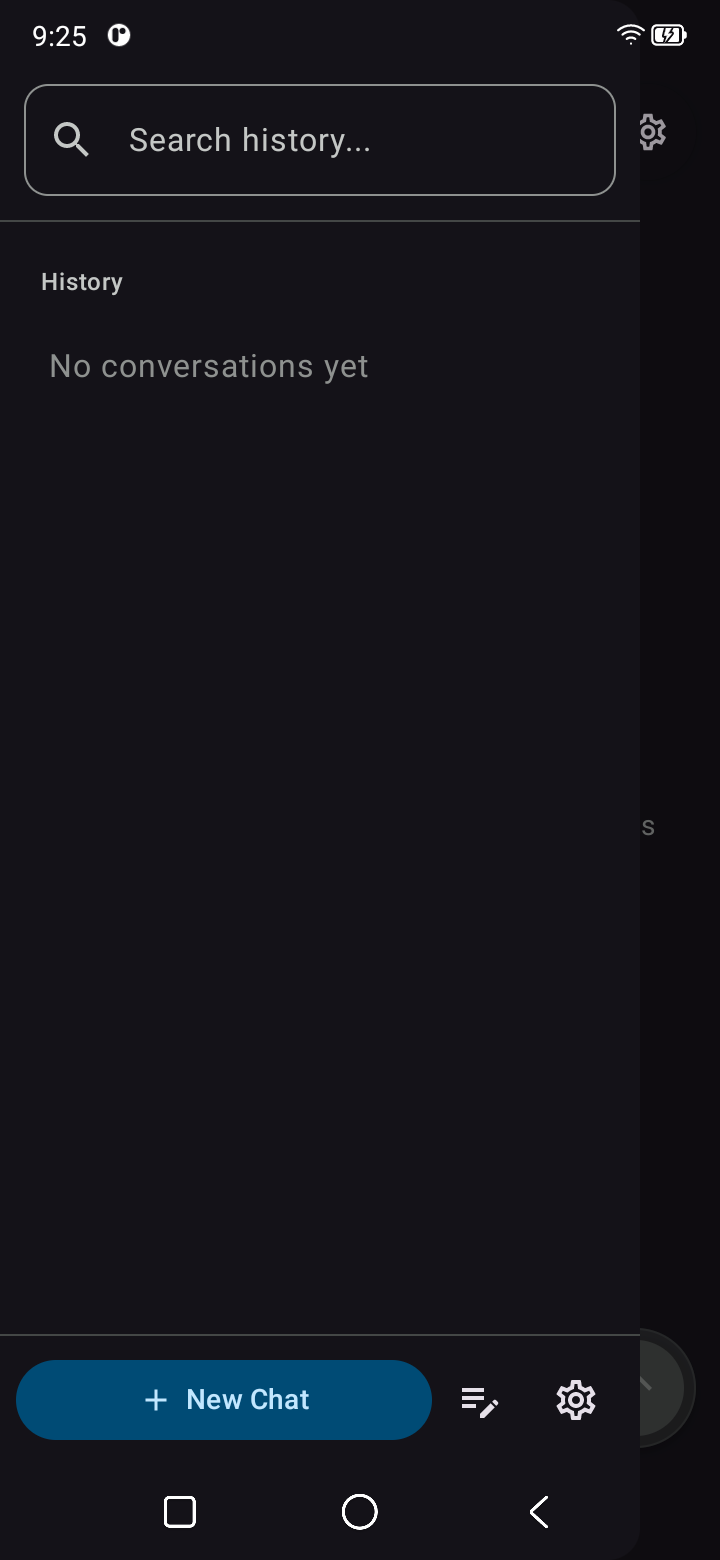
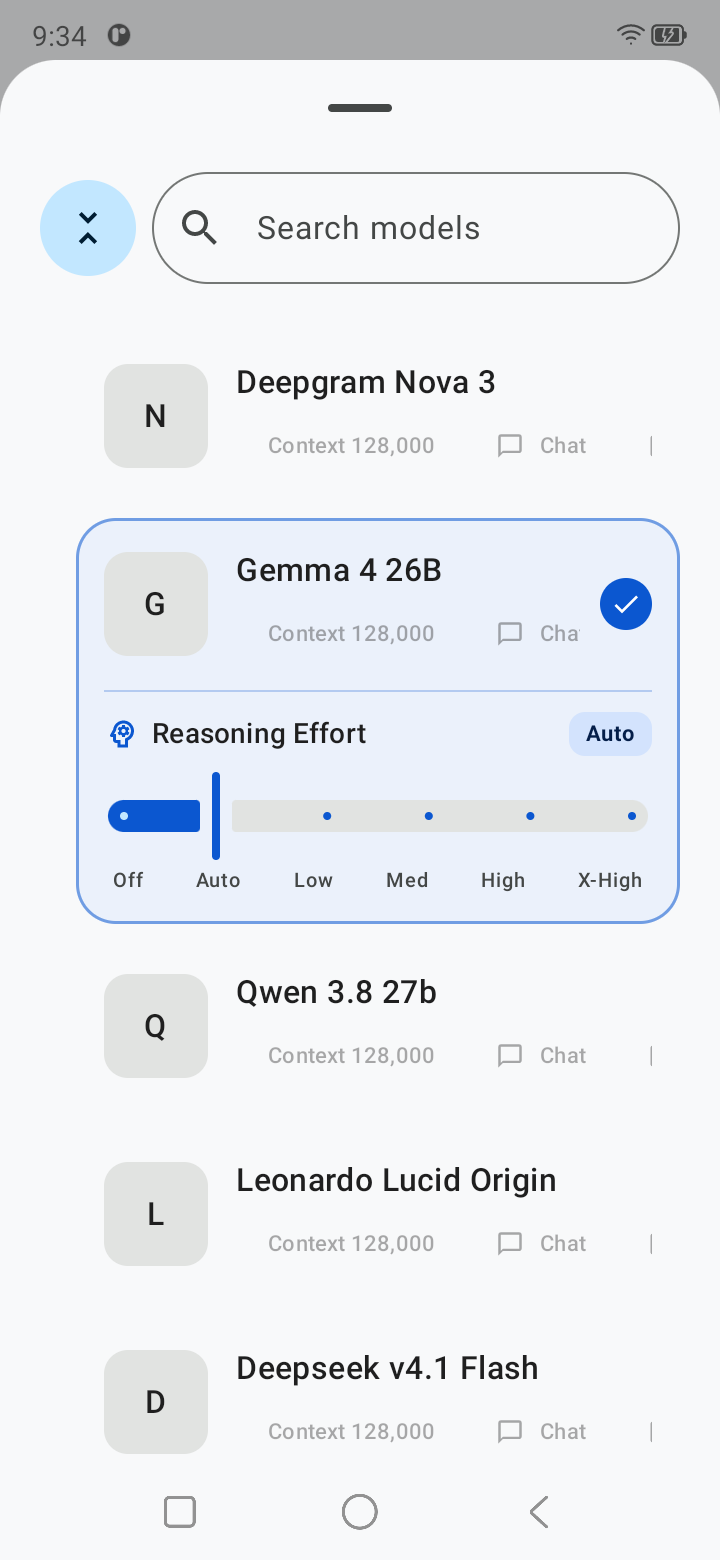
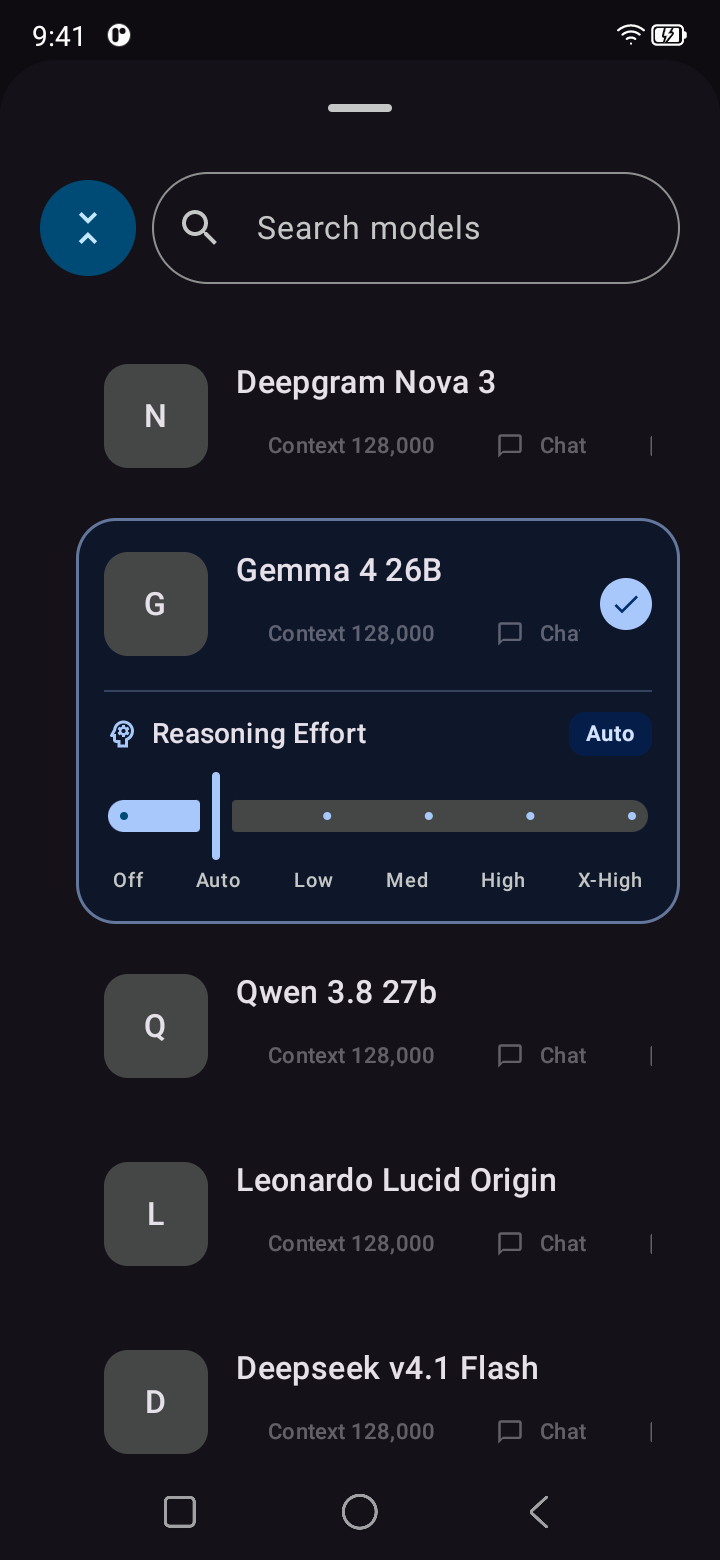
MultiGateway is a native Android client for chatting with multiple AI providers from one app. It is built with Kotlin and Jetpack Compose and supports provider-specific configuration, per-model settings, MCP tools, media generation tools, profiles, local conversation storage, and speech features.
Status: MultiGateway is under active development. APIs, database schemas, and UI behavior may still change between revisions.
Features
- Multiple LLM providers — OpenAI/OpenAI-compatible, Anthropic, Google Gemini, and Ollama.
- Account providers — ChatGPT Codex, Claude Code, Google Antigravity, and GitHub Copilot with browser authorization and encrypted local credentials.
- Custom endpoints — configure custom base URLs, authentication, headers, and model catalogs for compatible gateways.
- Per-model configuration — model type, temperature, top-p/top-k, capabilities, tool support, reasoning/vision flags, and streaming overrides.
- Streaming chat — provider-level streaming defaults with optional per-model overrides.
- MCP integration — connect remote Model Context Protocol servers over Streamable HTTP and legacy SSE transports.
- Native tool calling — MCP and system tools are exposed as structured model tools instead of executable text embedded in responses.
- Image and video generation tools — generated media can be downloaded or decoded from base64 and stored locally instead of being inserted into chat as raw data.
- Tool activity UI — chat shows compact tool status/results while large outputs are stored separately to avoid flooding the conversation UI.
- Local tool storage — inspect, open, export, and manage files produced by tools.
- Profiles — reusable chat profiles with a system prompt and tool/MCP access configuration.
- Conversation history — conversations and configuration are persisted locally with Room.
- Speech support — speech service configuration plus Android text-to-speech integration.
- Edge-to-edge Compose UI — native Android interface designed around Material 3.
Provider Configuration
MultiGateway separates settings by scope:
- Provider settings: endpoint, authentication, headers, maximum output tokens, model catalog, and default streaming behavior.
- Model settings: sampling parameters, model type/capabilities, tool support, and optional streaming override.
- Profile settings: system prompt and profile-specific tool/MCP access.
A model-level streaming setting takes precedence over the provider default. Leaving the model setting unset makes it inherit the provider setting.
Quick-add provider links
Open a link from a browser or another app to save a new provider and open its Edit Provider screen:
URI format (replace placeholders with percent-encoded values):
multigateway://provider?type={type}&name={name}&url={url}&auth={auth}&key={key}&icon_url={icon_url}
Example with all parameters:
multigateway://provider?type=chat-completions&name=My%20Gateway&url=https%3A%2F%2Fapi.example.com%2Fv1&auth=platform&key=YOUR_API_KEY&icon_url=https%3A%2F%2Fexample.com%2Ficon.png
typedefaults tochat-completions. Other values includeresponses,anthropic,gemini,ollama,antigravity,github-copilot,openai-codex, andclaude-code.authdefaults toplatform(the provider's standard API-key authentication). Other values includenone,bearer,query,custom-header, andoauth.keyis the API credential value.bearer/custom-headeruse theAuthorizationheader;queryuses thekeyquery parameter. These names can be changed in the editor. OAuth providers still use the editor's sign-in flow.- Missing or empty
nameandurluse provider defaults where available and can be completed in the editor. icon_urlis optional: an HTTP(S) image URL. The app loads it in the background and caches a resized local copy; an unavailable icon does not prevent saving or editing the provider.- Percent-encode each parameter value, especially URLs or keys containing
&,+,=or%.
Links work whether the app is already open or starting fresh. Provider details are saved before the editor opens.
Minimal example using the default type=chat-completions and auth=platform, without a custom icon:
multigateway://provider?name=My%20Gateway&url=https%3A%2F%2Fapi.example.com%2Fv1&key=YOUR_API_KEY
Each deliberate opening creates a new provider; it does not overwrite an existing provider with the same name or URL. Recreating the current Activity does not import the same launch link again.
Account authorization
Select Codex, Claude Code, Antigravity, or GitHub Copilot in Provider settings and use the OAuth sign-in button. Codex and Claude Code return to a localhost callback; Antigravity uses an explicit 127.0.0.1 callback. The browser and app must be on the same Android device. Browser account sign-in keeps a temporary foreground notification active so the local callback stays responsive while the browser is open. Copilot copies a device code to the clipboard; paste it into the GitHub verification page. Credentials are stored with Android Keystore encryption, scoped to the provider ID; exported configuration contains only an authorization marker. Sign in again after importing configuration on another device.
Antigravity offers Gemini 3 Flash and Gemini 3.1 Pro, provisions the account's Code Assist project, and maps canonical model names to backend routes. Copilot discovers available models and selects the appropriate Chat Completions, Responses, or Anthropic protocol. All account providers share the chat/tool dispatch used by Codex, including streaming overrides.
Antigravity uses the native-app OAuth client defaults from the protocol reference; no additional build secrets or separate OAuth application are required.
Protocol reference: smallmain/vscode-unify-chat-provider, especially its auth providers and Claude Code, Code Assist, and Copilot clients.
MCP
MultiGateway supports remote MCP servers using:
- Streamable HTTP
- Legacy HTTP + SSE
STDIO transport is intentionally not exposed because MultiGateway is an Android client and does not host arbitrary local MCP processes.
MCP tools can be enabled or disabled per server/tool. Tool output shown in chat is bounded, while larger results can be persisted as files.
System Media Tools
Image and video generation can be configured as system tools and assigned to compatible provider models.
Media responses may be returned as URLs or base64 data. MultiGateway stores generated media as local files and references those files from the chat/tool UI rather than persisting large base64 payloads inside conversations.
Platform Support
- Android
- iOS
- Web
- Windows
- macOS
- Linux
The current codebase is Android-native and no longer uses the previous Flutter implementation.
Building from Source
Requirements
- JDK 17
- Android SDK with API 34
- Android Studio or another Android development environment
The repository includes the Gradle wrapper, so a separate Gradle installation is not required.
Build
git clone https://github.com/starfall-org/multigateway.git
cd multigateway

# Debug APK
./gradlew assembleDebug

# Unit tests
./gradlew test
On Windows, use gradlew.bat instead of ./gradlew.
Project Structure
app/src/main/java/org/starfall/multigateway/
├── di/              # Application dependency container and ViewModel factories
├── data/
│   ├── local/        # Room database, preferences, local security helpers
│   ├── model/        # Provider, model, MCP, profile and tool models
│   ├── repository/   # Persistence repositories
│   ├── service/      # LLM, MCP and speech services
│   └── tools/        # Tool runtime, media generation and file handling
└── ui/
    ├── chat/         # Chat UI, ViewModel and generation lifecycle
    ├── configuration/ # Provider/profile/MCP/speech mutations
    ├── navigation/   # Navigation Compose destinations
    ├── drawer/       # Conversation navigation
    ├── mcp/          # MCP server configuration
    ├── profiles/     # Chat profiles
    ├── providers/    # Provider and model configuration
    ├── settings/     # Settings UI and ViewModel
    ├── speech/       # Speech configuration
    └── tools/        # System tool and storage screens
See Android architecture for dependency ownership, state lifetimes,
and navigation behavior. Raw assets live in app/src/main/assets/; Android resources
live in app/src/main/res/.
Security Notes
Provider credentials and MCP authorization data are sensitive. Avoid committing real API keys or authorization headers to the repository. Prefer HTTPS for remote providers and MCP servers; plain HTTP should only be used where it is intentionally required, such as trusted local development endpoints.
Contributing
Contributions are welcome. See CONTRIBUTING.md for repository guidelines.
License

This project is licensed under the Starfall Org Contributor Commercial Copyleft License v1.0. See the LICENSE file for details.
Reviews (0)
Sign in to leave a review.
Leave a reviewNo results found