accent
Health Pass
- License — License: GPL-3.0
- Description — Repository has a description
- Active repo — Last push 0 days ago
- Community trust — 16 GitHub stars
Code Pass
- Code scan — Scanned 12 files during light audit, no dangerous patterns found
Permissions Pass
- Permissions — No dangerous permissions requested
No AI report is available for this listing yet.
An opinionated text + pdf editor with some neat features and a minimal design.
Accent




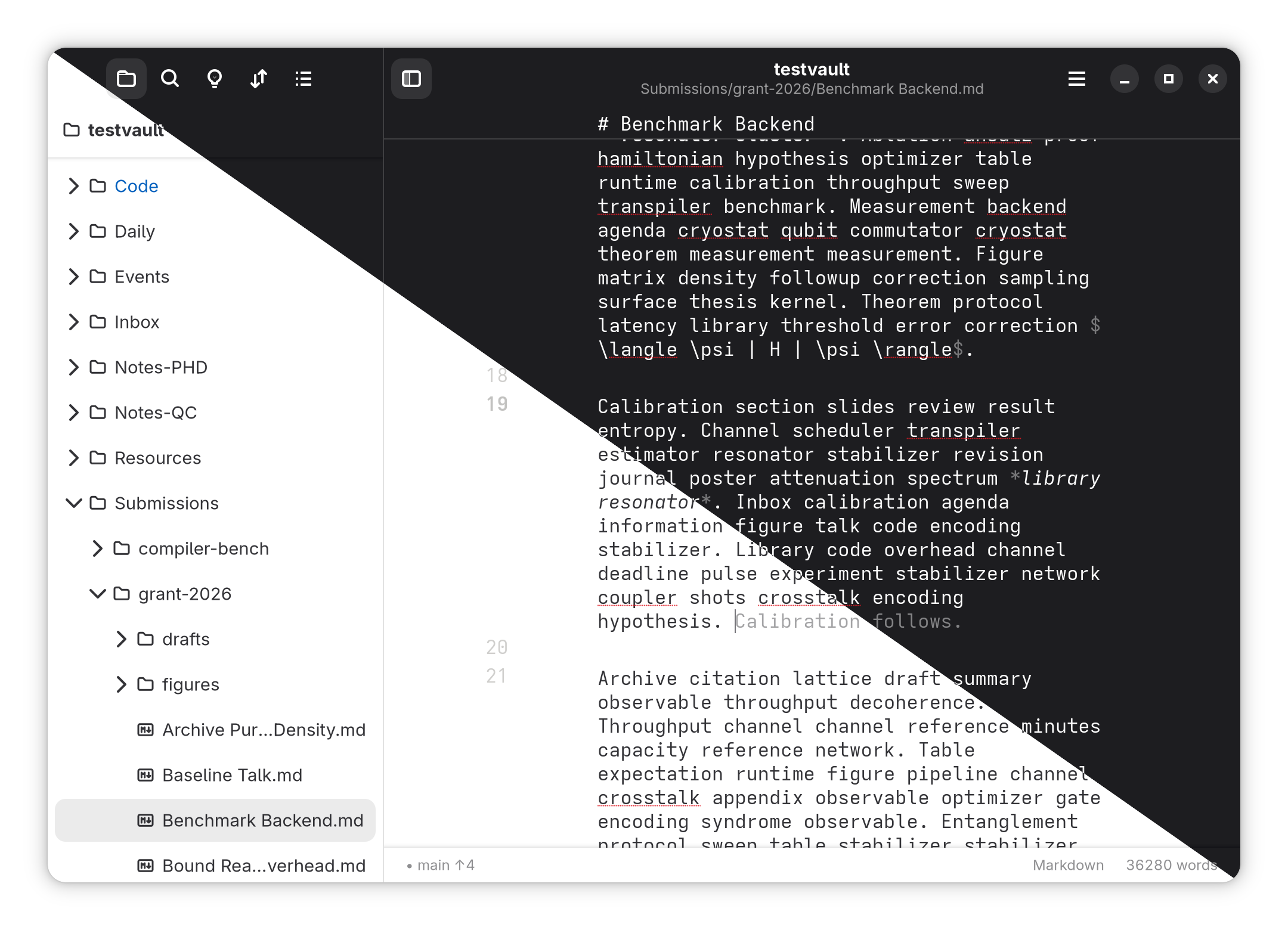
Accent is a Linux workspace for Markdown notes, code, PDFs and draw.io diagrams. A vault is an ordinary folder of files that remains usable in other apps.
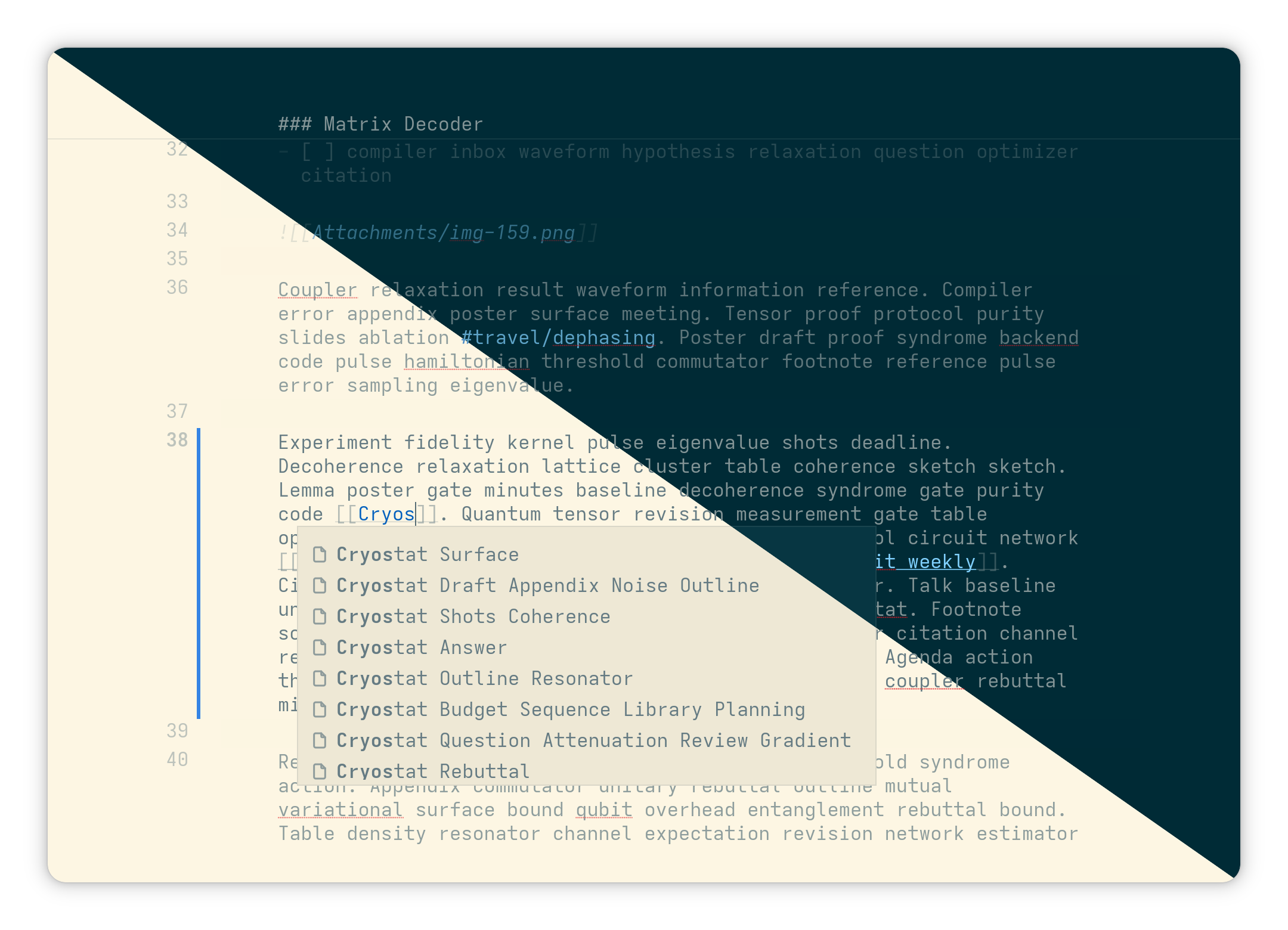
- Connect notes to their sources: wikilinks, tags and backlinks sit beside PDF passage links that take you from a note to the exact selection and back.
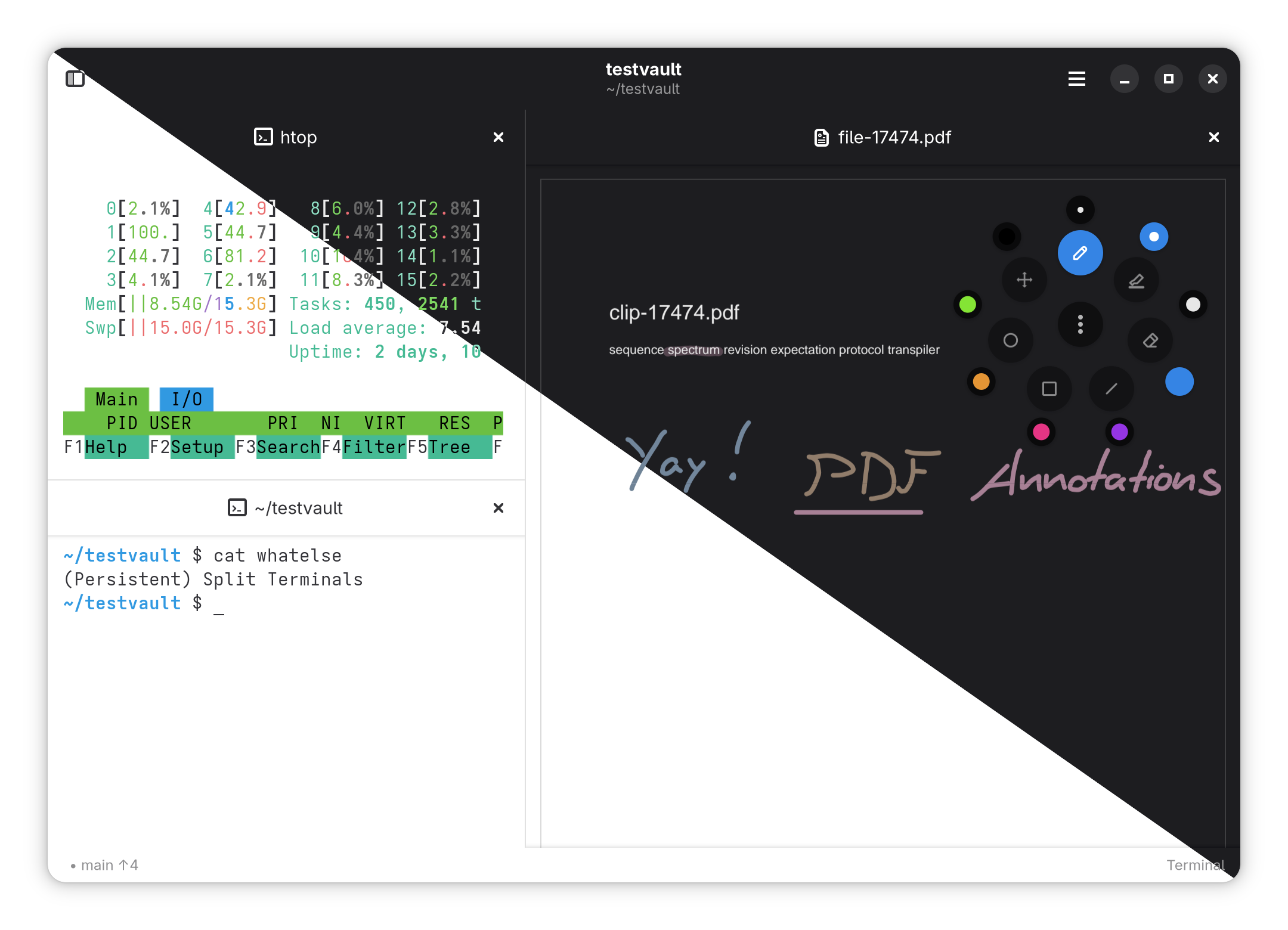
- Edit the documents, not just view them: annotate and rearrange PDFs, edit draw.io diagrams on a native canvas, and jump between LaTeX source and its PDF with SyncTeX.
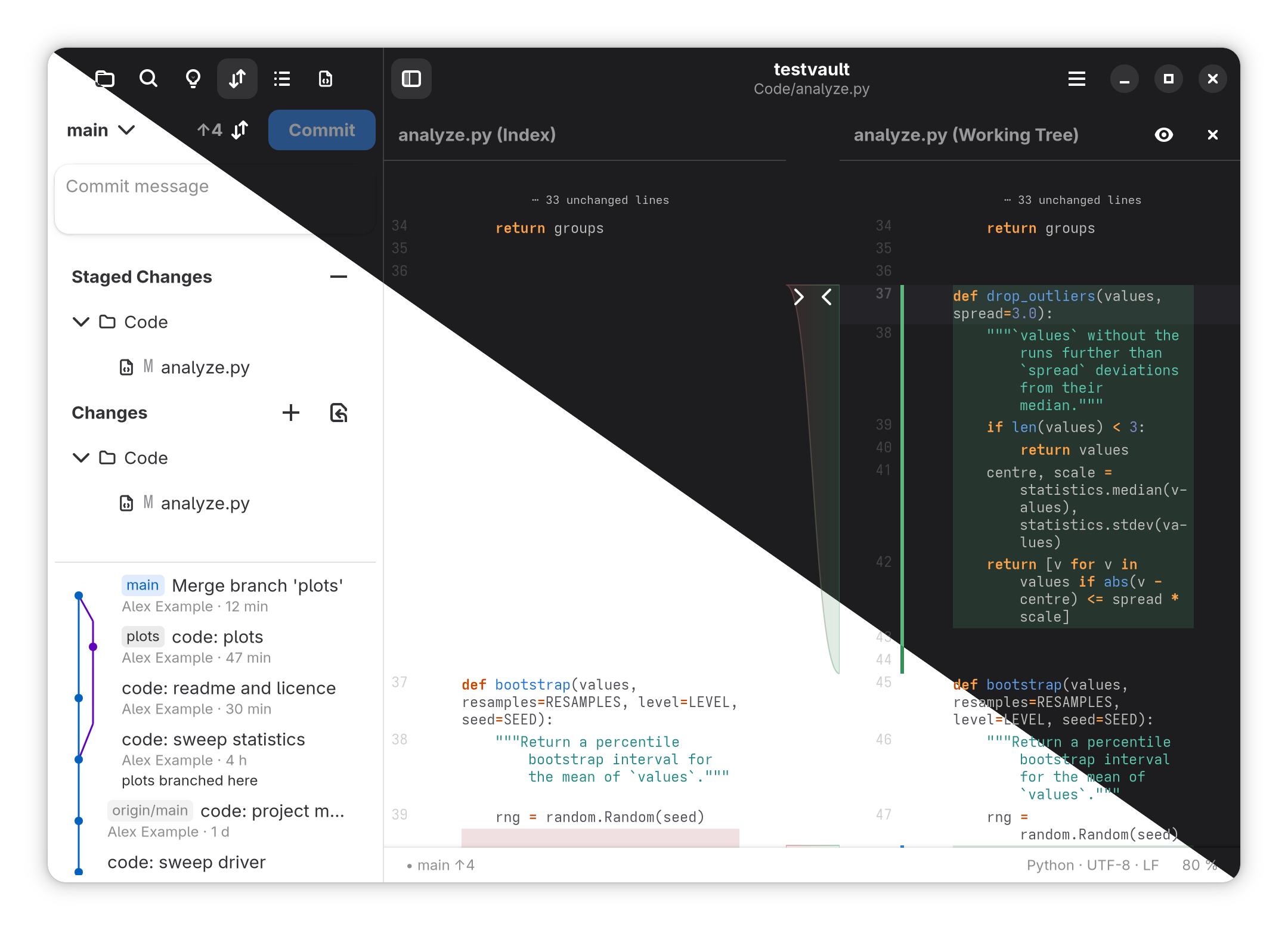
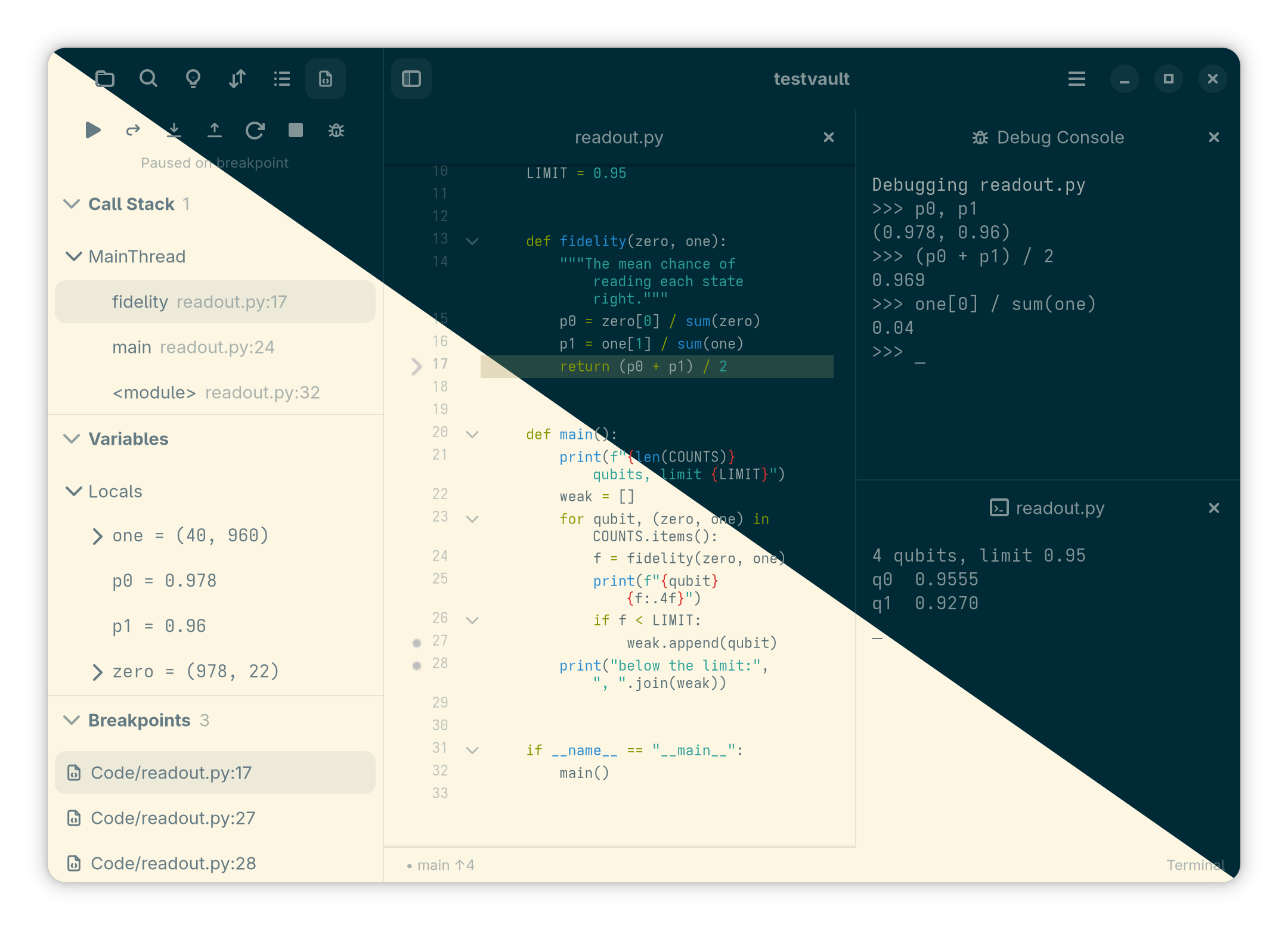
- Keep your tools together: split panes, multi-caret code editing, language servers, Jupyter cells, Git diffs and merge resolution, and terminal sessions that survive closing the window.
- Work on another machine: open a vault over SSH while search, Git and development tools run on the host.
accent-clialso exposes vault search, links and code exploration to agents over MCP. - Choose how to focus: a command palette and keyboard shortcuts sit alongside focus and presentation modes, system light and dark themes, and Solarized. An Android companion edits notes and reads PDFs.
Accent is open source under GPL-3.0-or-later and still evolving.
Read the user guide for setup, feature details and current platform limits.
Screenshots
Get started
Desktop
A Flatpak bundle is shipped with each release:
flatpak install --user accent-<version>-x86_64.flatpak
For a native install into ~/.local (GNOME 49 or newer: Fedora 43+, openSUSE Tumbleweed, Debian testing, Ubuntu 26.04+, Arch), go for the following:
curl -fsSL https://raw.githubusercontent.com/stroblme/accent/main/install.sh | bash
To remove it again, add -s -- --uninstall after bash.
To build from source by hand, run:
make install-requirements	# install the build requirements (openSUSE, Fedora, Debian, Ubuntu, Arch)
make requirements	# check local dependencies
make pdfium     	    # optional, for PDFs
make all        	    # build the GTK app and accent-cli
make install			# install the app user-wide
If you run accent from a terminal, you can also provide a path to a file or folder to open it directly.
accent-cli mcp serves a vault to an AI agent over the Model Context Protocol. It shares the app's index, works with the window closed, and offers search, code exploration, backlinks, tags, links and PDF highlights. Writing tools check the version the agent read; --read-only leaves them out. For Claude Code:
claude mcp add accent -- /path/to/accent-cli mcp --vault /path/to/notes
See Command line and MCP for the other commands and remote vaults.
Android
For Android, you can use Obtainium to retrieve the .apk from the releases.
To build it from source, install a JDK, the Android SDK and NDK, then build a debug APK:
make android-tools
make apk
Note that the Android companion app is still in a very early version; please be gentle.
Credits
Accent is inspired by awesome software projects like Apostrophe, Obsidian, and VSCodium.
Icons come from Tabler.
Reviews (0)
Sign in to leave a review.
Leave a reviewNo results found