swttch
Health Gecti
- License — License: AGPL-3.0
- Description — Repository has a description
- Active repo — Last push 0 days ago
- Community trust — 77 GitHub stars
Code Uyari
- process.env — Environment variable access in .github/workflows/issue-translator.yml
- fs module — File system access in .github/workflows/issue-translator.yml
- process.env — Environment variable access in backend/esbuild.mjs
- process.env — Environment variable access in backend/src/bridge/browser-bridge.ts
Permissions Gecti
- Permissions — No dangerous permissions requested
Bu listing icin henuz AI raporu yok.
Swttch (ex - Claude Code with GUI) — Claude Code GUI plugin for JetBrains IDEs. Formerly yhk1038/claude-code-gui-jetbrains.
Claude Code with GUI
The same Claude Code GUI you love in Cursor and VS Code, now available in JetBrains IDEs.




🌐 English | 한국어 | 日本語 | 中文 | Español | Deutsch | Français
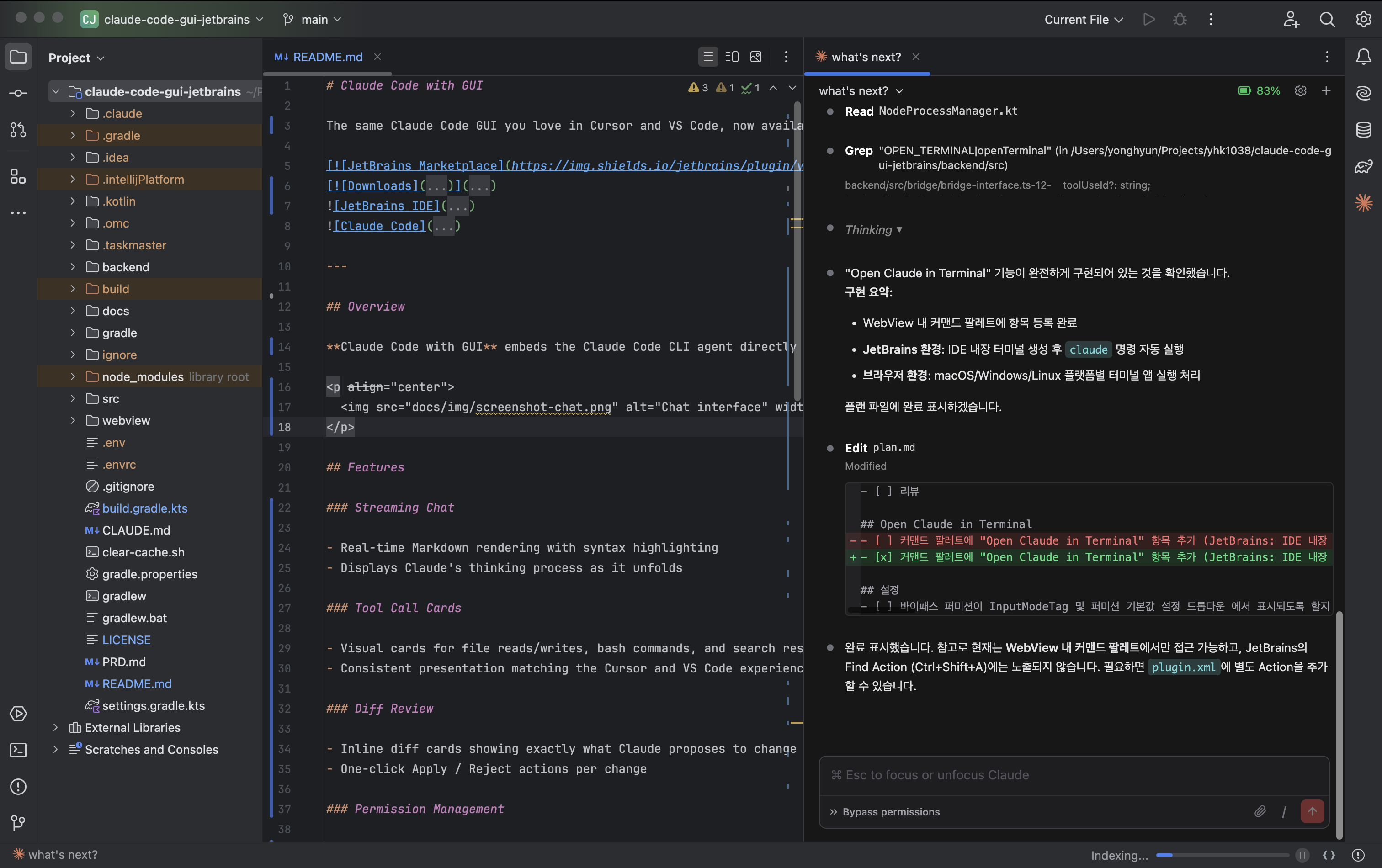
Highlights
- The same UI/UX as Claude Code in Cursor/VS Code, now in JetBrains IDEs
- A wrapper that spawns the Claude Code CLI — the same approach as the official VS Code extension
- All source code designed and written entirely from scratch — not a clone of any other project
- Dual-environment architecture that runs independently in browsers/mobile as well as JetBrains IDEs
- Delivers the rapidly evolving Claude Code experience (Agent Team, Remote Control, etc.) as a GUI
We are currently putting significant effort into stabilizing the service. If you report a bug, we typically resolve it within 1 day on average. Your feedback and bug reports are greatly appreciated.
This project aspires to grow alongside a global developer community. We adopt English as the official common language to maximize collaboration opportunities with as many developers as possible.
Features
Streaming Chat
- Real-time Markdown rendering with syntax highlighting (math rendering supported)
- Displays Claude's thinking process as it unfolds
Tool Call Cards
- Visual cards for file reads/writes, bash commands, and search results
- Consistent presentation matching the Cursor/VS Code experience
Permission Management
- Native dialogs for file and bash operation permissions
- Flexible permission policy configuration in settings
Multiple Sessions
- Manage multiple conversations simultaneously with tab support
- Session dropdown for fast switching between active sessions
- Browse full session history
File and Image Attachments
- Attach files and images to chat via drag-and-drop or file picker
Slash Commands
/clear— Reset session/compact— Compact conversation- Dynamically loads other available commands
Interrupt
- Instantly stop streaming messages and tool execution
Tunnel and Sleep Prevention
Remote access from external devices
- Generates an externally accessible URL with QR Code
- Tunnels local server using cloudflared by Cloudflare (free, unlimited)
- No third-party communication beyond the Cloudflare proxy server providing port forwarding
- Community-built feature, unrelated to Claude's native Remote Control (planned for future support)
Sleep prevention
- macOS (caffeinate), Linux (systemd-inhibit), Windows (powercfg)
Bidirectional Settings Sync
- Control not only plugin settings but also Claude Code's original settings (global/local) directly from the settings menu
- Full GUI coverage of the official settings file spec is planned
- GUI management of MCP servers, skills, agents, and other
.claudedomains is planned
Browser/Mobile Standalone
- Works standalone in browsers or mobile without JetBrains IDE
- Node.js backend provides a WebSocket server; the browser connects as a client
- Not just for development — an independent deployment target delivering the same features as the IDE environment
Additional Features
- Open Claude in Terminal — Launch Claude in the IDE terminal from the command palette
- Session URL Routing — Sessions auto-restore even after IDE restart
- Single Process Multi-Project — One backend process serves multiple projects simultaneously
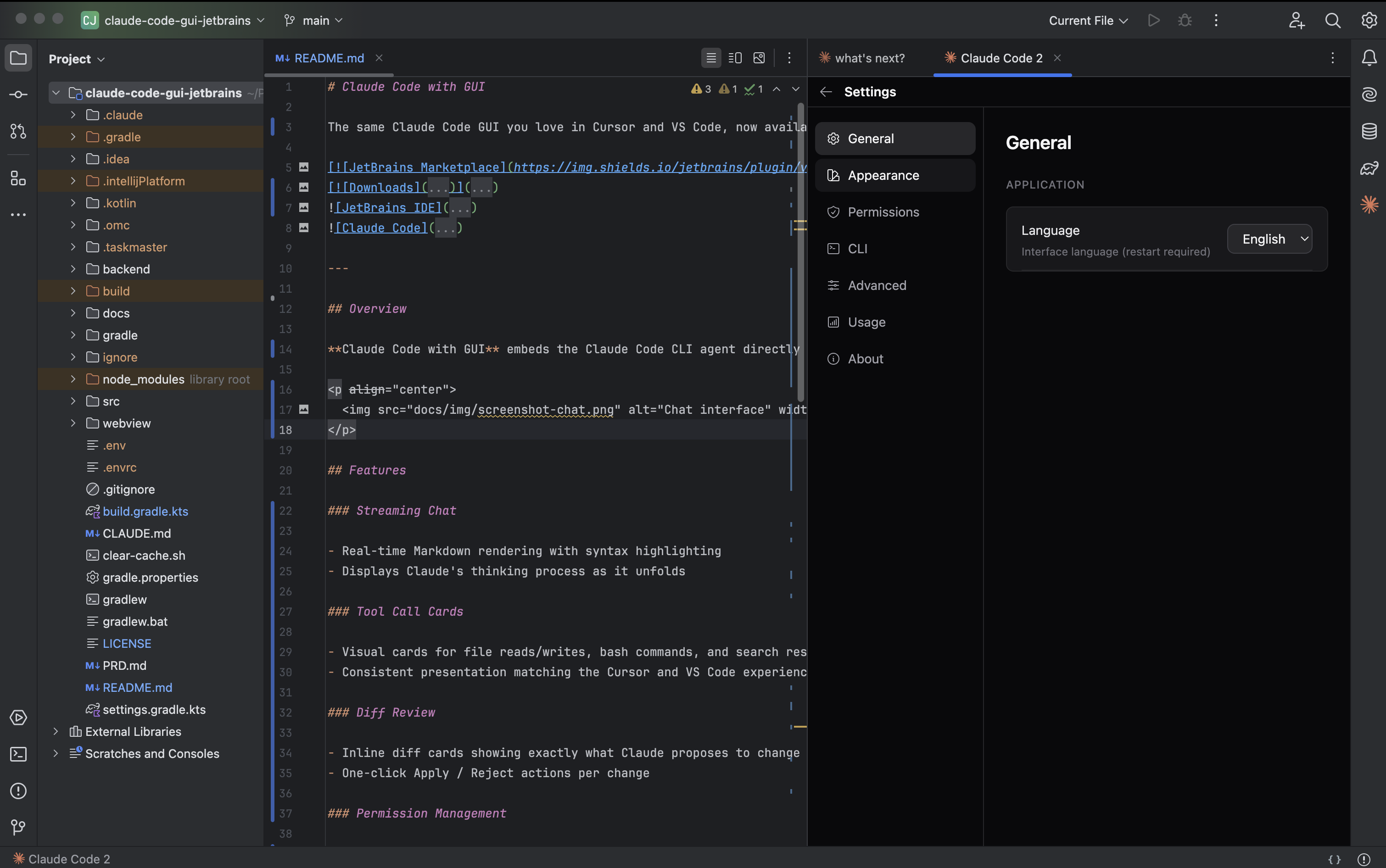
- Settings — Configure CLI path, theme, font size, permission policy, and log level
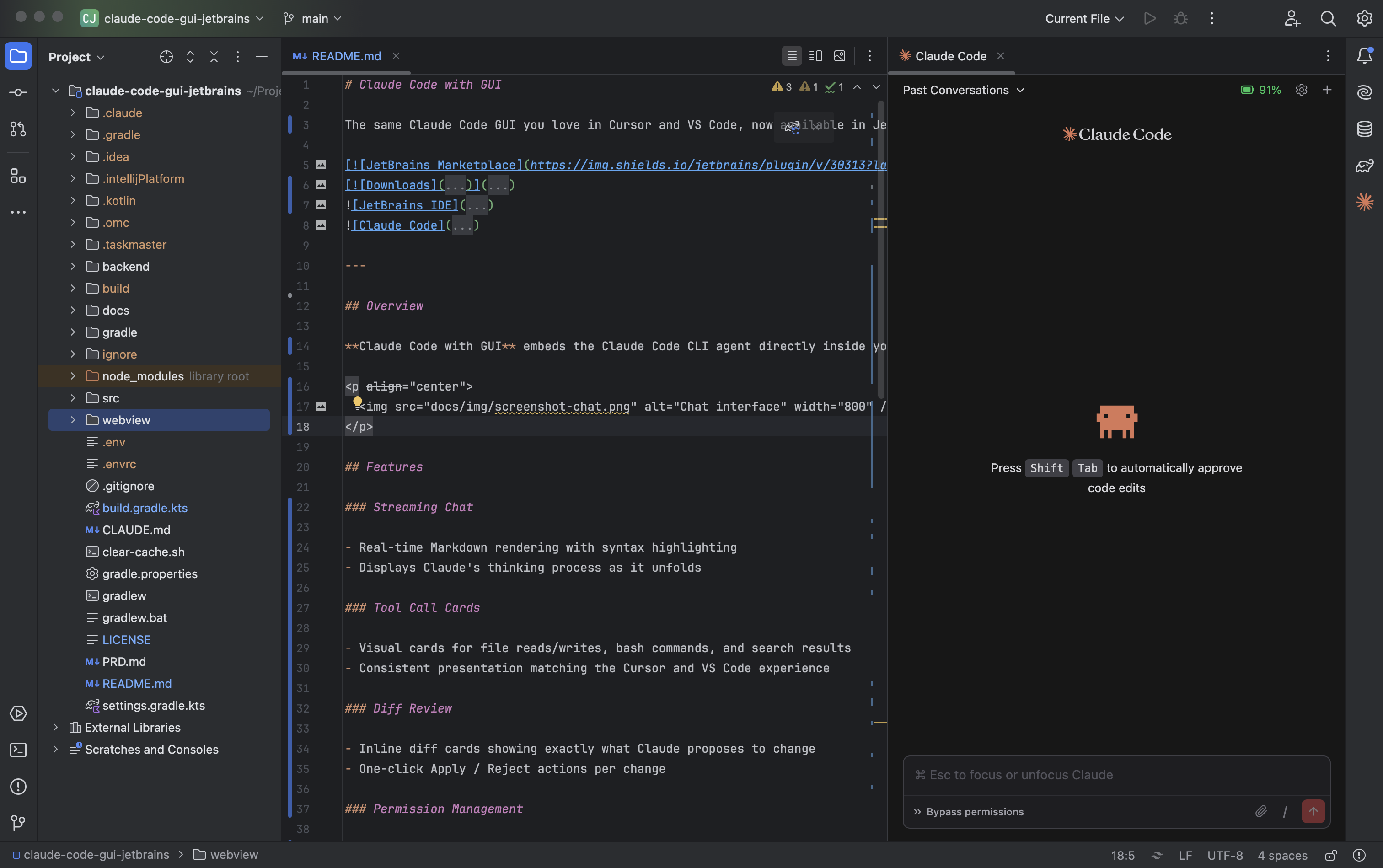
Welcome screen
Settings panel
Requirements
- JetBrains IDE 2024.2 — 2025.3
- Claude Code CLI >= 1.0.0, installed and authenticated
- Node.js >= 18
Quick Start
- Verify
claudeCLI is installed and authenticated (claude --version). - Install the plugin from the JetBrains Marketplace.
- Open the panel via Tools > Open Claude Code or press
Ctrl+Shift+C. - Start coding with Claude.
Shortcuts
Ctrl+Shift+C— Open Claude Code panelCmd+N/Ctrl+N(panel focused) — New session tab
Terminal Launcher (ccg)
Prefer your own browser over the IDE panel? Install the terminal launcher with one line:
curl -fsSL https://raw.githubusercontent.com/yhk1038/claude-code-gui-jetbrains/main/cli/install.sh | bash
Then from any project directory:
ccg
Same backend, same UI, opened in your default browser on http://localhost:19836. Coexists with the JetBrains plugin on port 19836. See cli/README.md for details.
Android Studio Compatibility
Android Studio ships with a JetBrains Runtime (JBR) that does not include JCEF (Chromium Embedded Framework). This plugin's WebView UI relies on JCEF, so it will display a guidance panel instead of the chat UI when launched on the default Android Studio runtime.
Switch to a JCEF-enabled runtime
- Open Find Action:
Cmd+Shift+A(macOS) orCtrl+Shift+A(Windows/Linux). - Search for Choose Boot Java Runtime for the IDE… and run it.
- In the dropdown, pick a runtime whose name contains "JCEF" or "with JCEF".
- Click OK and restart the IDE when prompted.
When the plugin detects a missing JCEF runtime, it also shows a notification with a one-click Switch Runtime button that opens the same dialog.
Recovering from a bad runtime swap
If the IDE fails to boot after a runtime swap, delete the studio.jdk file from the Android Studio config directory to restore the default runtime:
- macOS:
~/Library/Application Support/Google/AndroidStudio<version>/studio.jdk - Linux:
~/.config/Google/AndroidStudio<version>/studio.jdk - Windows:
%APPDATA%\Google\AndroidStudio<version>\studio.jdk
Future support
JetBrains released an experimental Web Browser (JCEF) marketplace plugin (ID 31360) in April 2025 to bring JCEF to Android Studio 2026.1 Nightly and later. Once that becomes stable, the runtime swap above will no longer be needed.
Contributing
Contributions of all kinds are welcome — bug reports, feature ideas, code, documentation, and translations.
- Getting started? See CONTRIBUTING.md for setup instructions and guidelines.
- Looking for something to work on? Check issues labeled
good first issue. - Have a larger change in mind? Please open an issue first to discuss.
License
This project is licensed under the GNU Affero General Public License v3.0.
Yorumlar (0)
Yorum birakmak icin giris yap.
Yorum birakSonuc bulunamadi