nanobot-web-console
Health Uyari
- No license — Repository has no license file
- Description — Repository has a description
- Active repo — Last push 0 days ago
- Community trust — 11 GitHub stars
Code Gecti
- Code scan — Scanned 2 files during light audit, no dangerous patterns found
Permissions Gecti
- Permissions — No dangerous permissions requested
This tool provides a FastAPI server and a single-file HTML interface to add a web UI and HTTP API to the nanobot AI assistant framework. It enables real-time streaming chat, session history management, and settings configuration.
Security Assessment
Risk: Low
A lightweight code scan (2 files) found no dangerous patterns, hardcoded secrets, or requests for dangerous permissions. However, the application inherently accesses sensitive data by interacting with your local nanobot configuration and AI providers. It requires your LLM API keys to function, which are managed via the web settings panel. Because it runs as a local web server, it is only as secure as your local network and the provider API endpoints it communicates with.
Quality Assessment
The project is actively maintained, with its most recent push occurring today. It has a small but present community footprint with 11 GitHub stars. The major drawback is the complete lack of a designated open-source license. Without a license, the code is technically proprietary by default, meaning you do not have formal legal permission to use, modify, or distribute it, which may be a concern depending on your intended use case.
Verdict
Use with caution — the code itself appears safe to run, but the lack of a software license creates potential legal limitations for adoption.
Single-file web console for nanobot AI Agent — real-time streaming chat, session history, tool execution viewer, WebSocket auto-reconnect. Compatible with nanobot 0.1.4+.
nanobot Web Console
A web console + API server for nanobot — an ultra-lightweight personal AI assistant framework.
nanobot provides a powerful agent core (tools, skills, memory, channels) but no HTTP API or web UI. This project adds both: a FastAPI server (server.py) and a single-file web console (index.html).
Screenshots
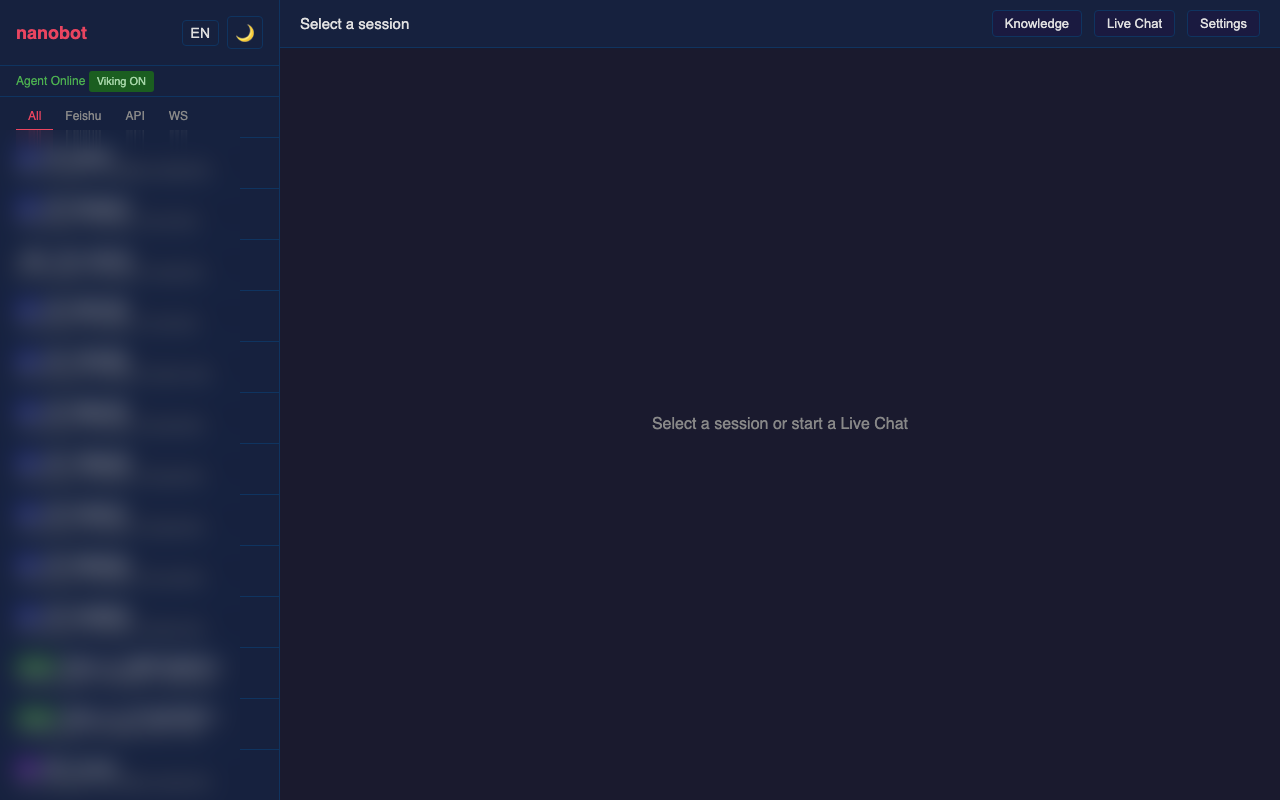
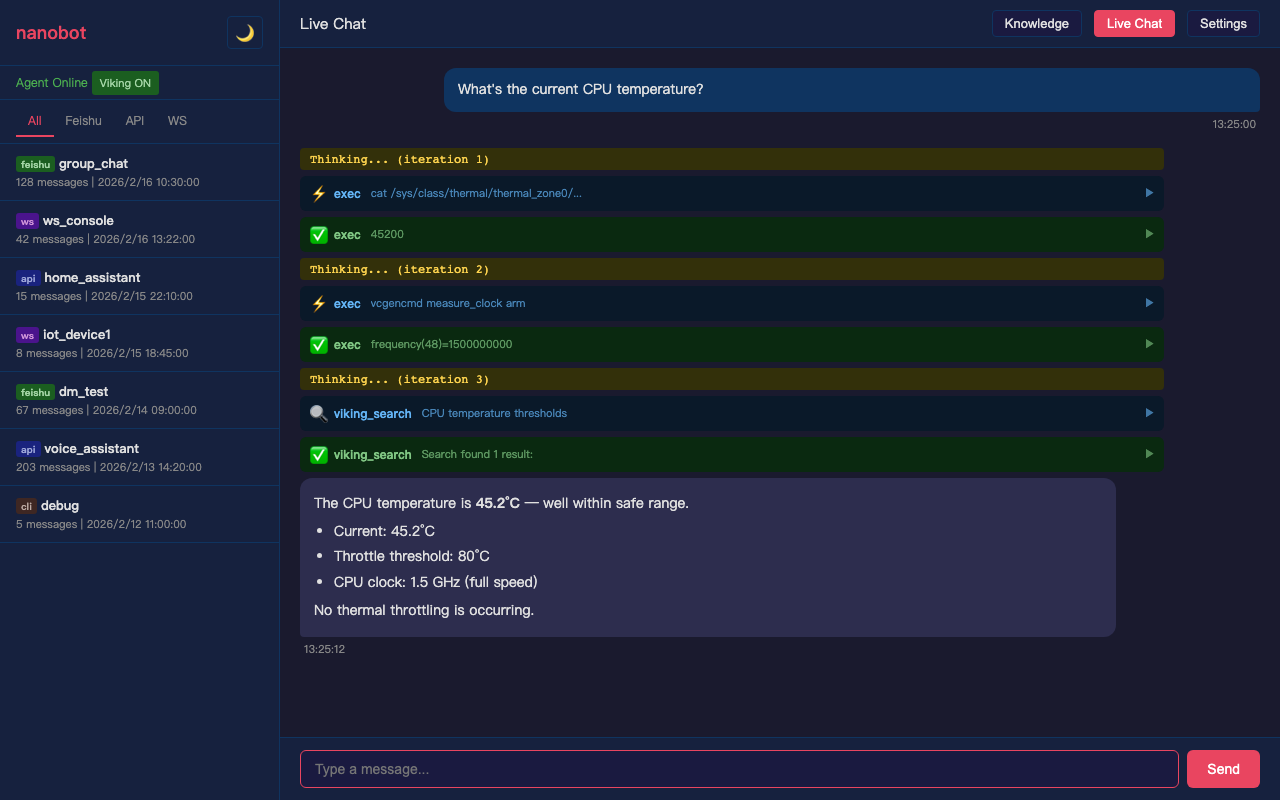
| Session History | Live Chat |
|---|---|
 |
 |
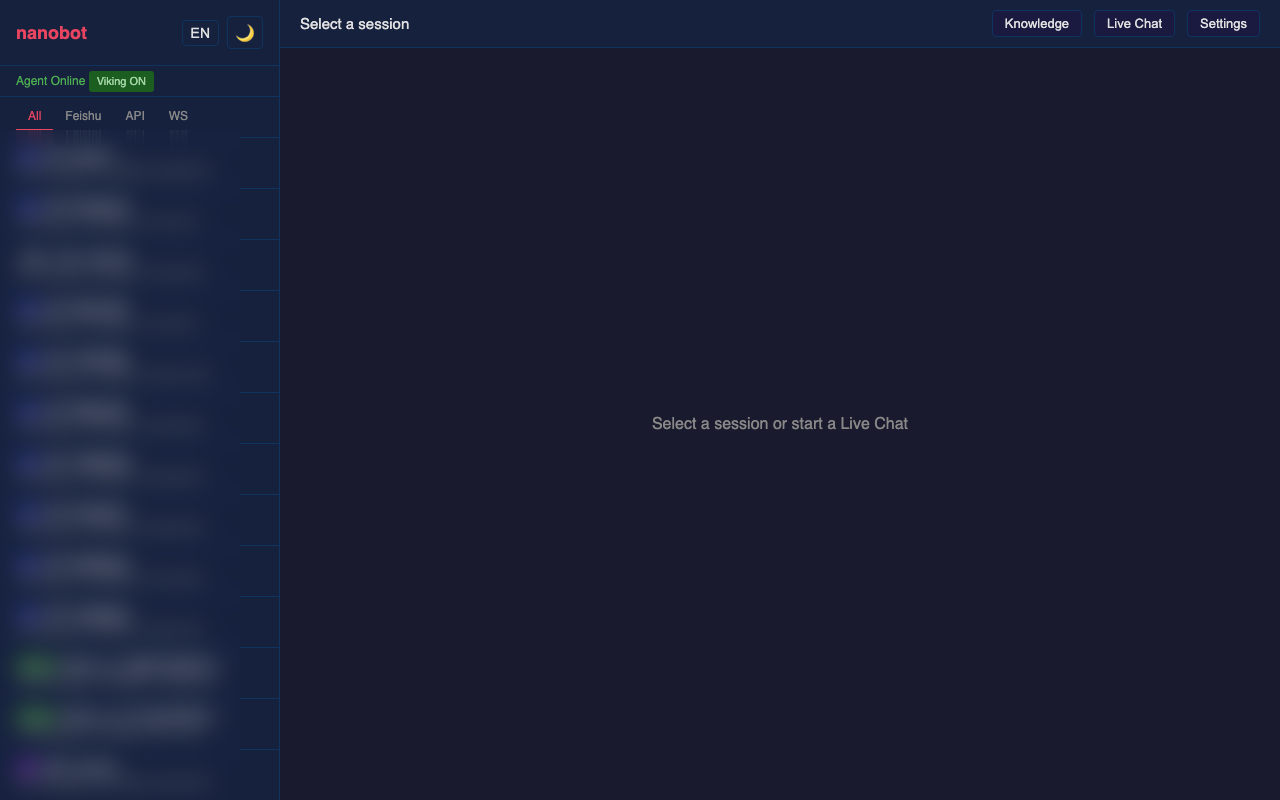
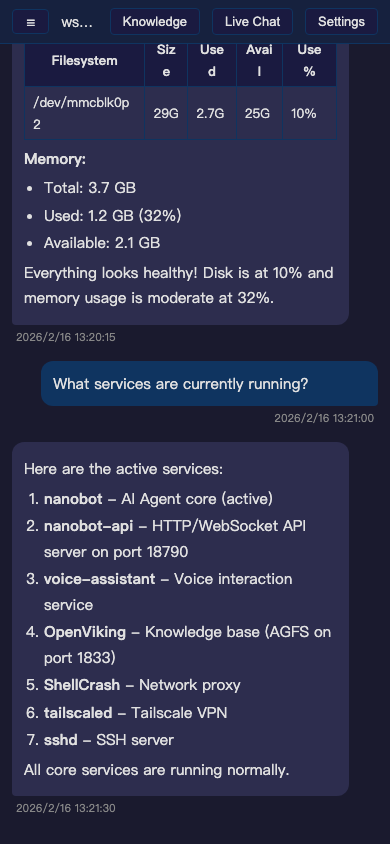
| Settings | Mobile |
|---|---|
 |
 |
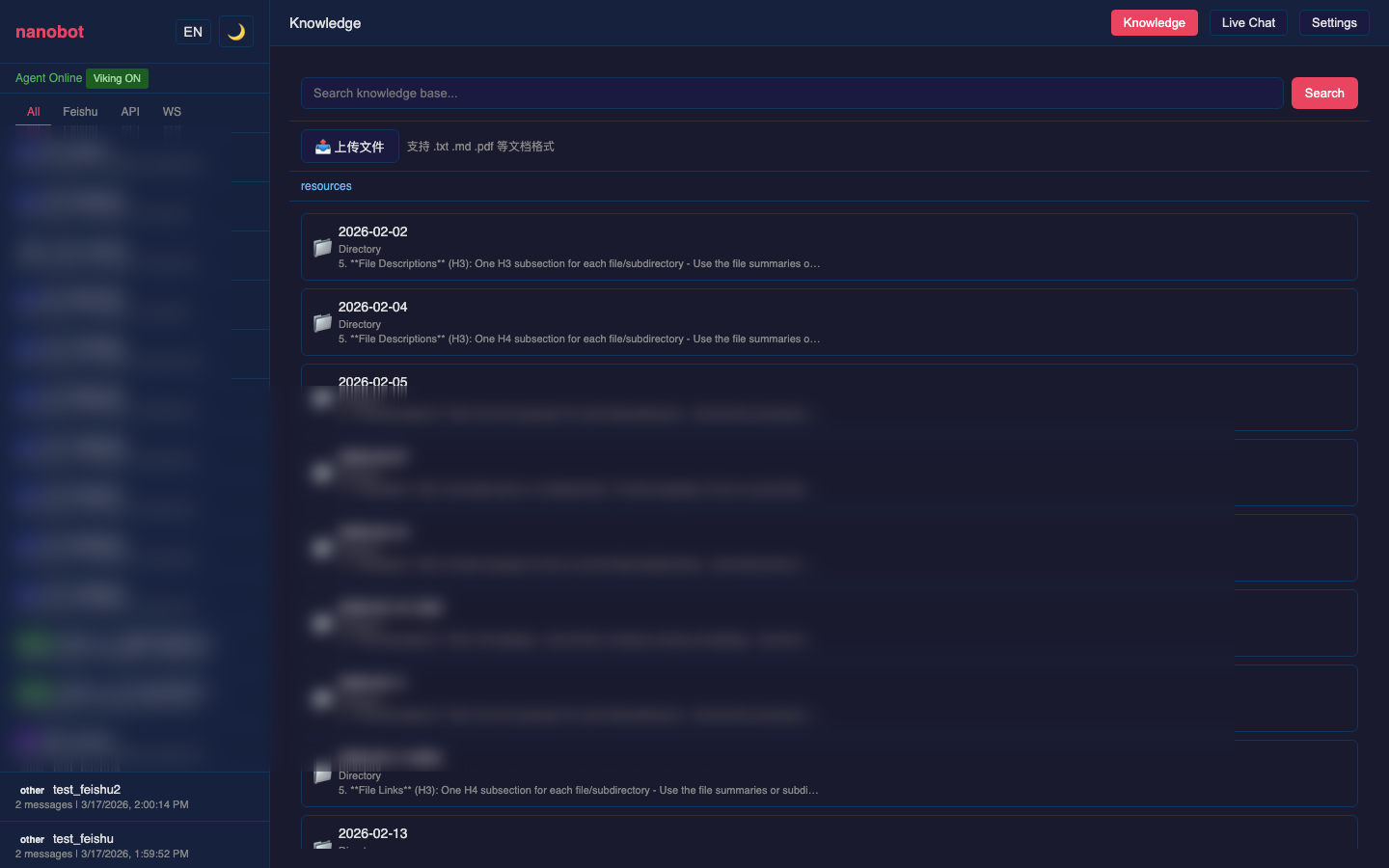
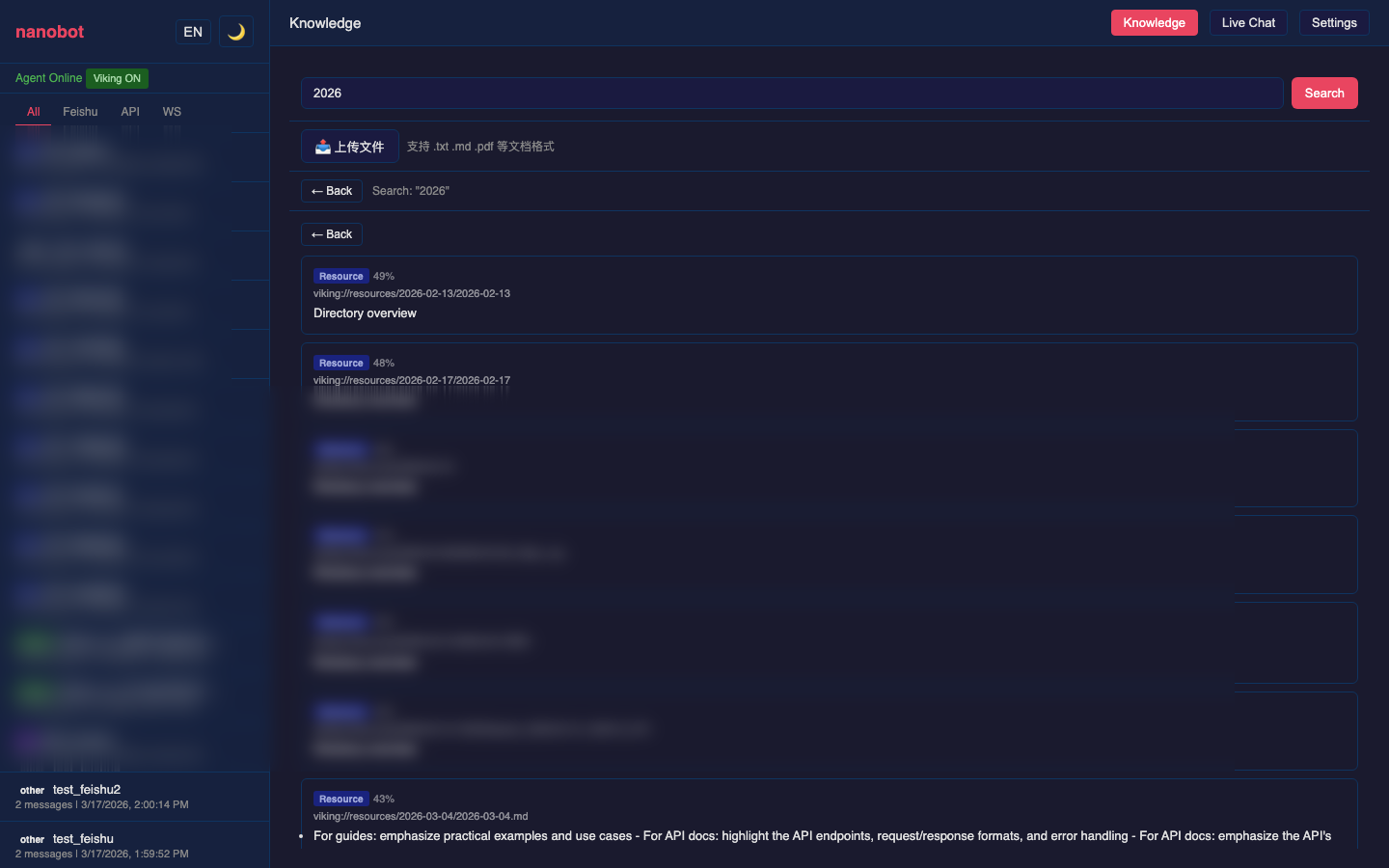
| Knowledge Base | Semantic Search |
|---|---|
 |
 |
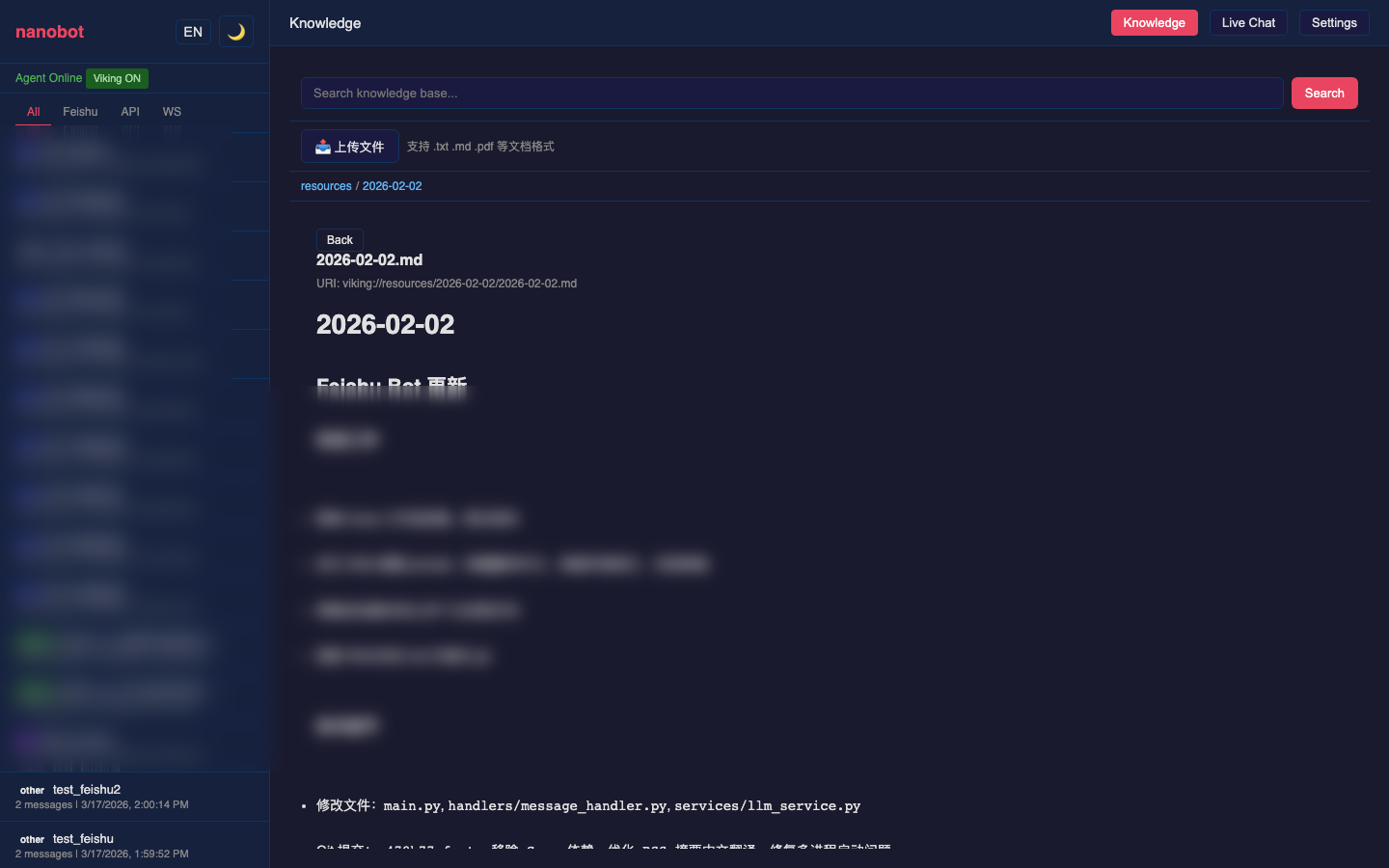
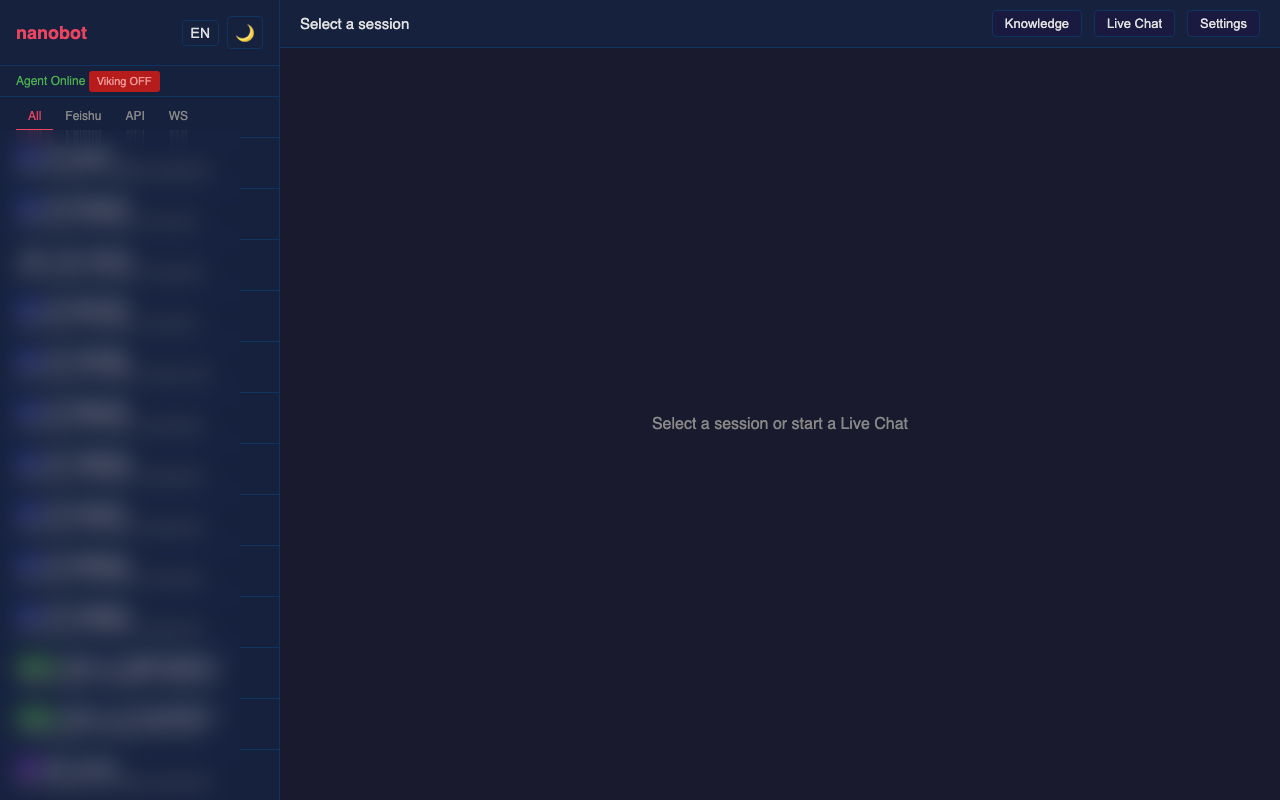
| File Viewer | Onboarding |
|---|---|
 |
 |
Quick Start
Prerequisites: Python 3.11+, nanobot installed and configured (~/.nanobot/config.json)
pip install nanobot-ai fastapi uvicorn pydantic
git clone https://github.com/tankyhsu/nanobot-web-console.git
cd nanobot-web-console
python server.py
Open http://localhost:18790.
Run as systemd service
# /etc/systemd/system/nanobot-api.service
[Unit]
Description=nanobot API Server
After=network-online.target

[Service]
Type=simple
ExecStart=/usr/bin/python3 /path/to/server.py
WorkingDirectory=/path/to/nanobot-web-console
Environment=HOME=/root
Restart=always
RestartSec=5

[Install]
WantedBy=multi-user.target
systemctl enable --now nanobot-api
Features
Web Console
- Session History — Browse all sessions with channel filtering (Feishu / API / WS / CLI). Tool call and result messages render as collapsible cards.
- Live Chat — Real-time WebSocket chat with streaming thinking indicators, tool call events, and results. Content persists when navigating away.
- Settings — 6-tab configuration panel:
- Agent — Model, temperature, max tokens, iterations, context window tokens
- Channels —
sendProgress/sendToolHintstoggles - Providers — Edit API keys and base URLs per provider
- Cron — Manage nanobot scheduled jobs (add / toggle / trigger / delete) and system crontab. Changes automatically sync to the nanobot gateway.
- Prompts — Edit SOUL.md, AGENTS.md, USER.md in-browser
- Info — Tools, skills, memory viewer
- Knowledge Base (optional,
pip install openvikingto enable) — Browseviking://filesystem, view file contents, upload/delete files, semantic search; shows install guide when not installed - Dark / Light theme, mobile responsive, URL routing, IME-compatible input
API Server
POST /api/chat— Simple chat with emotion detectionPOST /v1/chat/completions— OpenAI-compatible endpointWS /ws/chat— Streaming chat (thinking / tool_call / tool_result / final events + 15s heartbeat)GET/DELETE /api/sessions/{name}— Session managementGET/POST /api/config— View and update agent configGET/POST /api/cron/jobs— Nanobot cron job management/api/viking/*— Knowledge base (optional, requirespip install openviking)
WebSocket Protocol
Client sends:
{"message": "user text", "session": "ws:device-id", "constraint": "optional"}
Server pushes:
{"type": "thinking", "iteration": 1}
{"type": "tool_call", "name": "exec", "arguments": "{\"command\": \"df -h\"}"}
{"type": "tool_result", "name": "exec", "result": "..."}
{"type": "heartbeat", "timestamp": 1739800015.0}
{"type": "final", "content": "...", "emotion": "happy", "session": "ws:device-id"}
Knowledge Base (Optional)
One command to enable:
pip install openviking
Restart server.py — it auto-detects and initializes. No files to copy. When not installed, the server runs normally and shows an install guide in the Knowledge Base tab.
Knowledge Base Features
- File Browser — Navigate the
viking://virtual filesystem with directory support - File Viewer — Built-in Markdown renderer to read knowledge base files in-browser
- File Upload — Drag-and-drop or click to upload multiple files; auto-indexed for semantic search
- File Delete — Confirmation dialog + error feedback
- Semantic Search — Full-text semantic search; supports
{ok, result: {memories, resources, skills}}format - Live Chat KB Toggle — 📚 button next to the input field to enable/disable RAG augmentation per message
Onboarding
When openviking is not installed, the Knowledge Base tab shows a step-by-step install guide.
Use ?mock_no_viking=1 to simulate the uninstalled state for testing.
File Structure
server.py      # FastAPI server — nanobot web layer
index.html     # Web console (single file, zero dependencies)
screenshots/   # Demo screenshots
Tech Stack
- server.py — FastAPI + Uvicorn, imports nanobot internals directly
- index.html — Vanilla JS, CSS custom properties, WebSocket API, marked.js (CDN)
SiliconFlow Free Models
If you use SiliconFlow, the embedding (BAAI/bge-m3) and VLM (DeepSeek-OCR) models used by Viking are available on the free tier.
Referral link for bonus credits: https://cloud.siliconflow.cn/i/UzI0F3Xv
License
MIT
Yorumlar (0)
Yorum birakmak icin giris yap.
Yorum birakSonuc bulunamadi