biel-mcp
Health Uyari
- License — License: MIT
- Description — Repository has a description
- Active repo — Last push 0 days ago
- Low visibility — Only 5 GitHub stars
Code Gecti
- Code scan — Scanned 12 files during light audit, no dangerous patterns found
Permissions Gecti
- Permissions — No dangerous permissions requested
Bu listing icin henuz AI raporu yok.
Connect AI tools like Cursor, VS Code, and Claude to your product docs.

Biel.ai MCP Server
Give AI assistants context from technical documentation
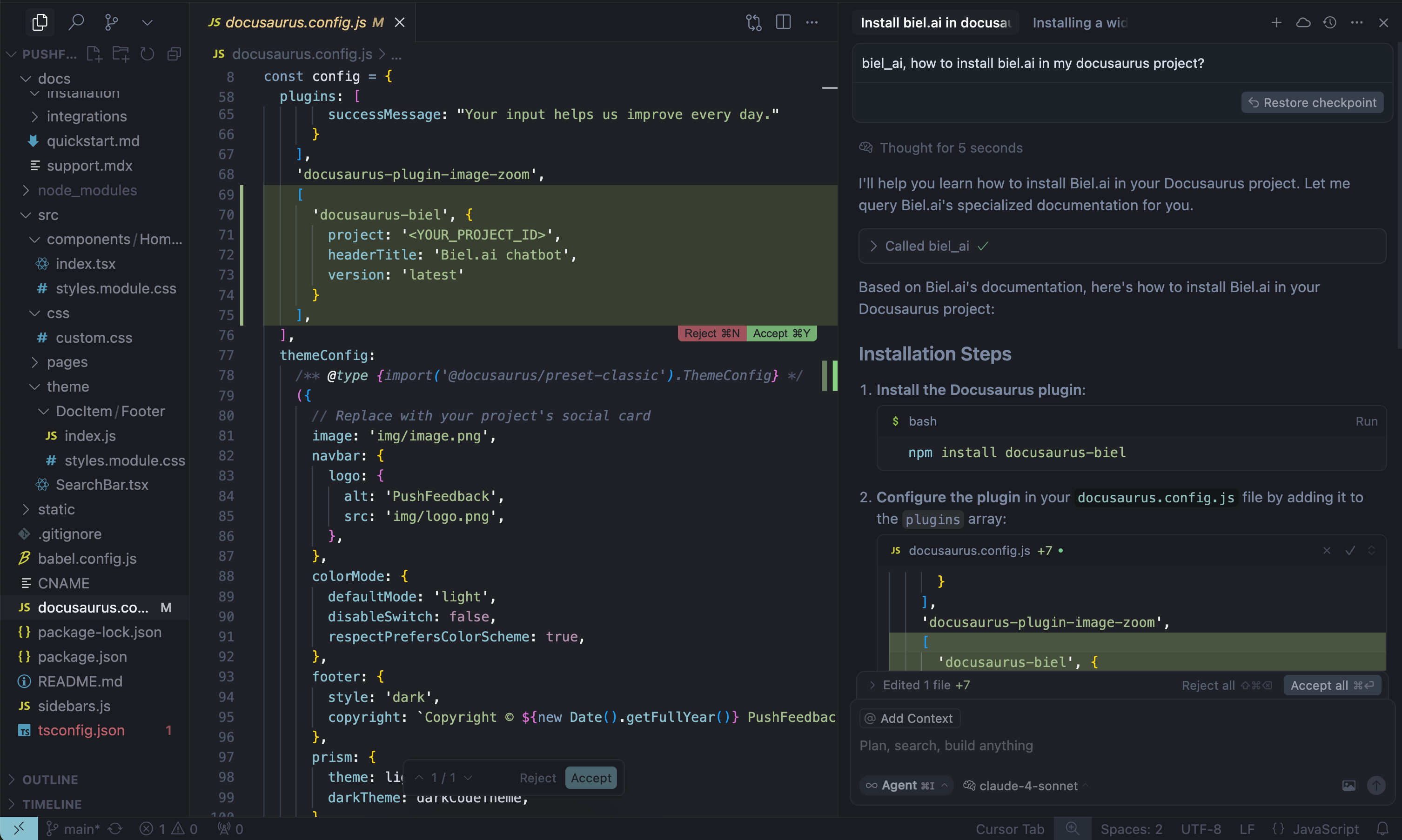
Biel.ai turns technical documentation into answers for users and context for AI agents, with links back to the sources. This MCP server connects Claude Code, Codex, Cursor, and other compatible clients to documentation indexed in a Biel.ai project.
The usual workflow is to search for relevant content, retrieve indexed documents when more context is needed, and answer in the calling AI assistant. Biel.ai can also generate an answer when you explicitly request one. Check the retrieved content and references when using a generated answer.
Requires a Biel.ai account, indexed sources, and hosted MCP enabled on a plan that includes it. Create an account and follow the MCP setup guide.
Getting started
1. Enable MCP and copy your endpoint
Open your project in Biel.ai, go to Settings > MCP, enable the MCP server, and save. Copy the complete endpoint supplied for your project.
2. Connect your AI client
Use the canonical documentation for client-specific steps:
- For Claude Code and Codex, use the manual setup guide and your client's HTTP configuration format.
- Connect ChatGPT or Claude.
- For Cursor and VS Code / Copilot, use the widget's Connect menu or the manual setup guide.
The example configuration uses mcp-remote as a bridge for clients without native Streamable HTTP support. Clients with native HTTP support should connect directly using their own configuration format.
3. Verify retrieval
Confirm the client discovers biel_search, biel_get_document, and biel_ai. Ask a question your indexed documentation covers:
Use biel_search to find our API authentication instructions. Read relevant
results with biel_get_document and explain the required headers with source links.
Check the retrieved text and citations against the documentation. MCP serves indexed content; refresh sources in Biel.ai after documentation changes and search again for current document IDs.
Choose generated answers or search
The server exposes three tools:
biel_ai: ask Biel.ai to generate an answer, with conversational context. Existing calls usingmessagecontinue to generate answers.biel_search: hybrid keyword and semantic search over indexed web pages, uploaded files, repositories and OpenAPI sources, without answer generation.biel_get_document: read the complete indexed text of a document returned by search.
Call biel_search with a natural-language question or search terms:
{"query": "How do I authenticate with the SDK?", "limit": 5}
Search requests the API's search_type=hybrid&source_types=all. The REST API defaults to search_type=keyword, independently of the selected sources. Results include chunk text, source type, a document_id, and any page or sheet reference. Documents without a URL are cited by title and location. The limit argument controls how many chunks are returned (default 5, maximum 20).
Use biel_get_document with a search result's document_id to read the complete indexed document without visiting its source site:
{"document_id": "DOCUMENT_ID_FROM_SEARCH", "limit": 20}
Continue a generated conversation
Streamable HTTP clients using MCP protocol 2025-11-25 or earlier continue the same biel_ai chat within a connection. The client sends the Mcp-Session-Id returned during initialization automatically. Reconnecting starts a new conversation.
Clients using protocol 2026-07-28 do not initialize a session. Call biel_ai without conversation_id to start a conversation:
{"message": "How do I authenticate with the SDK?"}
The result includes an opaque conversation ID in its text and in structuredContent.conversation_id. Pass that value on the next call:
{"message": "Can I rotate that credential?", "conversation_id": "CONVERSATION_ID_FROM_PREVIOUS_RESULT"}
Use the same project endpoint, API key and Biel backend. Omitting conversation_id starts a new conversation. An expired or invalid identifier returns a tool error. Search and document reads do not create or change a conversation.
Conversation state expires after 15 minutes of inactivity with the default timeout. Self-hosted servers retain it for the configured read timeout plus five minutes. Treat a conversation ID as a private identifier. Never supply an API chat UUID or a restore token.
Troubleshooting
Public projects do not need an API key. Private projects require an api_key query parameter with search permission for retrieval and chats_create for generated answers.
A domain query parameter is needed when allowed domains are configured. See connection parameters before connecting a private or domain-restricted project. Treat a URL containing a key as a credential and keep it out of shared configuration.
Self-hosting (optional)
Use Python 3.10 or later. The server uses MCPServer from the official Python MCP SDK 2.3.
Streamable HTTP is available at /mcp/PROJECT_SLUG and /v2/PROJECT_SLUG/mcp. Existing hosted endpoint configurations continue to work. Legacy SSE remains available at /sse?project_slug=PROJECT_SLUG. Its client follows the /messages/ endpoint announced by the server.
Run standalone SSE with one process. Its live connection belongs to that process. For an HTTP deployment with multiple workers, provide shared session and conversation storage through the application factory. The Django integration uses its shared cache. The standalone default stores this state in memory, so restarting it loses conversations.
Local development
# Clone and run locally
git clone https://github.com/TechDocsStudio/biel-mcp
cd biel-mcp
pip install .
biel-mcp
Install the test dependencies and run the package tests:
pip install '.[test]'
python -m unittest discover -s tests -v
Use as a Python package
Applications that host their own ASGI stack can install a released revision and import its ASGI application:
pip install "biel-mcp @ git+https://github.com/TechDocsStudio/biel-mcp.git@VERSION"
from biel_mcp.server import app
Use create_app() from the same module for an independent application instance. Pass store and conversation_store for shared state, api_base_url for the backend origin, and enable_sse=False when serving only Streamable HTTP.
Uvicorn starts the application's ASGI lifespan automatically. When mounting it inside another ASGI application, the host must enter app.router.lifespan_context(app) during startup and exit it during shutdown. Mounting an HTTP subapplication does not start its resources automatically.
Set BIEL_BASE_URL to select your Biel backend when running the CLI. BIEL_ALLOWED_BASE_URLS is a comma-separated list of backend origins the operator allows. A client-supplied base_url must match that list. BIEL_MCP_READ_TIMEOUT_SECONDS sets the upstream read timeout, with a default of 600 seconds.
Docker deployment
# Docker Compose (recommended)
docker compose up -d --build

# Or Docker directly
docker build -t biel-mcp .
docker run -d -p 7832:7832 biel-mcp
Support
- Issues: GitHub Issues
- Contact: [email protected]
- Custom Demo: Book a demo
Yorumlar (0)
Yorum birakmak icin giris yap.
Yorum birakSonuc bulunamadi