seeva-ai-assistant
Health Gecti
- License — License: MIT
- Description — Repository has a description
- Active repo — Last push 0 days ago
- Community trust — 26 GitHub stars
Code Basarisiz
- rm -rf — Recursive force deletion command in .github/workflows/build.yml
Permissions Gecti
- Permissions — No dangerous permissions requested
Bu listing icin henuz AI raporu yok.
AI overlay that works like Spotlight. Press a key, ask AI, get back to work.
Seeva
AI overlay that works like Spotlight. Press a key, ask AI, get back to work.
demo video


Why This Exists
I was switching to ChatGPT or Claude 20-30 times a day while coding. Open browser, find the tab, describe the problem, copy answer, switch back. Every single time, I'd lose my train of thought.
So I built Seeva. It's simple: press Ctrl+Shift+Space, AI appears over whatever you're doing, ask your question, done. Like Spotlight, but for AI.
It's early. It's basic. But I use it every day now and I don't want to go back to tab switching.
What It Does
Appears anywhere
Works over fullscreen apps, games, browsers, code editors. Press the shortcut, it appears.
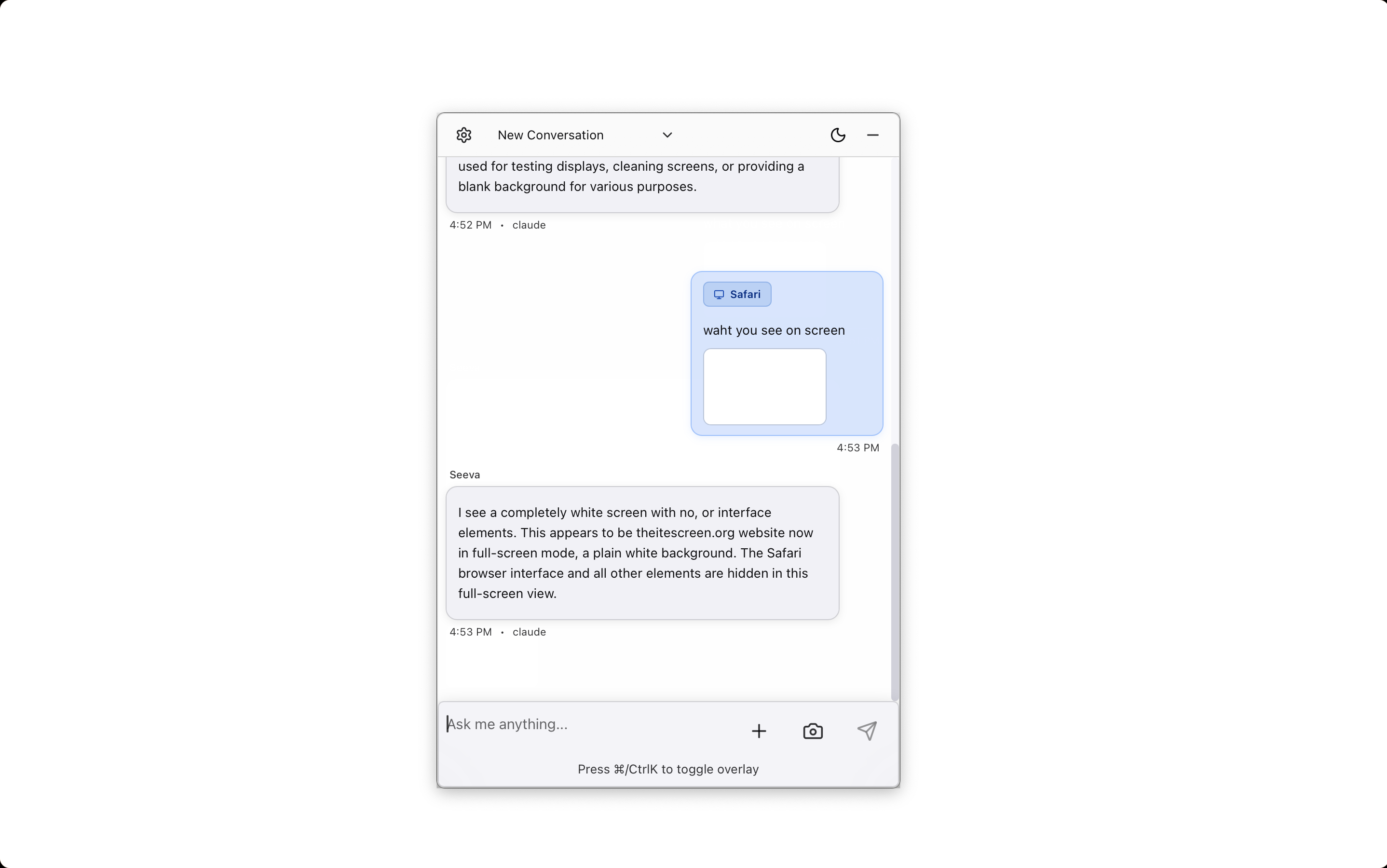
Can see your screen
Click "Watch Screen" and it captures what you're looking at. No need to describe what you're seeing.
Detects app context
Knows which app you're in (Chrome, VS Code, etc.) and includes that context.
Saves conversations
Every conversation is saved locally so you can reference it later.
Multiple AI providers
Use Claude, GPT, or OpenRouter. Switch between them anytime.
All data local
Everything stored on your computer in SQLite. No cloud, no tracking, no telemetry.
Quick Start
Download: Get the latest release
- macOS:
.app.tar.gz(Apple Silicon or Intel) - Windows:
.exeor.msi - Linux:
.deb,.rpm, or.AppImage
- macOS:
Get an API key from Claude, OpenAI, or OpenRouter
Add your key in Seeva Settings
Grant screen recording permission (macOS only - needed for the "Watch Screen" feature)
Press
Ctrl+Shift+Spaceanywhere to start using it
What Changed in v0.2.0
Got the basics working properly:
- Proper code signing for macOS (no more security warnings)
- Auto-updates that are cryptographically signed
- Better app context detection
- Works over fullscreen apps
Building from Source
git clone https://github.com/thisisharsh7/seeva-ai-assistant.git
cd seeva-ai-assistant
bun install
bun run tauri dev
Built with Tauri, React, TypeScript, and Rust.
Current State
This is v0.2.0. It's been out for two weeks. It's simple - just an AI overlay. Not polished, not feature-complete, just functional.
If you also hate switching tabs to ask AI questions, give it a try. If you find bugs or have ideas, open an issue.
Contact
Discord: thisisharsh7
License
Created by Harsh Kumar
Seeva is an AI overlay that works on any app or website. Open-source and free to use.
⭐ Star this repo if you find it useful
💖 Sponsor me → GitHub Sponsors
Yorumlar (0)
Yorum birakmak icin giris yap.
Yorum birakSonuc bulunamadi