omniget
Health Gecti
- License — License: GPL-3.0
- Description — Repository has a description
- Active repo — Last push 0 days ago
- Community trust — 14398 GitHub stars
Code Basarisiz
- rm -rf — Recursive force deletion command in .github/workflows/release.yml
Permissions Gecti
- Permissions — No dangerous permissions requested
Bu listing icin henuz AI raporu yok.
Free, open source video downloader for Windows, macOS and Linux that AI agents can drive. Downloads from YouTube, Instagram, TikTok, X, Reddit, torrents and the sites yt-dlp supports. Its MCP server lets Claude Code, Cursor and Codex queue downloads, and it runs Claude Code, Codex, Gemini CLI and Ollama as agents.
OmniGet
English · Português (Brasil) · Русский · 简体中文
An MCP server that gives your coding agent a whole desktop toolbox.
Downloads, media, files, your chats and your computer, behind one local server.
Free, open source, and everything runs on your machine.





Connect · Tools · Manual setup · Safety · Canvas · Downloader · Install
Connect in one minute
1. Open OmniGet.
2. Paste this line into Claude Code, Codex, Gemini CLI, Cursor or any agent that can run a command:
Connect to OmniGet: run curl -s "http://127.0.0.1:47720/connect" and follow the steps.
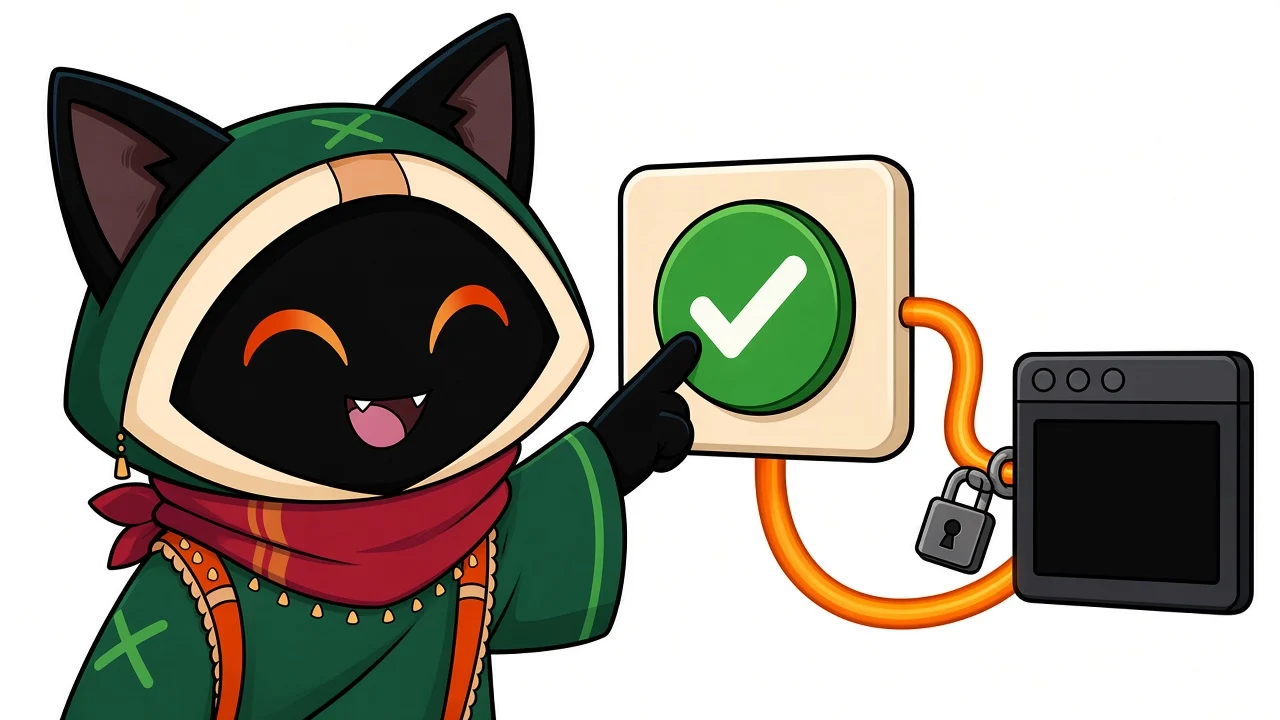
3. OmniGet comes to the front with the tool's name and a short code. Check the code and click Allow.
OmniGet writes its server and a private token into that tool's own config. Restart the tool and the OmniGet tools are there. Prefer buttons? Settings → AI & agents → Connect to other apps does the same with one click per tool.
Then just ask:
Download this playlist as audio and tell me when every file is done: <url>
Here are 12 links. Queue them, wait, and tell me which failed and why.
Turn this folder into one file I can paste into a prompt, under 50k tokens.
What is using port 3000? Stop it.
What your agent can do
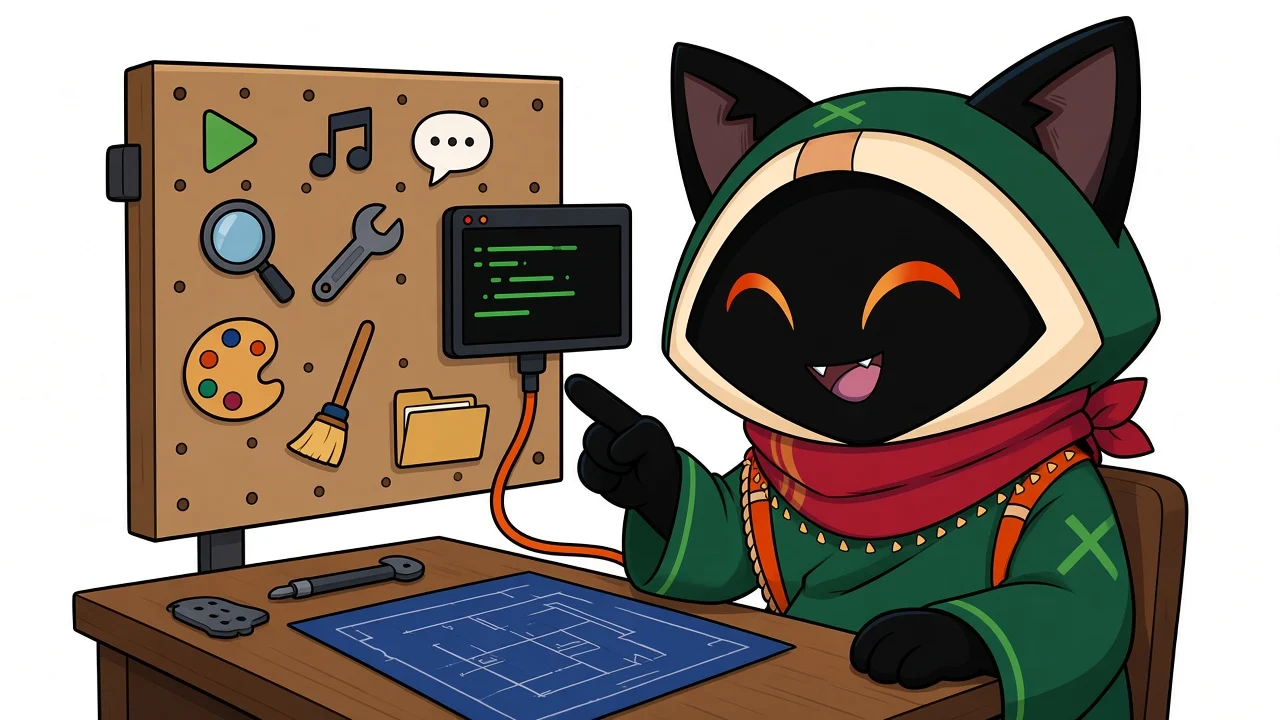
| Downloads | Queue one link or twenty, list formats, wait, pause, retry, read the diagnosis when one fails |
| Whole sites and courses | Drive the built-in browser, read a page within a token budget, download a course in order, write a connector for a new site |
| Files and media | Convert, read finished files, search your book library |
| Developer tools | Folder to one prompt-ready file, page to clean Markdown, HTTP requests, ports, JSON, JWT, hashes, regex, FTP and SFTP |
| Chats and feeds | Read and reply in your linked chats and social feeds, with your own session |
| Agents | List workspaces, start and follow jobs, read diffs, see pending approvals, drive the Canvas |
| Memory | Recall and teach what the app remembers between sessions |
| Your computer | Scan for junk and plan a cleanup; running it waits for your click |
Results come back as structured data, long ones are cut to a limit and saved to a file, and every error says what to do next.
Configure it by hand
The server speaks MCP over HTTP at http://127.0.0.1:47720/mcp. Create a connection in Settings → AI & agents → Connect to other apps → More options to get a token and a ready-made snippet for your tool.
read -rs OMNIGET_MCP_TOKEN && export OMNIGET_MCP_TOKEN
claude mcp add --transport http --scope project omniget http://127.0.0.1:47720/mcp \
  --header 'Authorization: Bearer ${OMNIGET_MCP_TOKEN}'
.cursor/mcp.json)
{
  "mcpServers": {
    "omniget": {
      "url": "http://127.0.0.1:47720/mcp",
      "headers": { "Authorization": "Bearer YOUR_TOKEN" }
    }
  }
}
.vscode/mcp.json)
{
  "servers": {
    "omniget": {
      "type": "http",
      "url": "http://127.0.0.1:47720/mcp",
      "headers": { "Authorization": "Bearer YOUR_TOKEN" }
    }
  }
}
~/.codex/config.toml)
[mcp_servers.omniget]
url = "http://127.0.0.1:47720/mcp"
http_headers = { Authorization = "Bearer YOUR_TOKEN" }
omniget-mcp ships with every release and bridges stdio to the running app.
{
  "mcpServers": {
    "omniget": {
      "command": "omniget-mcp",
      "env": {
        "OMNIGET_MCP_URL": "http://127.0.0.1:47720/mcp",
        "OMNIGET_MCP_TOKEN": "YOUR_TOKEN"
      }
    }
  }
}
APP_NOT_RUNNING: open OmniGet and keep the server on in Settings → AI & agents.UNAUTHORIZEDor 401: the token is missing or was revoked. Create a connection again and paste the new snippet.- A tool is missing: the connection does not have that permission. Tick it under More options.
- Port in use: OmniGet tries 47720 to 47729; the settings page shows the one in use.
You stay in control
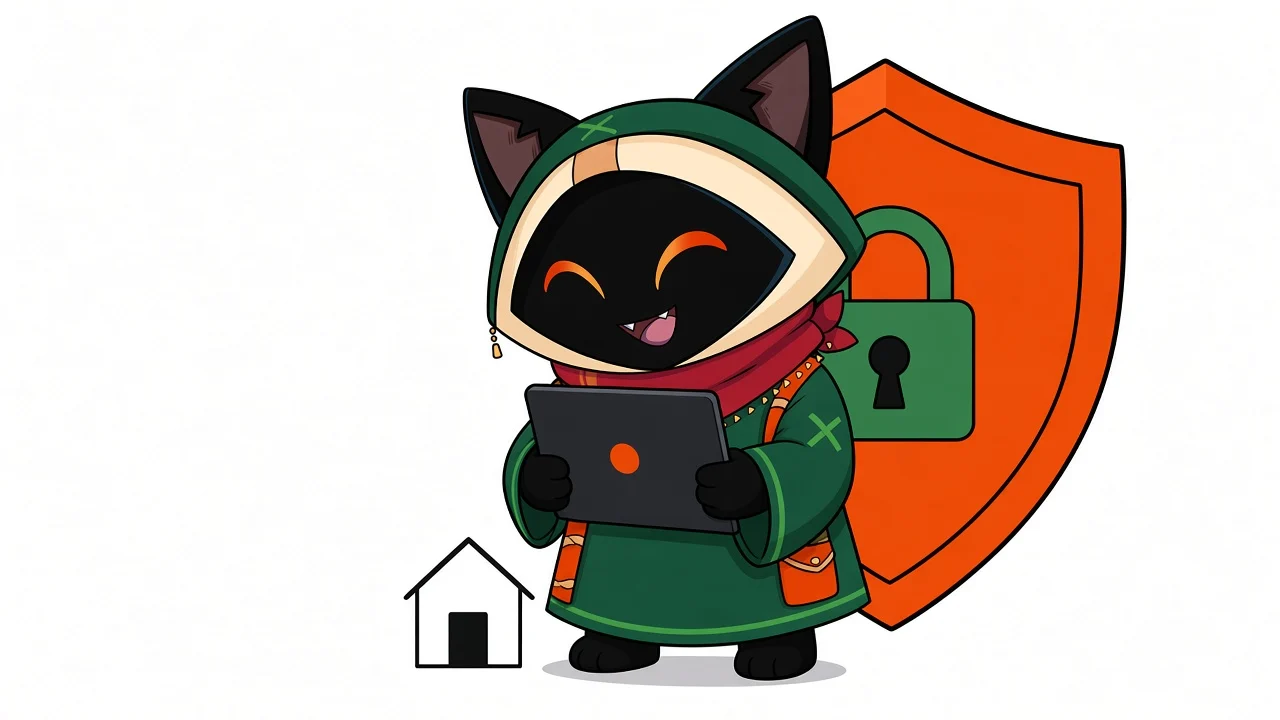
- Local only. The server listens on
127.0.0.1and refuses requests from web pages. - A token per tool. Each connection has its own token and only the permissions you tick. Revoke one without touching the others.
- Your click, not the agent's. New connections, cleanups and anything that posts or sends wait for you in the OmniGet window. An agent can never approve its own request.
- Secrets stay put. Cookies, tokens and keys are never returned to an agent.
- No account, no telemetry about what you download. OmniGet goes online for the sites you ask for, for updates, and for the model provider you configured.
The Canvas
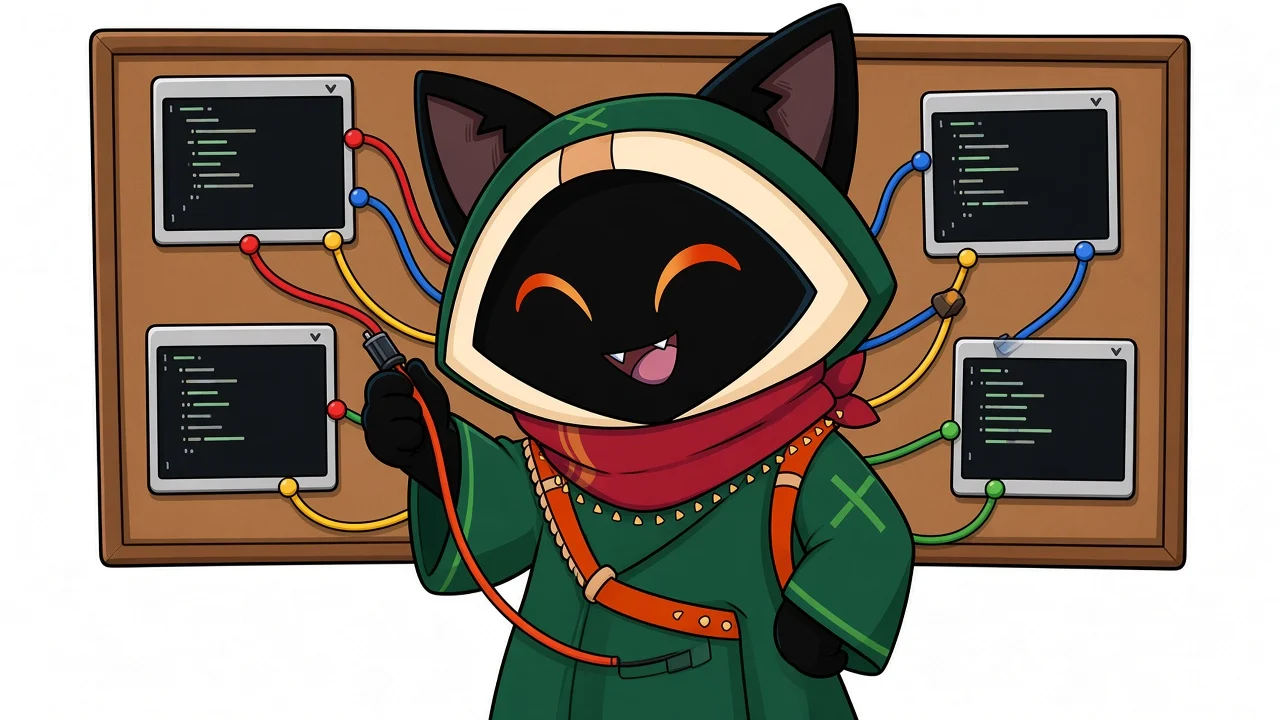
A board where Claude Code, Codex, Gemini CLI, OpenCode or a local model run side by side in terminals. Draw a cord and two agents can talk. Turn on Lead Mode and one agent recruits and coordinates the others. Usage limits for each account sit on the edge of the screen.
The downloader
Paste a link, pick a quality, press Enter.
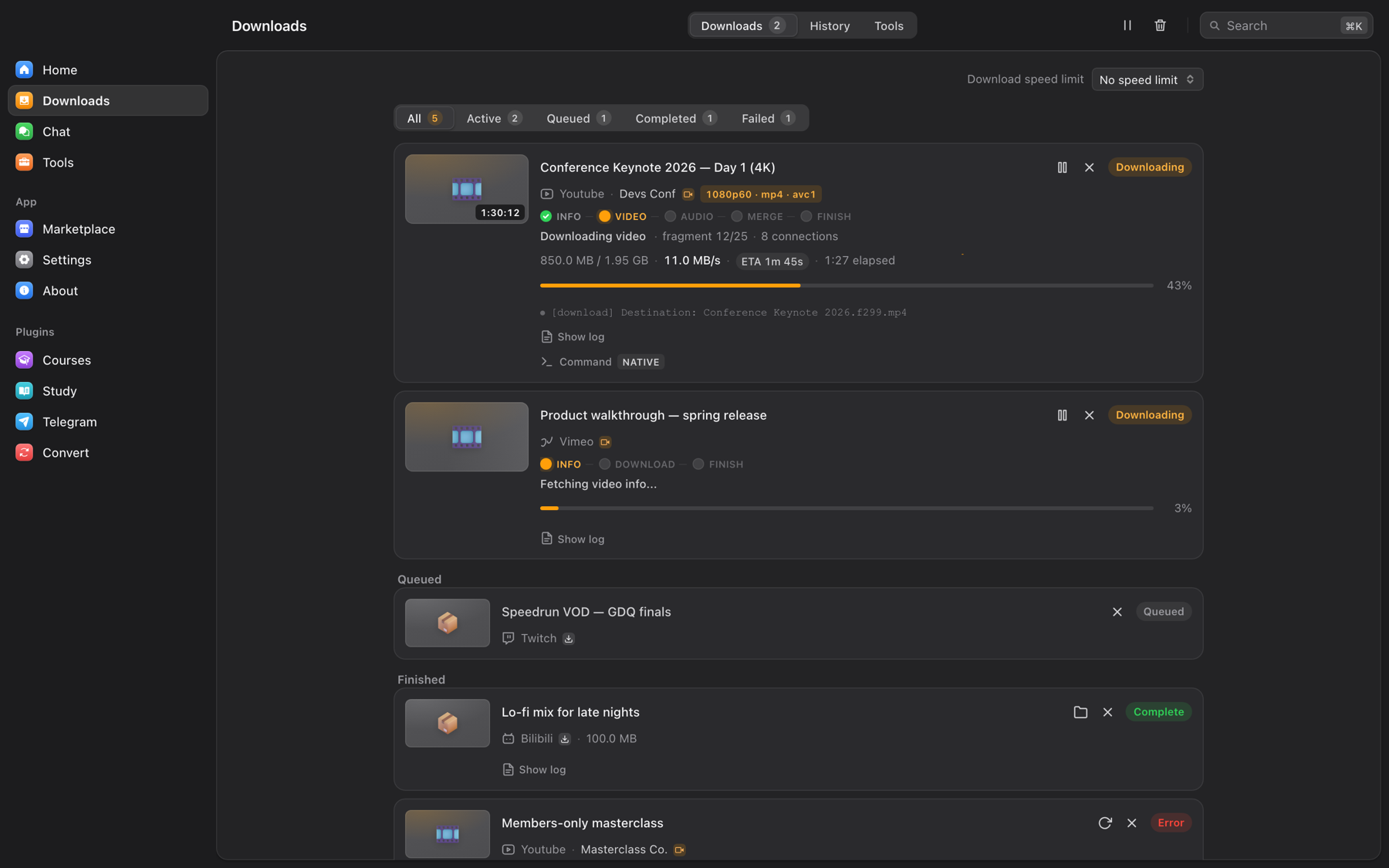
| Video and audio | Own extractors for YouTube, Instagram, TikTok, X, Reddit, Bilibili, Twitch, Vimeo and more, plus every site yt-dlp supports. Up to 4K, or audio as M4A, MP3, Opus, FLAC, WAV |
| Galleries | Whole galleries and profiles through gallery-dl |
| Files | Magnet links and .torrent, direct links in parallel chunks, HLS streams, live recordings |
| Telegram | Messages, albums, ranges and whole chats with your own account |
| The queue | Resume, retry with backoff, rules per site, followed channels, survives a restart |
| Browser extension | Chrome, Edge, Brave and Firefox: send a page or its media to OmniGet with your login |
yt-dlp, FFmpeg, aria2 and gallery-dl install and update themselves. No Python, no PATH, no terminal.
Tools
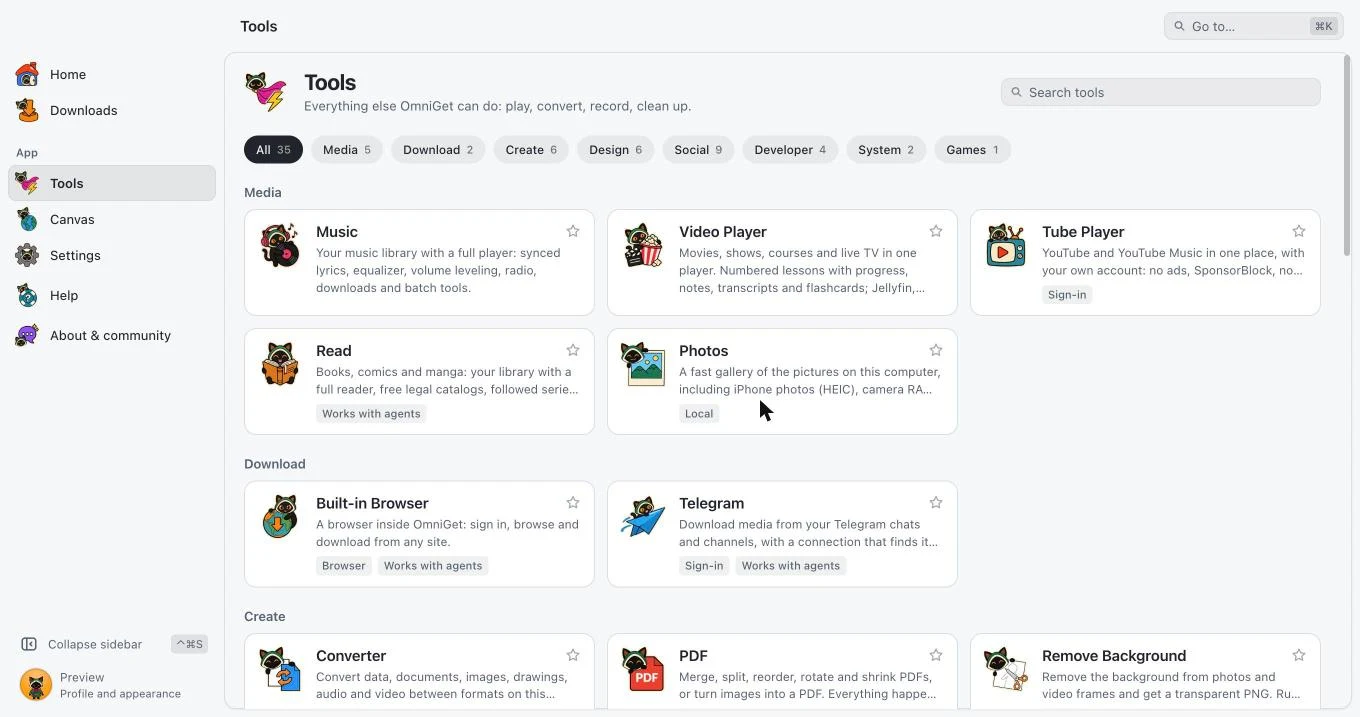
| Media | Music · Video Player · Tube Player · Read · Photos |
| Download | Built-in Browser · Telegram |
| Create | Converter · PDF · Remove Background · Capture · Studio · Dictation |
| Design | Palette · Fonts · Icons · Motion · Board · Components |
| Social | Phone Chats · Server Chats · Short Posts · Photo Feed · Clip Feed · Forums · Pin Boards · Code Hub · Research |
| Developer | DevTools · Repo to Prompt · Scrape · API |
| System | Transfer · System Cleaner |
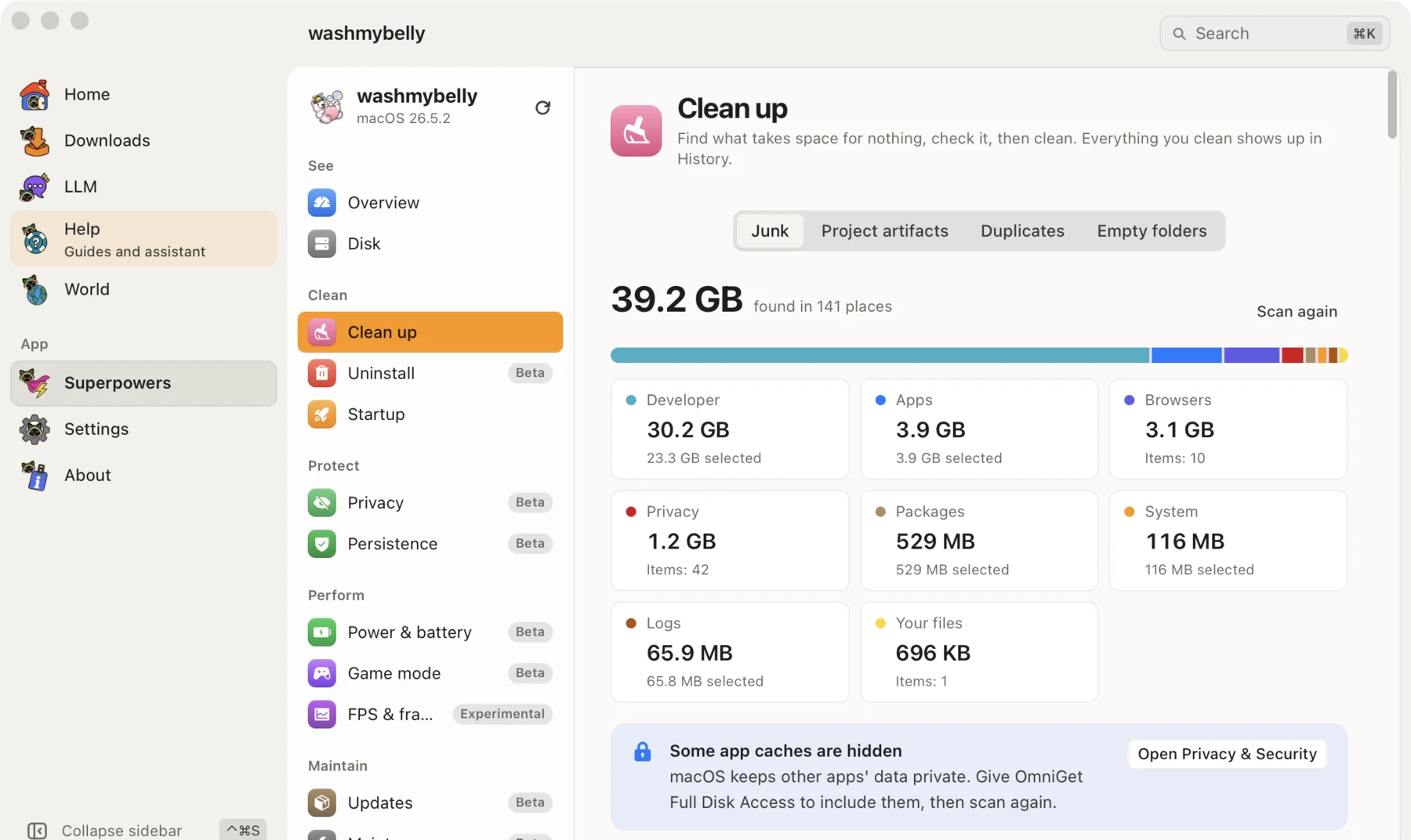
System Cleaner scans, shows a plan, and runs only after you approve. Files go to a quarantine or the Trash, and History undoes it.
Quick tools
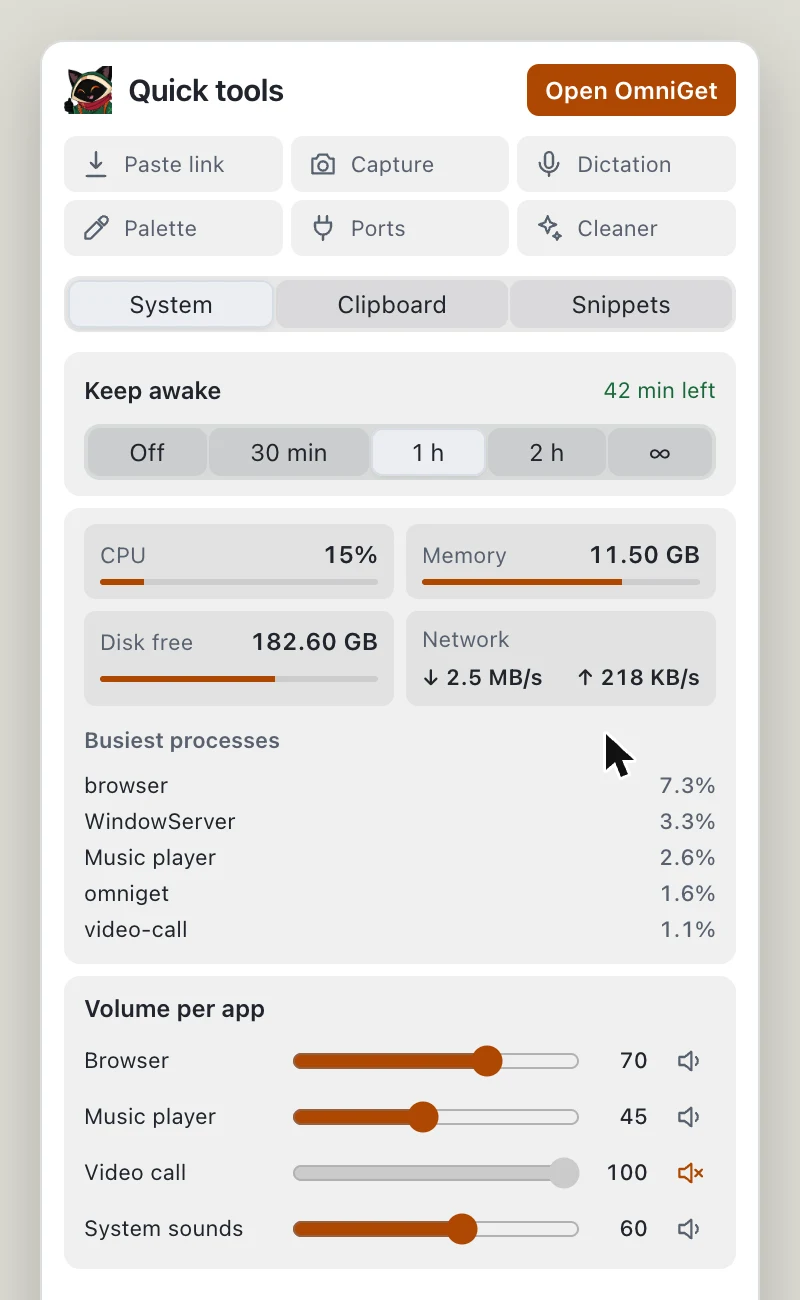
Loop sits in your menu bar or tray. One click on the icon opens a small panel: keep the computer awake, clipboard history, saved snippets, a live system monitor, volume per app, and shortcuts to capture, dictation and the cleaner. On Windows, macOS and Linux; each system shows only what works there. With the panel closed, only what you turned on keeps running.
Install
Download from getomniget.com. The page lists the SHA-256 of every file. Updates arrive inside the app.
| Windows 10 and 11 | Installer .exe, portable .exe, .msi |
| macOS 10.15+ | .dmg for Apple Silicon and Intel |
| Linux | .deb, .rpm, .AppImage for x86_64 and ARM64 |
OmniGet ships without a paid code-signing certificate, so each system asks once.
Windows: SmartScreen shows a blue box. Click More info, then Run anyway.
macOS: if Gatekeeper says the app is "damaged", move it to Applications and run:
xattr -cr /Applications/omniget.app
codesign --force --deep --sign - /Applications/omniget.app
Linux AppImage: on a libfuse error, run
sudo apt install libfuse2or use the.deb.Antivirus: a few engines flag new unsigned builds by mistake. Compare the file's SHA-256 with
SHA256SUMS, then report the false positive to the vendor. Do not turn your antivirus off.
omniget-cli and omniget-mcp come with every release. Add --json for machine-readable output.
omniget-cli info <url>                        # title, formats and size
omniget-cli download <url> -q 1080 -o ~/Videos
omniget-cli batch links.txt -m 3              # one URL per line, 3 at a time
omniget-cli convert notes.md --to html
omniget-cli usage --watch 60                  # usage limits per account
The claude-plugin/ folder is a Claude Code plugin that fetches and transcribes media from a link, with or without the desktop app.
You need Rust (pinned in rust-toolchain.toml), Node.js (see .nvmrc) and pnpm.
pnpm install
pnpm tauri dev
pnpm tauri dev uses its own profile, so it never touches an installed OmniGet. pnpm dev:web opens the interface in a browser with no Rust build. Read CONTRIBUTING.md before sending code.
Fair use
OmniGet downloads what your own session can already open. It does not bypass DRM, break paywalls or share credentials. It is meant for personal copies and content you have the right to keep; you are responsible for copyright and each platform's terms. Platform owners: see PLATFORM-OWNERS.md.
Contributing
Report a problem · Translate · Community · Media kit
Credits
Built on yt-dlp, FFmpeg, gallery-dl, aria2, librqbit, grammers, whisper.cpp, Tauri and Svelte. Full list with licenses in THIRD_PARTY.md.
Loop is OmniGet's mascot. Fan art is welcome; the original artwork may not be used commercially or redistributed modified.
Download OmniGet · getomniget.com · GPL-3.0 · Made by Antonio Leandro
Yorumlar (0)
Yorum birakmak icin giris yap.
Yorum birakSonuc bulunamadi