Hermes-Pocket
Health Gecti
- License — License: MIT
- Description — Repository has a description
- Active repo — Last push 0 days ago
- Community trust — 12 GitHub stars
Code Basarisiz
- rm -rf — Recursive force deletion command in scripts/check-upstream-drift.sh
Permissions Gecti
- Permissions — No dangerous permissions requested
Bu listing icin henuz AI raporu yok.
Hermes Pocket — Native Android chat client for a self-hosted Hermes Agent. Connect to your VPS-hosted AI agent from your phone, anywhere. Jetpack Compose, Material 3, no cloud middleman.
⬡ Hermes Pocket
Native Android chat client for a self-hosted Hermes Agent 🤖📱




-0EA5E9?style=flat-square)
Your AI agent, in your pocket · No cloud middleman · No account · Your VPS, your keys, your data
English · فارسی
About
Hermes Agent is an open-source AI agent — built by Nous Research — that runs on your own server or VPS. It can execute shell commands, edit files, browse the web, call APIs, and act on your behalf.
Hermes Pocket is the Android client for it. A native Jetpack Compose app that connects to your Hermes gateway over a secure WebSocket. No AI runs on your phone — it's purely a remote client.
| Component | Role | Where it runs |
|---|---|---|
| 🧠 Hermes Agent | The AI agent | Your server/VPS, behind a TLS proxy |
| 📱 Hermes Pocket | Native Android chat client | Your phone, over Wi-Fi or mobile data |
[!IMPORTANT]
You need a Hermes Agent server running before this app is useful. See Hermes Agent for server setup.
Screenshots
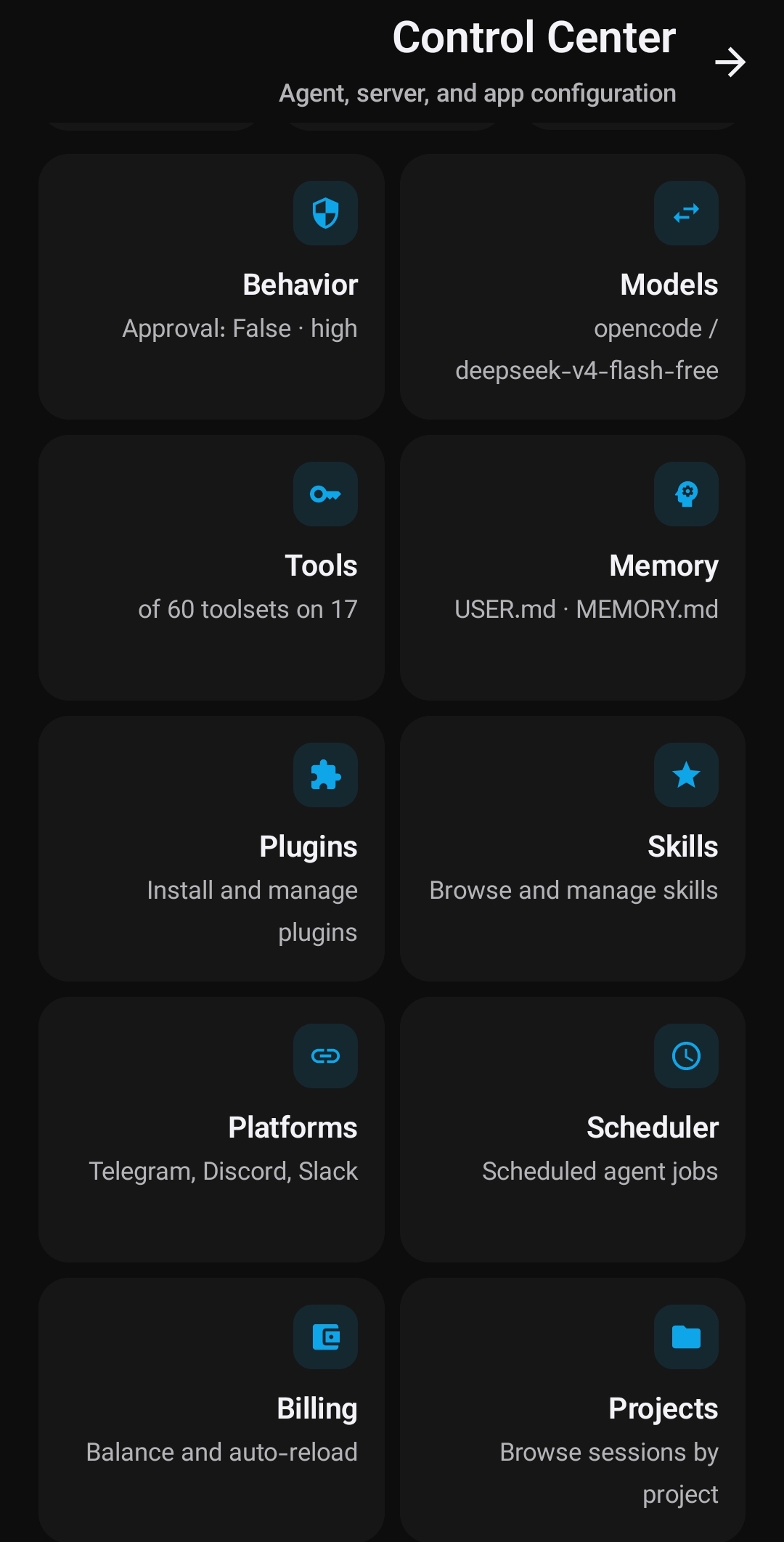
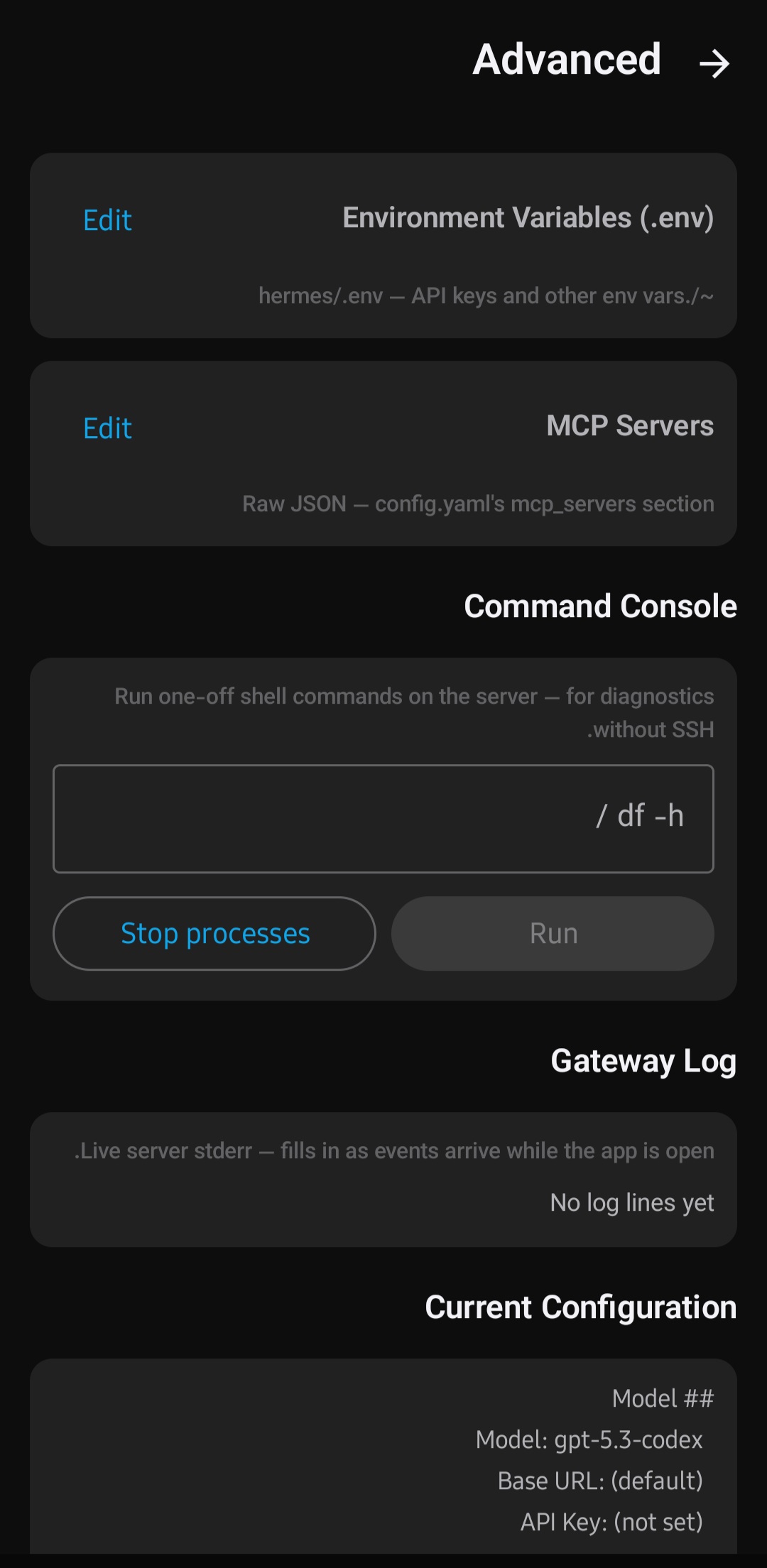
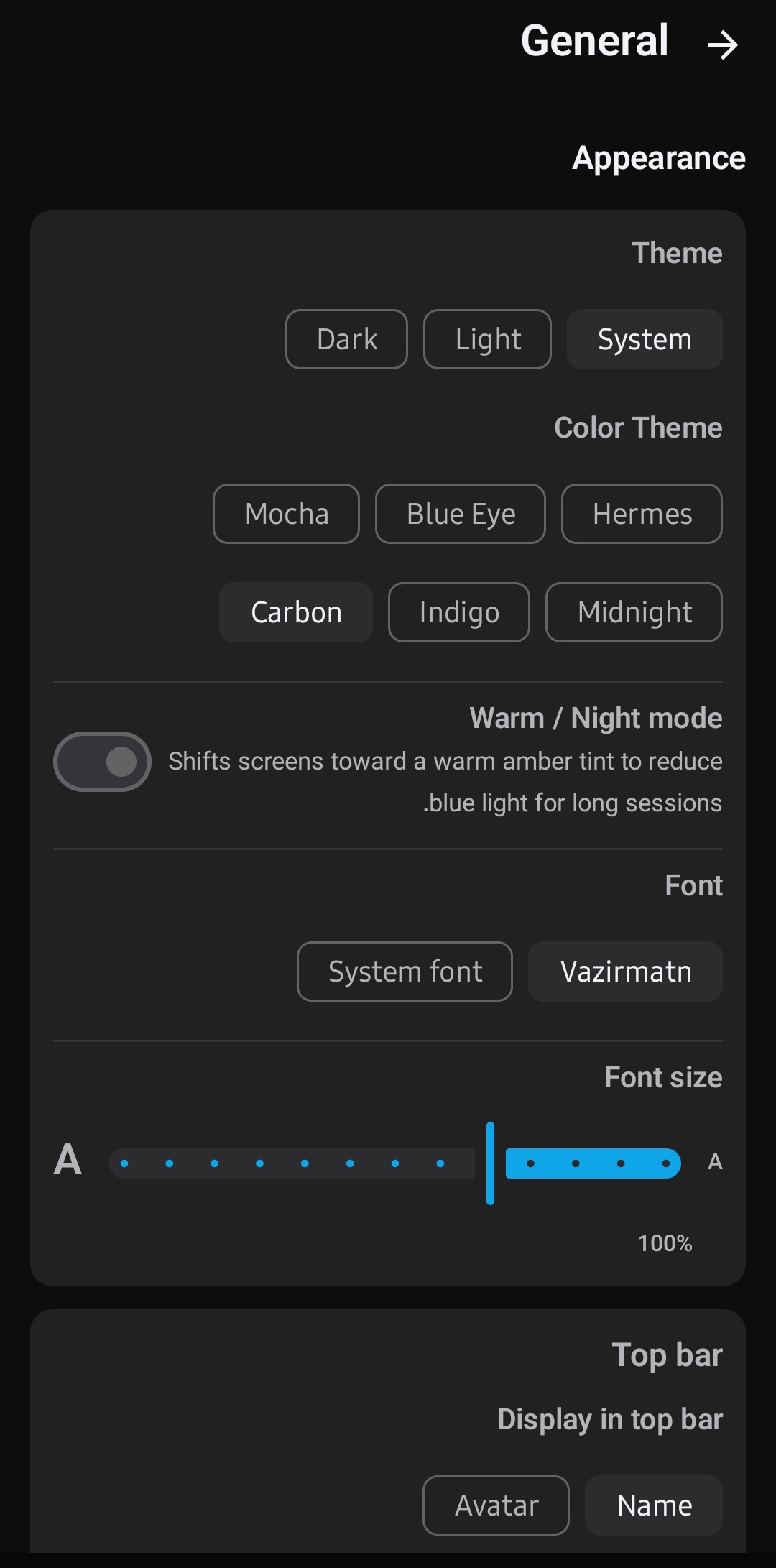
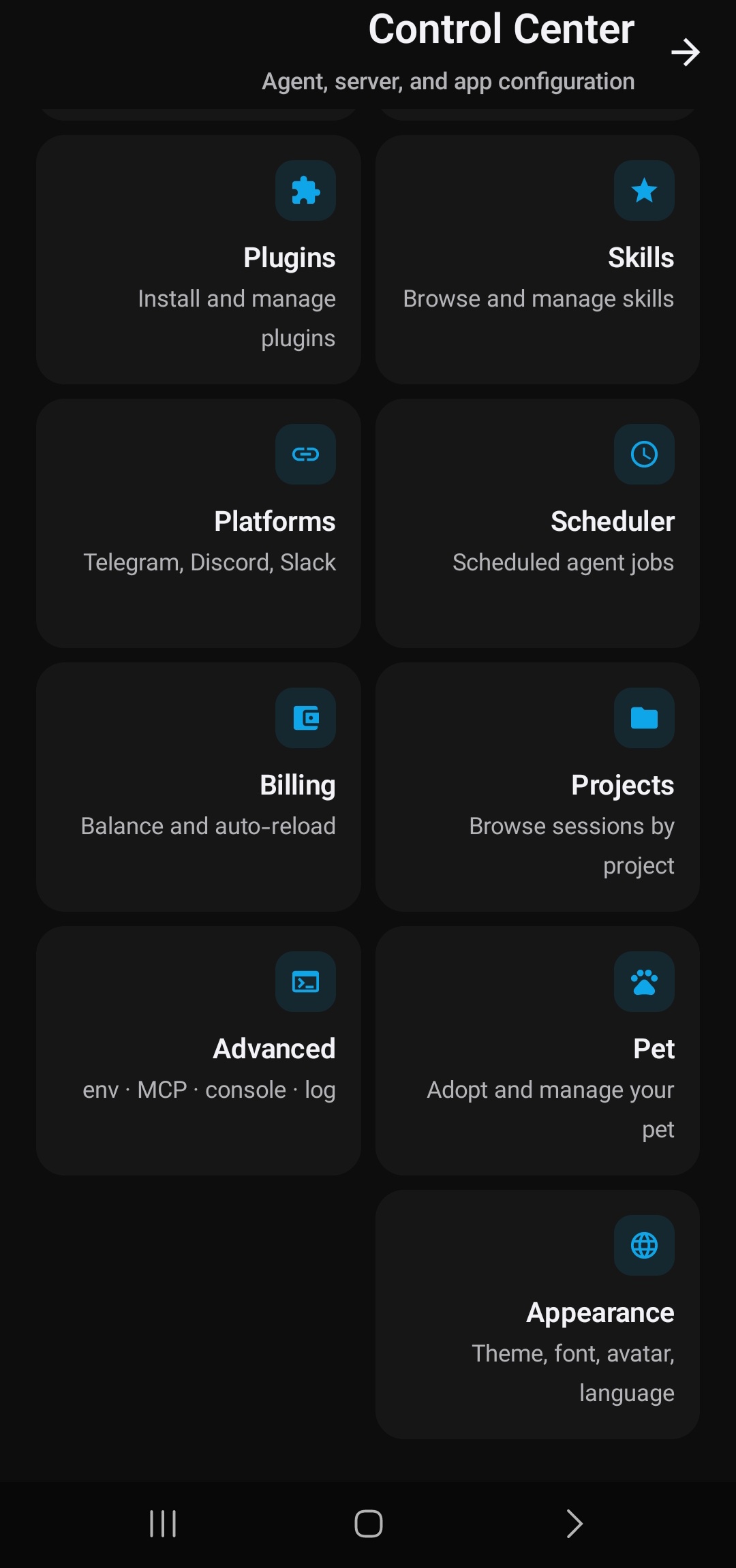
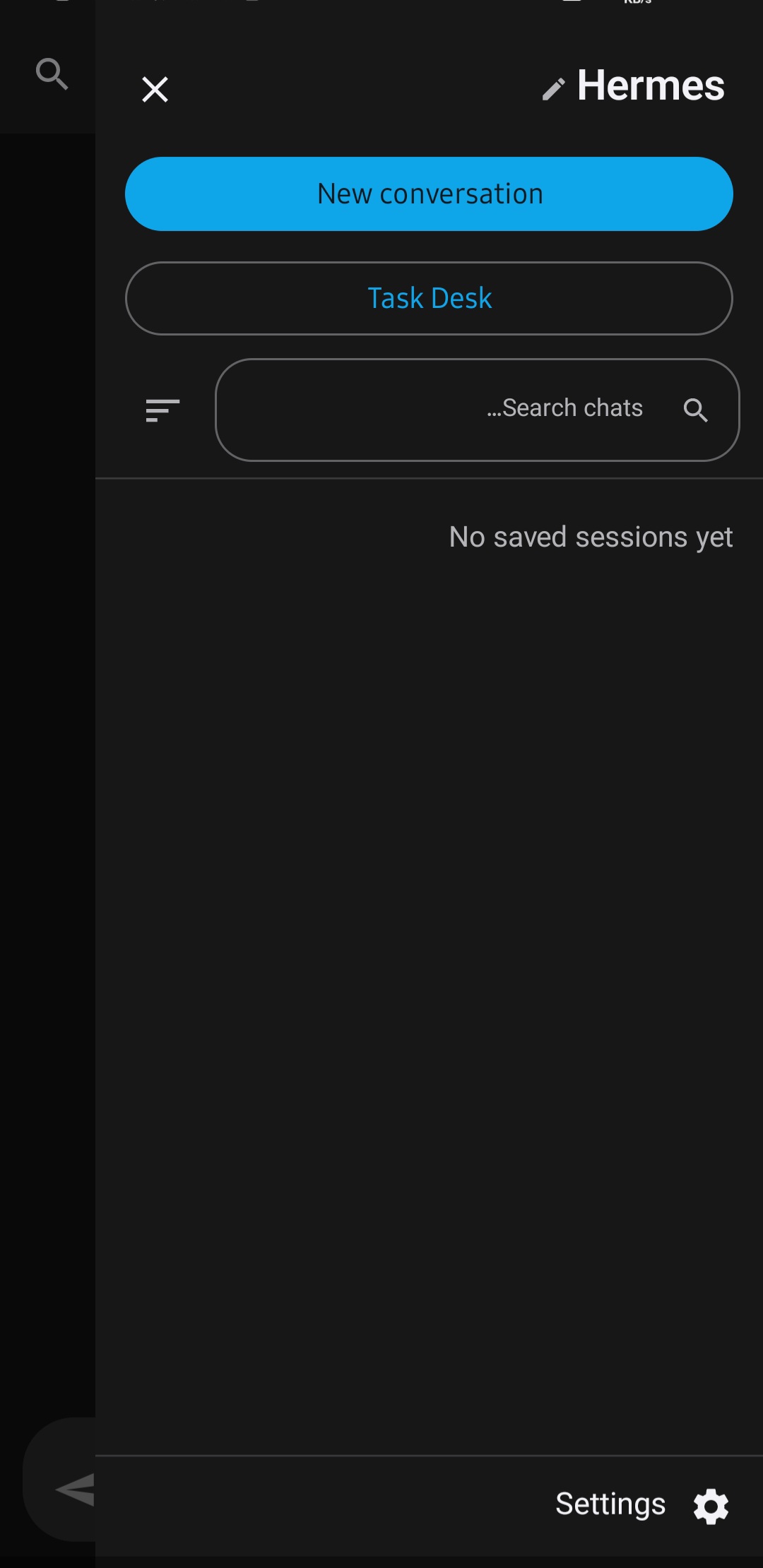
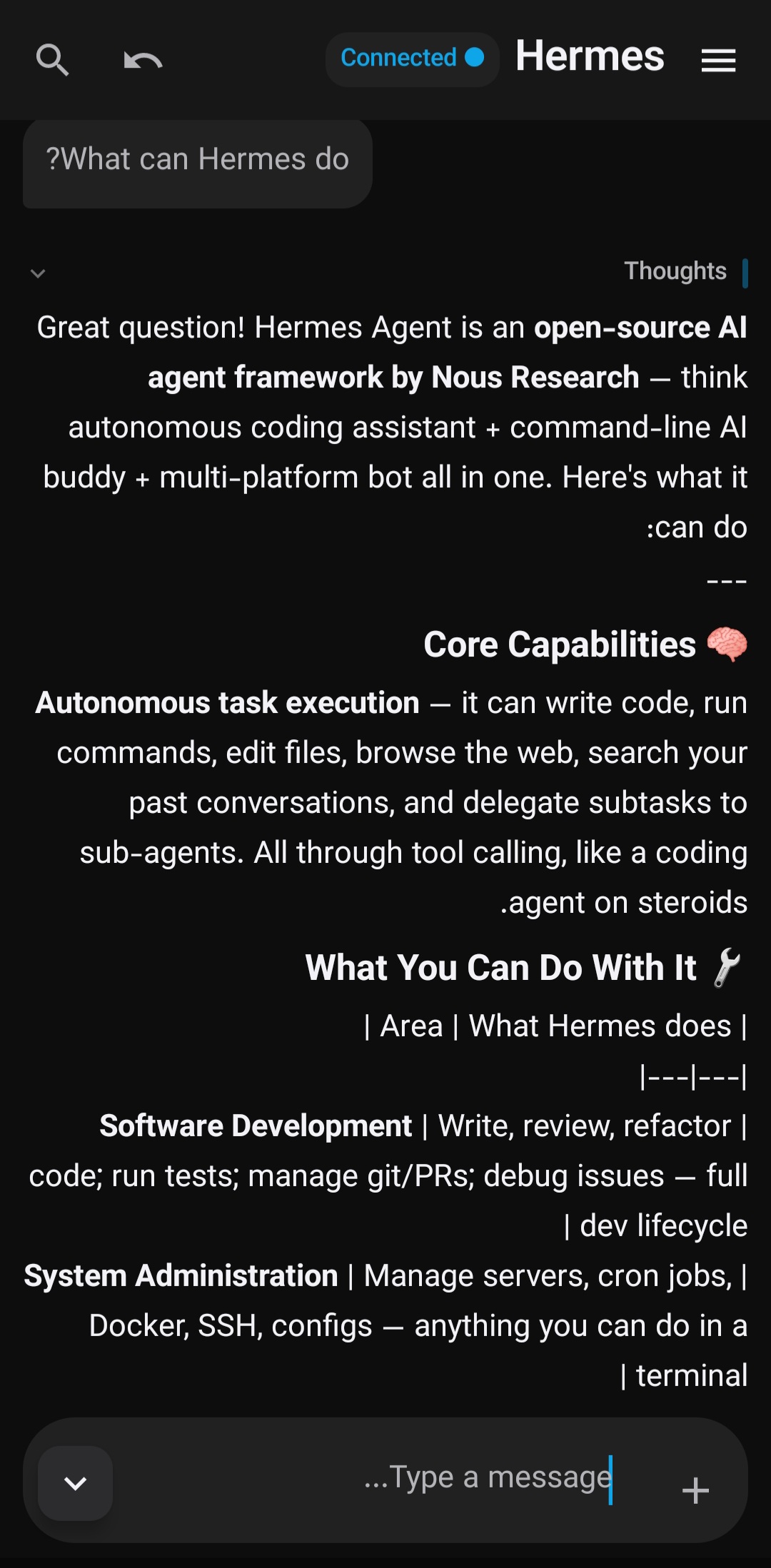
Features
💬 Chat experience
- Streaming replies — token-by-token, with the user's question pinned to the top of the viewport (Gemini / ChatGPT mobile pattern) and the reply streaming into the empty space below
- Visible reasoning — collapsible "thinking" block with live emotive markers the agent emits
- Reasoning effort switch — none → minimal → low → medium → high → xhigh → max, changeable mid-session
- Tool-call cards — terminal-style blocks for shell commands, with args + result, expandable
- Sub-agent cards — separate visual treatment for spawned sub-agents
- Slash commands — type
/for shortcuts the server exposes - Steer mid-turn — redirect the agent while it's replying
- Branch conversation — fork from any point in history
- Retry / edit — regenerate the last reply, or edit your last question
📎 Attachments & media
- Send files & images from your phone to the agent
- Inline image rendering in replies, with fullscreen viewer
- Code blocks with syntax highlighting + one-tap copy
- Mermaid diagram rendering
- Downloadable artifacts (PDFs, videos, files) — routed through the gateway HTTP client so they work on self-hosted
http://setups where the system DownloadManager would silently fail
🗂️ Sessions & projects
- Search, pin, rename, branch, and resume any past conversation
- Auto-resume of the last session on reconnect
- Draft auto-save (debounced)
- Live history sync with the server
- Multiple sessions at once — each session's event stream is isolated, so you can juggle several chats
- Project-linked sessions — spin up a session tied to a project straight from the Projects screen
🤖 Delegation & tasks (Task Desk)
- Task Desk — a dedicated workspace for delegated work: run tasks, watch history, view results, re-run
- Per-task model picker — give each task its own model instead of the global default
- Routine templates — save reusable task recipes
- Proactive completion notifications — get pinged when a background task finishes (via WorkManager, zero-config delivery)
🎨 Personalization
- Top bar identity — show the assistant's name OR a custom avatar image (your choice)
- Custom assistant name — rename the assistant (default "Hermes")
- Custom avatar — upload any image; adjustable size 28-48dp
- 6 color themes — Hermes, Blue Eye, Mocha, Midnight, Indigo, Carbon (light + dark each)
- Font family — Vazirmatn (bundled, Persian-shaped) or system font
- Font size slider — 80% to 140% scaling across the whole app
- Warm / night mode — amber tint for long sessions (f.lux-style)
- Reduce motion — respects the OS accessibility setting
- SOUL.md — edit the agent's persistent identity directly from the app
- Personality presets — switch between presets
🧠 Model & provider management
- Add custom OpenAI-compatible providers (base URL + API key)
- Auto-detect available models on provider add
- "All providers" view — every model from every provider in one searchable list
- Active-model hero card — see and switch your current model at a glance
- Cross-provider model search — find any model across all providers
- Fallback chain — pick an ordering; auto-failover across providers on errors
- One-tap live model switch on the active session
🛠️ Agent control
- Tool toggles — enable/disable tool categories live on the current session
- Plugins manager — see installed Hermes plugins, enable/disable
- Skills catalog — browse the agent's available skills
- Cron jobs — human-readable schedules, last-run status, and presets
- Control Center hub — Agent Behavior + Advanced settings in one place
- Command approval — manual / smart / off modes for risky actions
- Platforms — connect the agent to Telegram, Discord, or Slack bot tokens
- Memory — view and edit the agent's persistent memory
- Environment variables — manage the agent's env (under Settings > Advanced)
🌐 Internationalization
- Full English + فارسی support
- Full RTL layout
- Language override independent of device locale
Quick start
Have a Hermes Agent server running —
hermes dashboard --host 127.0.0.1 --port <port>behind a TLS reverse proxy, withHERMES_DASHBOARD_SESSION_TOKENset. → 📡 VPS setup guide (EN) · راهنمای فارسیInstall the app — ⬇ Download the latest APK
Connect — open the app, go to Runtime, enter your server address and session token, tap Save & Connect.
Build from source
git clone https://github.com/traveler3022/Hermes-Pocket.git
cd Hermes-Pocket
./gradlew :app:assembleDebug        # APK → app/build/outputs/apk/debug/
./gradlew :app:testDebugUnitTest    # unit tests
Requirements: JDK 17 · Android SDK 35 · Android Studio Ladybug+
Architecture
┌────────────────────────────────────────────────────────────┐
│                       Android phone                        │
│  ┌──────────────────────────────────────────────────────┐  │
│  │  UI (Jetpack Compose, Material 3)                    │  │
│  │  ├── ChatScreen   ConfigScreen   SessionsScreen      │  │
│  │  ├── CronScreen   PluginsScreen  SkillsScreen        │  │
│  │  └── ProjectsScreen  TaskDeskScreen                   │  │
│  │                       │                              │  │
│  │                       ▼                              │  │
│  │  ViewModel (Hilt, StateFlow)                         │  │
│  │  ├── ChatViewModel    ConfigViewModel                │  │
│  │  ├── SessionsViewModel CronViewModel                 │  │
│  │  └── ProjectsViewModel TaskDeskViewModel             │  │
│  │                       │                              │  │
│  │                       ▼                              │  │
│  │  GatewayClient (interface)                           │  │
│  │                       │                              │  │
│  │                       ▼                              │  │
│  │  OkHttpGatewayClient (impl)                          │  │
│  │  └── JSON-RPC over WebSocket (wss://)                │  │
│  └──────────────────────┬───────────────────────────────┘  │
└─────────────────────────┼──────────────────────────────────┘
                          │
                          ▼
              ┌────────────────────────┐
              │  Your Hermes Agent     │
              │  gateway (VPS/server)  │
              │  ┌──────────────────┐  │
              │  │  hermes dashboard│  │
              │  │  behind TLS proxy│  │
              └────────────────────────┘
All UI and ViewModel code depends only on the GatewayClient interface — swapping the implementation (e.g. for tests) is one Hilt module change. See the VPS setup guide (also in فارسی) to run your own Hermes Agent server.
Requirements
| Minimum | Recommended | |
|---|---|---|
| Android | 10 (API 29) | 13+ (API 33+) |
| Server | Hermes gateway reachable over wss:// |
Same, behind a TLS reverse proxy |
| Network | Any internet connection | Stable connection for streaming |
FAQ
Does this app run an AI on my phone? No. The app is purely a client. The AI runs on your server. Can I use this with a different AI agent? The app speaks the Hermes gateway protocol. Any server implementing the same protocol would work, but it's designed and tested against Hermes Agent. What is Task Desk? A workspace for delegated work — run tasks in the background with their own model and effort level, then review results. Why does the app need a foreground service? To keep the WebSocket connection alive when backgrounded (for approval notifications). Battery exemption is optional. Where are my chat sessions stored? On your server, not your phone. The app syncs session history on demand. Is this an official Nous Research product? No. This is an independent community project. "Hermes Agent" belongs to its respective authors at Nous Research.Contributing
Issues and PRs welcome. This is an independent client project — not an official Nous Research product. When reporting bugs, please include: Android version, phone model, whether the issue is client-side or server-side, steps to reproduce, and logs if available (logcat tag: Hermes).
git checkout -b your-feature main
git commit -m "feat(area): description"
git push -u origin your-feature
License
MIT — see LICENSE.
⬡ Hermes Pocket · Your AI agent, in your pocket ⬡
Yorumlar (0)
Yorum birakmak icin giris yap.
Yorum birakSonuc bulunamadi