loom-engine
Health Warn
- License — License: MIT
- Description — Repository has a description
- Active repo — Last push 0 days ago
- Low visibility — Only 5 GitHub stars
Code Pass
- Code scan — Scanned 5 files during light audit, no dangerous patterns found
Permissions Pass
- Permissions — No dangerous permissions requested
No AI report is available for this listing yet.
🧵 A terminal-native narrative engine & text RPG in Rust 🦀. Play with any LLM: OpenAI, Anthropic, local models & more.
Loom Engine
An LLM-powered narrative engine and text RPG.


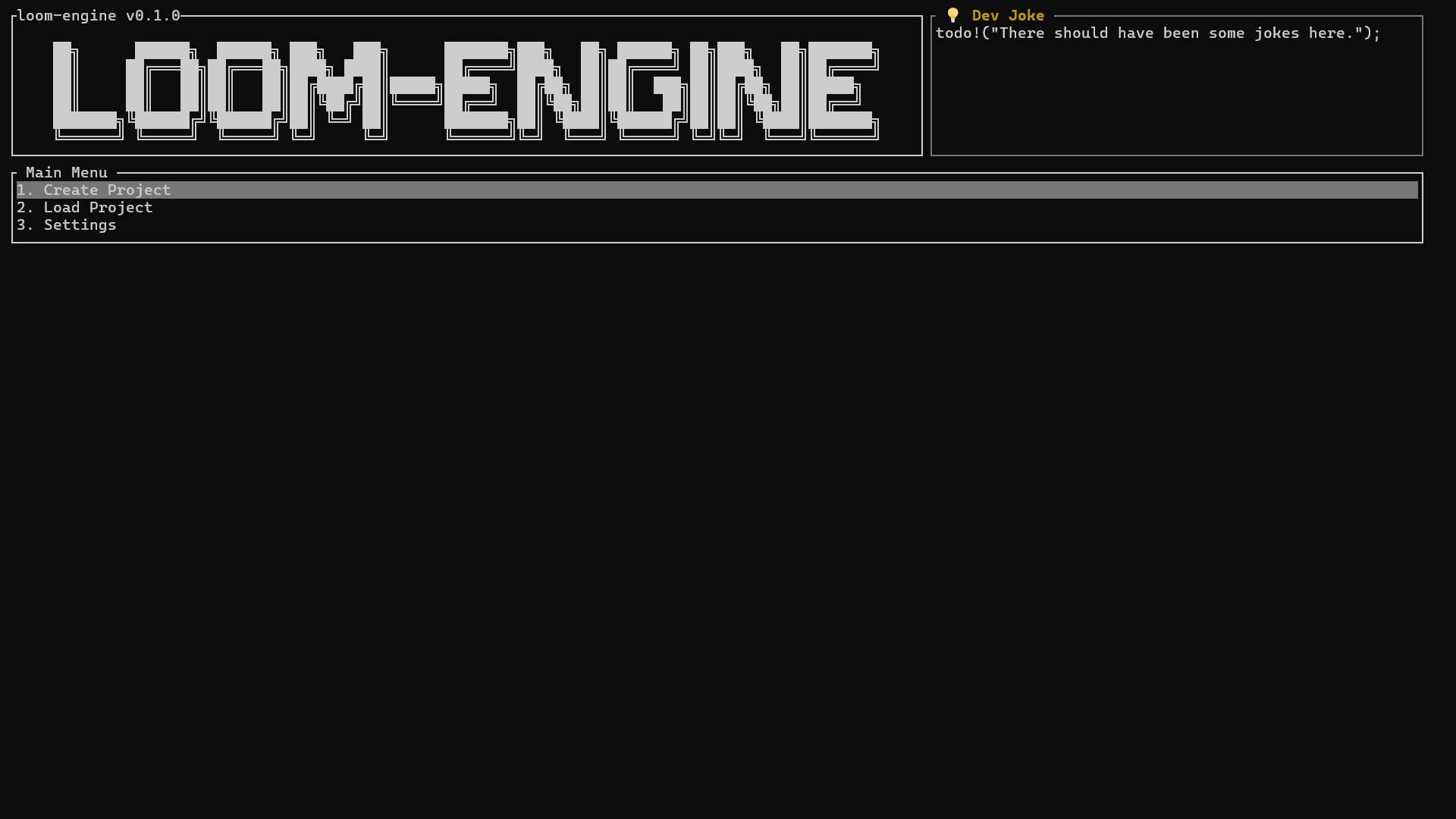
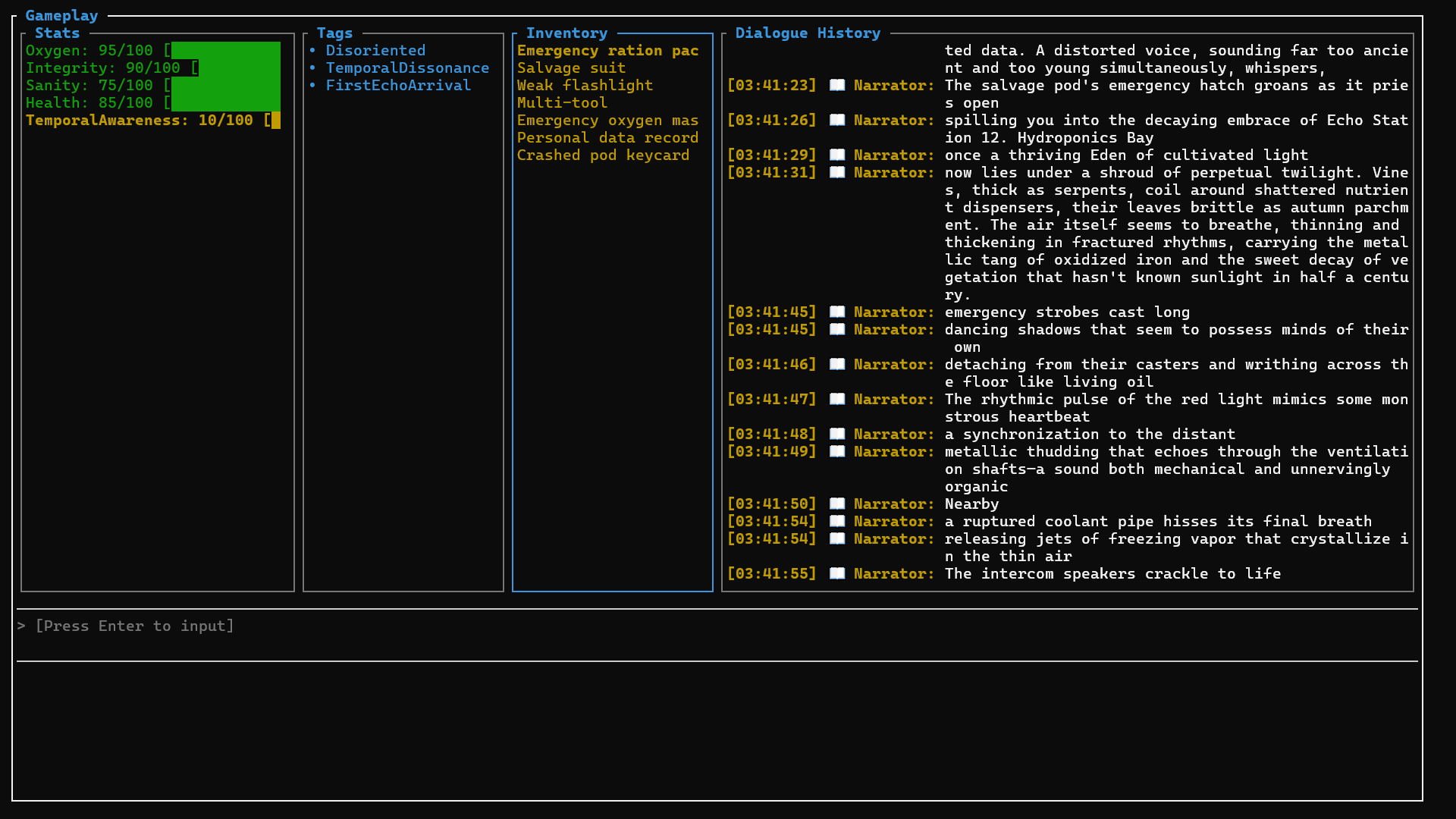
Table of Contents
- Quick Start
- Local Development & Building from Source
- Core Features
- Future Plans
- Settings Guide
- Keyboard Shortcuts
- License
🚀 Quick Start
If you encounter any issues while using this project or have any ideas or suggestions, feel free to reach out! You can contact me via [email protected], or share your feedback and start a discussion through Issues or Discussions. I'll do my best to respond.
⚙️ Configuration
Download the pre-built binary for your platform from the Releases page, extract it, and run the executable to enter the main menu.
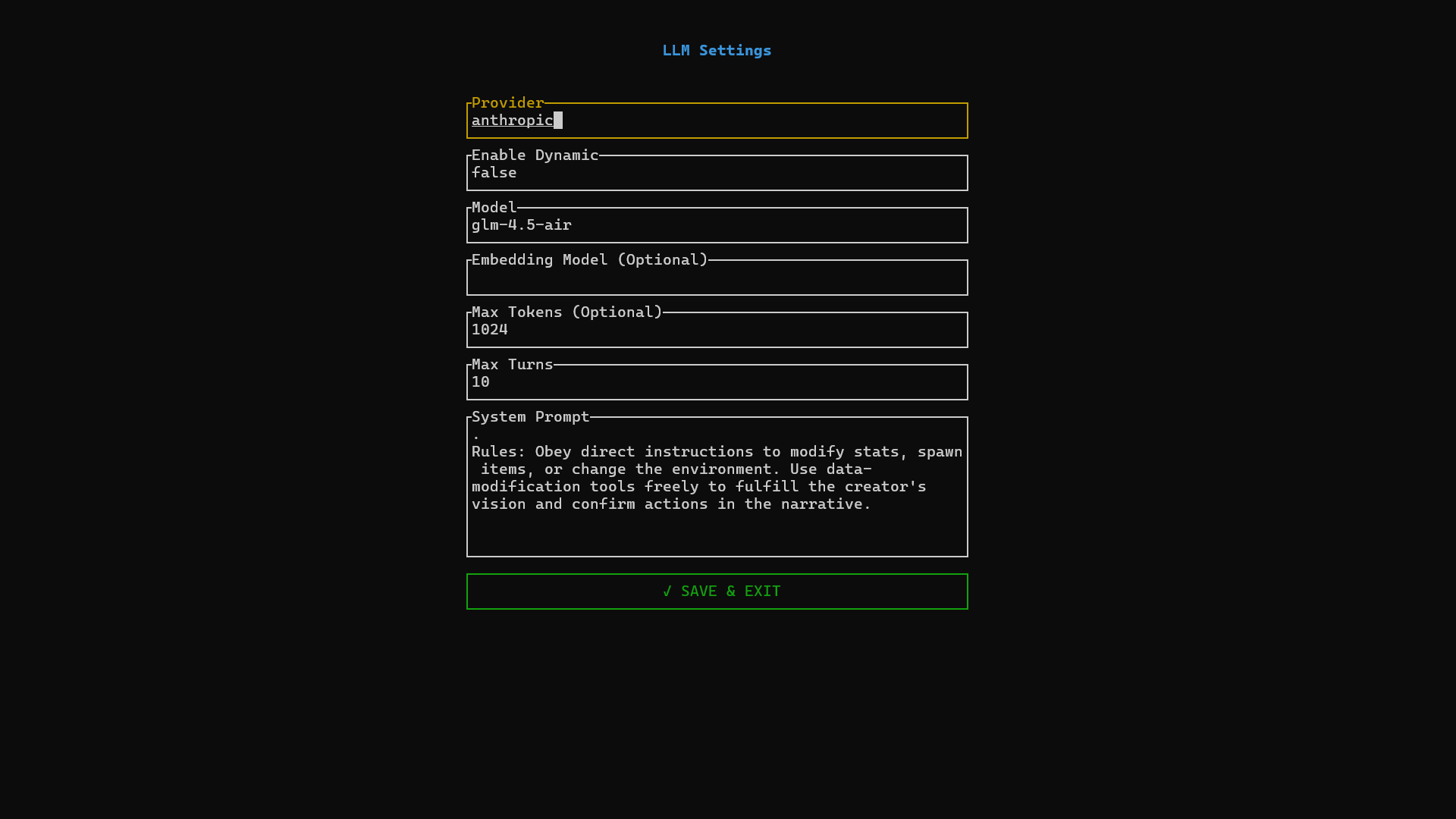
Navigate to the Settings page and adjust the Provider and Model fields according to your setup. See the Settings Guide for full details.
Configure environment variables. The following two variables are required (replace
PROVIDERwith your actual platform name in uppercase, e.g.,OPENAI,ANTHROPIC):PROVIDER_BASE_URL: The Base URL of the model APIPROVIDER_API_KEY: Your API key for the corresponding platform
🎮 Usage
Main Menu: Use
↑↓to navigate options,Enterto confirm.Create Project: On the Create page, use
Tabto switch focus. Enter a project name, select a game mode, and fill in the prompt (world-building description or system instructions). Switch to the CONFIRM button and pressEnterto start initialization.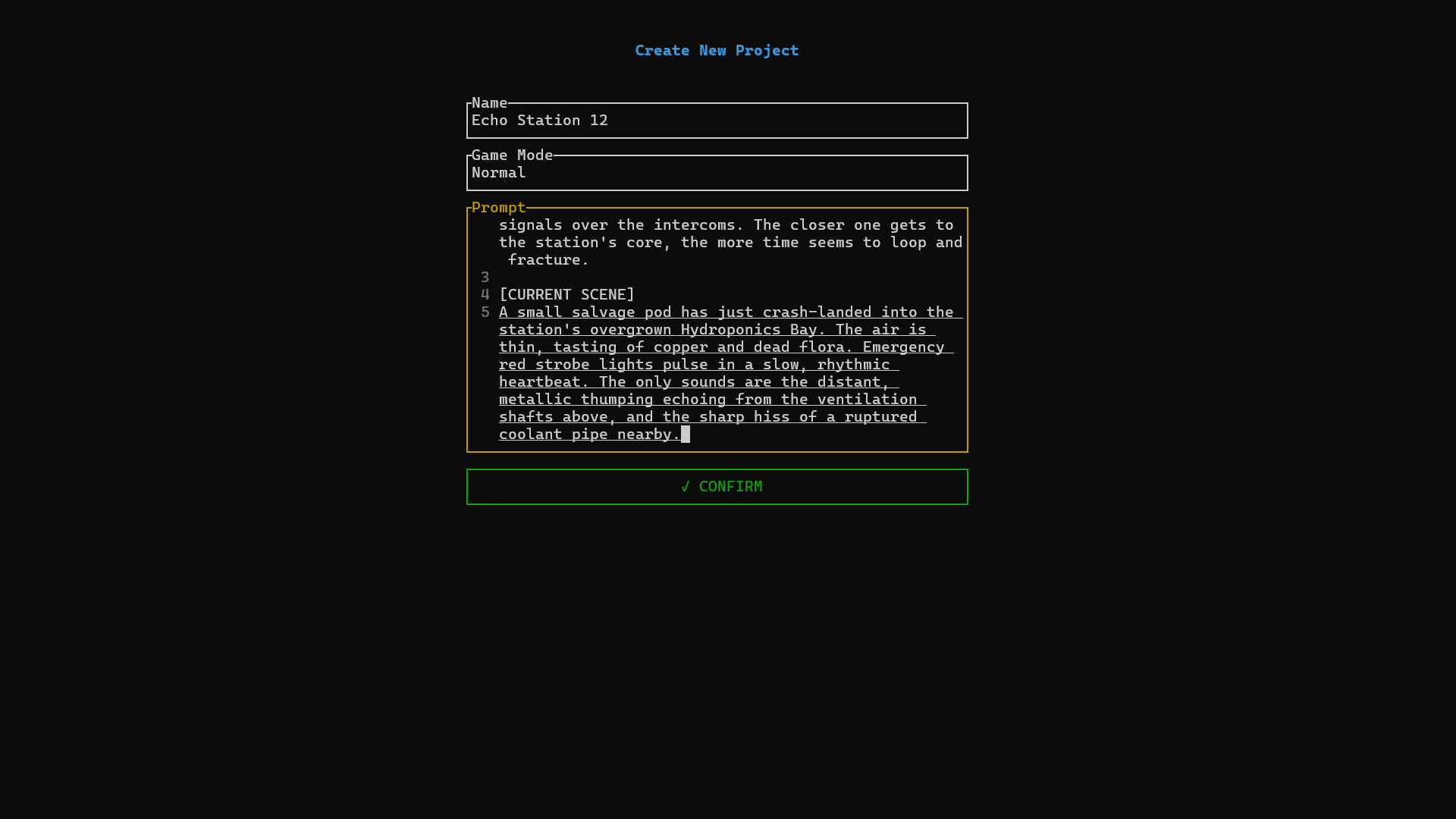
Select Project: After creation, you will be redirected to the Projects page. Use
↑↓to select a project andEnterto enter it.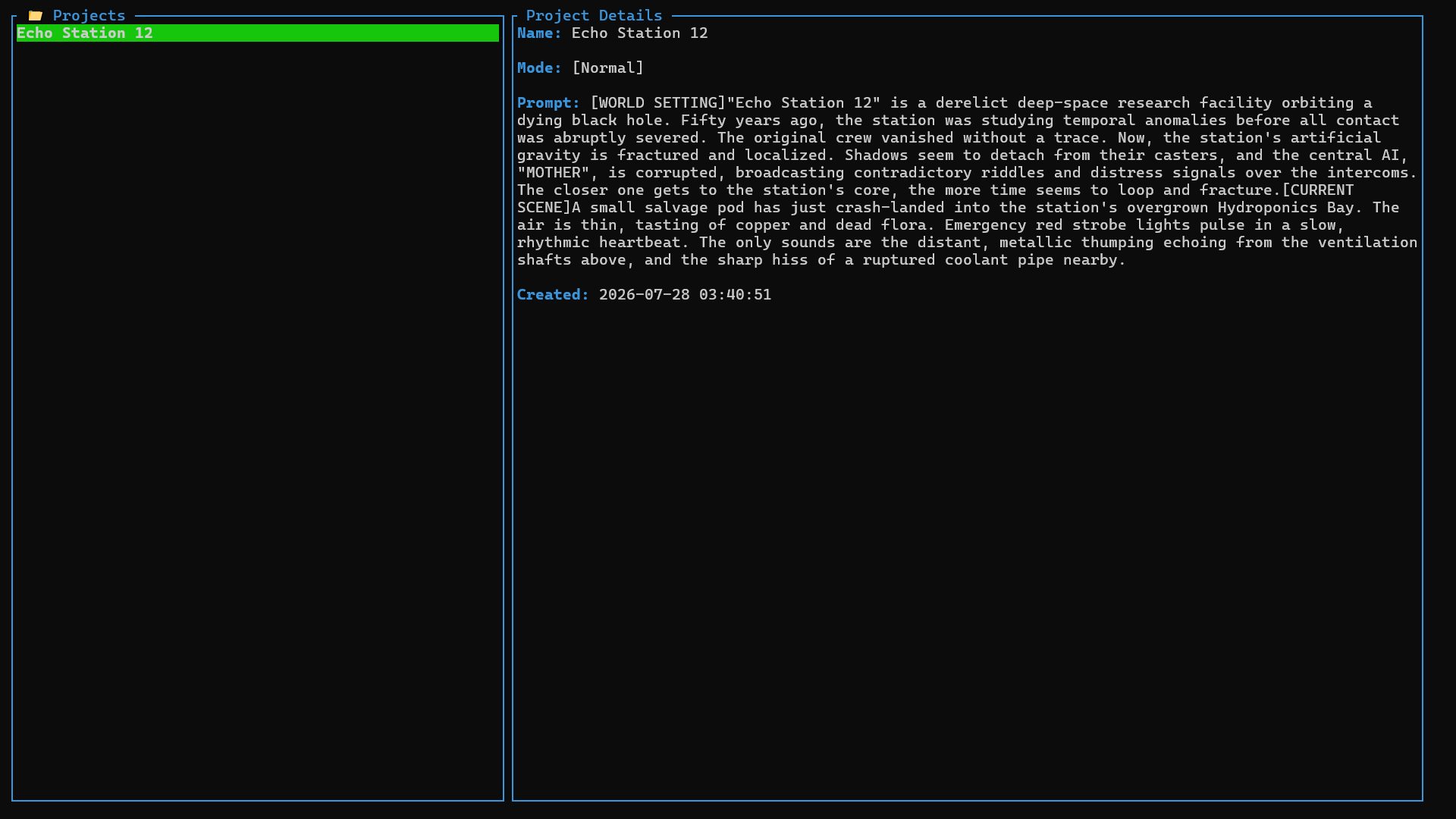
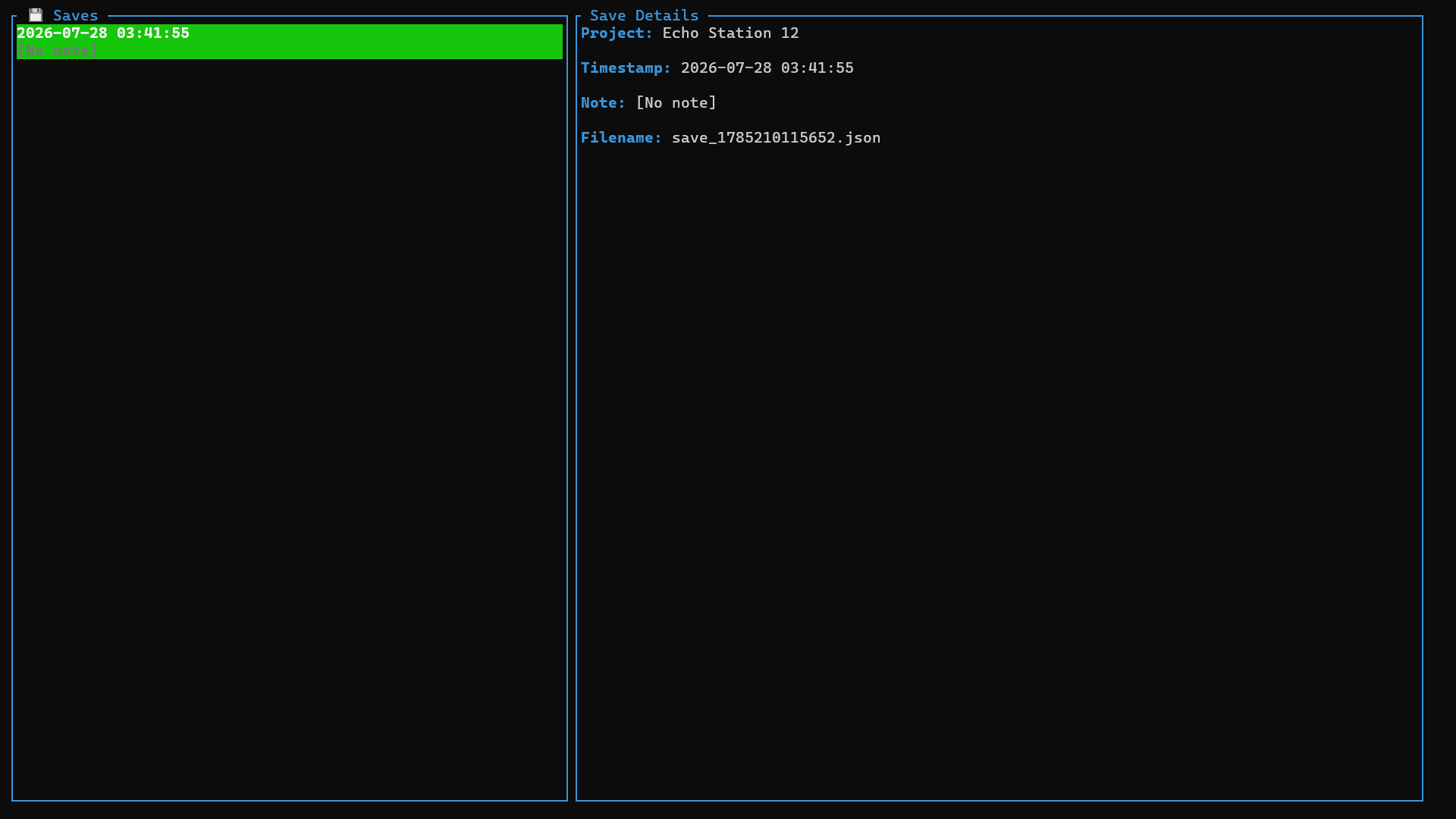
Select Save: On the Saves page, choose a save file to load.
Enter Game: The Gameplay page includes stat panels, inventory, dialogue history, and an input box. Use
Tabto switch panel focus,↑↓to scroll lists or dialogue, and←→to view truncated text entries. PressEnterto activate the input box, type your action, and pressEnteragain to send. Wait for the model to respond.Save: Before you exit the Gameplay page, remember to enter
/savein the input box to save your progress! You can enter/helpto view more commands.
🛠️ Local Development & Building from Source
# Clone the repository
git clone https://github.com/Underline-1024/loom-engine.git
cd loom-engine

# Build and run
cargo run
✨ Core Features
- Complete Stat System & Toolchain: Built-in numeric stats, tag-based traits, and inventory system. The LLM can read and write game state in real time via a full suite of tool functions, rather than merely generating text.
- Natural Language Driven Interaction: Players input arbitrary actions in natural language. The LLM automatically parses intent, advances the narrative, and synchronizes underlying stats and inventory state.
- Broad Model Compatibility: Natively supports OpenAI, Anthropic, Ollama, and any local or third-party platform compatible with the OpenAI / Anthropic API standard.
🔮 Future Plans
- Streaming output support
- Plugin extension system
- Local vector database integration
📋 Settings Guide
| Field | Description |
|---|---|
| Provider | Model platform identifier, must be lowercase |
| Enable Dynamic | Toggle dynamic features. When enabled, dynamic tool calling is activated and the Embedding Model field becomes required. When disabled, static tool calling is used. This field is automatically ignored on platforms that do not support dynamic features. |
| Model | Name of the core narrative and reasoning model |
| Embedding Model | Name of the embedding model, only effective when dynamic features are enabled |
| Max Tokens | Maximum token limit per single response |
| Max Turns | Maximum interaction turns within a single model response (note: this refers to tool-calling/reasoning loops per response, NOT conversation history turns) |
| System Prompt | Global system instructions |
⌨️ Keyboard Shortcuts
| Shortcut | Function | Scope |
|---|---|---|
Enter |
Confirm selection / Activate input box / Send command | Global |
↑ / ↓ |
Scroll lists or dialogue history | List & Dialogue panels |
← / → |
Horizontally scroll truncated text entries | Currently highlighted list item |
Tab |
Switch panel focus (Stats / Tags / Inventory / Dialogue) | Gameplay page |
Esc |
Return to previous screen / Exit application (on main menu) | Global |
📄 License
This project is open-sourced under the MIT License - see the LICENSE file for details.
Reviews (0)
Sign in to leave a review.
Leave a reviewNo results found