RabiRoute
Health Gecti
- License — License: MIT
- Description — Repository has a description
- Active repo — Last push 0 days ago
- Community trust — 493 GitHub stars
Code Basarisiz
- network request — Outbound network request in apps/bilibili-history-bridge/endpoint-discovery.js
- network request — Outbound network request in apps/bilibili-history-bridge/service-worker.js
- Hardcoded secret — Potential hardcoded credential in apps/bilibili-history-bridge/service-worker.js
- process.env — Environment variable access in apps/desktop-assistant/scripts/build.mjs
Permissions Gecti
- Permissions — No dangerous permissions requested
Bu listing icin henuz AI raporu yok.
Self-hosted gateway that bridges QQ, WeChat/WeCom and Feishu chat to your existing Codex or agent task — remote control from your phone, schedules and role context. | 自托管 AI 消息网关:把 QQ、微信、飞书接到你已有的 Codex / Agent 任务,支持手机远程、定时任务和角色上下文。
RabiRoute
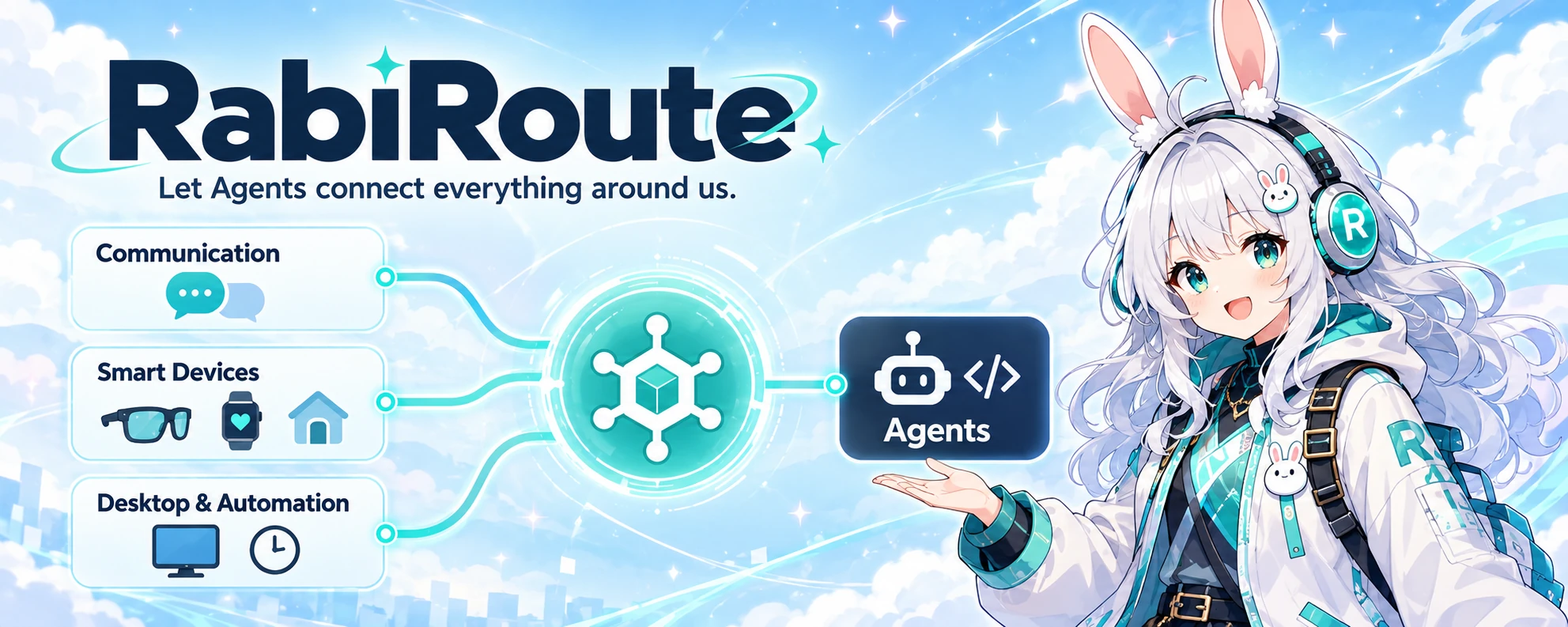
Let Agents connect everything around us.
Connect communication platforms, smart devices, and desktop workflows to the right Agent.






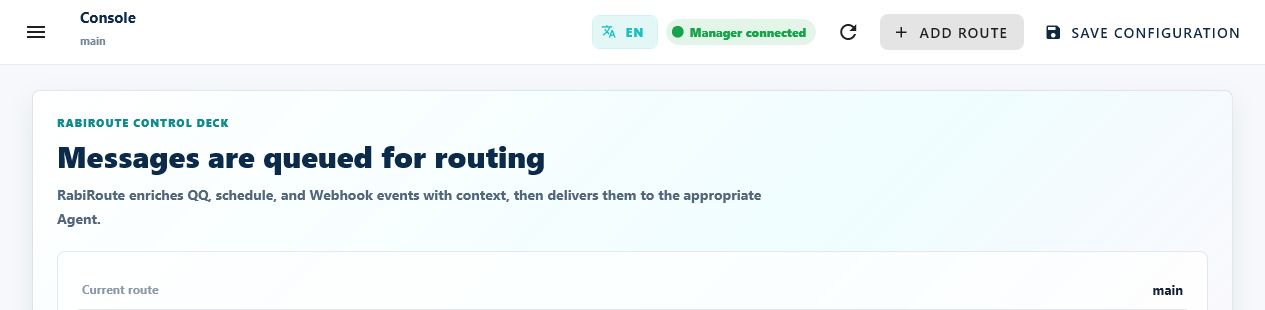
RabiRoute is a self-hosted message gateway and policy router for AI agents. Connect chats, desktop events and smart devices to the Agent you already use, with role context, scheduled tasks and recorded results.
RabiRoute connects and routes. Your Agent owns the model, tools and execution.
Overview · Get started · Architecture · Docs · Community
Is it for you?
A good fit if you
- already run Codex, DSH or WorkBuddy on a machine you control
- keep an always-on box — a Windows desktop, a NAS or a mini PC
- want to continue a desktop agent task from your phone or from a chat app
Not a fit if you
- want a hosted service you sign up for and use immediately
- have no always-on machine
- only need reminders and notifications
What it connects
flowchart LR
    C["Chat<br/>QQ · WeChat · WeCom · Feishu"] --> R["RabiRoute<br/>Routes + role context"]
    T["Schedules<br/>Webhooks"] --> R
    I["Desktop<br/>Device events"] --> R
    R --> A["Your Agent<br/>Codex · DSH · WorkBuddy"]
    A --> O["Reply or action<br/>Sending rules + receipts"]
    classDef input fill:#e8f2ff,stroke:#4777b7,color:#162b48
    classDef router fill:#dcf5ed,stroke:#218468,color:#113d31
    classDef agent fill:#f0e7fa,stroke:#8254a8,color:#372044
    classDef output fill:#fff0df,stroke:#bf7b30,color:#51351c
    class C,T,I input
    class R router
    class A agent
    class O output
QQ and Codex Desktop have verified core paths. Other adapters and physical-device integrations have their own maturity and setup requirements; see integration status.
| Your goal | Start here |
|---|---|
| Ask an Agent from QQ, WeChat, WeCom or Feishu | Choose a message input |
| Run a task on a schedule or webhook | First Route |
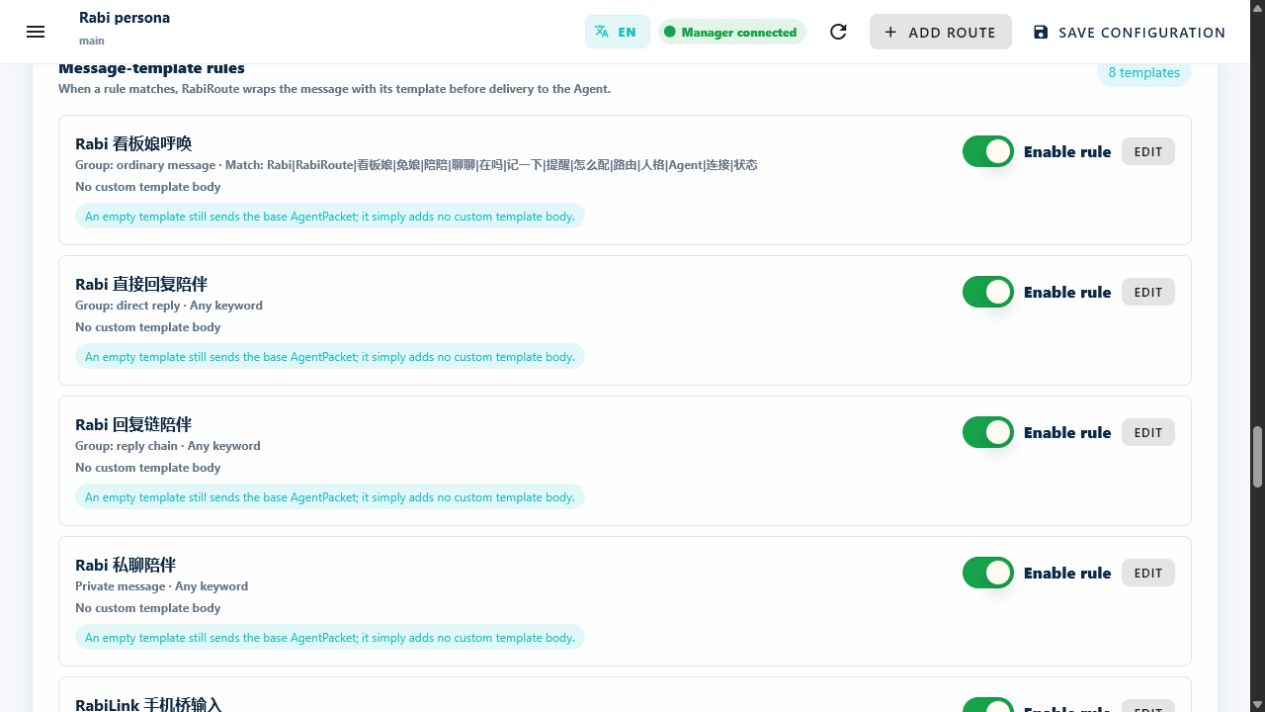
| Keep role context, plans, memories and skills together | Roles and rules |
| Send selected text, screenshots, voice or device events | Desktop and client guides |
From message to result
A Route selects the role, Agent task, workspace and reply rules. The diagram shows a chat-triggered run; schedules use their configured destination. Sending replies remains a separate, recorded action.
sequenceDiagram
    participant S as Chat or device
    participant R as RabiRoute
    participant A as Existing Agent task
    S->>R: Message
    R->>R: Match Route and attach recent context
    R->>A: Deliver to selected task and workspace
    A-->>R: Result or completion callback
    R->>R: Apply sending rules and record receipt
    R-->>S: Reply when the sending rule allows
Get started
| What you need | Entry point |
|---|---|
| Main application — Manager, WebGUI and Windows desktop | Windows installation/build guide · Source startup |
| Another computer connected to your main application | Connect a computer |
| Linux browser interface | Linux Host |
Connect another computer from the main app: generate an installation prompt and let an Agent on the target computer execute it. The prompt downloads and verifies a lightweight connector from your Manager; no separate GitHub installer is needed. The target needs Node.js 22.13+, npm and access to the Manager address. See PC onboarding for platform requirements.
flowchart LR
    P["Main app<br/>Copy installation prompt"] --> T["Target computer<br/>Execute the prompt"]
    T --> V["Verify signature<br/>Install connector"]
    V --> C["Computer connects<br/>Check version and digest"]
The release history includes legacy main-app and standalone Remote Agent packages. A RabiRoute-Remote-Agent-… installer does not install the main application. The current source uses Host-managed startup; follow the source/build guides above rather than assuming GitHub’s latest Release is the current main app.
- Start the main application and open WebGUI from the tray or the Host-provided address.
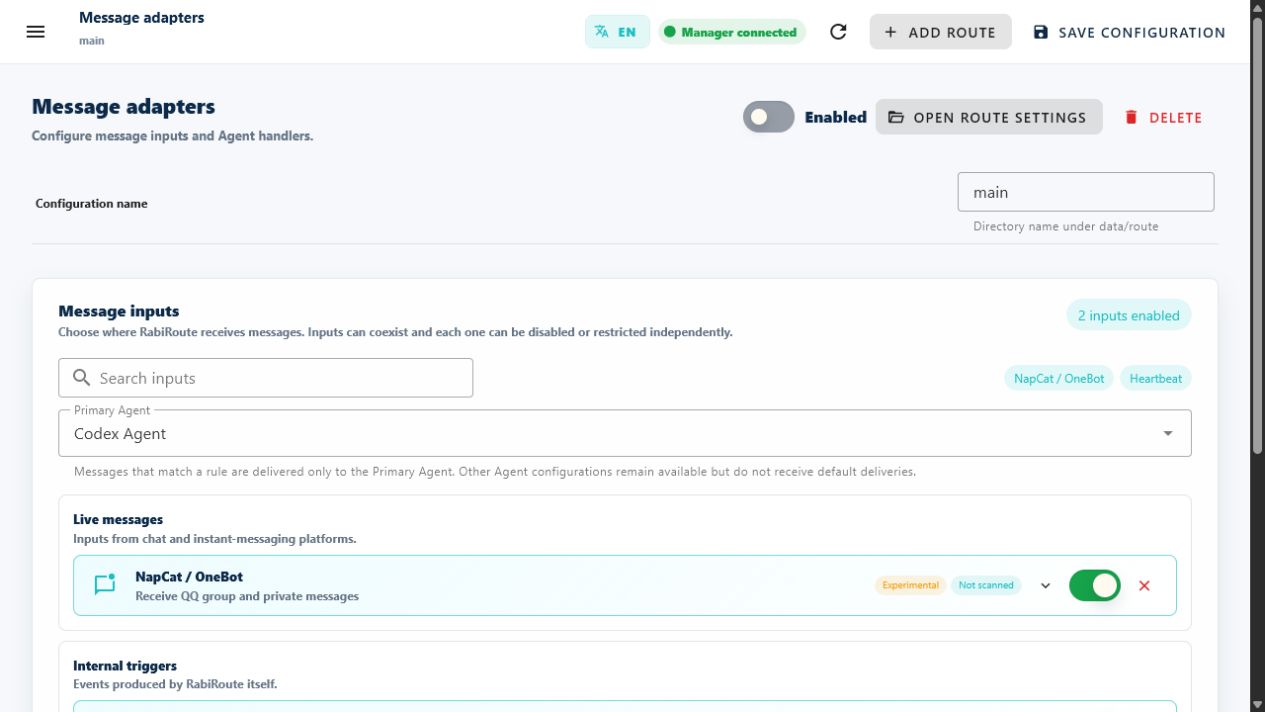
- Choose a role. Add a message Route and bind its Agent, existing task and workspace.
- Use Channel check → Delivery test. Confirm the original Agent conversation receives the message and the delivery record shows the result.
The delivery test sends a real message. Follow the first Route walkthrough for prerequisites and recovery.
Run from sourceWindows: with an existing RabiRoute installation, Node.js/npm and the .NET 9 SDK, run Start-RabiRoute-FromSource.bat. It builds and switches the installed application through Host, retaining its data. For a first installation or changed runtime dependencies, follow the full package guide.
Linux: install Node.js 22.13+, npm and util-linux flock, then:
git clone https://github.com/vb2250158/RabiRoute.git
cd RabiRoute
bash Start-RabiRoute-FromSource.sh
npm run status:linux -- --json
Open the address returned by Host. Linux Host is experimental and provides no Windows tray, screenshots or global hotkeys. See startup and logs.
Integration status
The repository version is 0.15.25.
| Area | Current scope |
|---|---|
| QQ / NapCat / OneBot + Codex Desktop | Core delivery path verified |
| Routes, schedules, WebGUI, role plans and memory | Core paths verified |
| Windows desktop | Core implemented; system interactions need device acceptance |
| Personal WeChat (Weixin), WeCom and Feishu | Prototype / experimental; real-account acceptance varies |
| DSH, WorkBuddy, Grok Bot and remote computer clients | Experimental; validate each backend and target computer |
| Linux Host, RabiSpeech, phones, glasses, wearables and Home Assistant | Experimental; model, network and hardware acceptance is separate |
Full capability matrix · Changes and migrations
Common combinations
Each combination is the chat input on the left and the agent backend on the right. Status follows the table above, not a separate promise.
| Chat input | Agent backend | Status |
|---|---|---|
| QQ via NapCat / OneBot | Codex Desktop | Verified |
| WeChat / WeCom | Codex Desktop | Experimental |
| Feishu | Codex Desktop | Experimental |
| QQ via NapCat / OneBot | DSH · WorkBuddy | Experimental |
| WeChat / WeCom / Feishu | Antigravity · Copilot CLI · AstrBot | Experimental |
| Schedules · Webhook · MCP tools | Any configured backend | Verified for delivery |
apps/rabi-mcp exposes the Manager's public operations — including sending and delivery records — over MCP stdio or Streamable HTTP, so an agent that already speaks MCP does not need a separate integration.
Architecture
The Windows package uses one Host to own Manager and the desktop surface. Manager owns routing and business state; plugins provide adapters and services. Agent tasks and optional speech/device services keep their own lifecycles.
flowchart TB
    H["Windows Host"] --> M["Manager"]
    H --> W["Desktop / tray"]
    U["Browser / WebGUI"] <--> M
    W <--> M
    M --> K["Plugin Kernel"]
    K --> P["Message adapters<br/>Routes · plans · memory"]
    P <--> D[("Private local data")]
    P <--> A["External Agent tasks"]
    P <--> S["Optional speech<br/>and device services"]
- Each role keeps its guidance and settings in
data/roles/<RoleId>/; Route configuration lives underdata/route/. Copyable public samples are in examples/data. - The target Agent owns its model, tools, sandbox and approvals. Codex message delivery uses the selected Desktop task owner.
- Platform credentials, recordings, private messages and runtime data are private operational data; keep them out of the public repository.
- Phones, glasses, wearables and remote-computer workflows require acceptance in their actual environment. See architecture and plugin packages.
Documentation
| I want to… | Guide |
|---|---|
| Complete the first task | First Route · User guide |
| Check status or troubleshoot | Interface and status · Operations |
| Connect voice, devices or another computer | Client apps · RabiSpeech · Home devices · PC onboarding |
| Integrate or extend RabiRoute | API discovery · Architecture · Function map |
| Browse all documentation | Documentation index · Configuration |
FAQ
Is this a QQ or WeChat bot?
RabiRoute is a gateway, not a bot. It routes incoming messages to an agent you already run, and that agent decides what to answer. QQ through NapCat / OneBot is the verified input path. WeCom is experimental, personal Weixin is an experimental prototype, and Feishu is implemented but still waiting on real-credential acceptance.
Does it need a cloud server?
No. It runs on a machine you control — a Windows desktop app, or a headless Linux host. There is no account system, no quota, and no relay server between you and your agent.
Which agent backends work today?
Codex Desktop is the verified path. DSH, WorkBuddy, Antigravity, Copilot CLI, AstrBot, Grok Bot and Marvis all have adapters, but they are experimental and validate per environment. The capability matrix states what each one can actually do.
Can I run it on a NAS?
The Windows package expects a desktop session. Linux Host runs headless without tray, screenshots or global hotkeys. Check the packaging guide before committing a device.
Community
Join Rabi的信件整理站 (Rabi’s Letter Station) on QQ: 1130935416. Share setups, ask questions and discuss RabiRoute. Scan with mobile QQ, or search for the group number. Click the card to open the full-size code.

License
Yorumlar (0)
Yorum birakmak icin giris yap.
Yorum birakSonuc bulunamadi