vikshana-graft-app
mcp
Gecti
Health Gecti
- License — License: AGPL-3.0
- Description — Repository has a description
- Active repo — Last push 0 days ago
- Community trust — 32 GitHub stars
Code Gecti
- Code scan — Scanned 12 files during light audit, no dangerous patterns found
Permissions Gecti
- Permissions — No dangerous permissions requested
Bu listing icin henuz AI raporu yok.
An open source AI Assistant for Grafana
README.md

Graft: AI Assistant for Grafana




An open-source AI assistant plugin for Grafana, enabling natural language interaction with your observability data.
Features
- Natural Language Queries - Ask questions about your dashboards, metrics, logs, traces, alerts or more
- Dual Model Support - Configure separate models for quick responses (Standard) and complex reasoning tasks (Deep Research/Thinking)
- Multiple LLM Providers - Works with Anthropic, OpenAI-compatible APIs as well as Ollama, and LM Studio for local inference
- Grafana MCP Tools - Leverage Grafana's built-in MCP tools for interacting with your Grafana instance
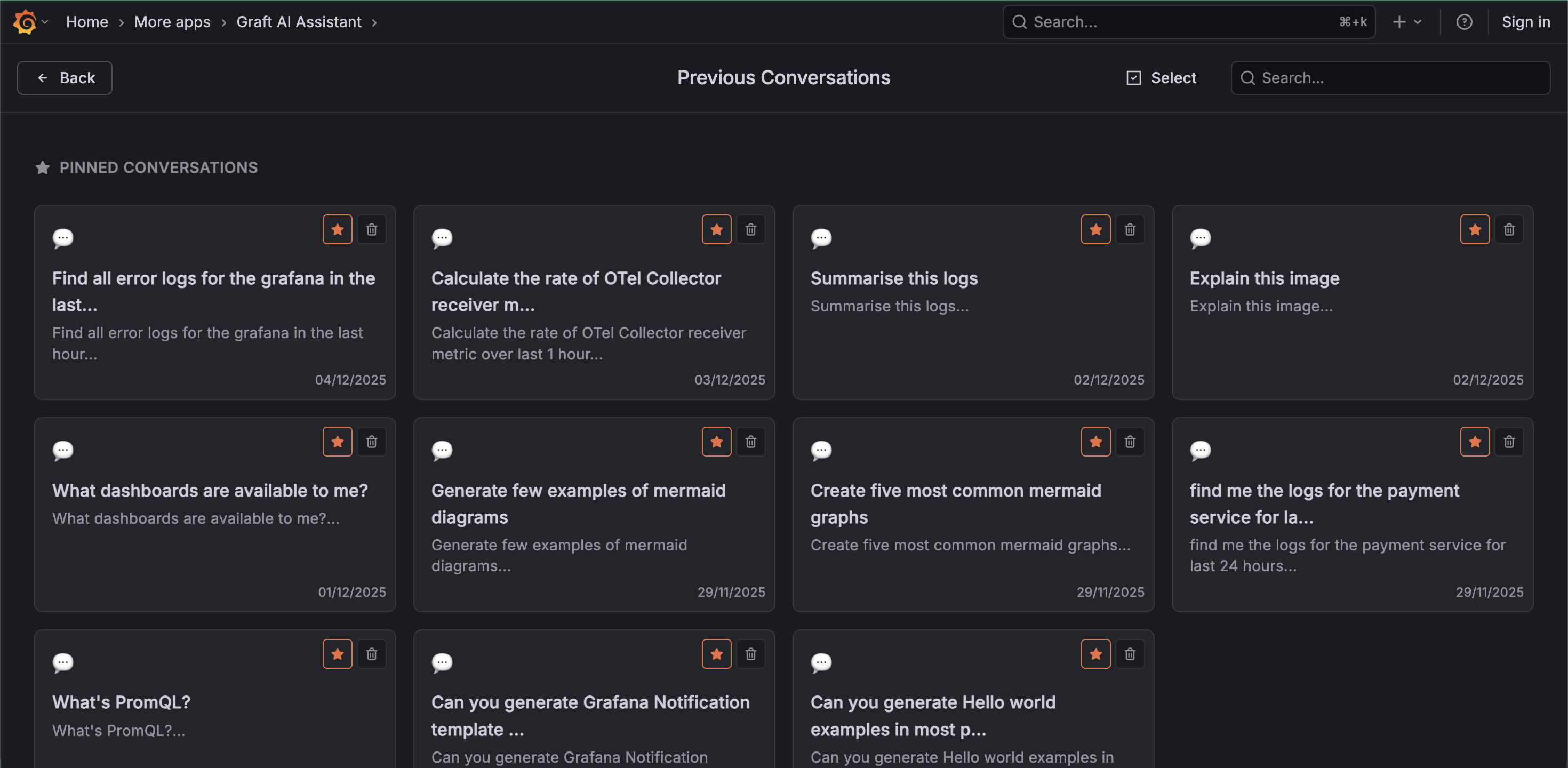
- Chat History - Browse and continue previous conversations
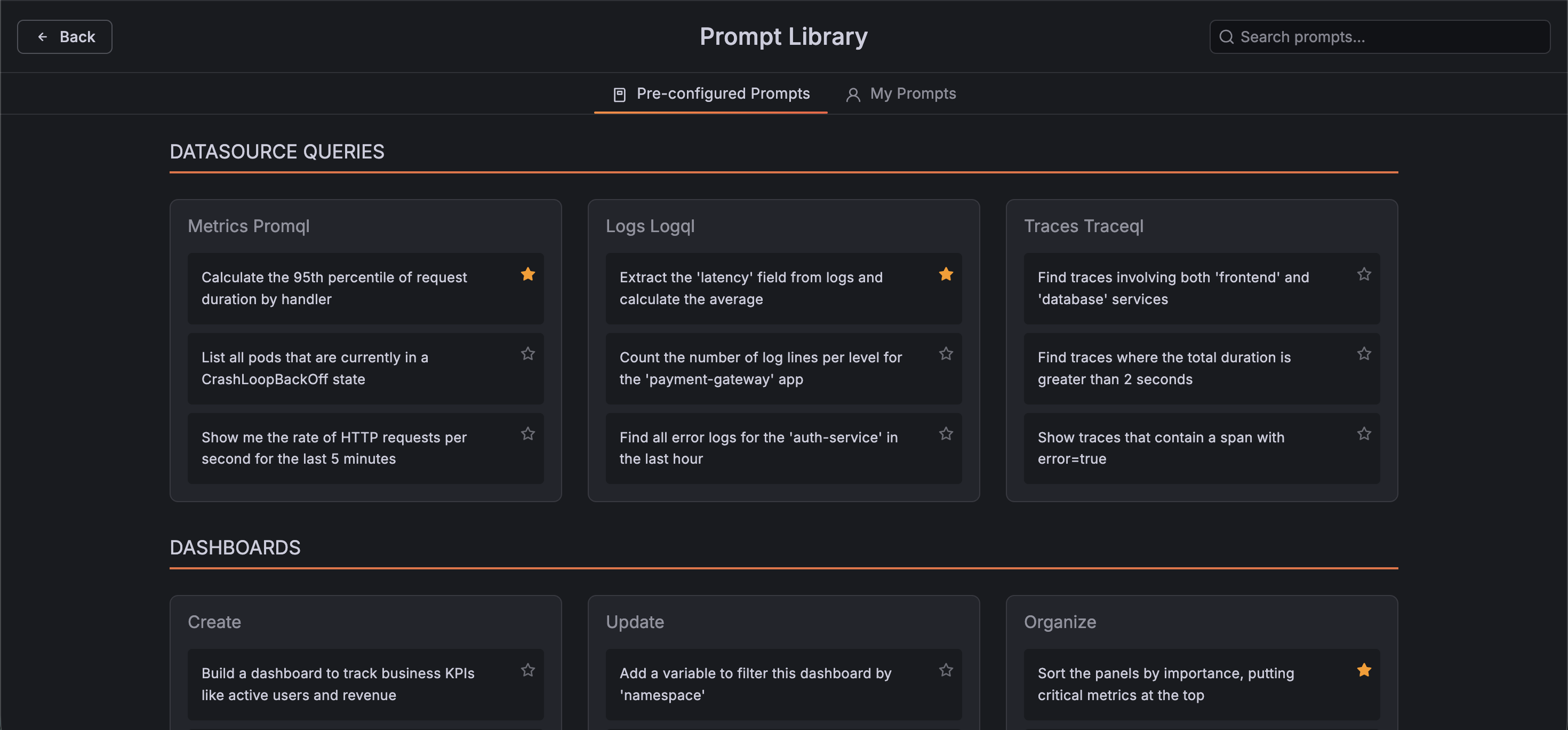
- Prompt Library - Save and reuse commonly used prompts with customizable templates
Screenshots
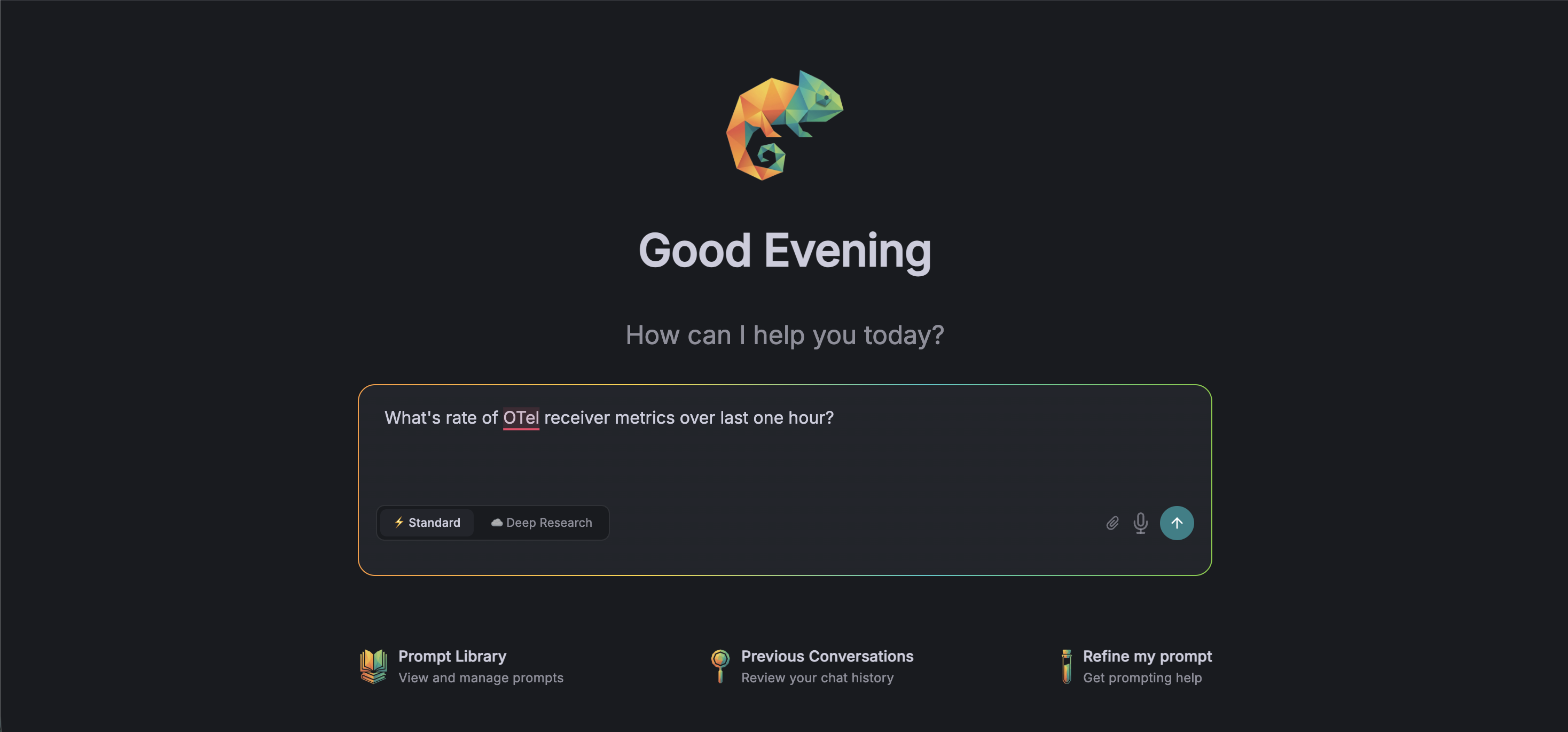
Chat Interface
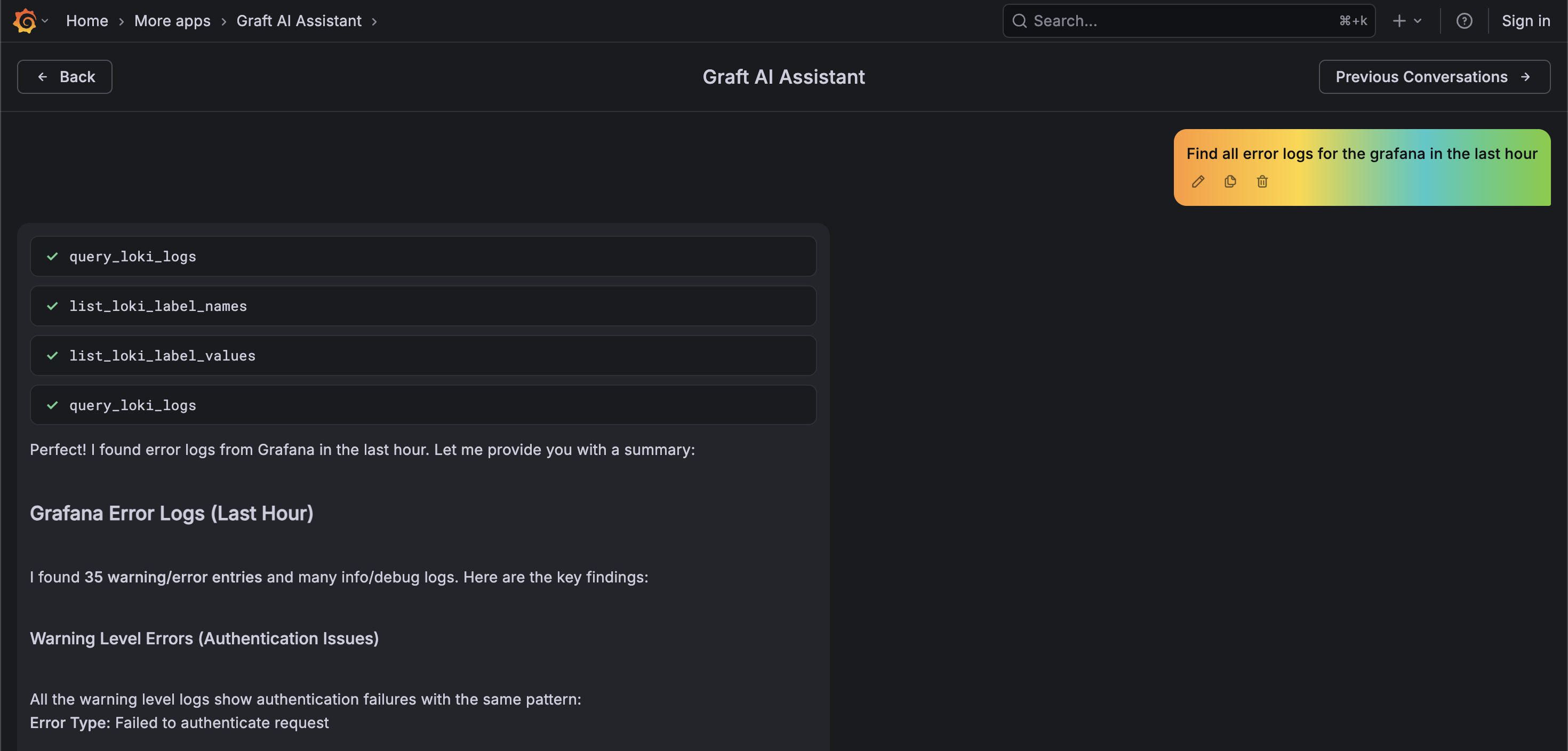
Tool Execution
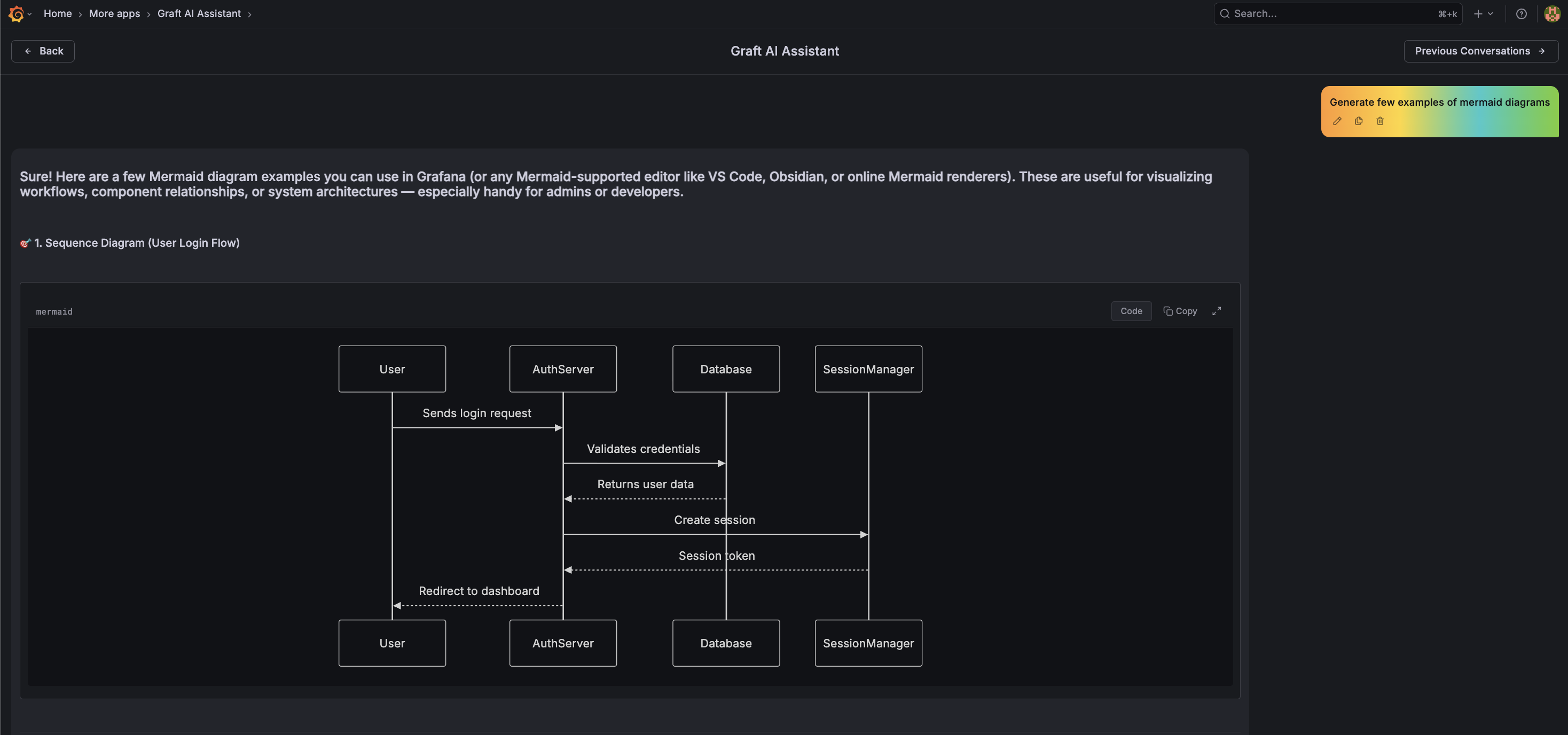
Rich Content Rendering
Prompt Library
Previous Conversations
Requirements
- Grafana 10.4.0 or later
- Grafana LLM Plugin 1.0.0 or later
- An LLM provider (OpenAI, Anthropic, LM Studio, or Ollama/LM Studio local inference)
Installation
- Download the latest release from the Releases page
- Extract the archive to your Grafana plugins directory (typically
/var/lib/grafana/plugins/) - Configure Grafana to allow the unsigned plugin (see note below)
- Restart Grafana
Note: Unsigned Plugin
This plugin is currently unsigned. To install it, you must configure Grafana to allow unsigned plugins by adding the following to your
grafana.iniorcustom.ini:[plugins] allow_loading_unsigned_plugins = vikshana-graft-appOr set the environment variable:
GF_PLUGINS_ALLOW_LOADING_UNSIGNED_PLUGINS=vikshana-graft-app
Configuration
- Navigate to Administration > Plugins > Graft AI Assistant
- Click Enable to activate the plugin
LLM Configuration
Graft uses the Grafana LLM Plugin for model configuration. Configure your LLM providers in the Grafana LLM Plugin settings.
Usage
- Click Graft AI Assistant in the Grafana sidebar under App section
- Type your question in the chat input
- Toggle between Standard and Deep Research modes as needed
- View tool executions and reasoning in expandable sections
Example Queries
- "What's the current CPU usage across all nodes?"
- "Show me error rates for the payment service over the last hour"
- "Explain the spike in memory usage I'm seeing on the dashboard"
- "Help me create an alert for when response times exceed 500ms"
Development
See Development Guide for build instructions, testing, and local development setup.
License
Graft is distributed under AGPL-3.0. See LICENSE for details.
Yorumlar (0)
Yorum birakmak icin giris yap.
Yorum birakSonuc bulunamadi