trope-cua
Health Pass
- License — License: MIT
- Description — Repository has a description
- Active repo — Last push 0 days ago
- Community trust — 27 GitHub stars
Code Fail
- rm -rf — Recursive force deletion command in native/macos/trope-cua/Tests/FocusMonitorApp/build.sh
Permissions Pass
- Permissions — No dangerous permissions requested
This tool provides an MCP server that allows AI agents to inspect and interact with desktop applications on Windows and macOS. It is designed to enable background automation, taking screenshots and performing actions like clicking and typing without moving the user's actual mouse cursor.
Security Assessment
The tool inherently accesses highly sensitive data, including screen captures, accessibility trees, and user keystrokes. It explicitly executes shell commands via its installation scripts and utilizes system-level APIs to manipulate the desktop. A scan flagged a recursive force deletion command (`rm -rf`) inside a macOS test build script, which is common for automated cleanup but requires careful handling. No hardcoded secrets were found, and the tool does not request explicitly dangerous overarching permissions, though macOS manually requires Accessibility and Screen Recording access. Because it operates directly on the user's active desktop session rather than inside a secure sandbox, the overall risk is rated as Medium.
Quality Assessment
The project is very new and currently has low community visibility with only 7 GitHub stars, meaning it has not been broadly tested or vetted by a large audience. However, it is actively maintained, with the most recent code push occurring today. The codebase is properly licensed under the permissive and standard MIT license.
Verdict
Use with caution. The tool handles highly sensitive system interactions and is still too new for broad community trust, but it is actively maintained and transparently licensed.
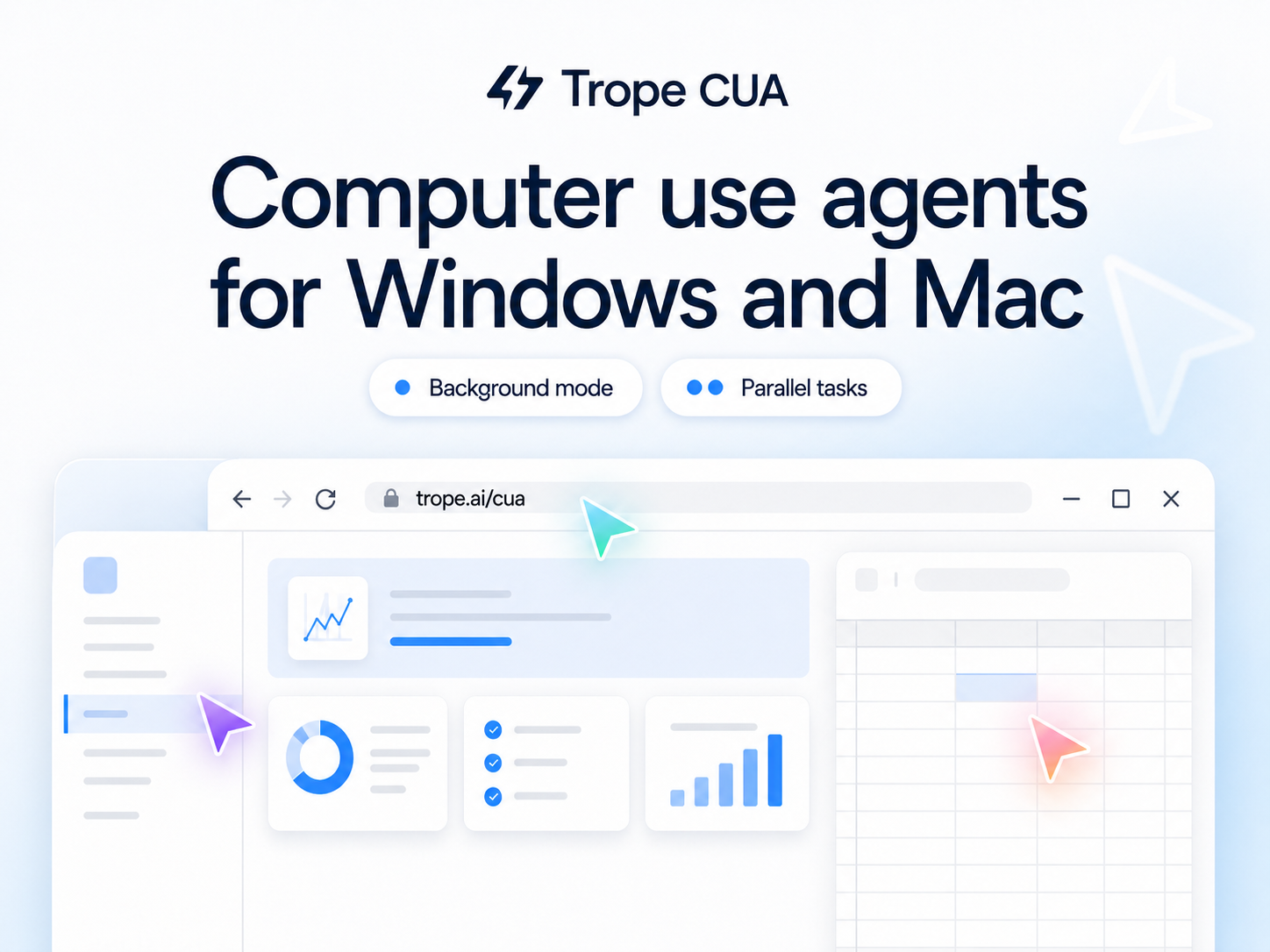
Background computer use for desktop agents on Windows and macOS
Trope CUA
Background computer use for desktop agents on Windows and macOS.
Trope CUA lets an AI agent inspect and operate real desktop apps while avoiding accidental movement of your real mouse cursor or changes to your active app when the OS and target app support safe routes. It exposes screenshots, accessibility trees, action receipts, and trajectory recording over MCP, a daemon, or direct CLI calls.
The Windows implementation lives at the repository root. The macOS Swift implementation lives under native/macos/trope-cua.
Demo
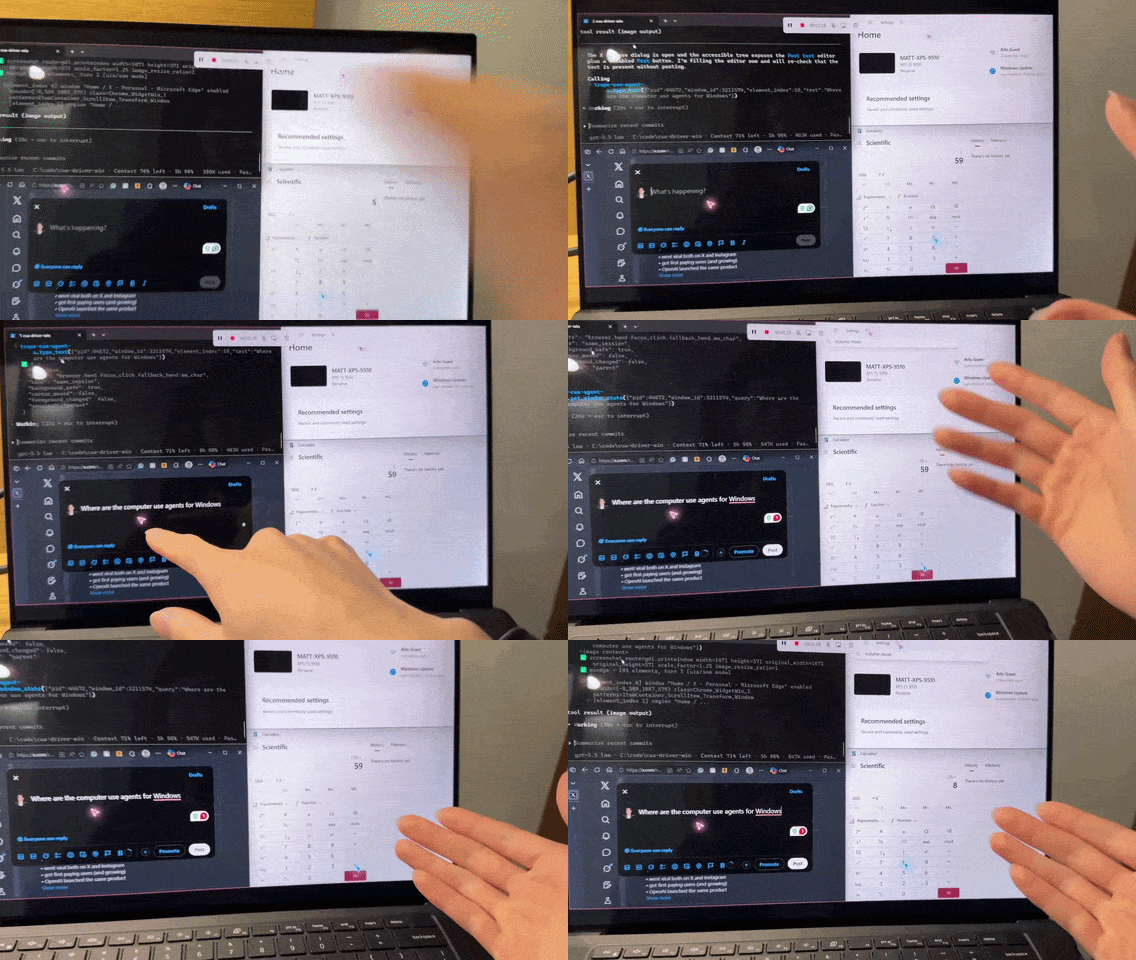
Click the demo to watch the full video (redirects to X).
Install From Source
Trope CUA is distributed as source. Clone the repository, or download a GitHub-generated source archive from the releases page, then run the installer script locally.
Windows requirements:
- Windows 10 1903+ or Windows 11.
- PowerShell.
- .NET SDK matching
global.json.
Install a self-contained Windows build:
.\scripts\install-windows.ps1 -SelfContained
macOS requirements:
- macOS 14 or newer.
- Xcode Command Line Tools.
- Accessibility and Screen Recording permissions for
TropeCUA.app.
Install a local macOS build:
./scripts/install-macos.sh
Verify the installed command on either platform:
trope-cua --help
trope-cua check_permissions
trope-cua list_windows
Register with an MCP client:
trope-cua mcp-config
trope-cua mcp-config --client cursor
Or point any MCP client at:
trope-cua mcp
Safety Contract
Mutating actions return receipts. Treat an action as background-safe only when all three fields say:
{
  "background_safe": true,
  "cursor_moved": false,
  "foreground_changed": false
}
ok=true means the requested route completed. It does not by itself mean the route preserved the user's foreground work. Unsafe routes and fallbacks are reported in the receipt instead of being hidden.
Capabilities
- List desktop windows and apps.
- Snapshot a specific target window as pixels, accessibility tree, or both.
- Click, type, press keys, scroll, and set values through background-safe routes when the target exposes them.
- Run as an MCP stdio server, a long-running daemon, or direct CLI tool calls.
- Show a visual agent cursor overlay without moving the user's hardware cursor.
- Record and replay trajectories for debugging and regression work.
- Refuse known unsafe parent-session routes instead of pretending delivery succeeded.
Known Limits
- Trope CUA is not a VM or sandbox. Same-session tools operate on the real user desktop.
- Not every app exposes a safe UIA/MSAA route.
- Chromium and Electron parallel work need separate profiles and CDP ports for true isolation.
- Games, DirectX, Unity, Unreal, raw-input surfaces, and many canvas-heavy apps need child-session or AppBroadcast-style isolation.
- Trope CUA is distributed as source; install from the repository or GitHub source archive.
Read the full known limits before giving an agent authority over authenticated apps.
First Loop
Use MCP or the daemon for workflows that act on element_index values from a snapshot. With the daemon, keep serve running in one terminal and call tools from another:
trope-cua serve --instance demo
trope-cua call --instance demo list_windows '{}'
trope-cua call --instance demo get_window_state '{"pid":1234,"window_id":456789}'
trope-cua call --instance demo click '{"pid":1234,"window_id":456789,"element_index":14}'
For the full workflow, see the quickstart.
Documentation
Development
Windows:
dotnet build trope-cua.sln
.\scripts\build.ps1
dotnet format --verify-no-changes --no-restore --verbosity minimal
.\scripts\run-tests.ps1
macOS:
cd native/macos/trope-cua
swift build
./scripts/test.sh
./scripts/install-local.sh
macOS development and permission checks must run on macOS. Windows integration tests must run on Windows.
License
Trope CUA is released under the MIT License. See LICENSE and NOTICE.
Trademarks
Apple, macOS, Microsoft, Windows, OpenAI, Anthropic, Claude, Cua, and other referenced names are trademarks or registered trademarks of their respective owners. This project is not affiliated with or endorsed by those companies or projects.
Reviews (0)
Sign in to leave a review.
Leave a reviewNo results found