OneBox
Health Warn
- License — License: Apache-2.0
- Description — Repository has a description
- Active repo — Last push 0 days ago
- Low visibility — Only 6 GitHub stars
Code Fail
- rm -rf — Recursive force deletion command in .github/workflows/android.yml
Permissions Pass
- Permissions — No dangerous permissions requested
No AI report is available for this listing yet.
A free AI-agent toolbox for Android, 一站式安卓AI Agent工具箱

OneBox (万宝盒)
English | 简体中文
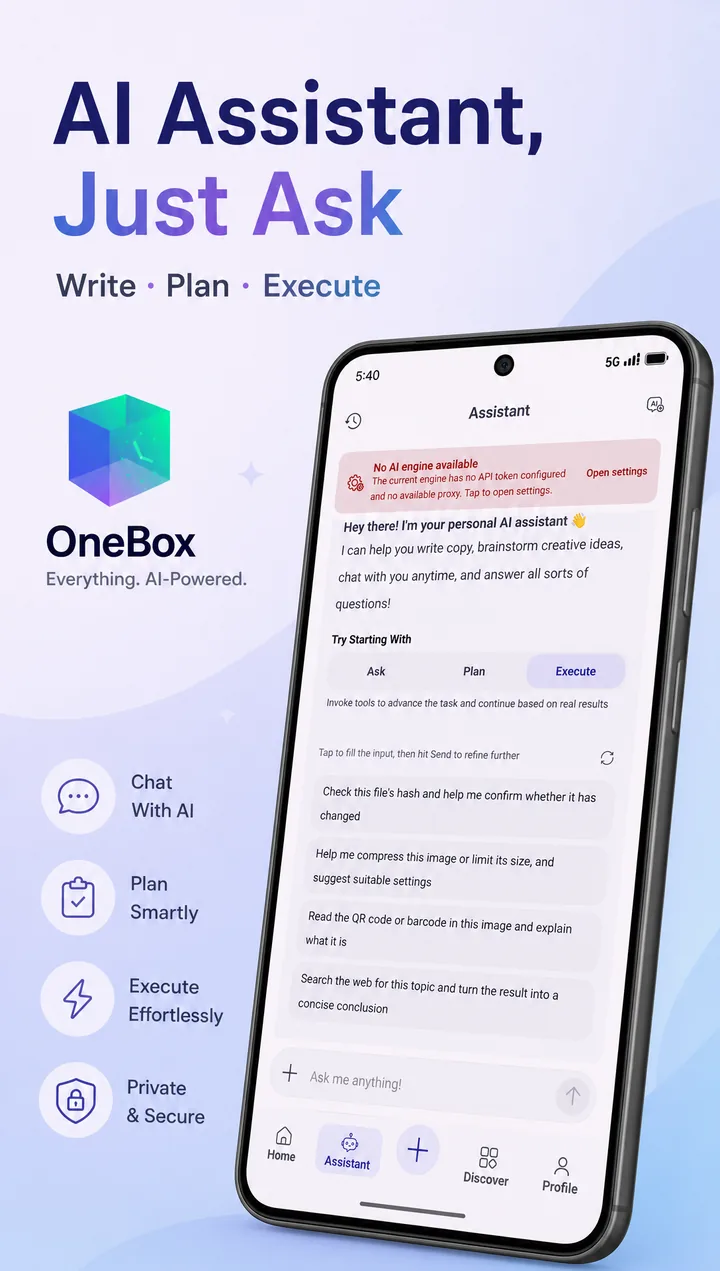
A free AI-agent toolbox for Android: say what you need and the built-in agent drives
90+ in-app tools to get it done — plus image & document tools, productivity and daily utilities.


Screenshots
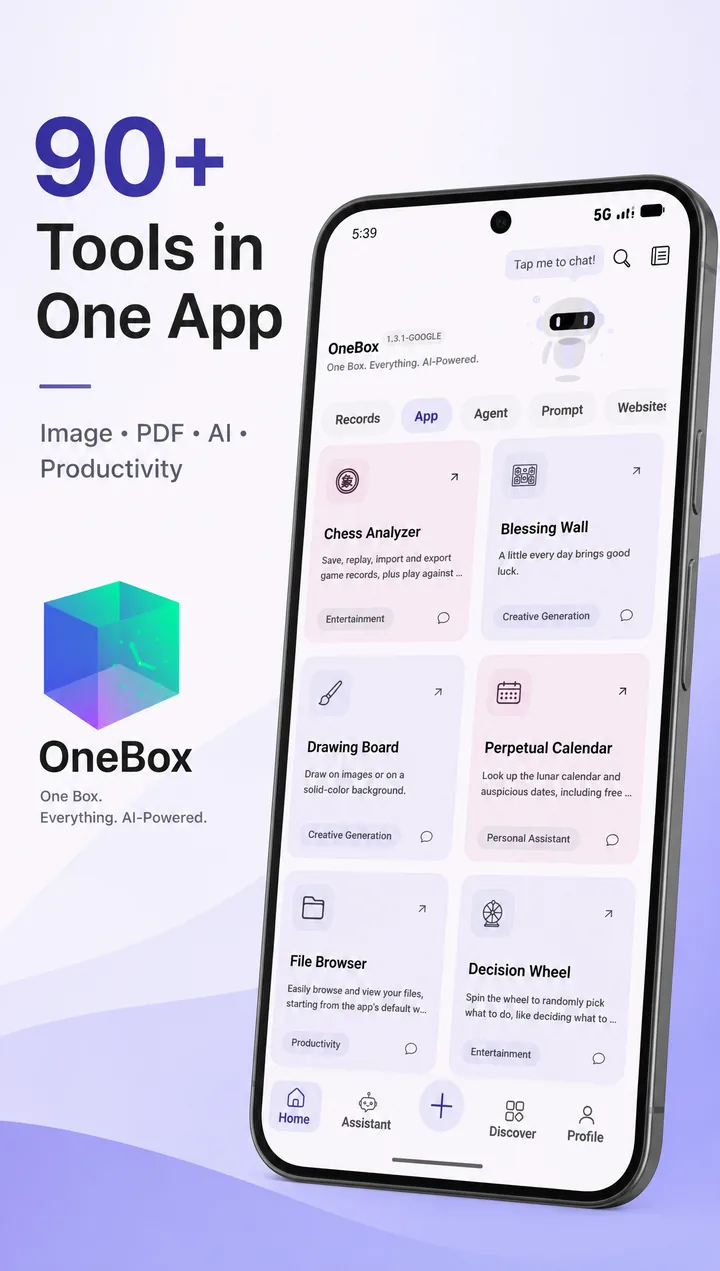 |
 |
 |
 |
 |
 |
 |
 |
Download
- International: Google Play · Official site
- 中国: 万宝盒官网 · 小米 / 应用宝 / OPPO / vivo / 华为应用商店搜索「万宝盒」
Intro Video
AI Assistant: More Than Just Feature Count
Plenty of toolbox apps are long on features. OneBox's built-in AI assistant saves you from hunting for tools and memorizing steps — just say what you want:
"Turn these images into a PDF."
"Log this bill screenshot into my ledger."
"Make me a to-do list."
"Look up today's stock prices online."
It understands, acts, and reports back — in one flow.
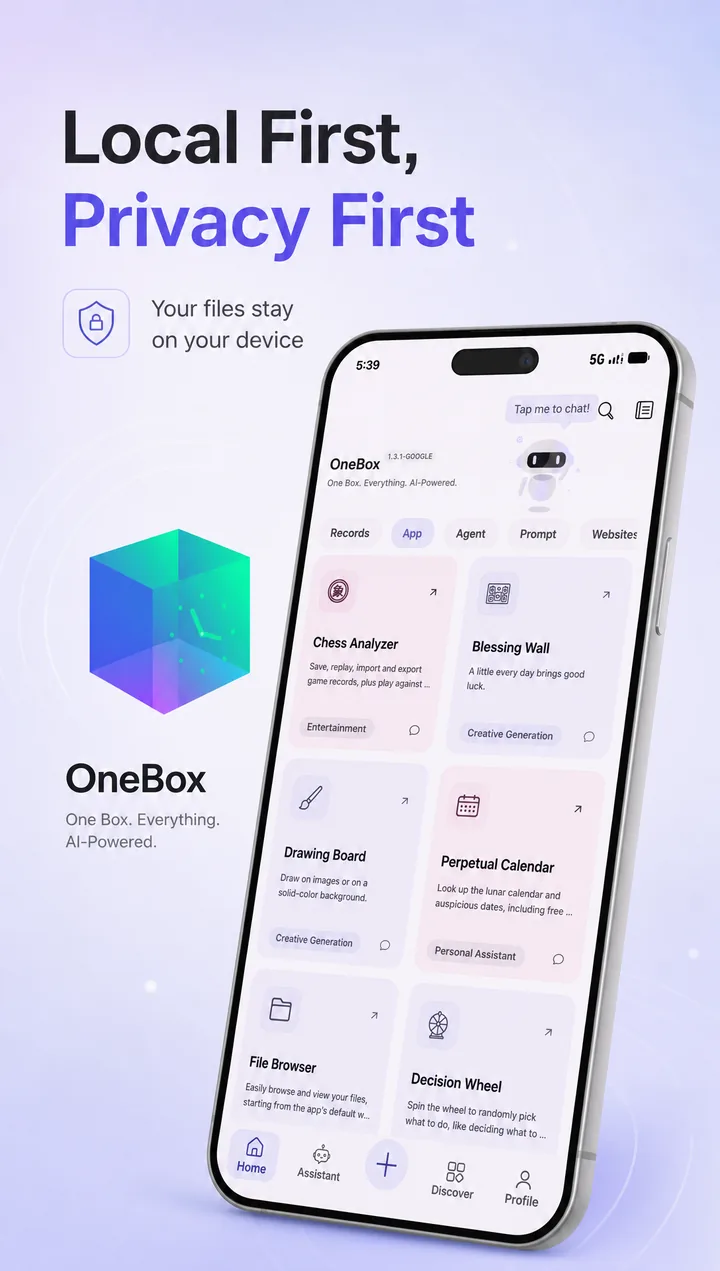
- Bounded by its own permissions: everything the agent does stays inside the app's own Android sandbox and declared permission set — it never touches contacts, SMS or call logs; local tools run entirely on-device, and only the conversation with your chosen model goes online.
- An agent that drives the tools: the AI agent can invoke 90+ in-app local tools (PDF processing, image editing, file management, bookkeeping…), chaining multi-step tasks across tools — executed locally with per-tool timeouts and iteration limits.
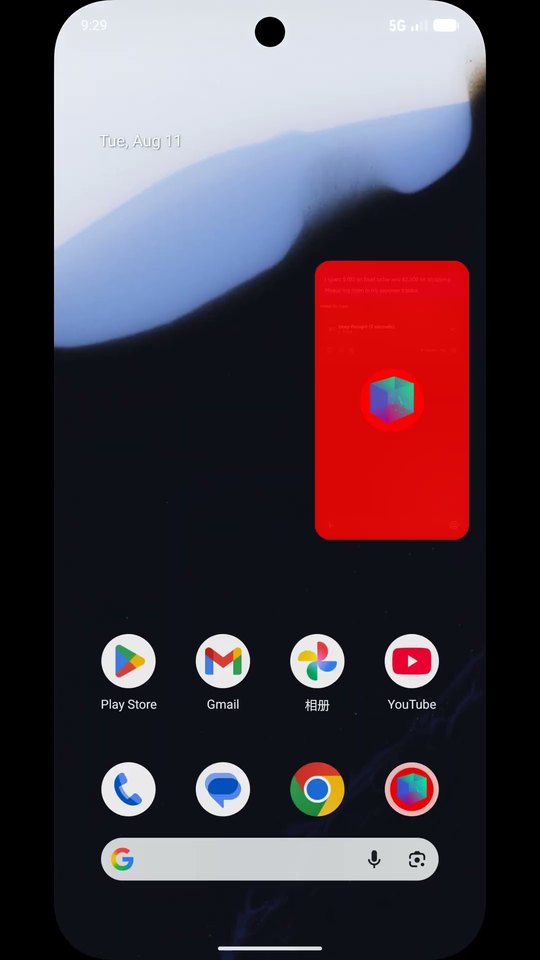
- Picture-in-picture robot, no more waiting around: long agent task? Just leave the app — with an active AI session it drops into system picture-in-picture, where the mini-window robot keeps you posted on progress and one tap brings you back to the result. Native PiP, zero permissions required.
- One chat, many models: talk to multiple mainstream LLMs from a single entry, with custom AI engines and prompt management.
- Bring your own key — use it for free: drop in any OpenAI-compatible API key (including free tiers like Gemini or OpenRouter's free models) and the full assistant + agent is yours at zero cost. Custom engines, endpoints and tokens are fully open in the Google Play build and in builds from this repo.
- Transparent by source: every line is public — how data is processed locally and what never leaves the device is something you can verify, not a promise you have to trust.
Features
- Image & media tools: crop, collage, filters, background removal, format conversion, EXIF editing, document scanning, QR scanning, and more.
- AI capabilities: AI chat, agent tool-calling, AI image features, with configurable local/remote AI engines.
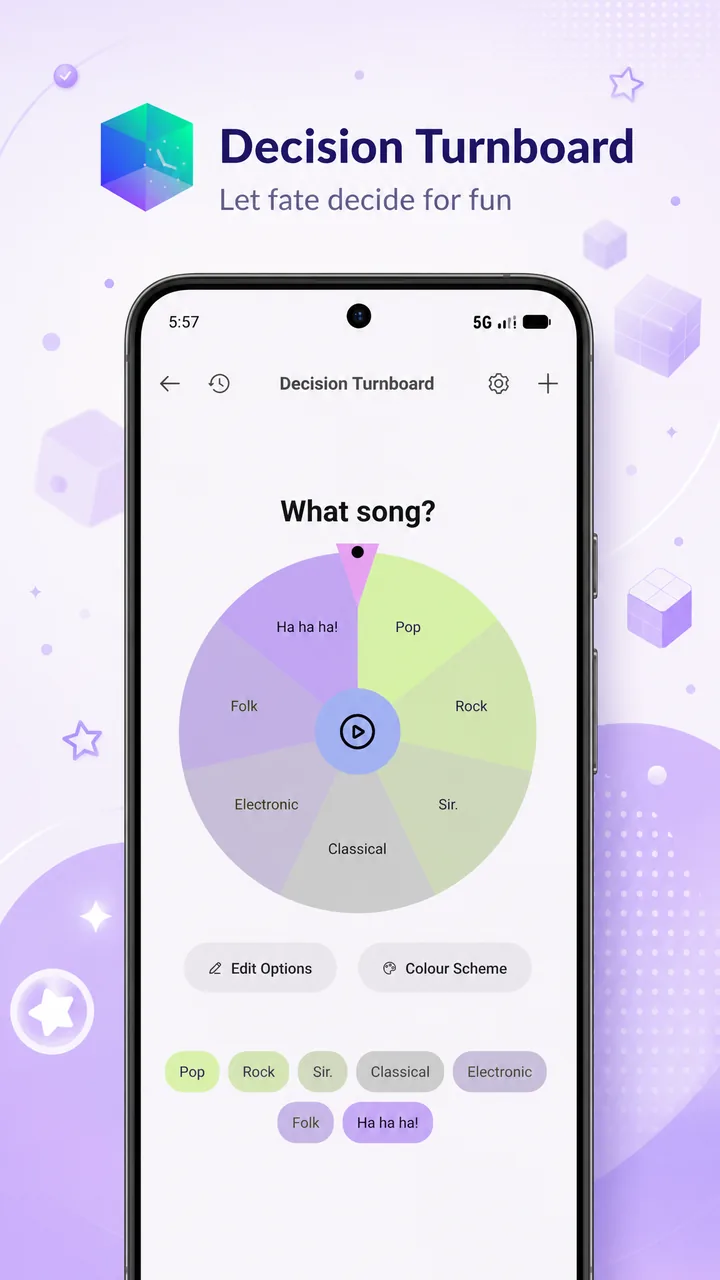
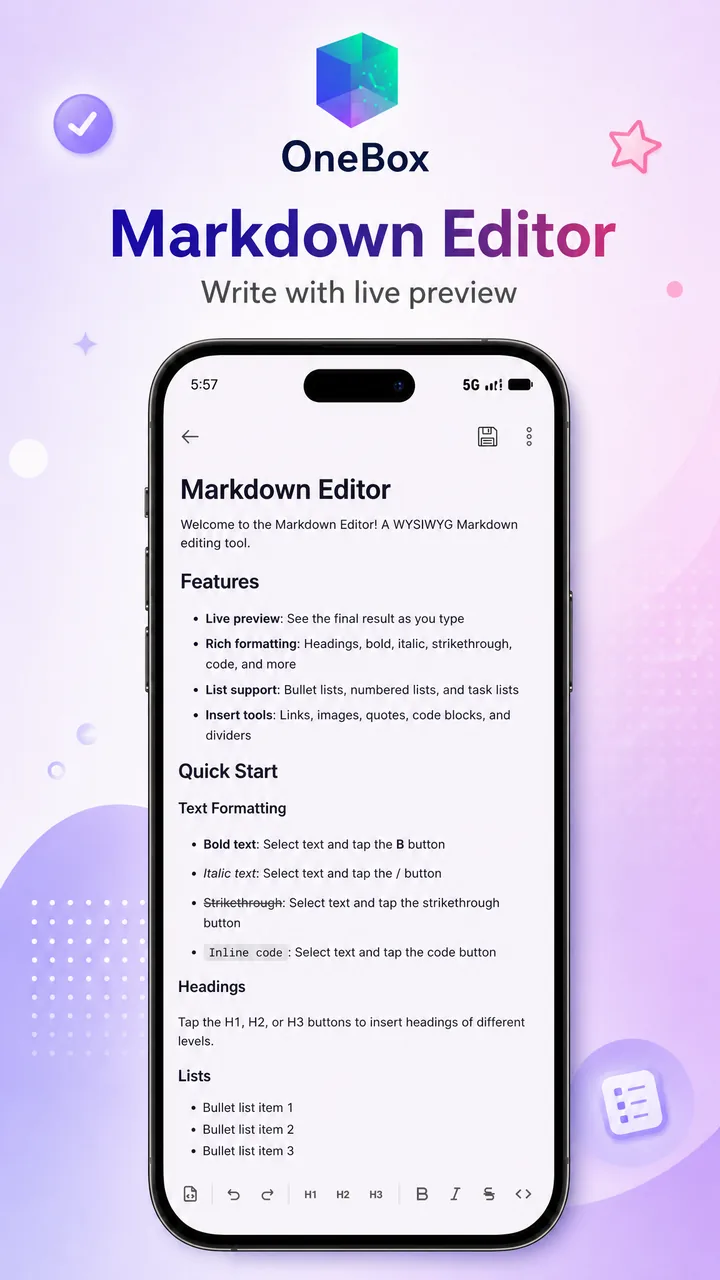
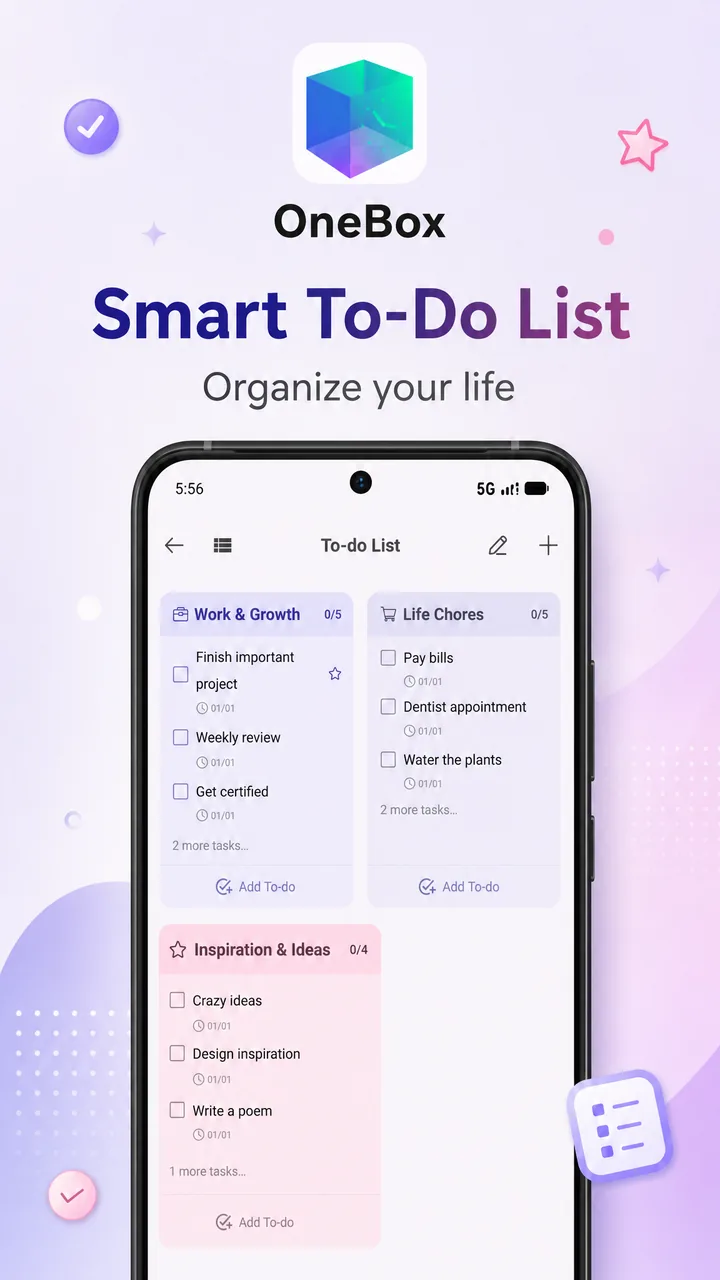
- Productivity & daily tools: file browser, file transfer, Markdown editor, notes/to-do, calendar, bookkeeping, unit converter, teleprompter, and more.
- Adaptive top-level navigation: drawer + bottom bar in portrait, navigation rail in landscape; the shell and global state are orchestrated by
feature/app.
Tech Stack
- UI: Jetpack Compose, Material 3
- Navigation / components: Decompose (
StackNavigation,childStack, retained components) - DI: Hilt
- Code generation: KSP
- Build conventions: custom Gradle convention plugins in
build-logic/convention - Persistence: SQLite / Room (
AppDatabase), MMKV (per-module) - Network & images: Retrofit / OkHttp, Coil
Repository Structure
| Path | Description |
|---|---|
app/ |
Application shell and packaging entry; AppActivity.kt is the main Activity |
feature/app/ |
Top-level shell, root navigation, global CompositionLocals, screen wiring, adaptive layout |
feature/* |
Business / tool feature modules |
feature/ai/ |
AI chat, agent, tool-calling chain, AI image features |
feature/common/ |
Shared business logic, AI engine catalog/sync |
feature/settings/ |
Settings, themes, AI engine & working-model configuration |
core/* |
Foundation layers: UI, domain, data, database, theme, settings, etc. |
libs/* |
In-project reusable libraries |
build-logic/convention/ |
Custom Gradle convention plugins |
web/ |
Web frontend source of the file-transfer module (esbuild project) |
fastlane/ |
Google Play listing copy & assets (fastlane supply format) |
Architecture Entry Points
- App entry:
app/src/main/java/com/shifenmiao/app/AppActivity.kt - Runtime navigation root:
feature/app/src/main/java/com/t8rin/imagetoolbox/feature/root/presentation/screenLogic/RootComponent.kt - Route definitions:
core/ui/src/main/kotlin/com/t8rin/imagetoolbox/core/ui/utils/navigation/Screen.kt - Child factory wiring:
feature/app/.../navigation/ChildProvider.kt - Child composable wrappers:
feature/app/.../navigation/NavigationChild.kt - Top-level shell selector:
feature/app/src/main/java/com/wanbaohe/app/screen/ScreenSelector.kt - Adaptive navigation layout:
feature/app/src/main/java/com/wanbaohe/app/navigation/AdaptiveNavigationLayout.kt
Building from Source
Requirements
- Use the bundled Gradle Wrapper 9.5.1
- JDK 17 (build-logic and CI target it)
- Android targets: Compile SDK 37 / Target SDK 37 / Min SDK 24
- Toolchain: Kotlin 2.4.0 / AGP 9.3.0
- When in doubt,
gradle/libs.versions.tomlandgradle/wrapper/gradle-wrapper.propertiesare the source of truth
Common Commands
./gradlew :app:assembleOneboxUniversalDebug   # single-variant debug APK
./gradlew tasks --group=assemble              # list all assemble tasks
./gradlew :app:tasks
Variants
The app module uses two flavor dimensions:
app:xiaomi/yyb/oppo/vivo/huawei/onebox/googleabi:arm64/arm32/universal
Task names combine them, e.g.:
:app:assembleHuaweiArm64Debug:app:installOneboxUniversalDebug
See run.md for more command examples.
Signing & API Keys (Optional)
The project syncs and builds without any key files:
- release signing falls back to placeholder values (not for production use)
- debug builds fall back to AGP's default debug signing
- third-party service keys (AI providers, Google Places, etc.) are empty and the corresponding features stay disabled
To customize, copy the root templates and fill in real values:
keystore.properties.template→keystore.properties: release signing + service keyskeystore-google.properties.template→keystore-google.properties: dedicated signing for the google flavor
Both target files are git-ignored; never commit real values.
Multi-channel Release Builds
build_release.sh builds 6 channels × 2 ABIs (arm64 / arm32) = 12 release APKs into release/ with a release/manifest.txt summary. Examples:
./build_release.sh                                # all 12
./build_release.sh --channel xiaomi huawei        # selected channels
./build_release.sh --abi arm64                    # 64-bit only
./build_release.sh --no-offline --clean           # fetch deps online + clean first
./build_release.sh --skip-build                   # re-collect artifacts only
A real keystore.properties is required for release packaging (the script exits early without it).
CI Releases
.github/workflows/android.yml defines the tag-based release pipeline: Ubuntu runner, JDK 17, assembleRelease, then APK signing and release upload.
AI / Agent Capabilities
AI features are composed from several modules:
feature/ai/: AI chat, agent loop, tool-call execution, interactive tool bridgingfeature/common/: AI engine catalog, engine sync, shared managersfeature/settings/: AI engine, model and working-mode configuration UI
The tool-calling chain is built on ToolCallTaskManager, AgentLoopExecutor and AppDatabase.
Security & Third-party Services
- No production secrets in this repo: payment (WeChat Pay / Alipay), AI provider and Google Places keys are injected via the optional
keystore.propertiesor kept server-side. - Backend domains and guest tokens are not in source: API base URLs and read-only guest tokens are injected from
keystore.propertiesat build time, so builds from this repository never contact the production servers and hosted content stays empty. To enable connected features, point the app to your own backend (core/r/**/UrlConstantsFlavor.kt). - WeChat appId / WeCom corpId are public identifiers; the WeChat platform verifies callers by package name + signature, so third-party builds cannot impersonate the official app.
- Forks & redistribution: change the
applicationId(com.shifenmiao.appis taken), replaceapp/src/google/assets/google-services.jsonwith your own Firebase configuration, and point the app to your own backend (API domains incore/r/**/UrlConstantsFlavor.kt).
Documentation
run.md: build / install / lint commandsdocs/modules.md: module catalog (Chinese)CONTRIBUTING.md: contribution guidelines
Support the Project
OneBox is built and maintained by a one-person company (OPC), with a limited budget for servers and AI resources. If it helps you:
- In-app donation: in the app, go to Profile → Buy Me a Coffee (points-based)
- Partnership & sponsorship: AI providers, cloud vendors and partners willing to sponsor tokens or resources are very welcome — reach us at [email protected]
Every bit of support turns directly into better features and a more stable service.
Community & Feedback
- Bug reports & feature requests: GitHub Issues
- Questions, ideas, show & tell: GitHub Discussions
- 中文用户:QQ 群 / 微信群见中文版 README
License
Apache-2.0, see LICENSE. This project is built on ImageToolbox (T8RIN, Apache-2.0); upstream copyright notices are preserved in source files.
Reviews (0)
Sign in to leave a review.
Leave a reviewNo results found