Tripverse
Health Warn
- License — License: MIT
- Description — Repository has a description
- Active repo — Last push 0 days ago
- Low visibility — Only 5 GitHub stars
Code Pass
- Code scan — Scanned 12 files during light audit, no dangerous patterns found
Permissions Pass
- Permissions — No dangerous permissions requested
No AI report is available for this listing yet.
AI travel planner: chat to draft an itinerary, build it day by day with a guide, and see it as a plan, sketchbook, map and 3D route with a live budget.

TripVerse
Your next trip, taking shape.
Talk through the idea. Build the days. Keep the whole journey in view.
An AI travel planner with a map, a sketchbook, a budget, and a little room for wonder.
Open TripVerse · Visual tour · Product mockups · Design gallery · Run locally · MIT license
React · TypeScript · GSAP · Three.js · FastAPI · LangGraph · Supabase
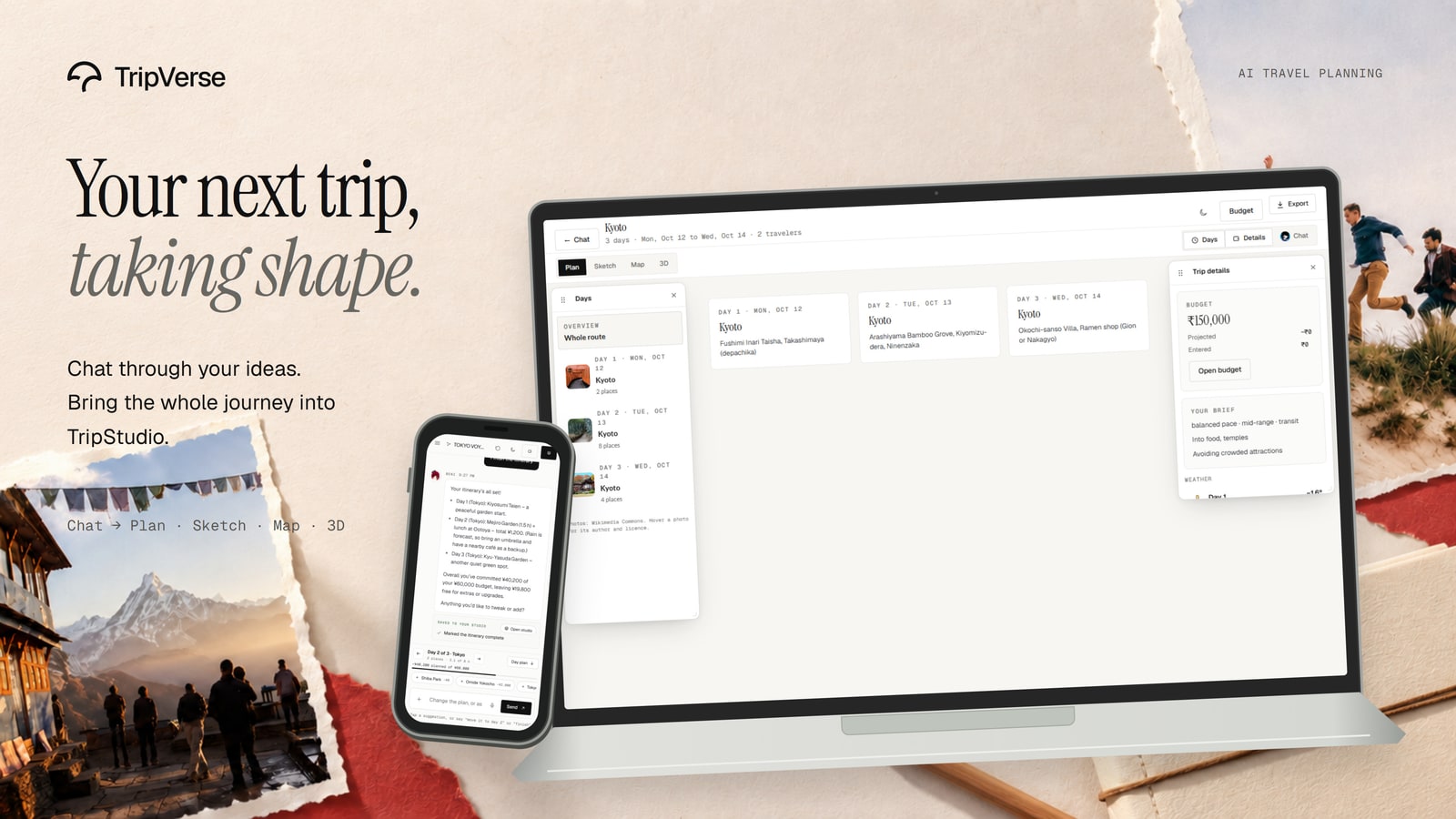
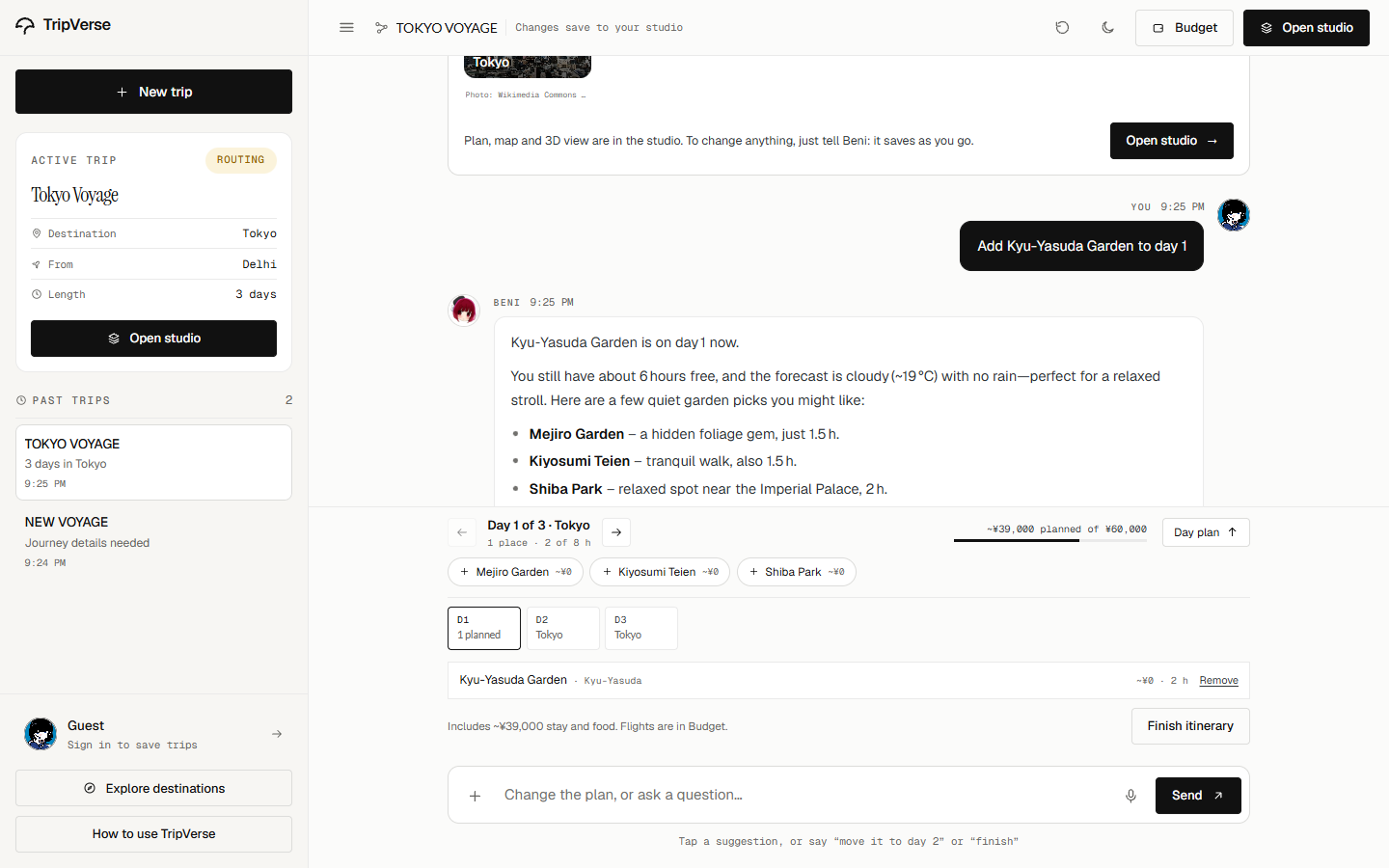
TripVerse brings the conversation and the trip into the same workspace. Describe where you want to go, choose a guide, and either ask for a complete itinerary or build it one day at a time. Open the result in Trip Studio to move between the plan, sketchbook, map, and 3D route, with the budget close at hand.
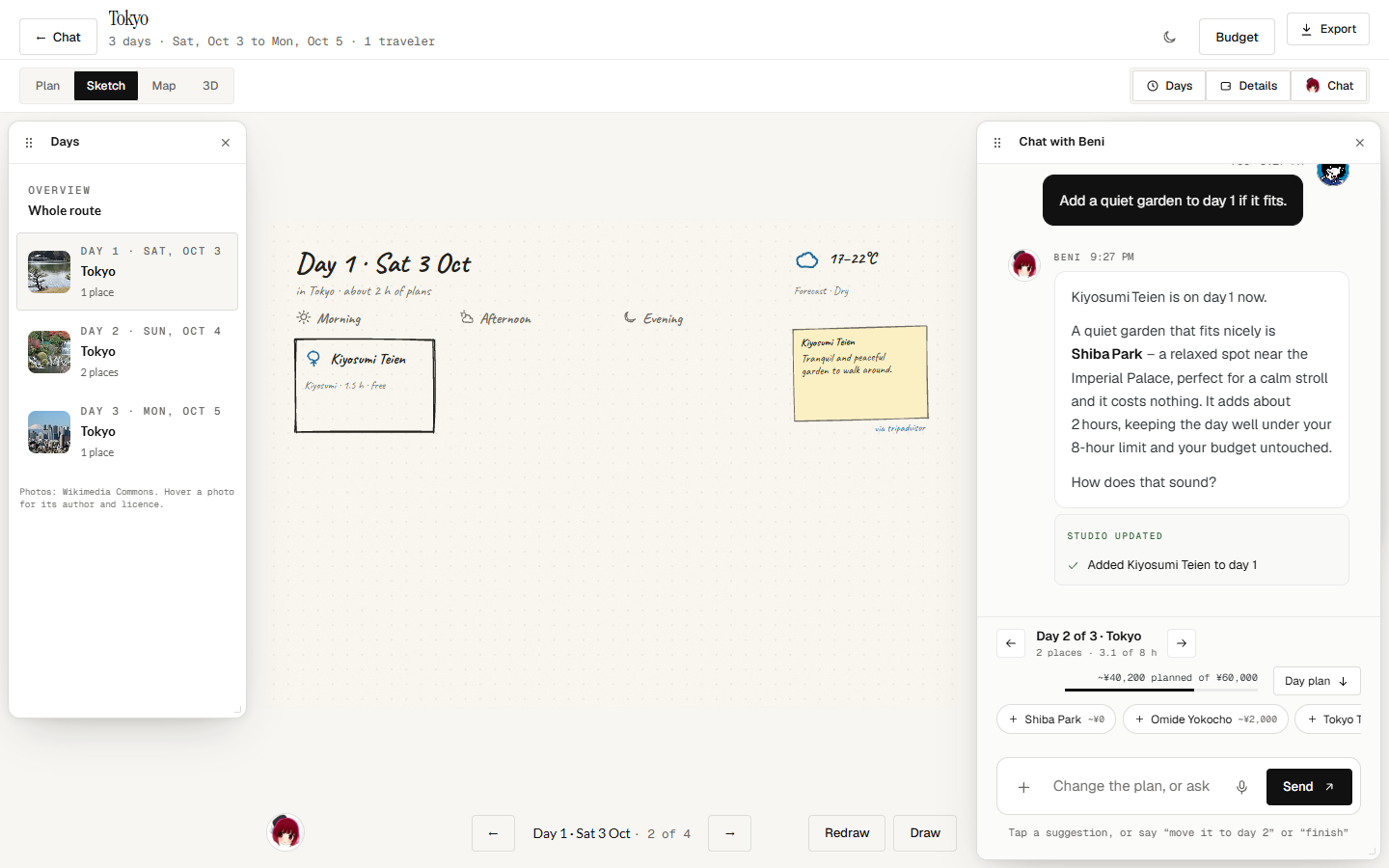
The interface takes its cues from printed travel journals: warm paper, fine rules, expressive serif headlines, handwritten notes, and photographs that carry the color.
Visual tour
These are application screenshots. The compositions in Product mockups and Design gallery show the wider visual identity.
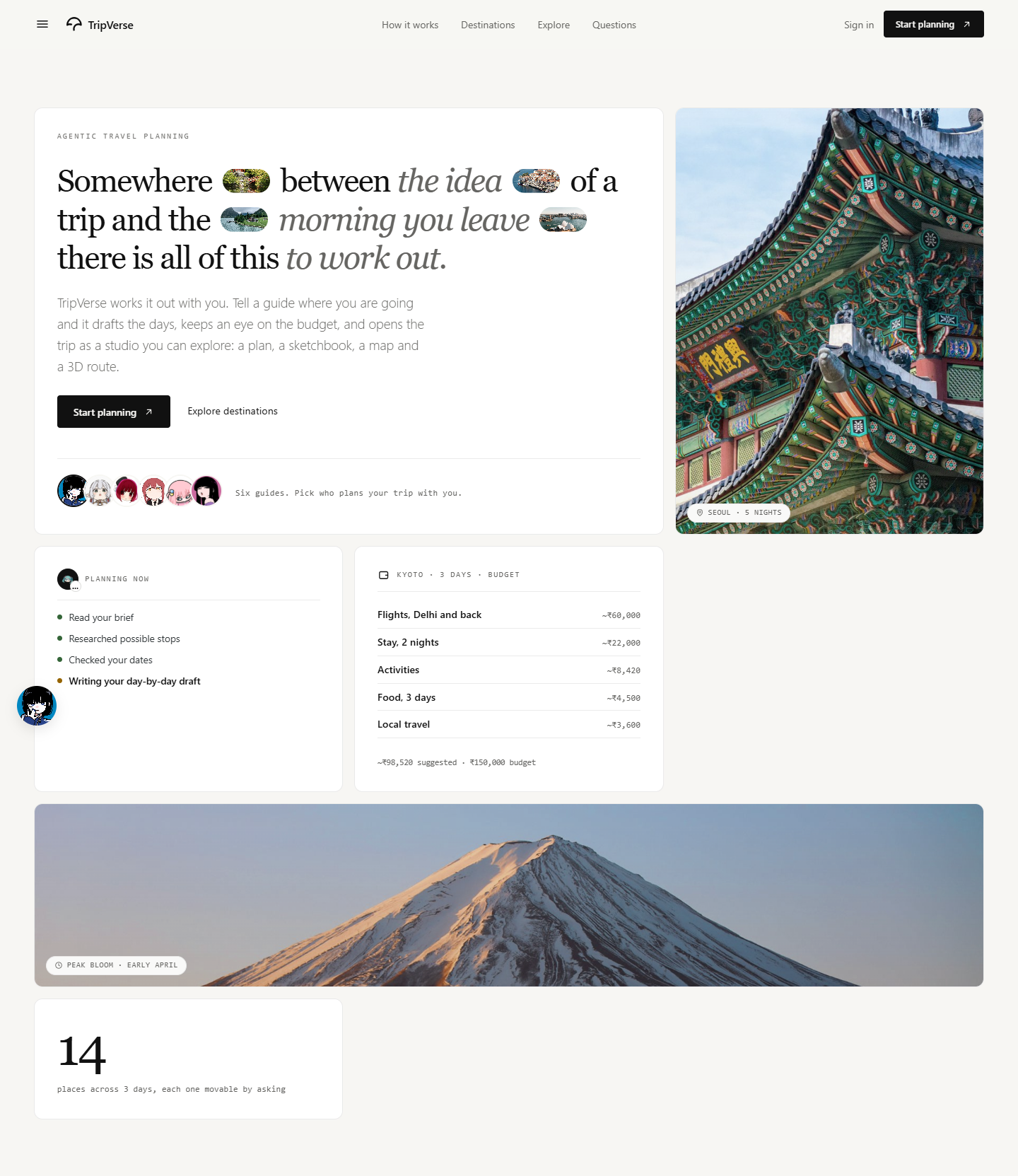
Home — somewhere between the idea and the journey
The homepage combines destination photography, six illustrated guides, a planning preview, and a glimpse of the budget. Small pictures sit inside the headline; the surrounding interface stays quiet.
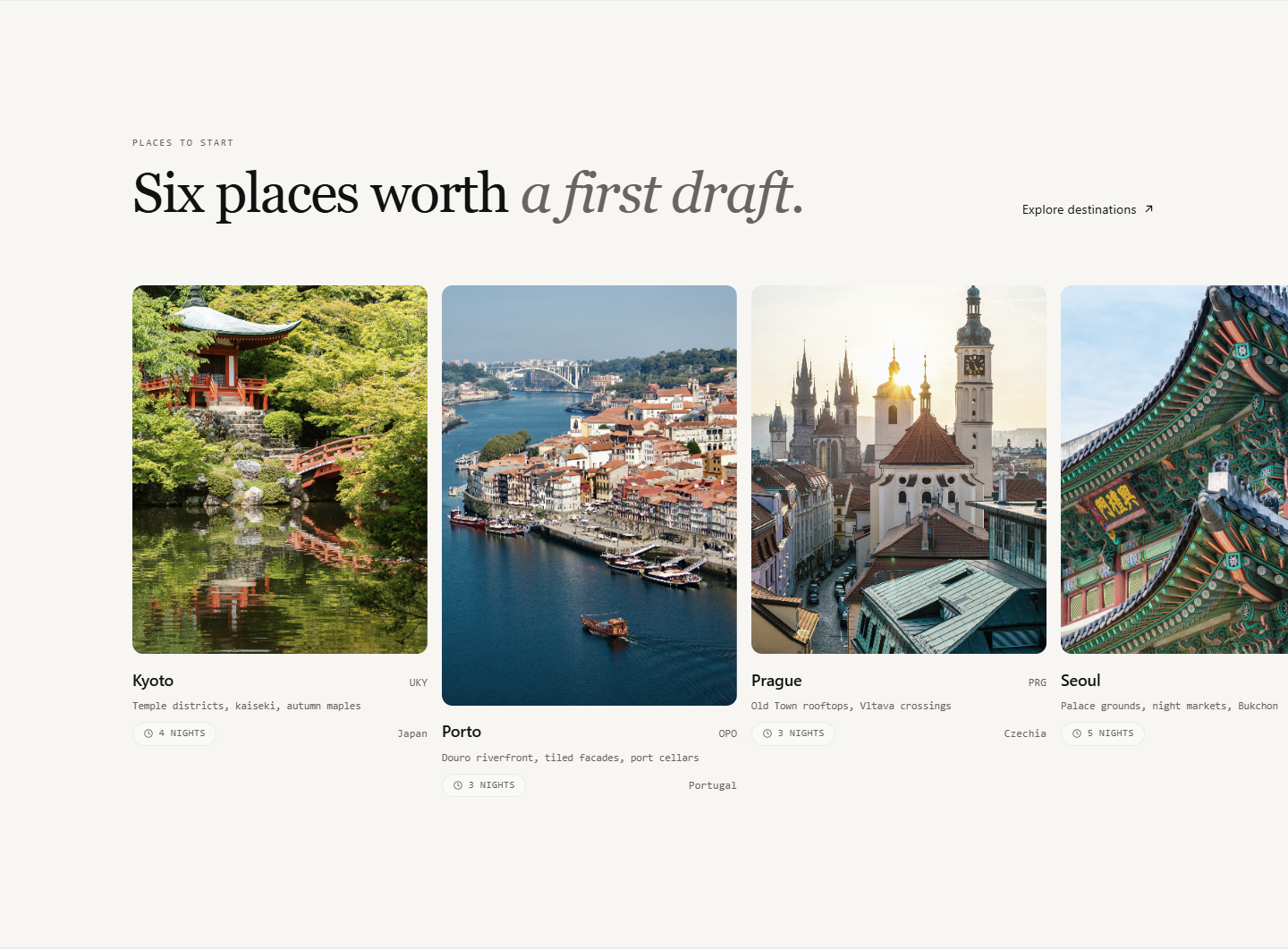
The destination gallery
Six places form a horizontal photo rail, with staggered image heights, short descriptions, and suggested stays. The gallery gives the conversation somewhere to begin.
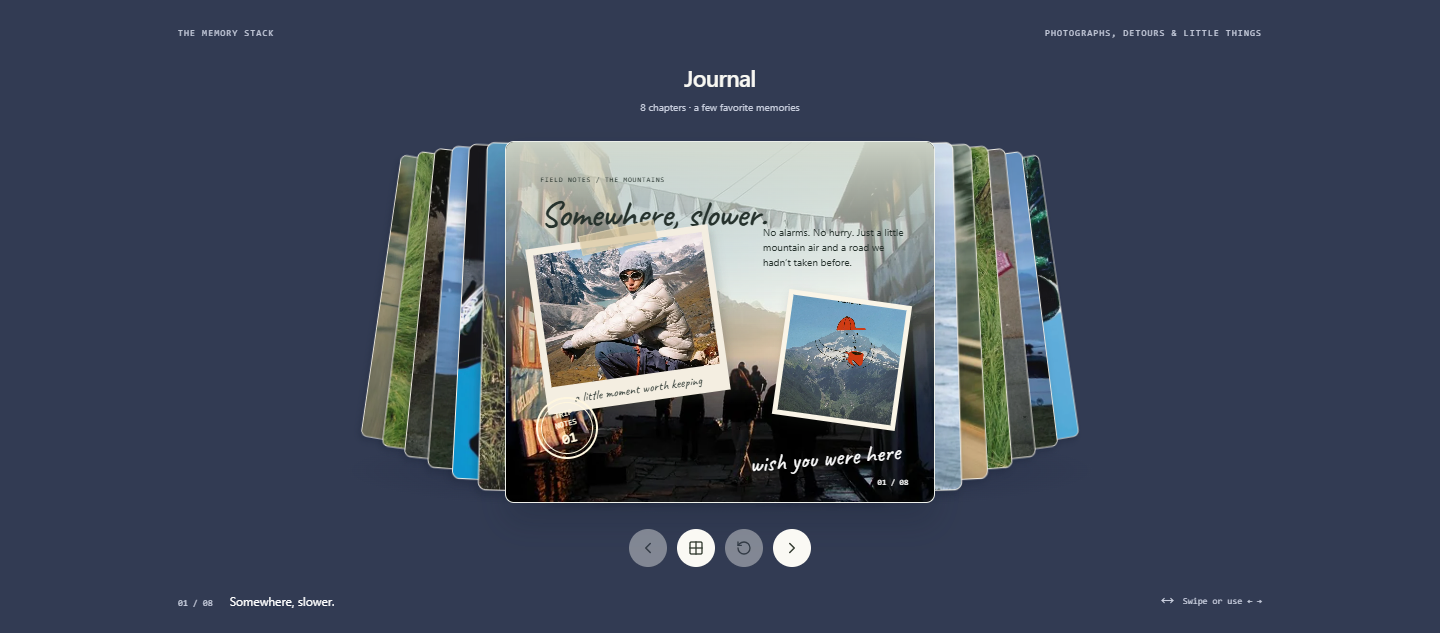
The memory stack
A slate-blue canvas, layered pages, travel photographs, art prints, and handwritten captions. The central sheet turns in 3D to reveal another chapter; the surrounding pages give the gallery the feel of a collection you can hold.
The field journal
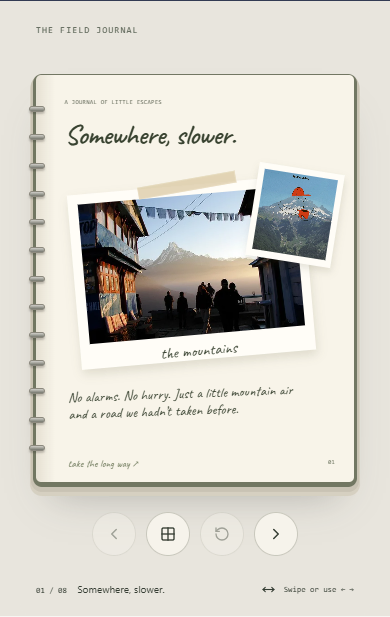
A different way to keep the same memories: an open notebook with cream ruled paper, a spiral spine, taped photographs, field notes, and a postmark. Its two-page spread becomes a single readable page on a phone.
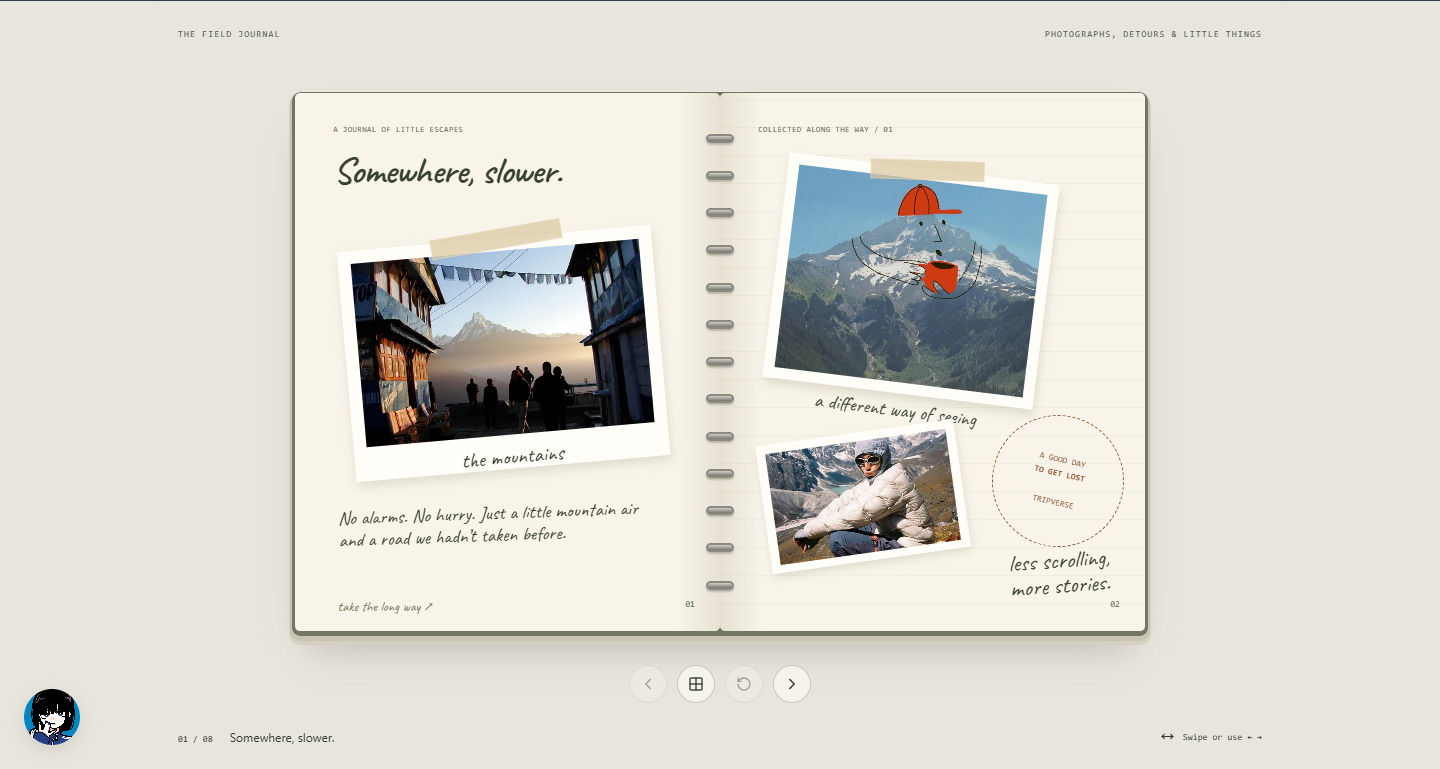
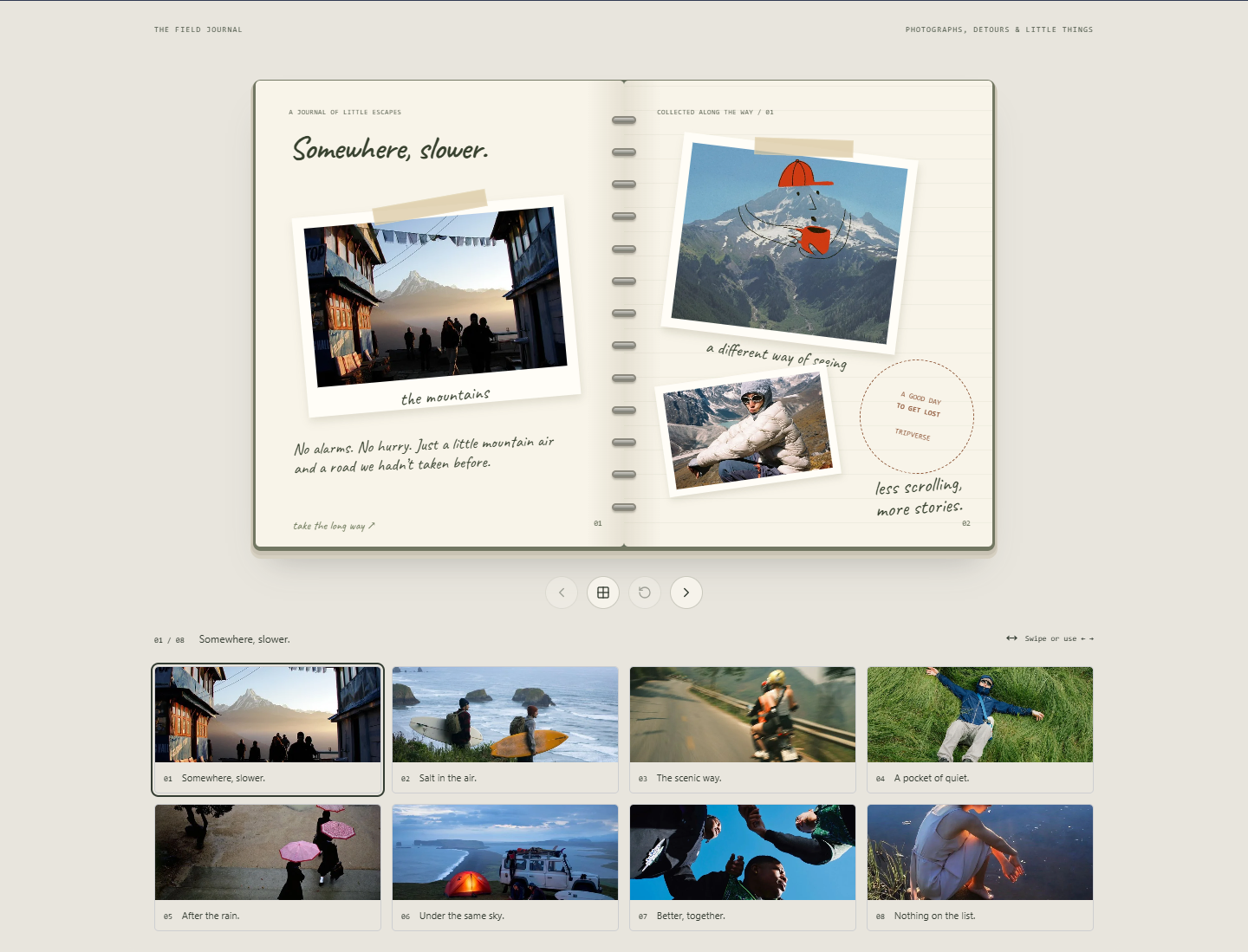
Both journals have eight chapters and independent page positions. Click either side, use the previous and next buttons, swipe, or navigate with the arrow keys. A thumbnail browser opens the whole collection; reset returns to the first page. Reduced-motion preferences switch chapters without the page-turn animation.
The chapter gallery
Mountains, sea air, small detours, quiet afternoons, rain, camping, and company. Browse the photographs directly, then open a moment as a journal page.
Explore — places worth the journey
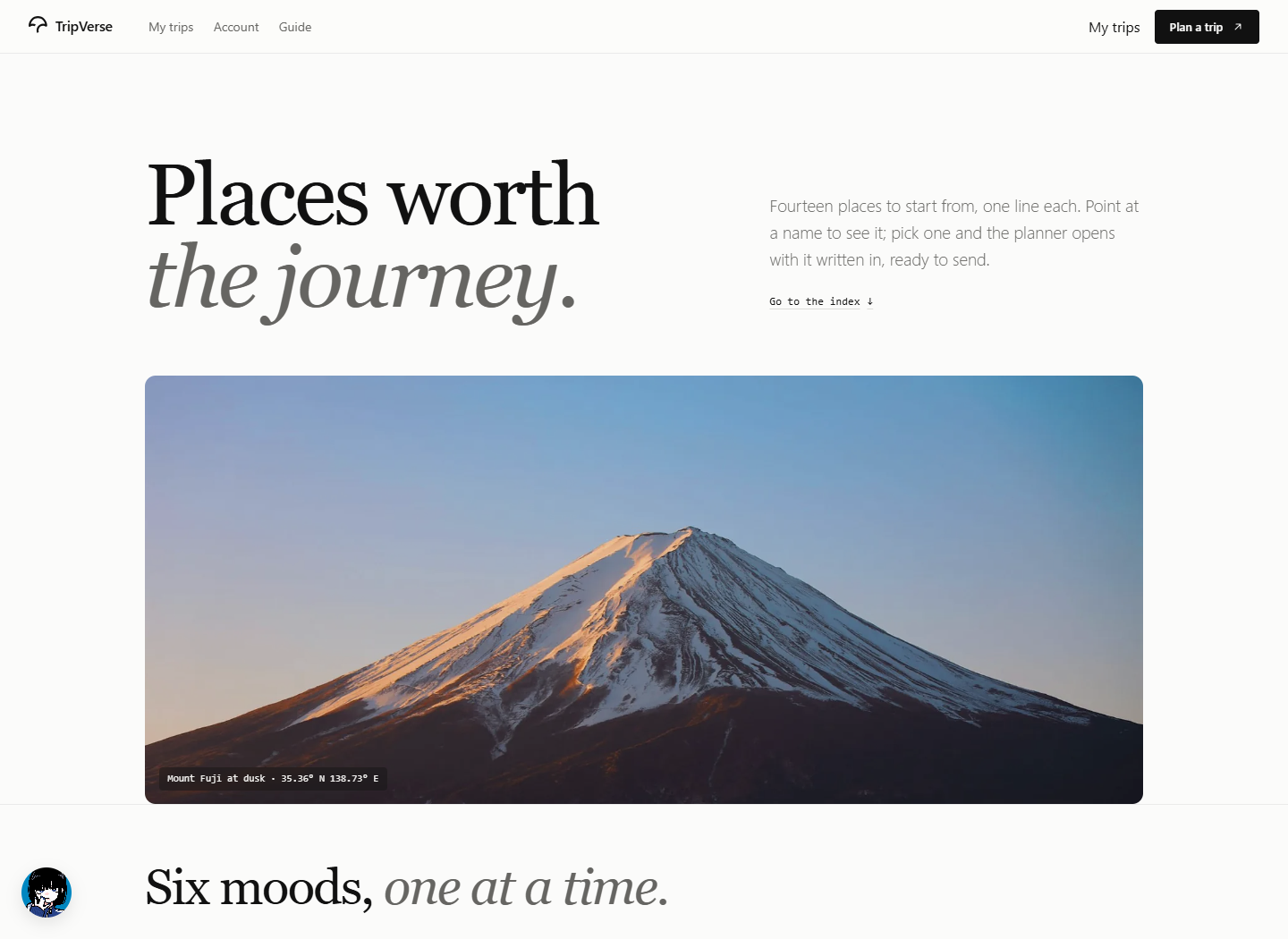
Explore opens with Mount Fuji, moves through six travel moods, and presents destinations as an editorial index. Point at a place to preview its photograph, filter by kind, or choose a destination to open a planning prompt. Seasonal chapters offer another way to browse, starting from when you can travel.
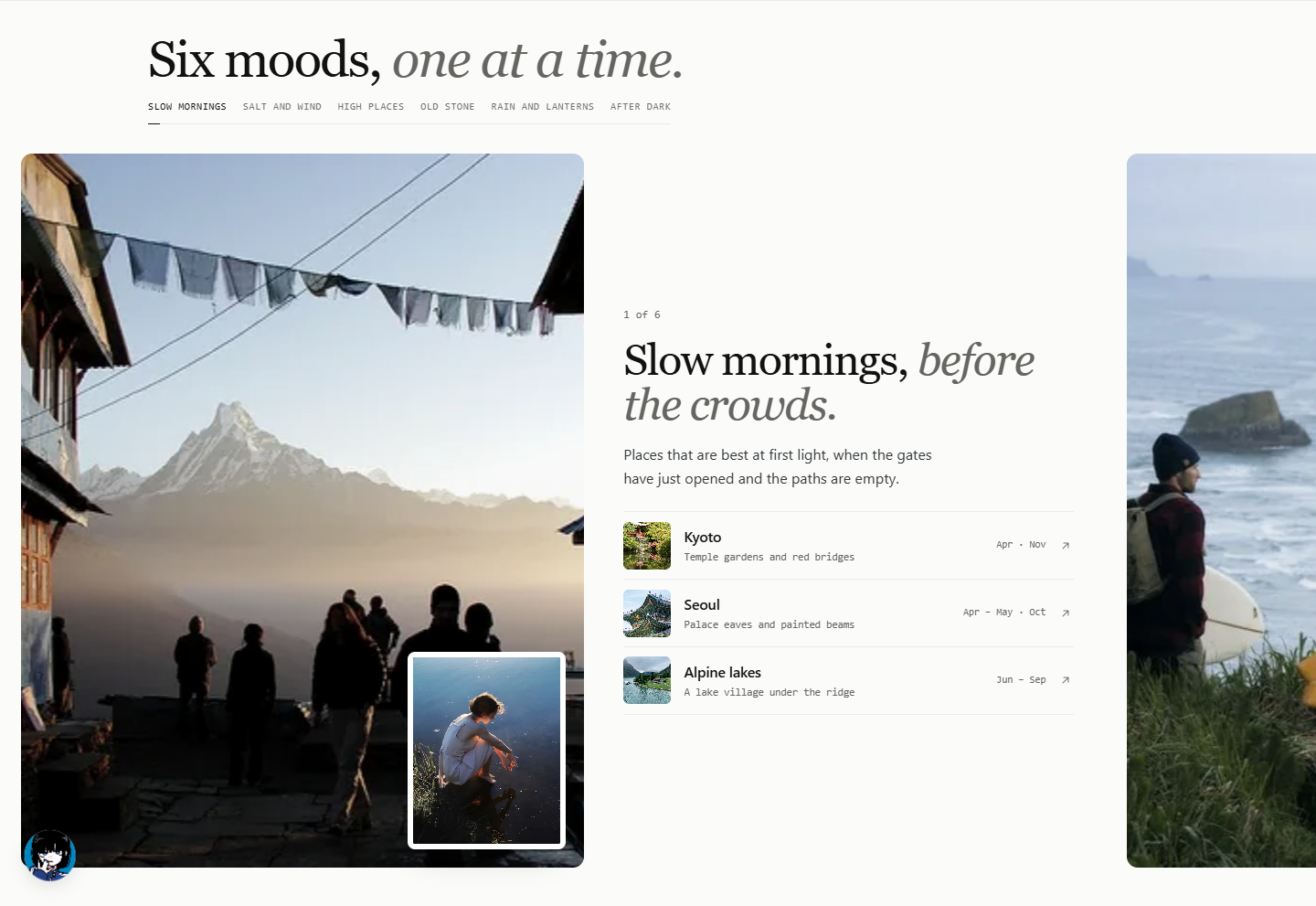
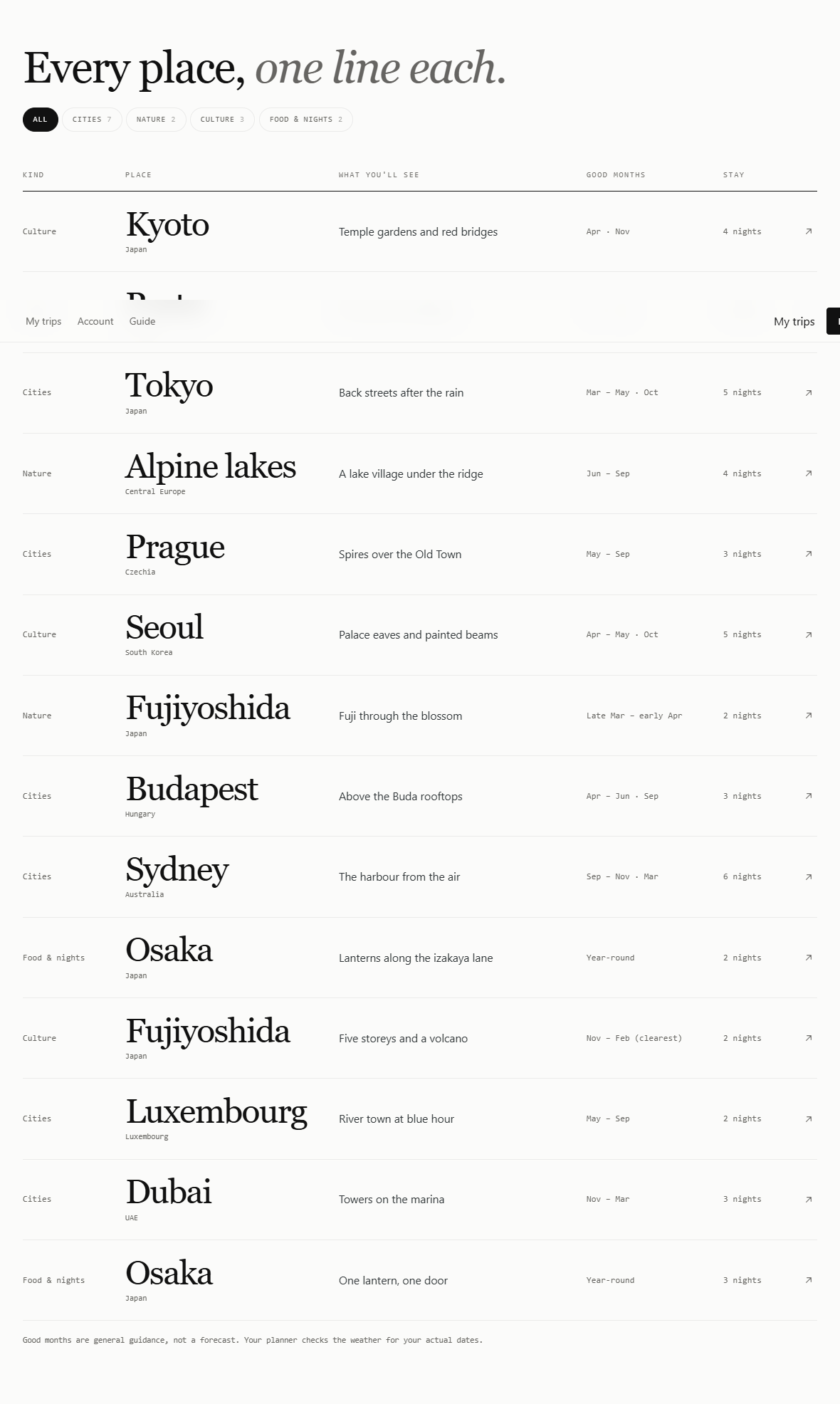
Good months are general guidance. The planner handles the dates and conditions for an individual trip.
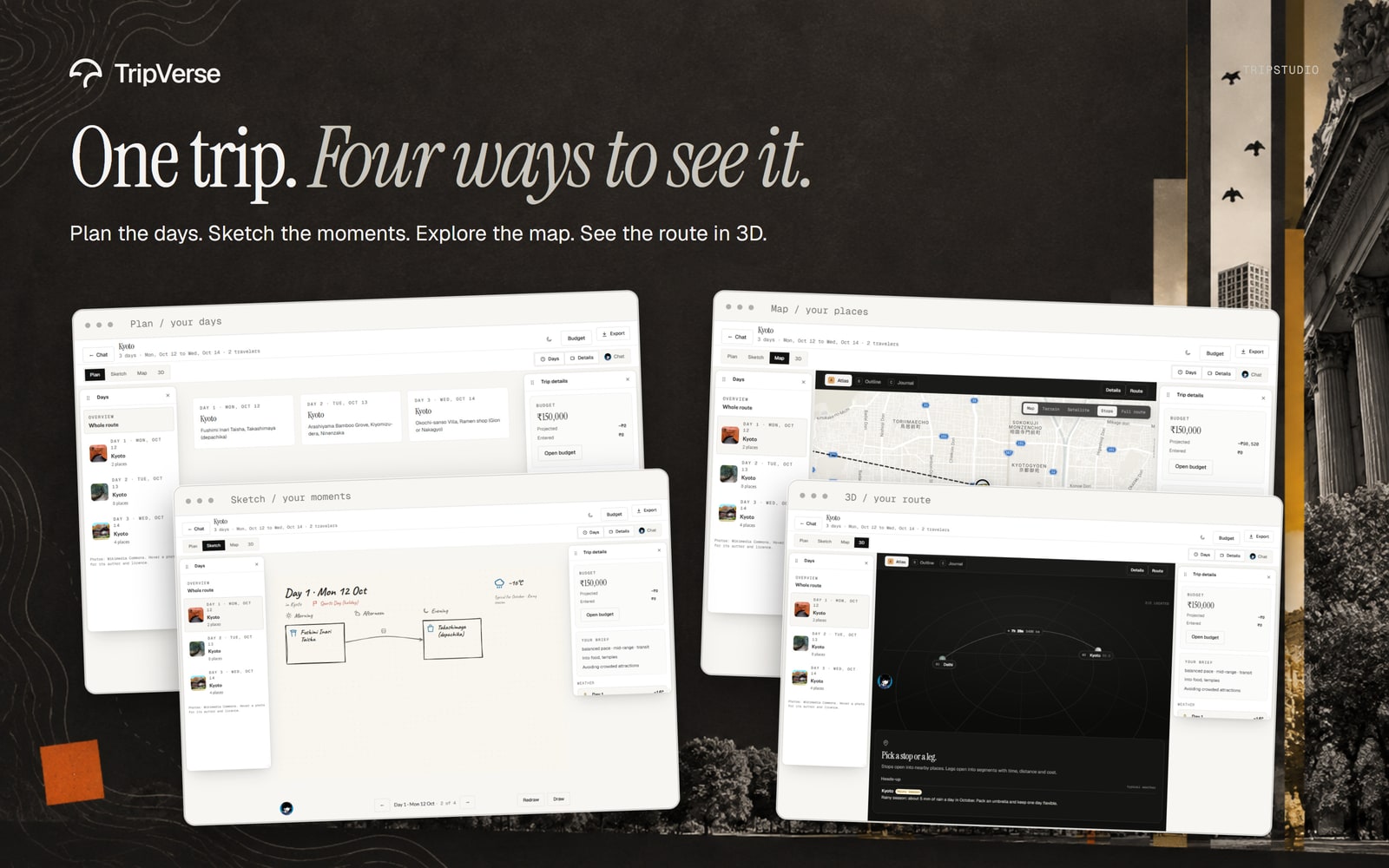
Trip Studio — one trip, four ways to see it
| Plan | Sketchbook |
|---|---|
 |
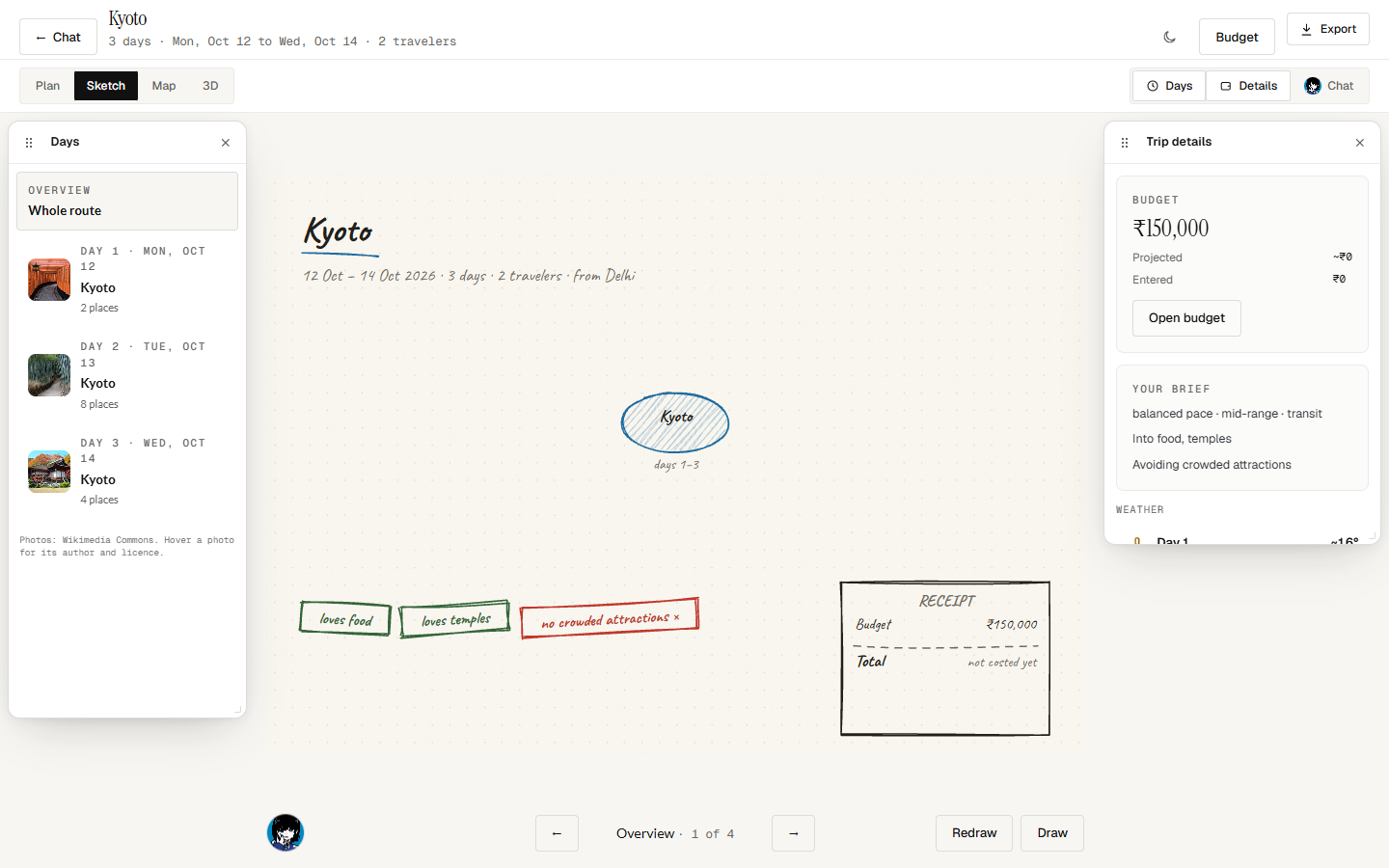 |
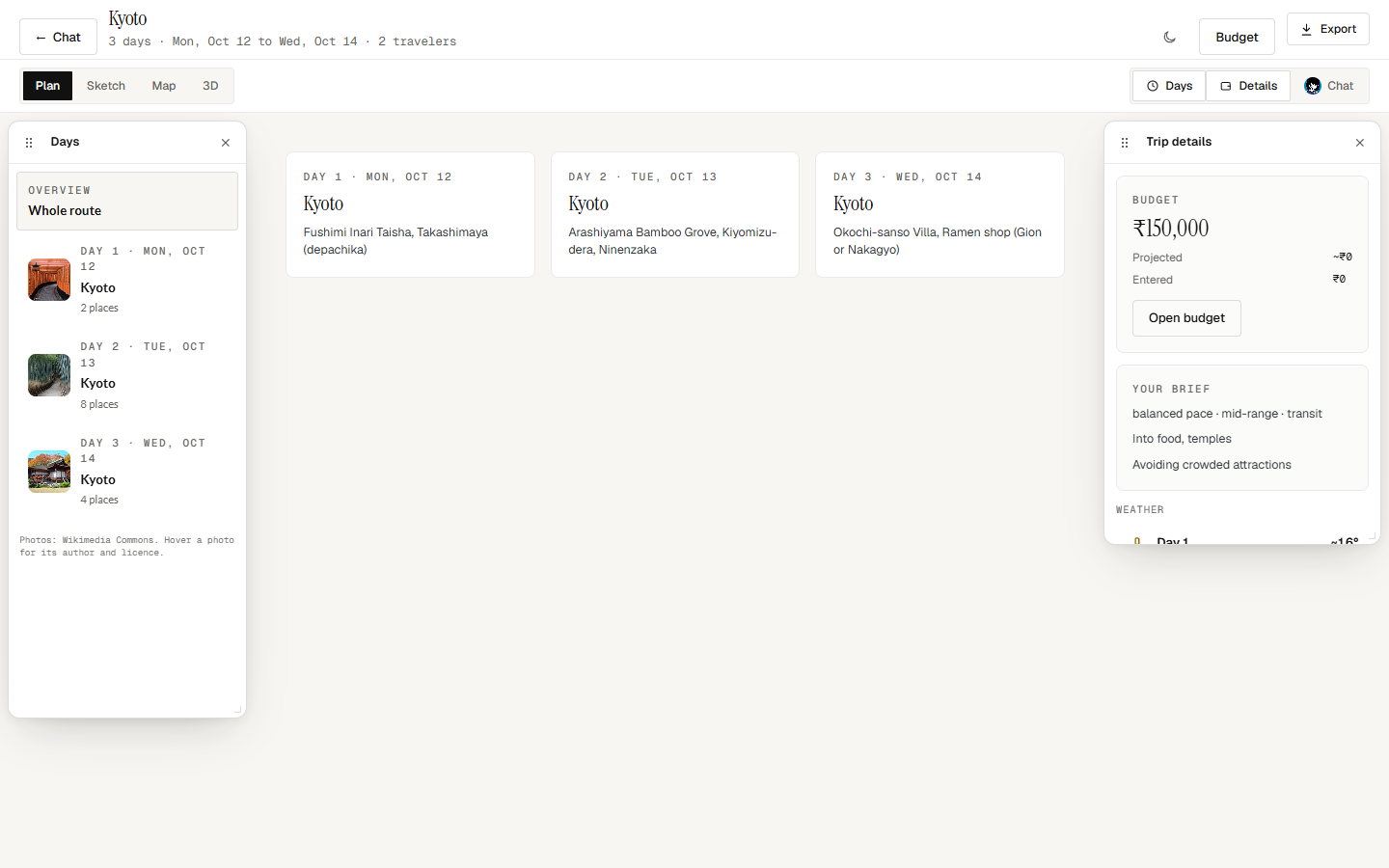
| Follow the days. Read the itinerary and open a day in detail. | Picture the moments. Browse notebook-style pages and add annotations. |
| Map | 3D route |
|---|---|
 |
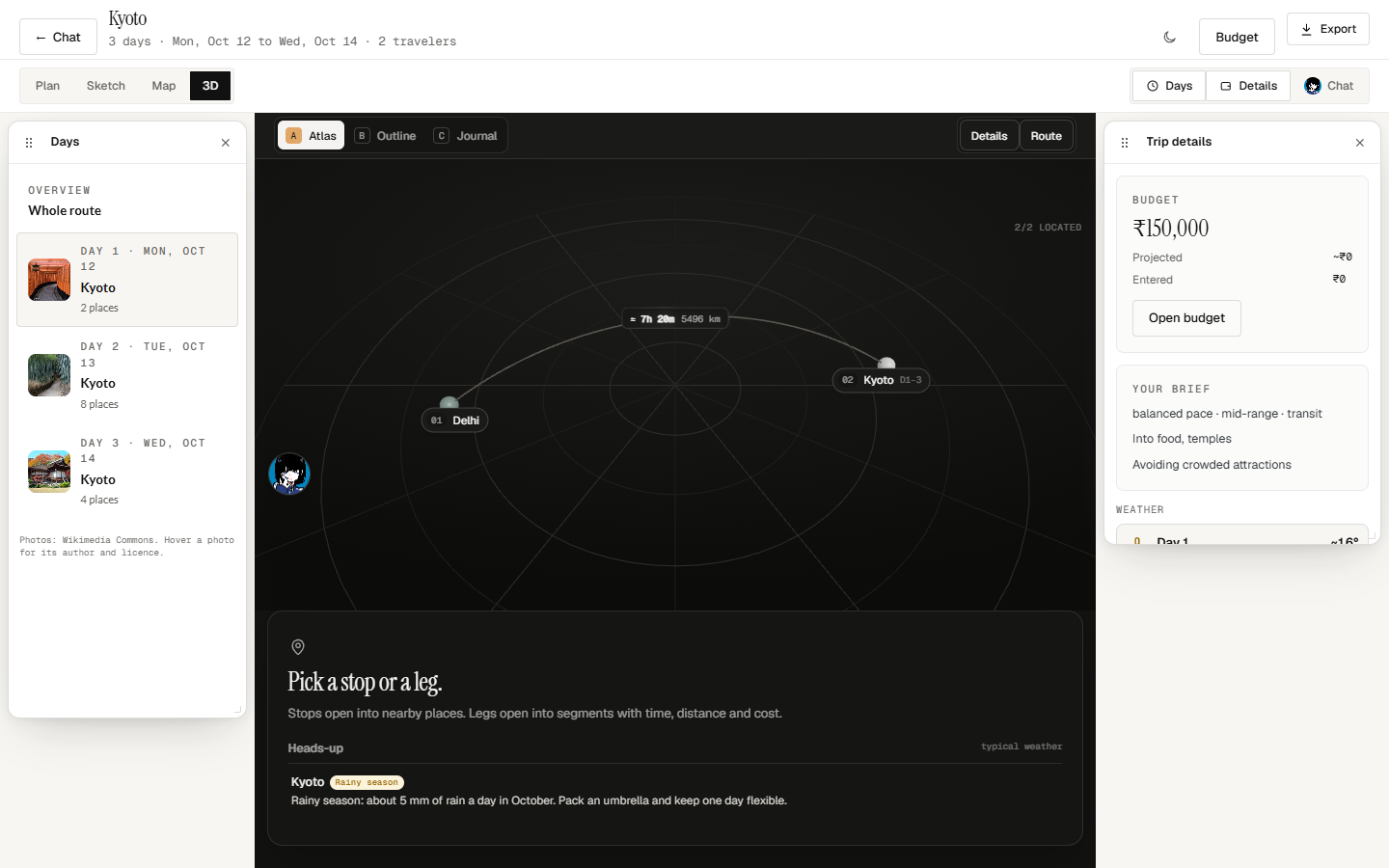 |
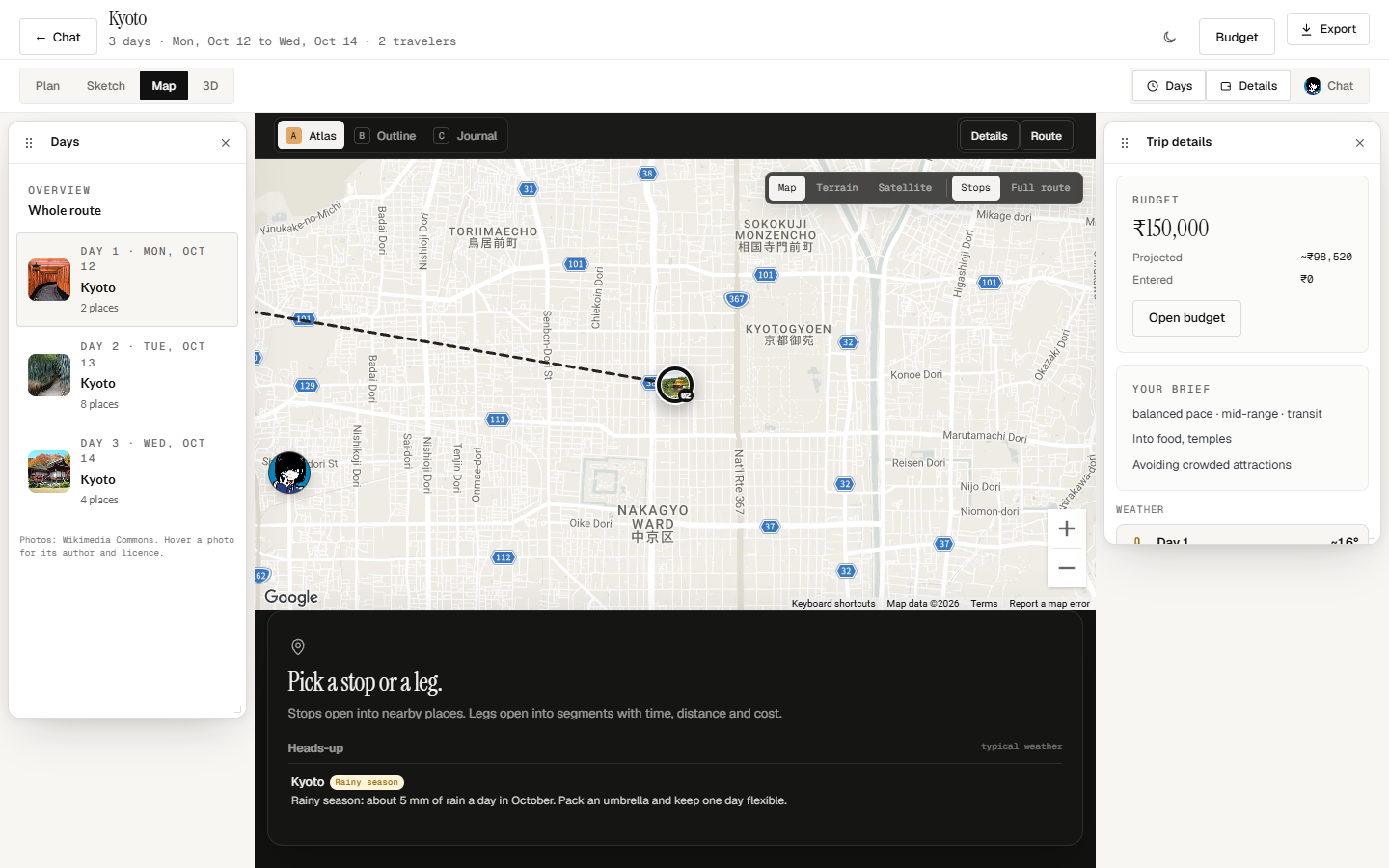
| Understand the route. Inspect stops, nearby places, and available road metrics. | Change perspective. Explore connected places and travel legs. |
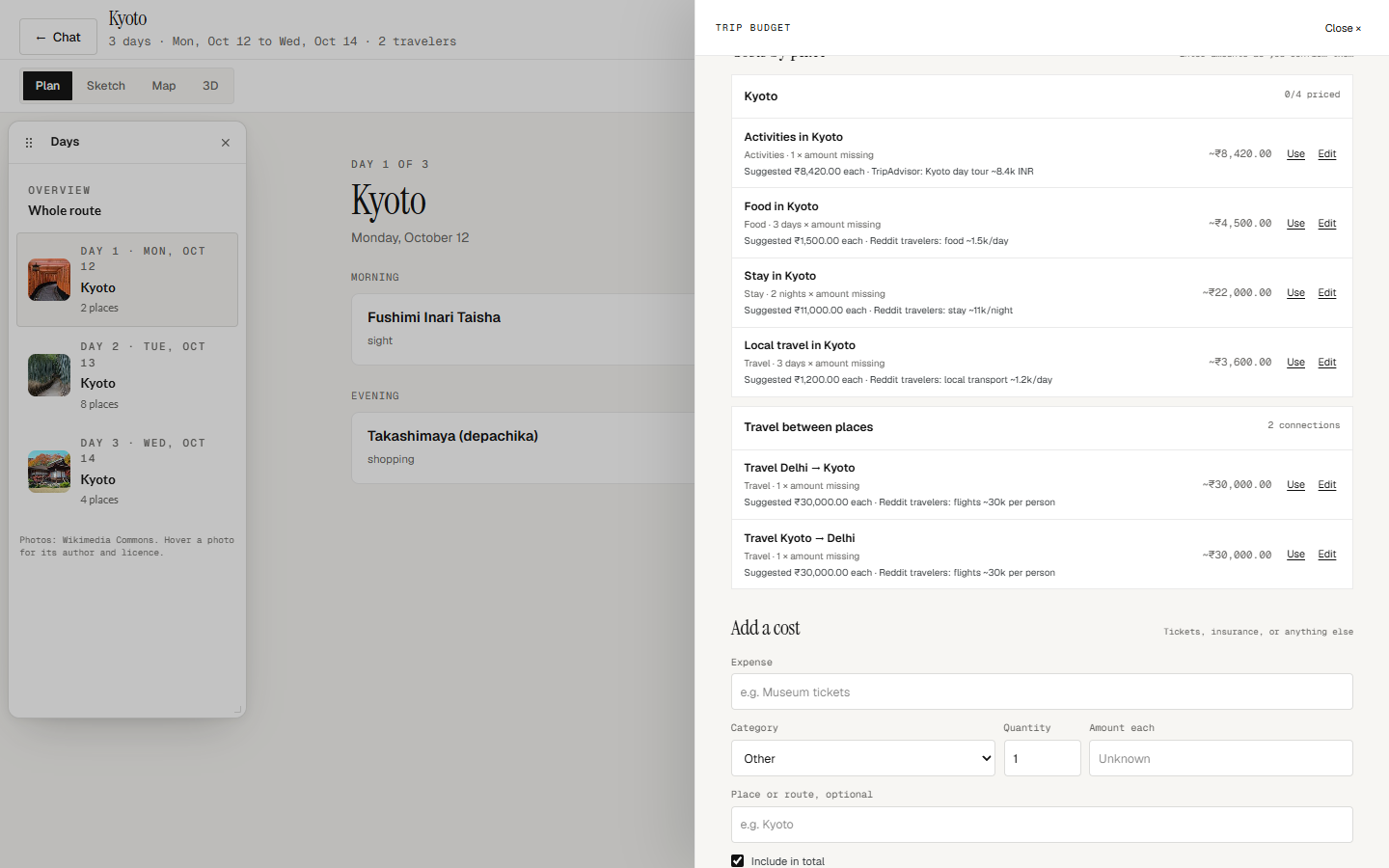
The studio views use the same itinerary graph. The budget ledger keeps entered costs alongside that plan, and PDF and image exports let you take it with you.
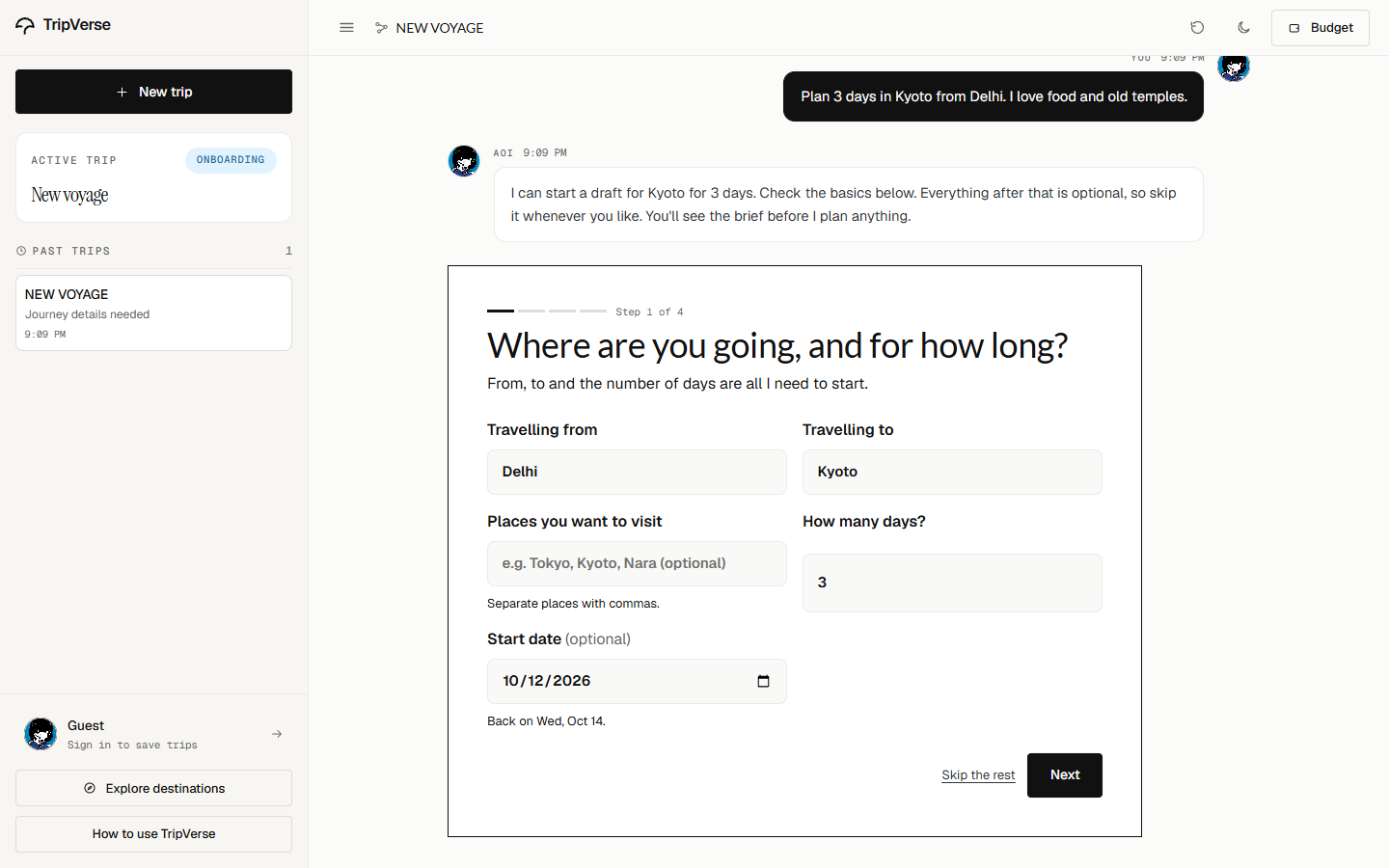
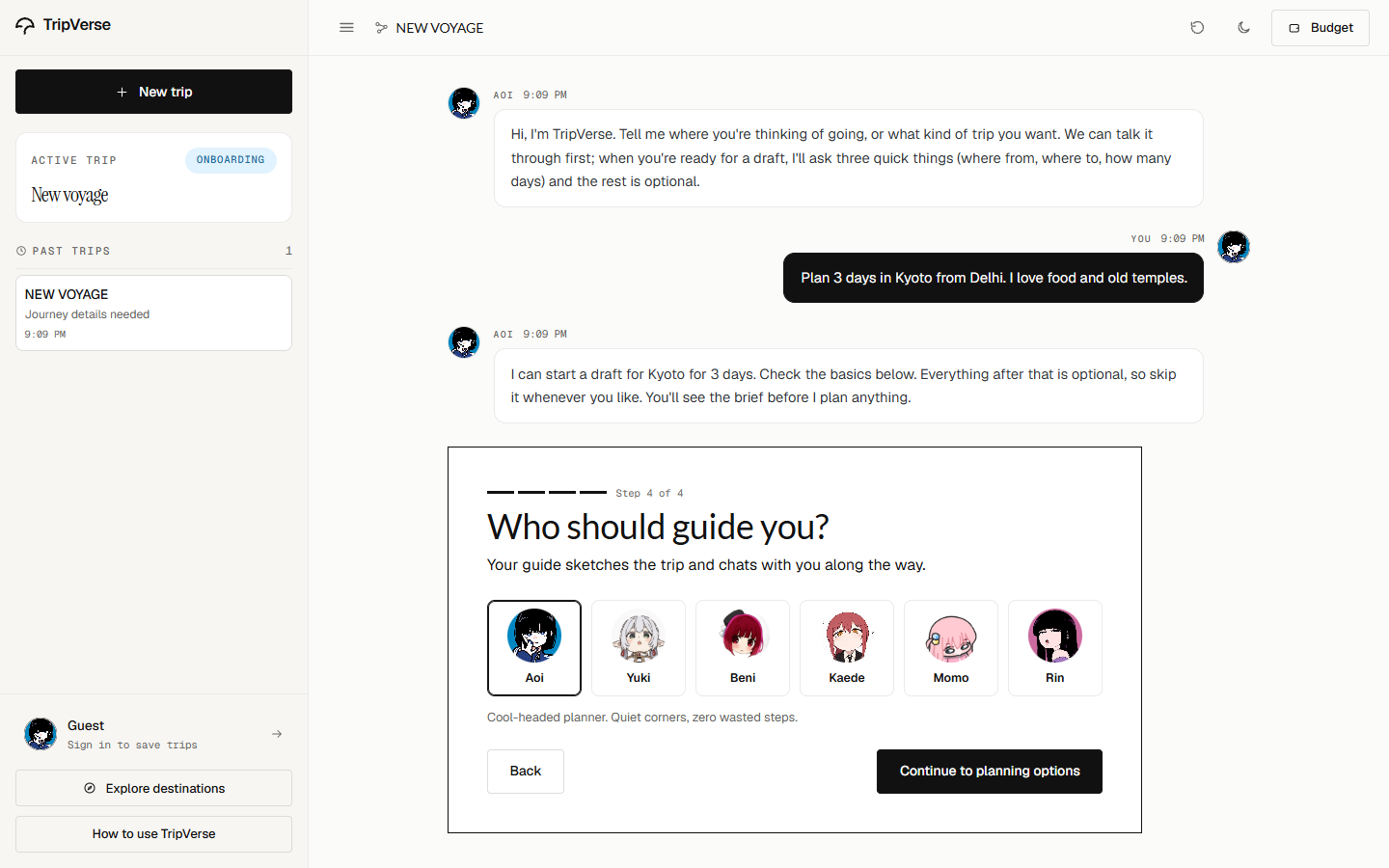
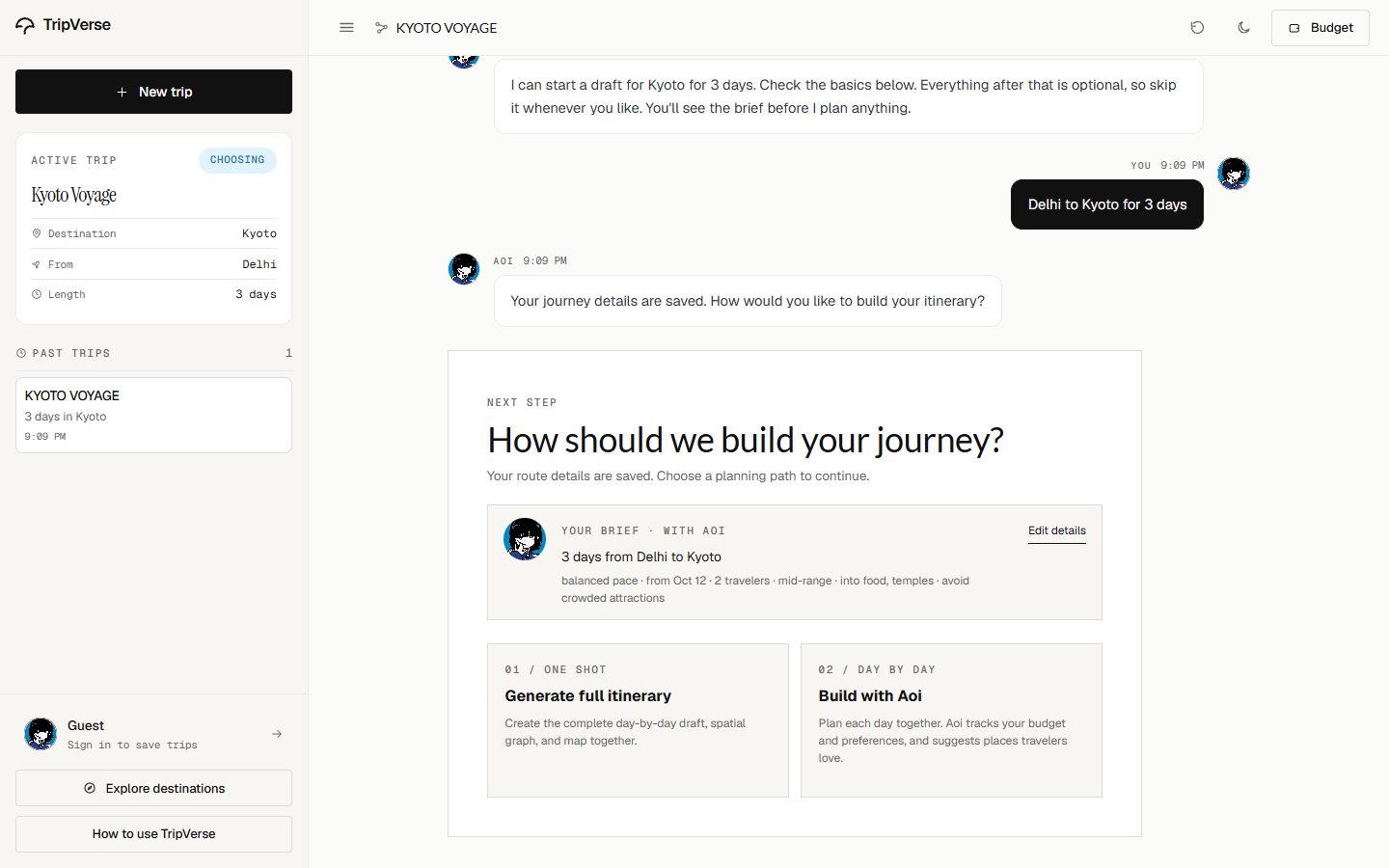
See the conversation, budget, and export workflow| Start with a brief | Choose your companion |
|---|---|
 |
 |
| Choose how to plan | Build a day together |
|---|---|
 |
 |
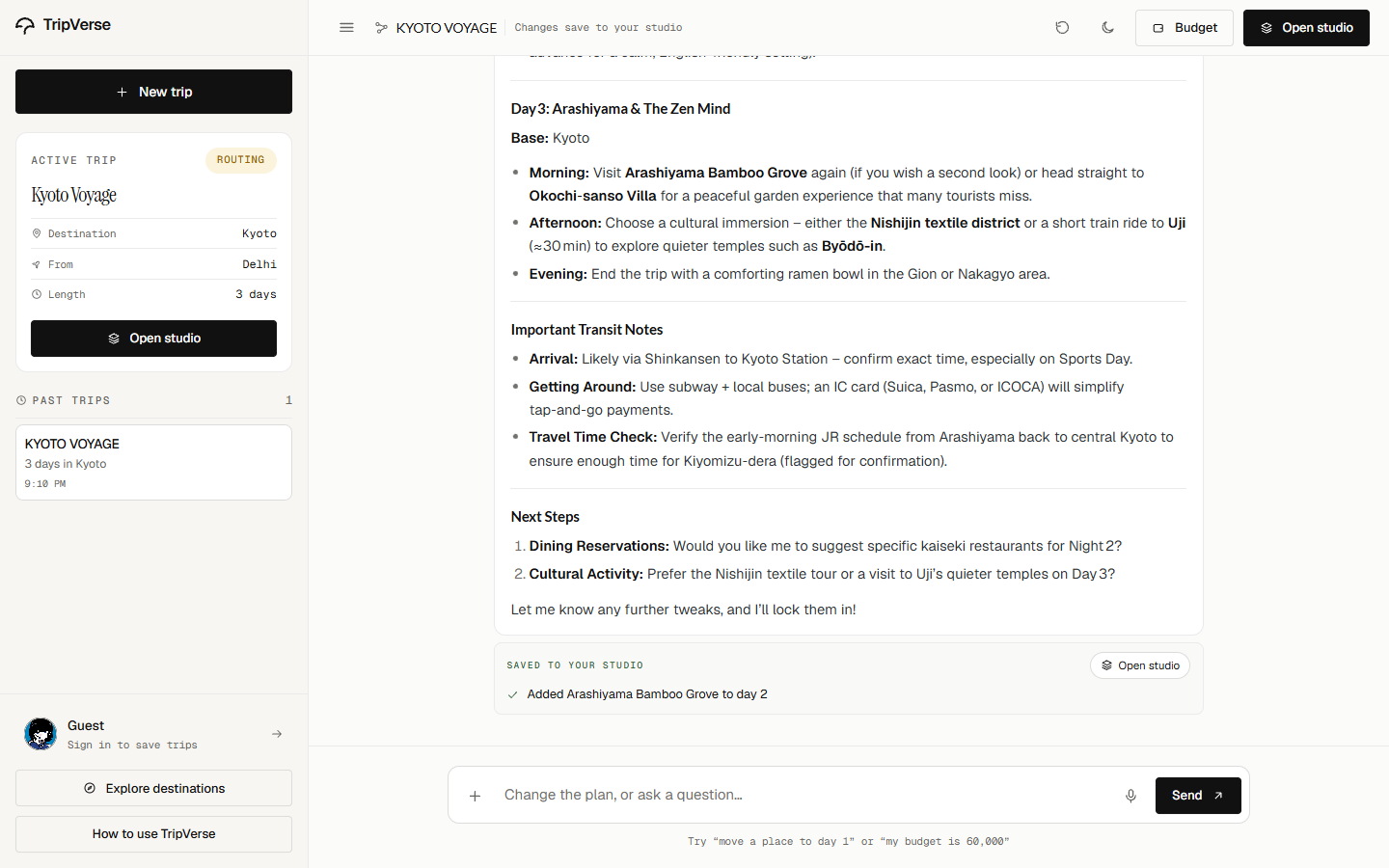
| See what changed | Keep costs close |
|---|---|
 |
 |
| Watch the sketch take shape | Take the trip with you |
|---|---|
 |
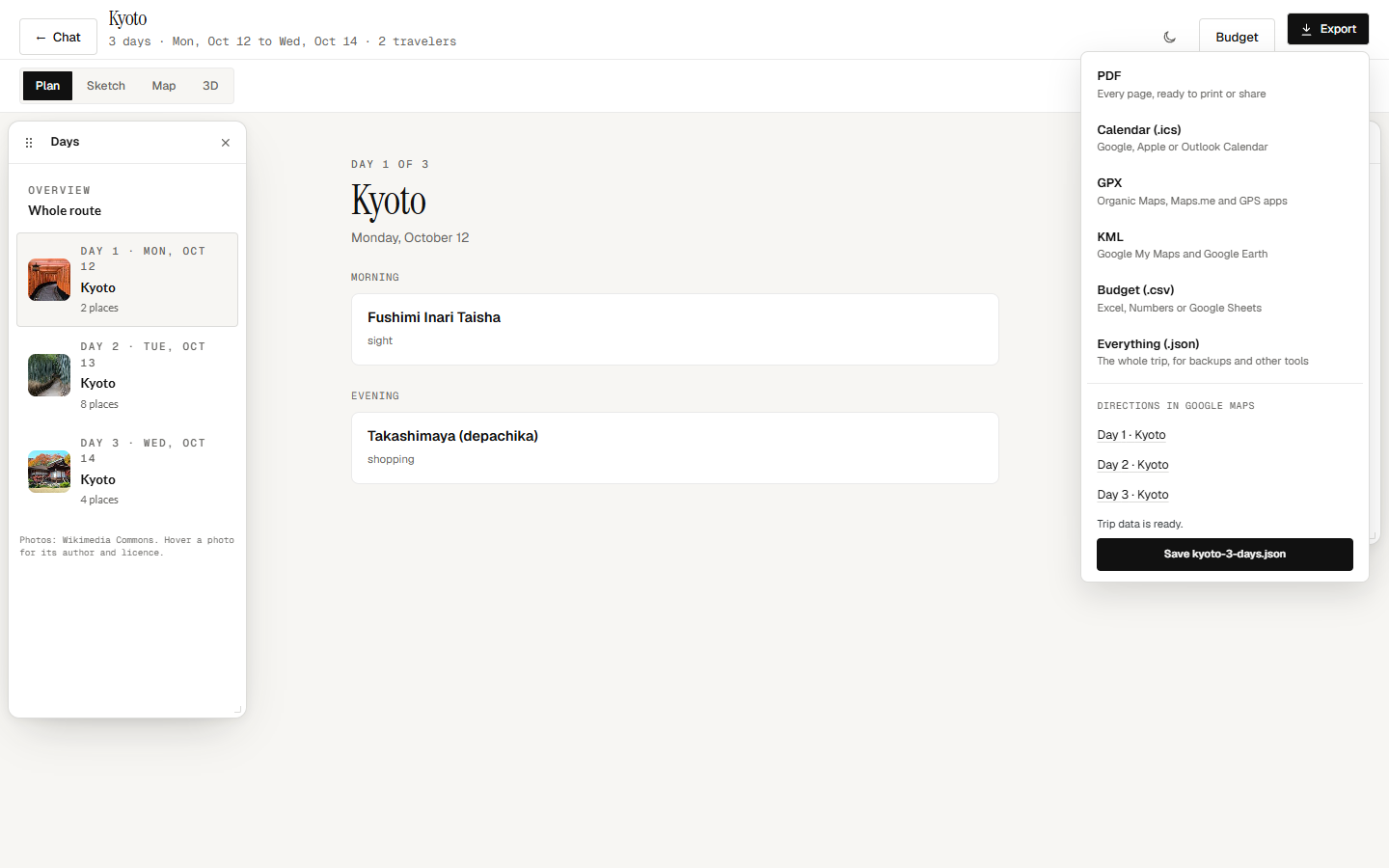 |
The in-app Guide contains the annotated walkthrough.
Small screens, the same character
The field journal condenses into a single page. The planner also adapts its conversation and sketchbook to a phone, preserving the paper, photographs, and legible controls.
 |
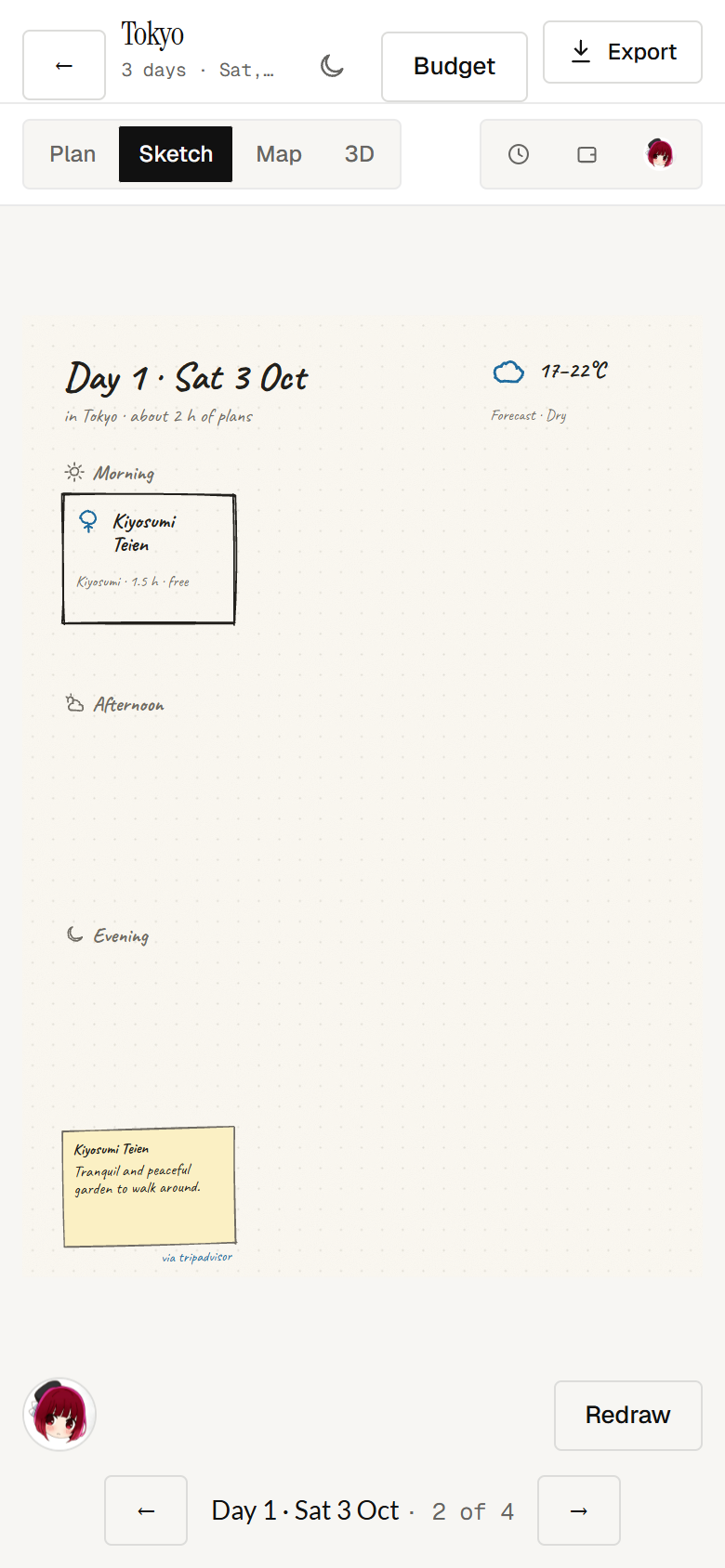 |
| A journal in your pocket | The plan, close at hand |
The footer keeps feedback equally simple: choose a chibi reaction, optionally write a note, and send it. Sticker ratings have a small hover lift and selection pop, with keyboard support and reduced-motion handling.





Product mockups
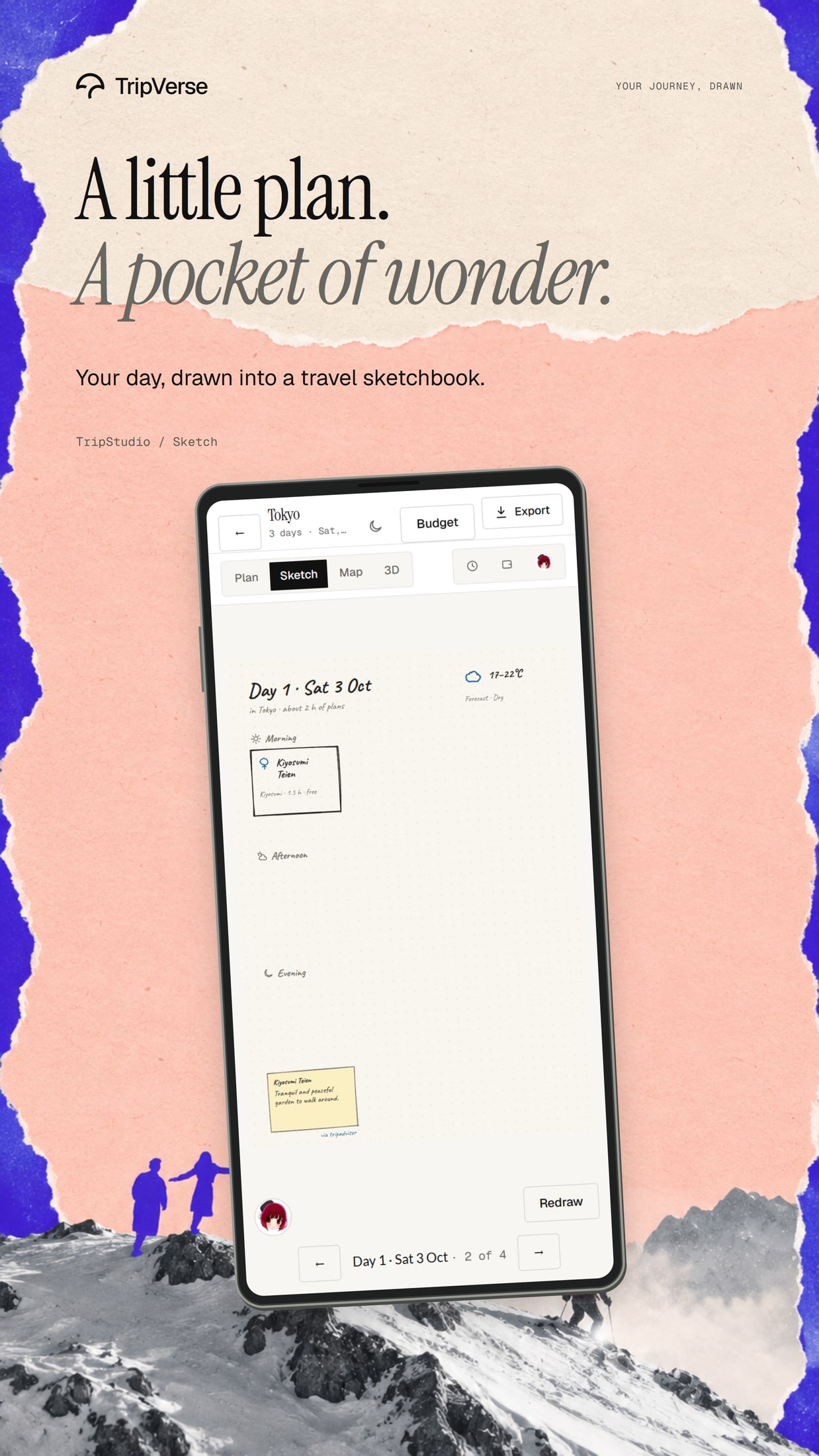
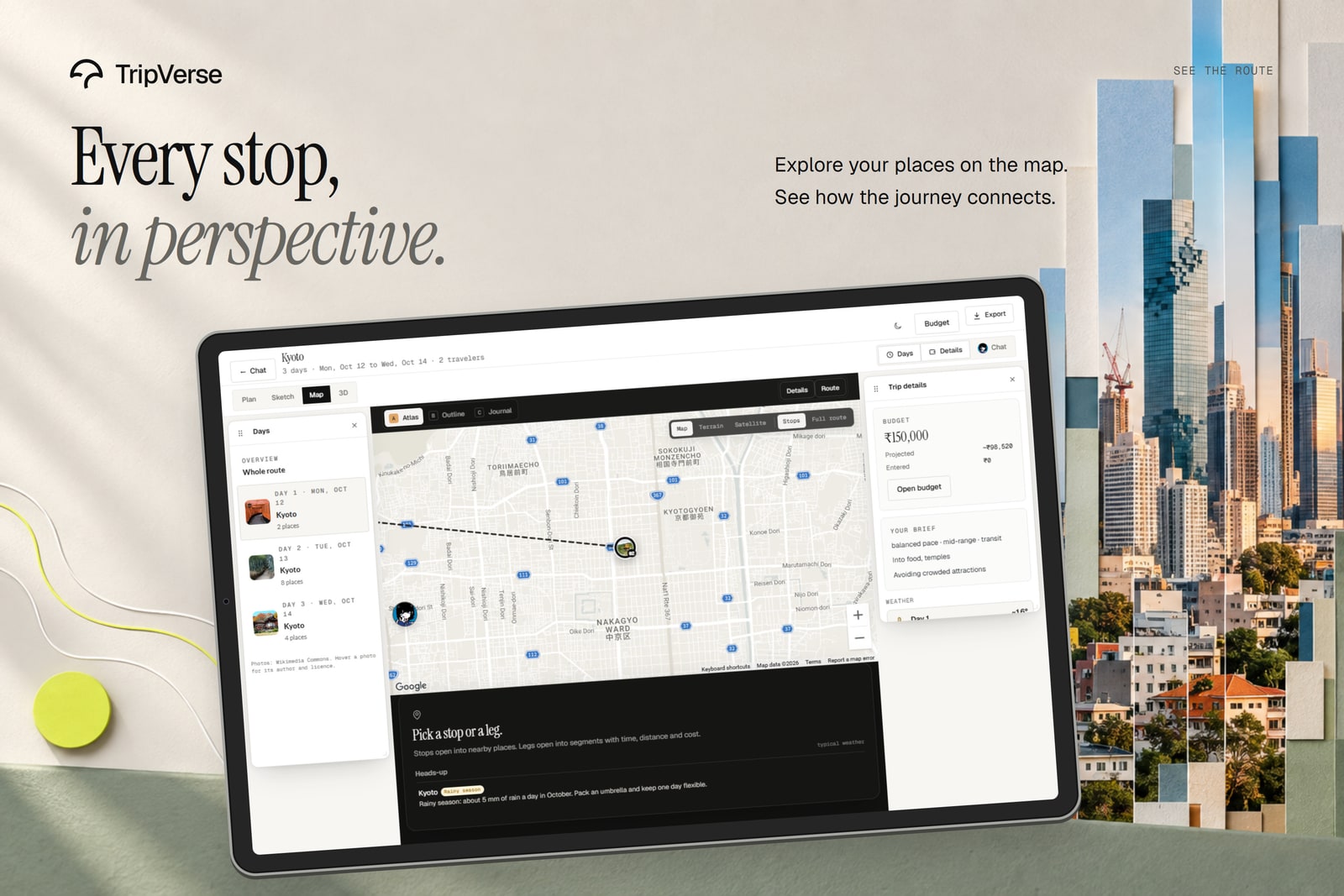
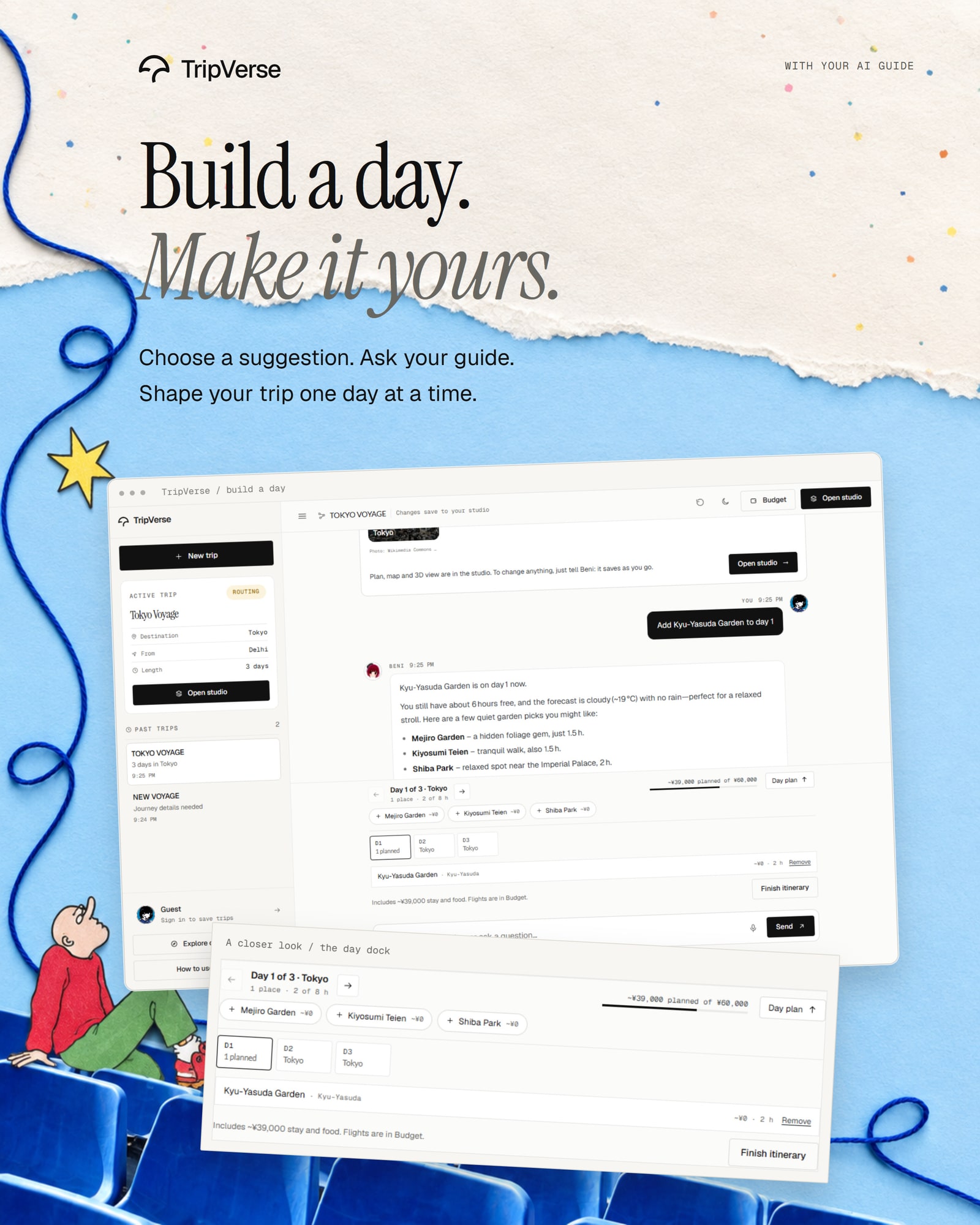
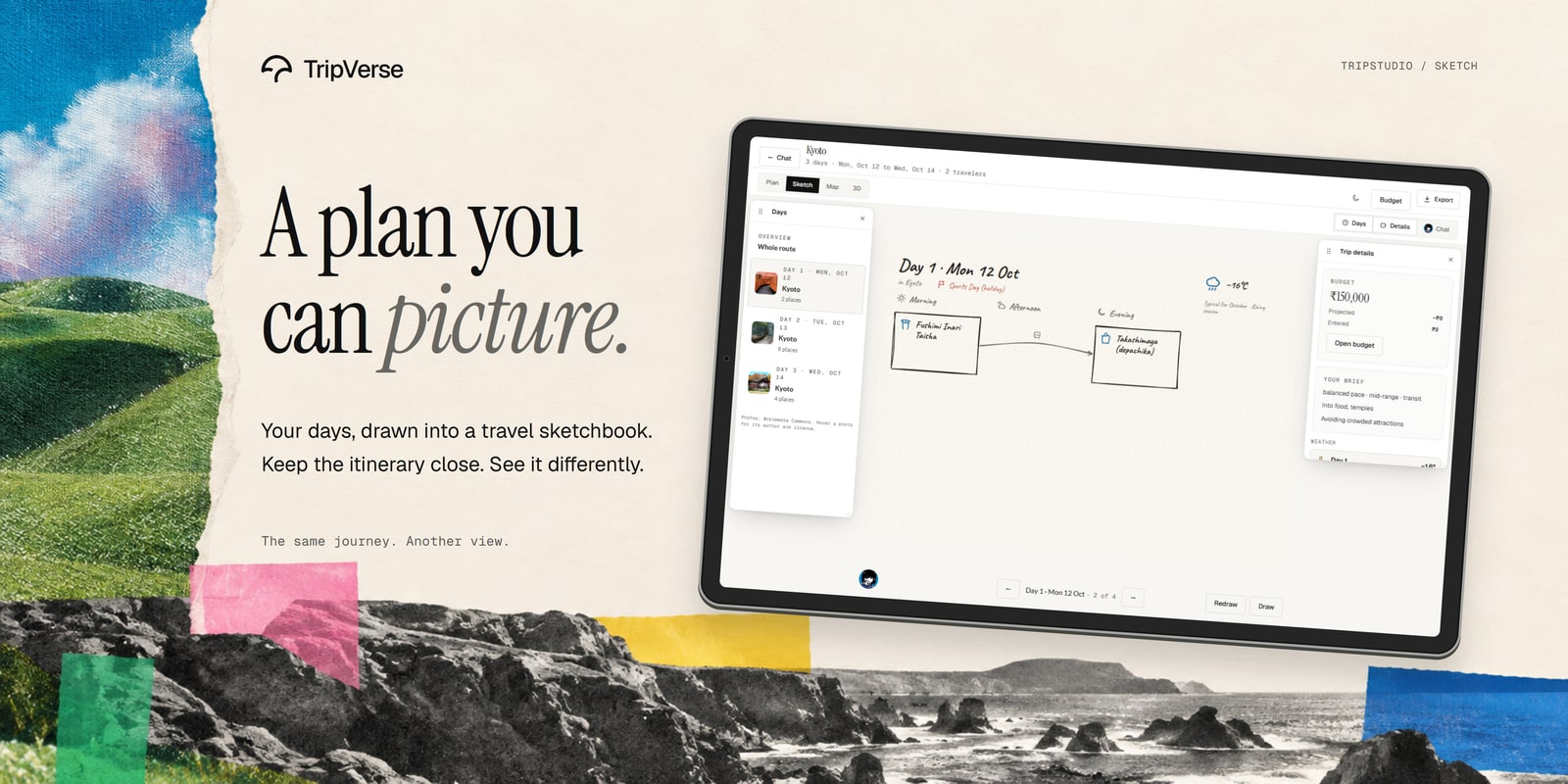
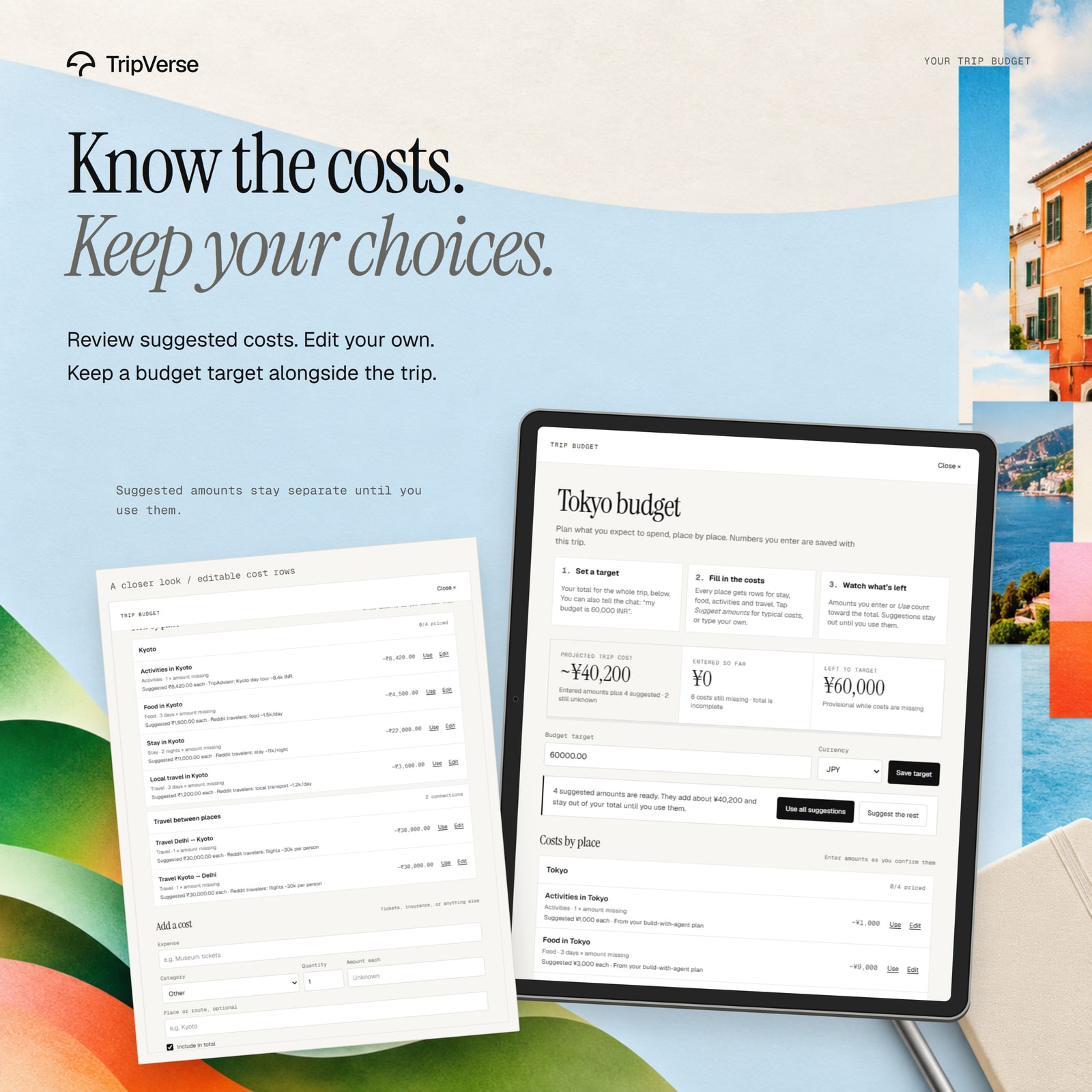
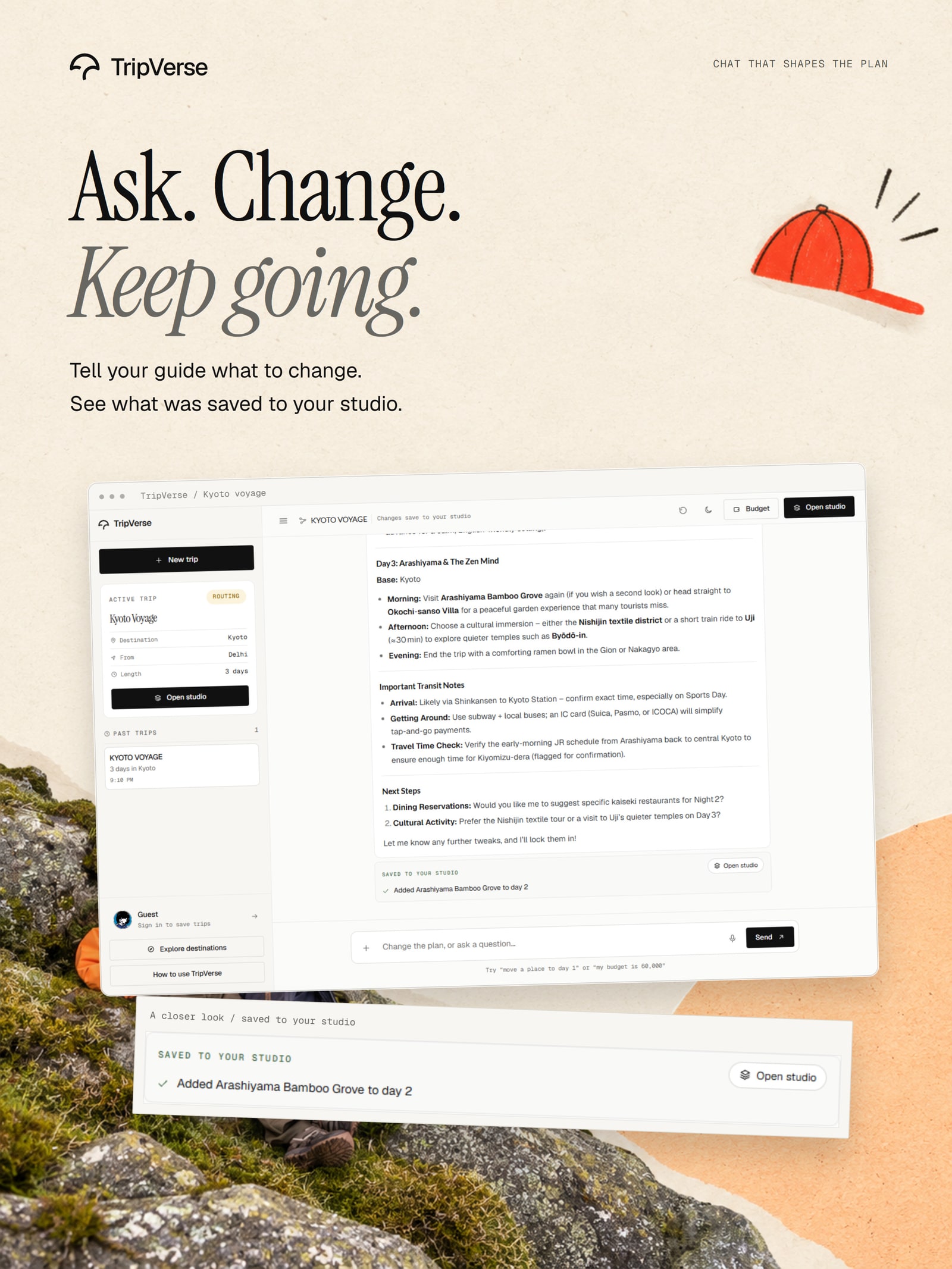
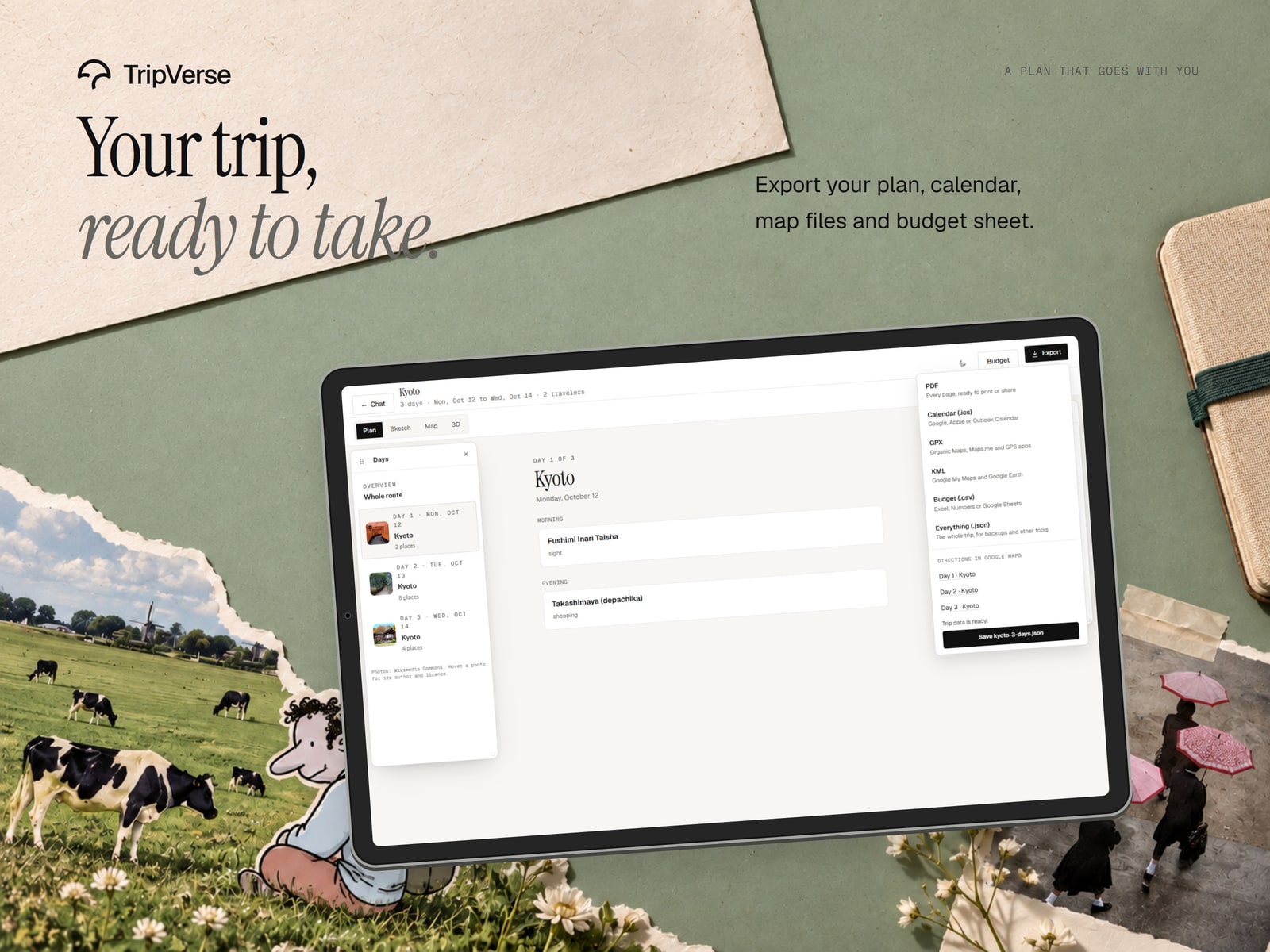
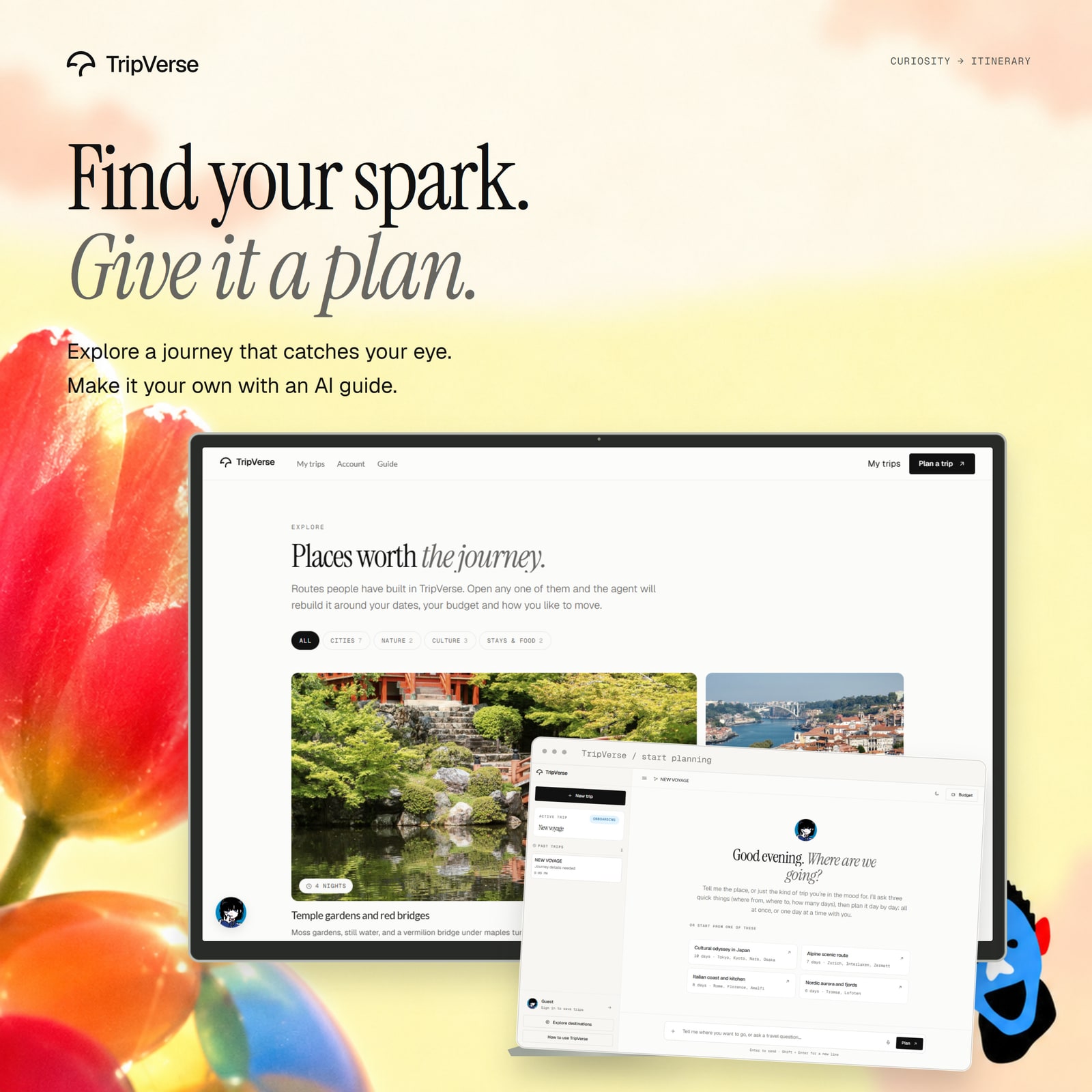
The existing ten-piece mockup collection places real application screens into travel-inspired compositions. The planning desk at the top of this README is the first piece; the remaining nine follow here. These are presentation mockups, with application captures shown in the visual tour above.
| Pocket sketchbook | The whole route | Build a day together |
|---|---|---|
 |
 |
 |
| Sketch meets studio | A budget with context | Ask. Change. Keep going. |
|---|---|---|
 |
 |
 |
| Take your trip with you | One trip, four views | Inspiration into a plan |
|---|---|---|
 |
 |
 |
Design gallery
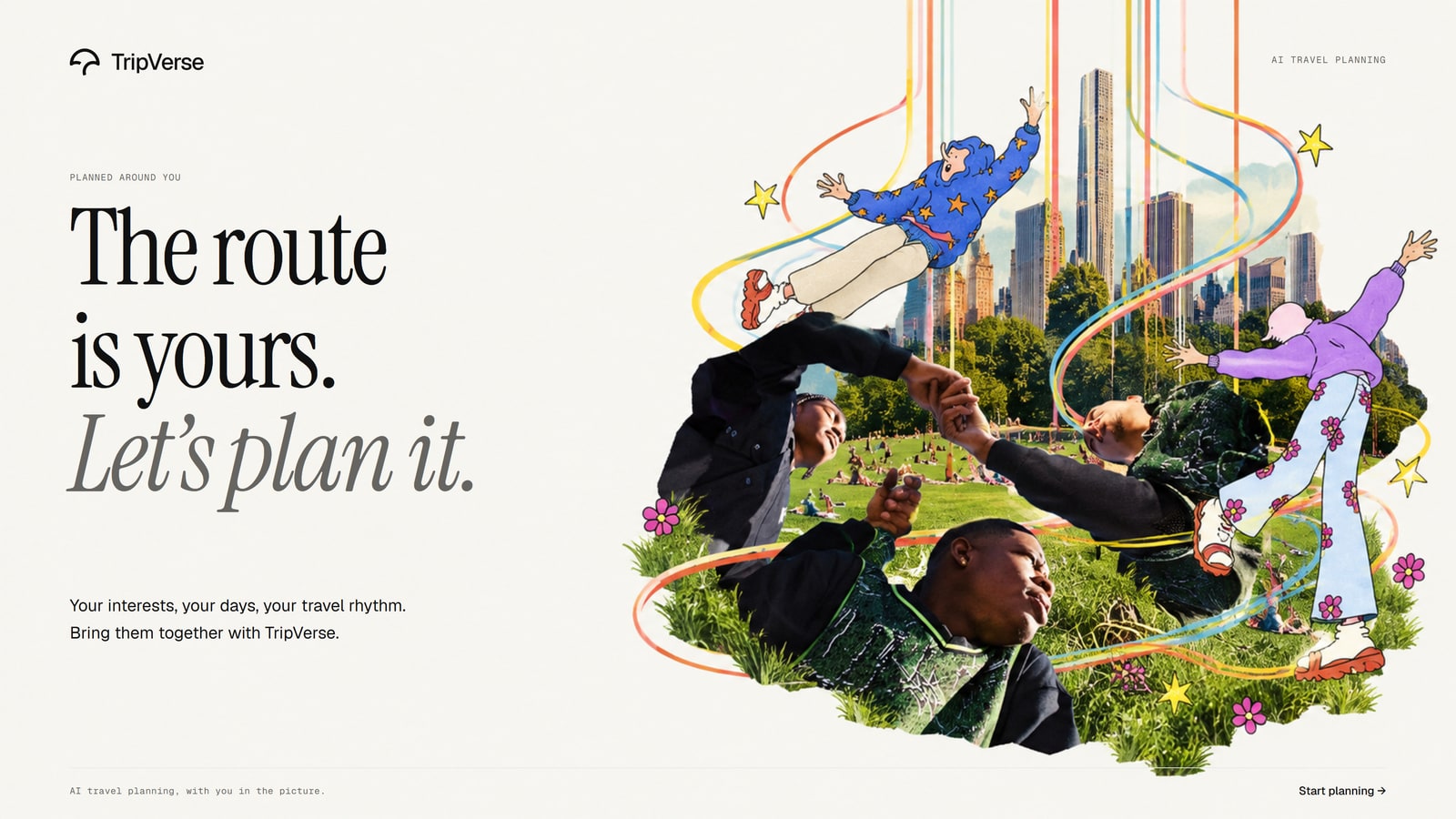
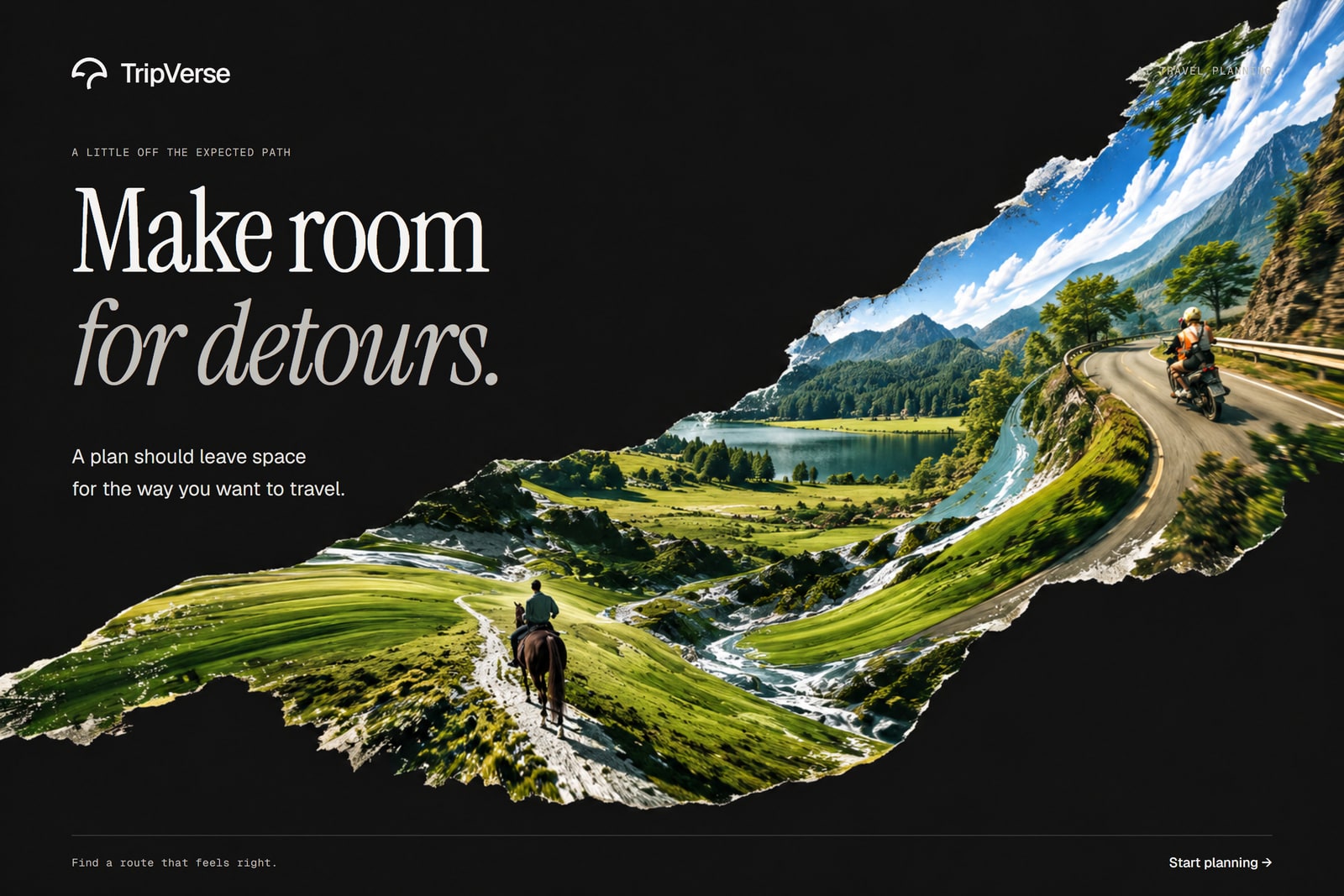
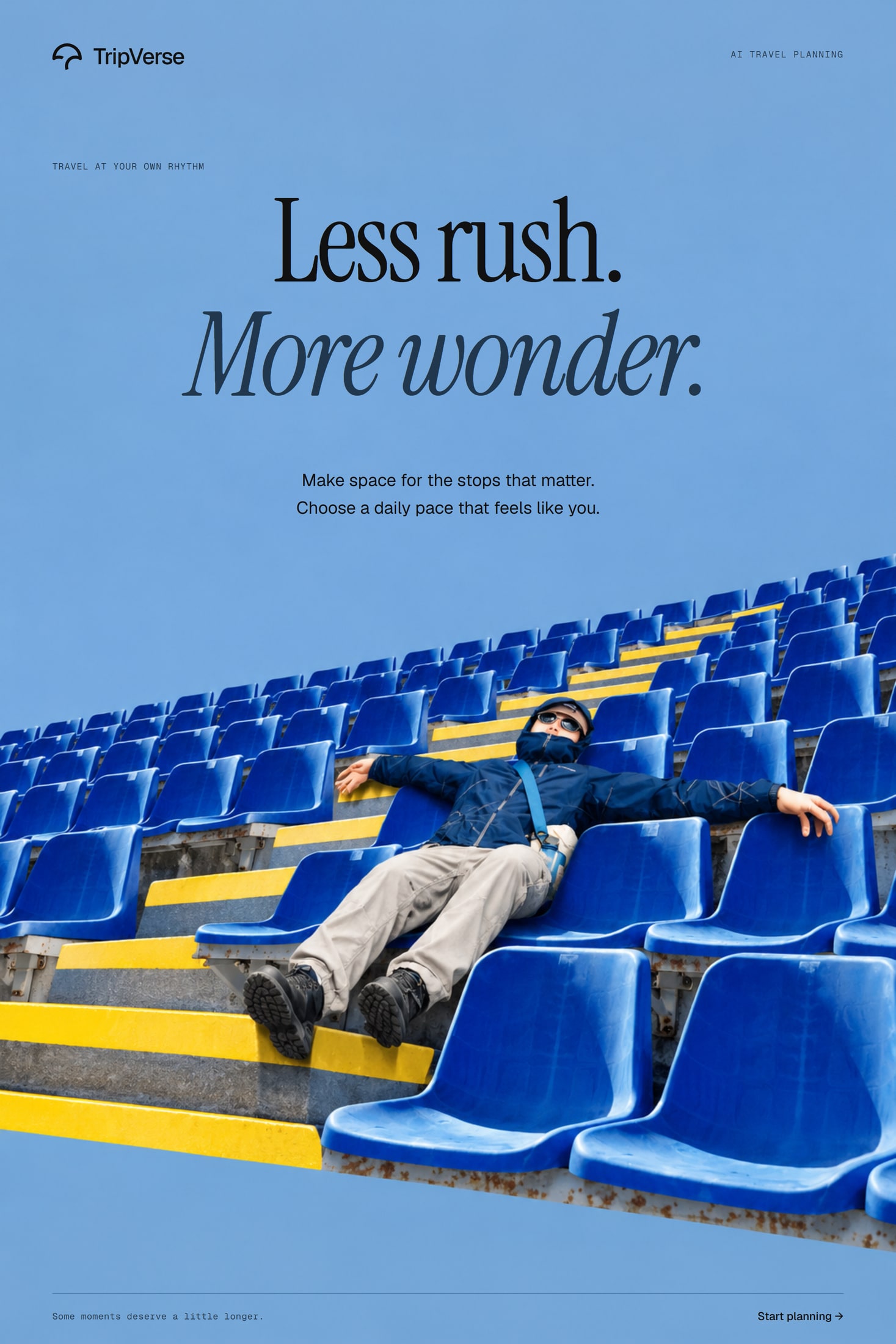
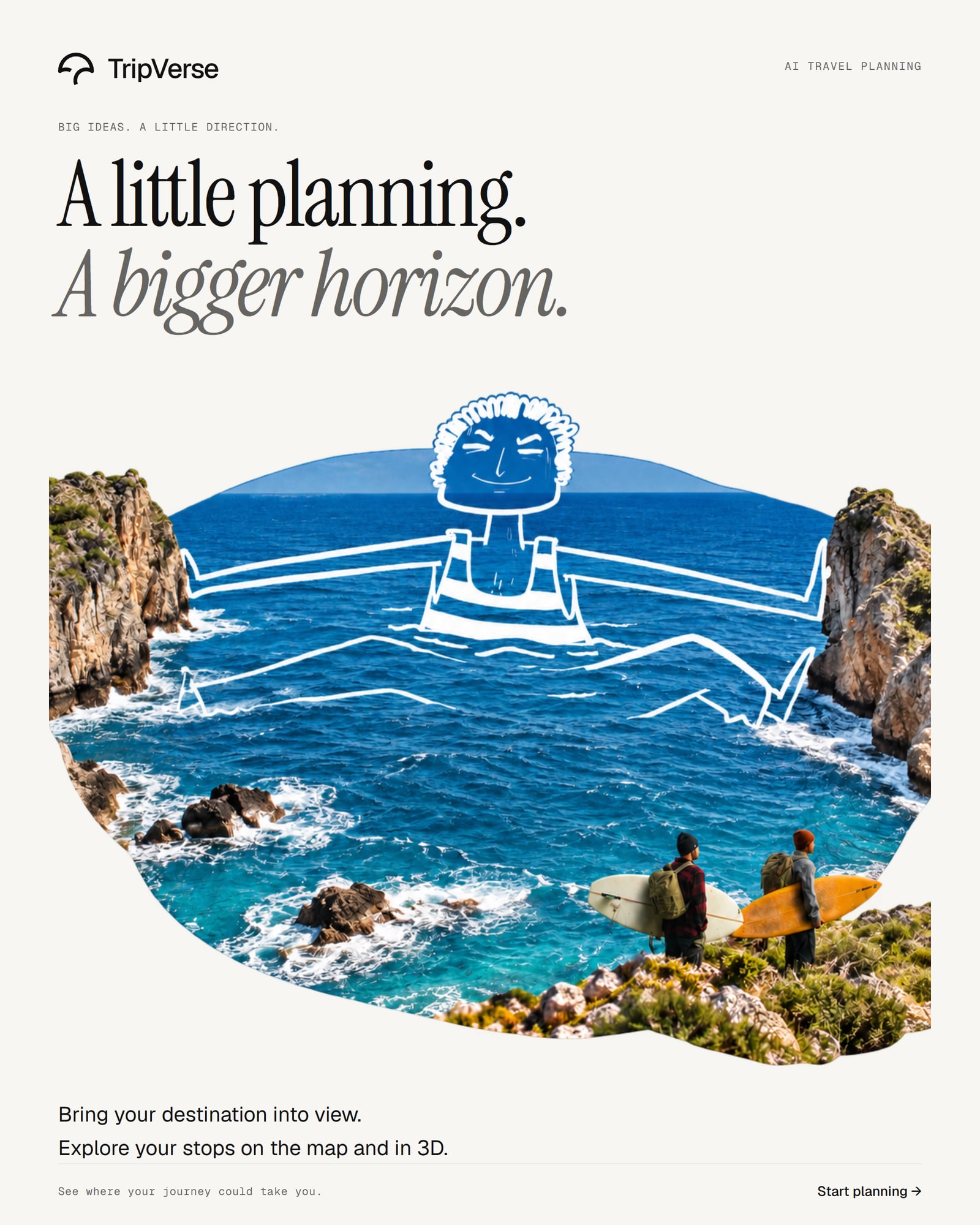
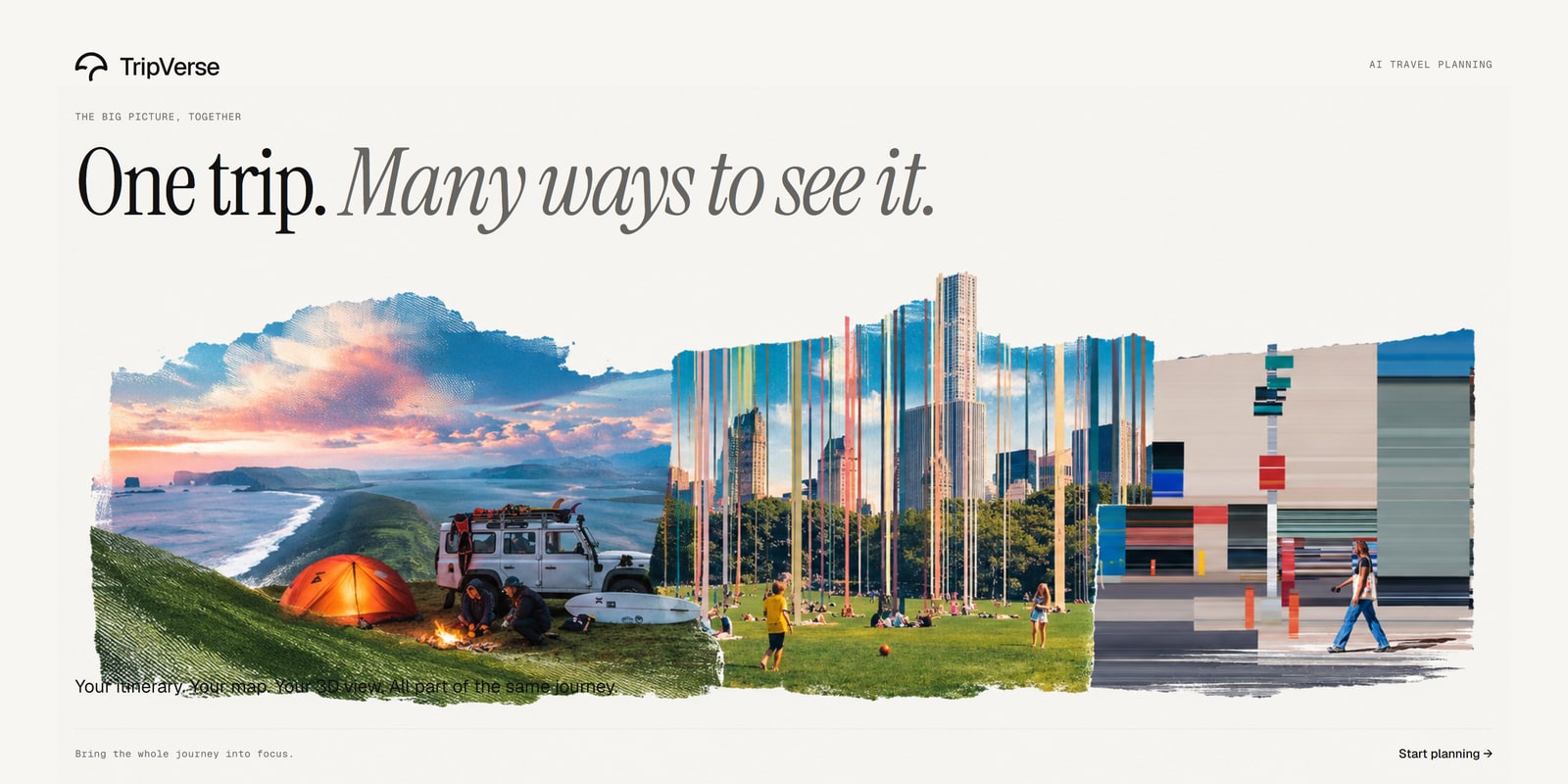
The existing campaign collection brings together travel photography, paper collage, playful cutouts, illustrated characters, and large editorial type. These are brand illustrations and campaign compositions.
| A world of possibilities | Your city. Your way. |
|---|---|
 |
 |
| Let your next trip bloom | The route is yours |
|---|---|
 |
 |
| Make room for detours | Less rush. More wonder. |
|---|---|
 |
 |
| Different people. Different journeys. | A little planning. A bigger horizon. |
|---|---|
 |
 |
| One trip. Many ways to see it. | Stay curious. |
|---|---|
 |
 |
The visual language
| Element | How it appears in TripVerse |
|---|---|
| Paper and ink | Warm surfaces, fine borders, and generous space around content. |
| Typography | Instrument Serif for headlines; Geist and Geist Mono for the interface; Caveat and Yomogi for notebook handwriting. |
| Photography | Destination views, candid travel moments, and small pictures woven into typography. |
| Motion | GSAP page turns and scroll chapters, gentle image movement, and small feedback interactions. |
| Brand mark | An arc horizon that breaks into a trailing stroke, reused across the app and artwork. |
| Companions | Aoi, Yuki, Beni, Kaede, Momo, and Rin: six illustrated voices for the same planning engine. |
The design system documents the interface language and reusable brand mark.
What you can do
- Find a starting point. Browse destinations, moods, and seasonal inspiration, or bring your own idea.
- Talk through the brief. Start with where you are leaving from, where you want to go, and how many days you have. Add interests, pace, dates, and budget as needed.
- Choose how to build. Ask for a complete researched itinerary, or work with a guide one day at a time.
- Revise the trip. Ask to add, move, or remove a stop. The collaborative engine computes the edit and returns a change receipt.
- Open Trip Studio. Read the plan, annotate the sketchbook, inspect the map, explore the 3D route, and track costs in the ledger.
- Keep the result. Save trips to your library, claim guest trips after signing in, and export the plan as a PDF or image.
Under the hood
Technology
| Area | Tools |
|---|---|
| Interface | React 18, TypeScript, Vite, Tailwind CSS, custom CSS design tokens |
| Motion | GSAP, @gsap/react, ScrollTrigger, Flip, Framer Motion, Lenis |
| Spatial views | Three.js, React Three Fiber, drei |
| Maps | Google Maps, MapLibre GL, openrouteservice road metrics |
| Sketchbook | roughjs, perfect-freehand, Excalidraw |
| Exports | jsPDF, svg2pdf.js |
| API | FastAPI, Pydantic, Uvicorn |
| Planning | LangGraph; Groq with a second-key option and Gemini fallback |
| Research and places | Tavily, Google Places, geocoding and enrichment services |
| Persistence and accounts | Supabase Auth, PostgreSQL, SQLAlchemy, asyncpg |
| Supporting services | Resend feedback email delivery, Cloudinary avatar uploads, optional LangSmith tracing |
| Tests | pytest, pytest-asyncio, Vitest, TypeScript checks |
One itinerary, shared across the workspace
flowchart LR
    Conversation[Conversation and trip brief] --> API[FastAPI]
    API --> Planner[LangGraph planner]
    Planner --> Research[Research and enrichment]
    Planner --> Edits[Deterministic trip edits]
    Research --> Document[Itinerary graph and trip document]
    Edits --> Document
    Document --> Plan[Plan]
    Document --> Sketch[Sketchbook]
    Document --> Map[Map]
    Document --> Spatial[3D route]
    Document --> Budget[Budget ledger]
    API <--> Storage[PostgreSQL and Supabase Auth]
The planner turns the conversation into structured intent. In collaborative mode, a deterministic engine applies itinerary operations and computes their effects; the language model explains those results. Research and enrichment add place context, available route metrics, and conditions. A shared itinerary graph supplies the studio views and budget reconciliation.
Chat responses can stream through Server-Sent Events. Guest sessions support planning before sign-in, and trips can be claimed by an account afterward. Budget amounts are traveler-entered values in one trip currency; estimates are distinct from confirmed booking prices.
Repository layout
TripVerse/
├── assets/readme/              # Published screenshots, mockups, and artwork
├── backend/
│   ├── app/agents/trip_planner/ # LangGraph planner and collaborative engine
│   ├── app/api/routes/         # Auth, trips, places, budgets, exports, feedback
│   ├── app/services/           # LLM providers, enrichment, trip documents
│   ├── app/repositories/       # Database access
│   ├── app/models/             # Persistent models
│   ├── app/schemas/            # Validated API payloads
│   └── tests/                  # Backend test suite
├── frontend/
│   ├── public/                 # Brand, guide screenshots, and app assets
│   ├── src/components/home/v2/ # Home, journals, and feedback
│   ├── src/components/studio/  # Trip Studio
│   ├── src/components/sketch/  # Sketchbook and annotation
│   ├── src/pages/explore/      # Destination index, moods, and seasons
│   ├── src/services/           # API clients
│   └── src/styles/             # Shared design system and page styles
├── DESIGN.md                   # Visual system
├── LICENSE                     # MIT license
└── README.md
Run locally
Use Node.js 20+ and Python 3.12. Clone the repository, then install each application's dependencies.
git clone https://github.com/watermelon588/Tripverse.git
cd Tripverse
Backend — from the repository root:
cd backend
python -m venv .venv
Activate with .venv\Scripts\Activate.ps1 on Windows PowerShell or source .venv/bin/activate on macOS/Linux, then:
pip install -r requirements.txt
Copy backend/.env.example to backend/.env and fill in your database, Supabase, LLM, and research credentials. The example file documents optional map, media, tracing, and feedback settings.
Frontend — in another terminal, from the repository root:
cd frontend
npm install
Copy frontend/.env.example to frontend/.env. Set VITE_API_URL to http://localhost:8000, plus your Supabase URL and public key. The Google Maps key is optional; the app also supports MapLibre. Keep secret keys in the backend environment.
From the repository root, run these in separate terminals:
npm run dev:backend
npm run dev:frontend
Open localhost:5173. Interactive API documentation is available at localhost:8000/docs.
Useful commands
| Directory | Command | Purpose |
|---|---|---|
| Repository root | npm run dev:frontend |
Start the web app |
| Repository root | npm run dev:backend |
Start the API |
| Repository root | npm run build:frontend |
Build the frontend |
frontend/ |
npm run lint |
Check TypeScript |
frontend/ |
npm test |
Run Vitest |
backend/ |
pytest |
Run backend tests |
Credits
Built by Rohit Maity. The mockups and campaign artwork come from the existing TripVerse design collections; home, journal, gallery, and Explore captures show the current local application. Guide screenshots illustrate a sample trip.
Travel photography and other third-party media retain their original licenses and attribution requirements. The Credits page lists photography credits. The software license below does not relicense third-party photographs, fonts, or illustrations.
MIT license
Copyright © 2026 Rohit Maity. TripVerse's code is available under the MIT License.
Read the complete MIT licenseMIT License
Copyright (c) 2026 Rohit Maity
Permission is hereby granted, free of charge, to any person obtaining a copy
of this software and associated documentation files (the "Software"), to deal
in the Software without restriction, including without limitation the rights
to use, copy, modify, merge, publish, distribute, sublicense, and/or sell
copies of the Software, and to permit persons to whom the Software is
furnished to do so, subject to the following conditions:
The above copyright notice and this permission notice shall be included in all
copies or substantial portions of the Software.
THE SOFTWARE IS PROVIDED "AS IS", WITHOUT WARRANTY OF ANY KIND, EXPRESS OR
IMPLIED, INCLUDING BUT NOT LIMITED TO THE WARRANTIES OF MERCHANTABILITY,
FITNESS FOR A PARTICULAR PURPOSE AND NONINFRINGEMENT. IN NO EVENT SHALL THE
AUTHORS OR COPYRIGHT HOLDERS BE LIABLE FOR ANY CLAIM, DAMAGES OR OTHER
LIABILITY, WHETHER IN AN ACTION OF CONTRACT, TORT OR OTHERWISE, ARISING FROM,
OUT OF OR IN CONNECTION WITH THE SOFTWARE OR THE USE OR OTHER DEALINGS IN THE
SOFTWARE.
Reviews (0)
Sign in to leave a review.
Leave a reviewNo results found