oops
Health Pass
- License — License: Apache-2.0
- Description — Repository has a description
- Active repo — Last push 0 days ago
- Community trust — 10 GitHub stars
Code Warn
- network request — Outbound network request in web/app/apps/[namespace]/[name]/publish/page.tsx
Permissions Pass
- Permissions — No dangerous permissions requested
No AI report is available for this listing yet.
OOPS: Kubernetes Is All You Need. One-stop ops platform based on Kubernetes
OOPS
Kubernetes Is All You Need

OOPS is a Kubernetes PaaS where humans and AI Agents are equal first-class operators. It ships with a Claude Code Skill that lets Agents drive end-to-end deploys — create app, upload source, configure build, deploy, stream logs, get notified on success or failure — without kubectl or YAML, with every write awaiting explicit user approval so the Agent can't silently mass-mutate.
Why OOPS?
KubeSphere, Rainbond, and ArgoCD each solve a real slice of the Kubernetes problem — and each one assumes a human is the only operator. OOPS keeps the human experience intact and lets Agents drive the same platform through the same surface:
| Project | Built for | How OOPS differs |
|---|---|---|
| KubeSphere | Platform teams building enterprise IDPs through plug-in ecosystems | Small, focused surface — same actions usable from UI or API, no plug-in framework to navigate |
| Rainbond | Developers who don't want to learn Kubernetes | Same simplicity for developers, plus a programmatic surface so Agents can drive the platform too |
| ArgoCD | GitOps pipelines reconciling Git → cluster | Humans or Agents can deploy directly from a code archive — Git is supported but not required |
Features
Deploy any app
Push code or upload a ZIP, and OOPS builds the image and rolls it out to your Kubernetes cluster, with build logs streaming in real time.
Multi-cluster management
Connect any number of clusters and manage them side by side from a single console — switch deployment targets without leaving the UI.
Watch what's running
Live logs, in-browser terminal, and a file browser for any running pod. Cluster nodes and pod status at a glance.
A sandbox built for Agents
Agent-grade sandbox capability built in (similar to OpenSandbox) — give your Agent an isolated workspace to run commands, install tools, or debug. Results stream back live, and everything is torn down when it's done.
Multi-domain management
Manage multiple domains from a single console. Configure automatic HTTPS via certificate resolvers or upload your own TLS certificates; wildcard domains are supported.
Requirements
| Component | Required | Purpose |
|---|---|---|
| Kubernetes cluster (1.22+) | Yes | Runtime for applications, pipelines, and IDEs |
| SQLite (default) or MySQL | Yes | Persistence for OOPS metadata |
| Container image registry | Yes | Pipeline image push / pull |
| Traefik v3 | No | Ingress and HTTPS routing |
| S3-compatible object storage | No | ZIP source uploads |
Quick Start
Docker Compose
docker compose -f docker/docker-compose.yml up -d
Then open http://localhost:8080 and sign in with admin / admin123.
Build from source
# Backend
./mvnw spring-boot:run

# Frontend (dev) — automatically proxies /api to localhost:8080
cd web && pnpm install && pnpm dev
Default admin credentials: admin / admin123 (override via ADMIN_PASSWORD env)
How it works
Application Build & Deploy Pipeline
flowchart LR
    Start([User triggers deploy]) --> Src{Source}
    Src -->|GIT| Clone["① Clone<br/>git clone"]
    Src -->|ZIP| Upload["Upload ZIP<br/>(presigned S3 URL)"]
    Upload --> CloneZ["① Clone<br/>curl from S3"]
    Clone --> Build["② Build<br/>(optional)"]
    CloneZ --> Build
    Build --> Push["③ Push<br/>Buildah build & push"]
    Push --> Scan{"Job result<br/>(polled 5s)"}
    Scan -->|Failed| Err([ERROR ❌])
    Scan -->|Succeeded| Mode{Deploy mode}
    Mode -->|MANUAL| Wait([BUILD_SUCCEEDED ⏸️<br/>awaits trigger])
    Mode -->|IMMEDIATE| Deploy["Apply K8s<br/>StatefulSet · Service · IngressRoute"]
    Wait --> Deploy
    Deploy --> Ok([SUCCEEDED ✅])

    style Start fill:#4CAF50,color:#fff
    style Ok fill:#4CAF50,color:#fff
    style Err fill:#f44336,color:#fff
    style Wait fill:#FF9800,color:#fff
Pipeline State Machine
stateDiagram-v2
    direction LR
    [*] --> INITIALIZED: Pipeline created
    INITIALIZED --> RUNNING: K8s Job submitted

    RUNNING --> BUILD_SUCCEEDED: Job succeeded<br/>(MANUAL mode)
    RUNNING --> DEPLOYING: Job succeeded<br/>(IMMEDIATE mode)
    RUNNING --> ERROR: Job failed
    RUNNING --> STOPPED: User cancels

    BUILD_SUCCEEDED --> DEPLOYING: User triggers deploy

    DEPLOYING --> SUCCEEDED: Deploy completed
    DEPLOYING --> ERROR: Deploy failed

    SUCCEEDED --> [*]
    ERROR --> [*]
    STOPPED --> [*]
Snapshots
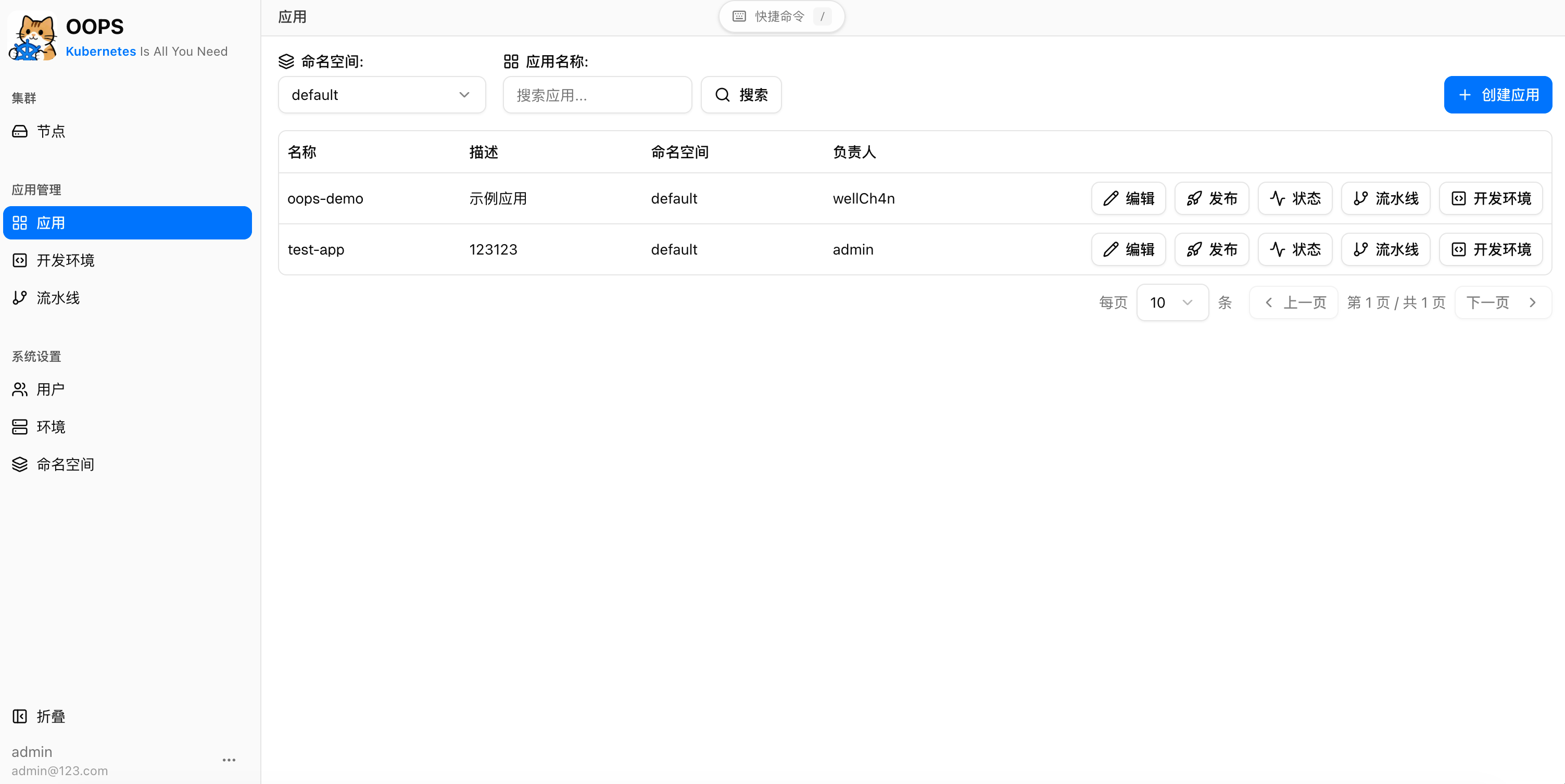
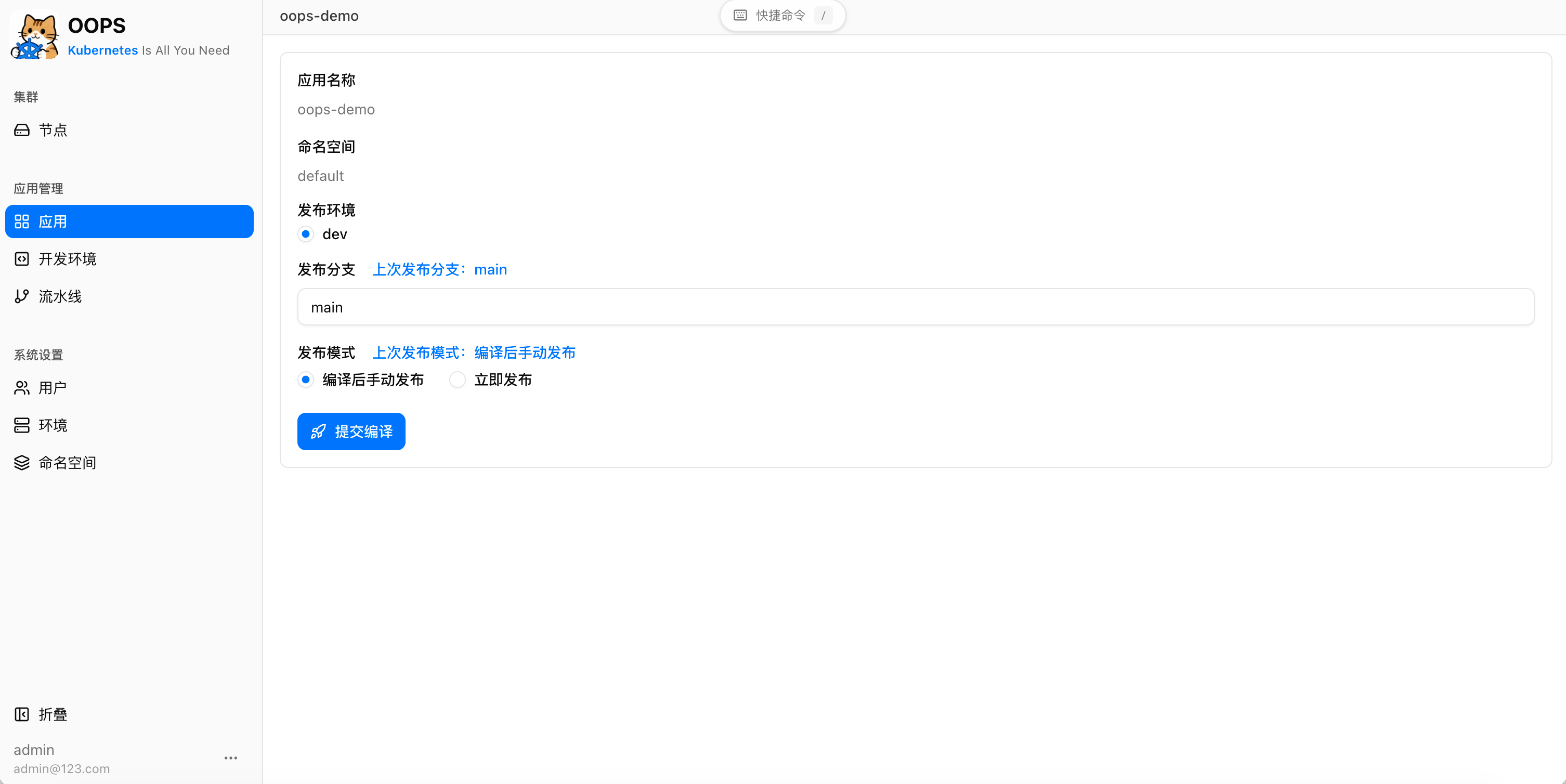
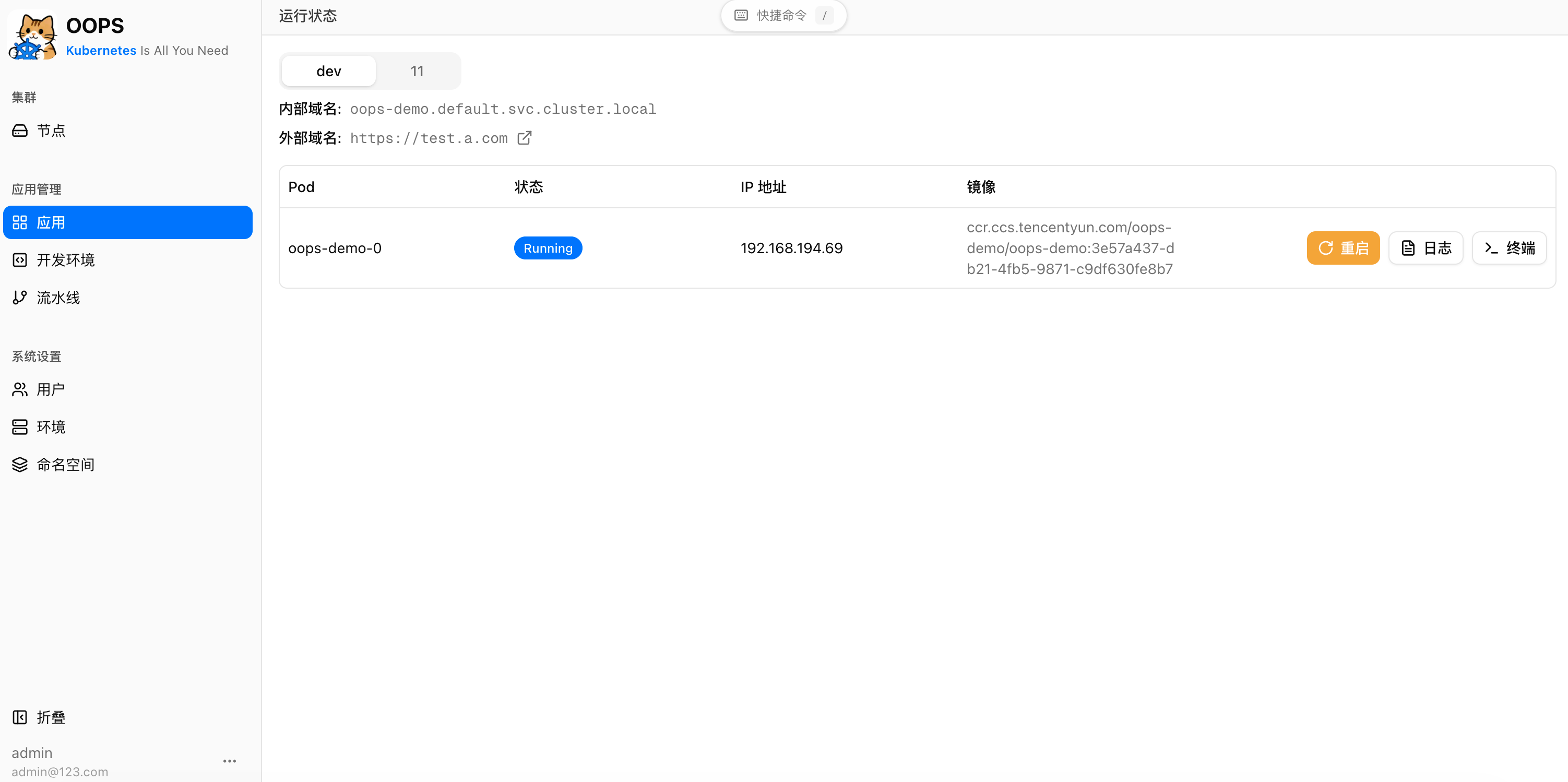
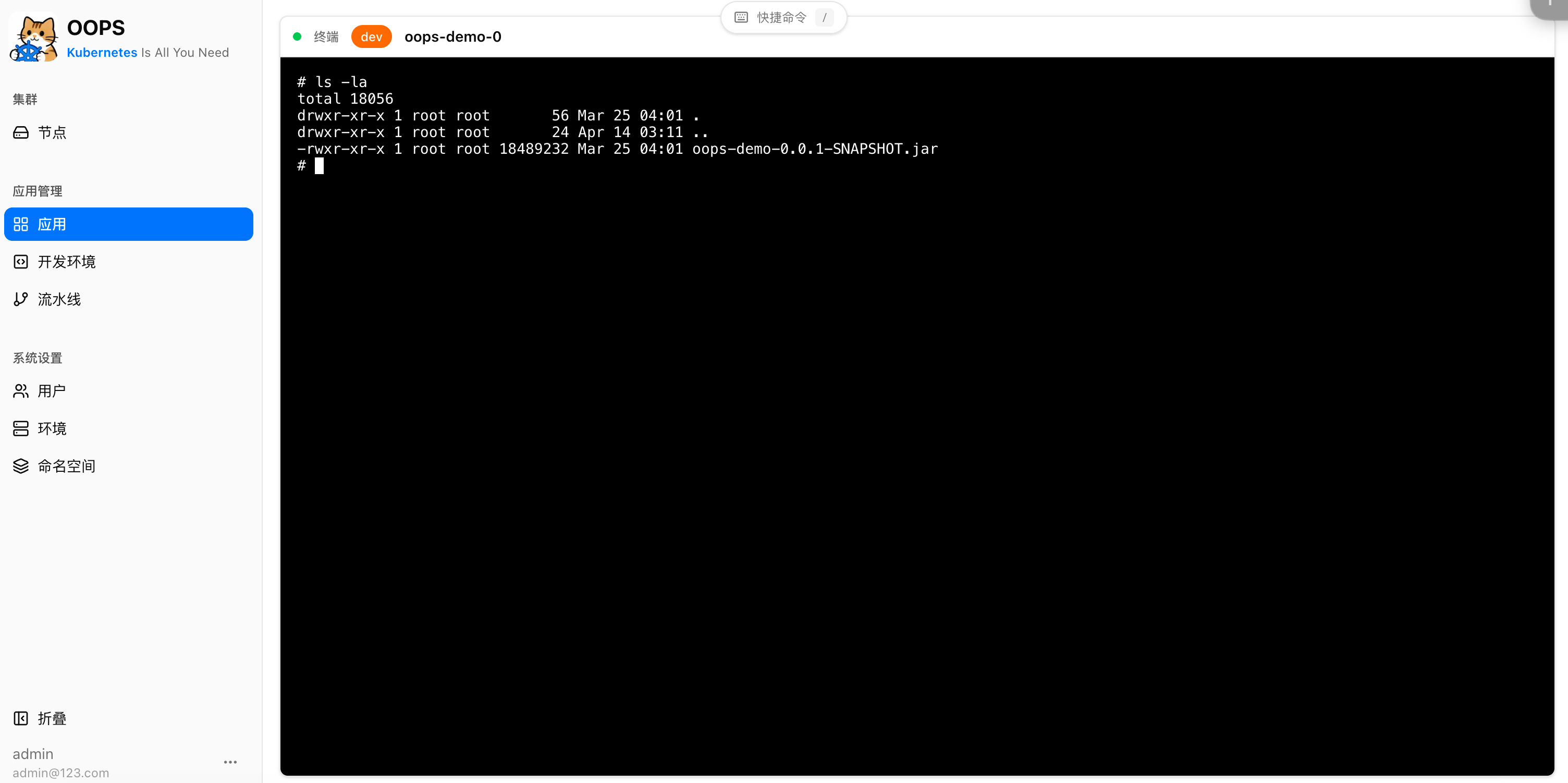
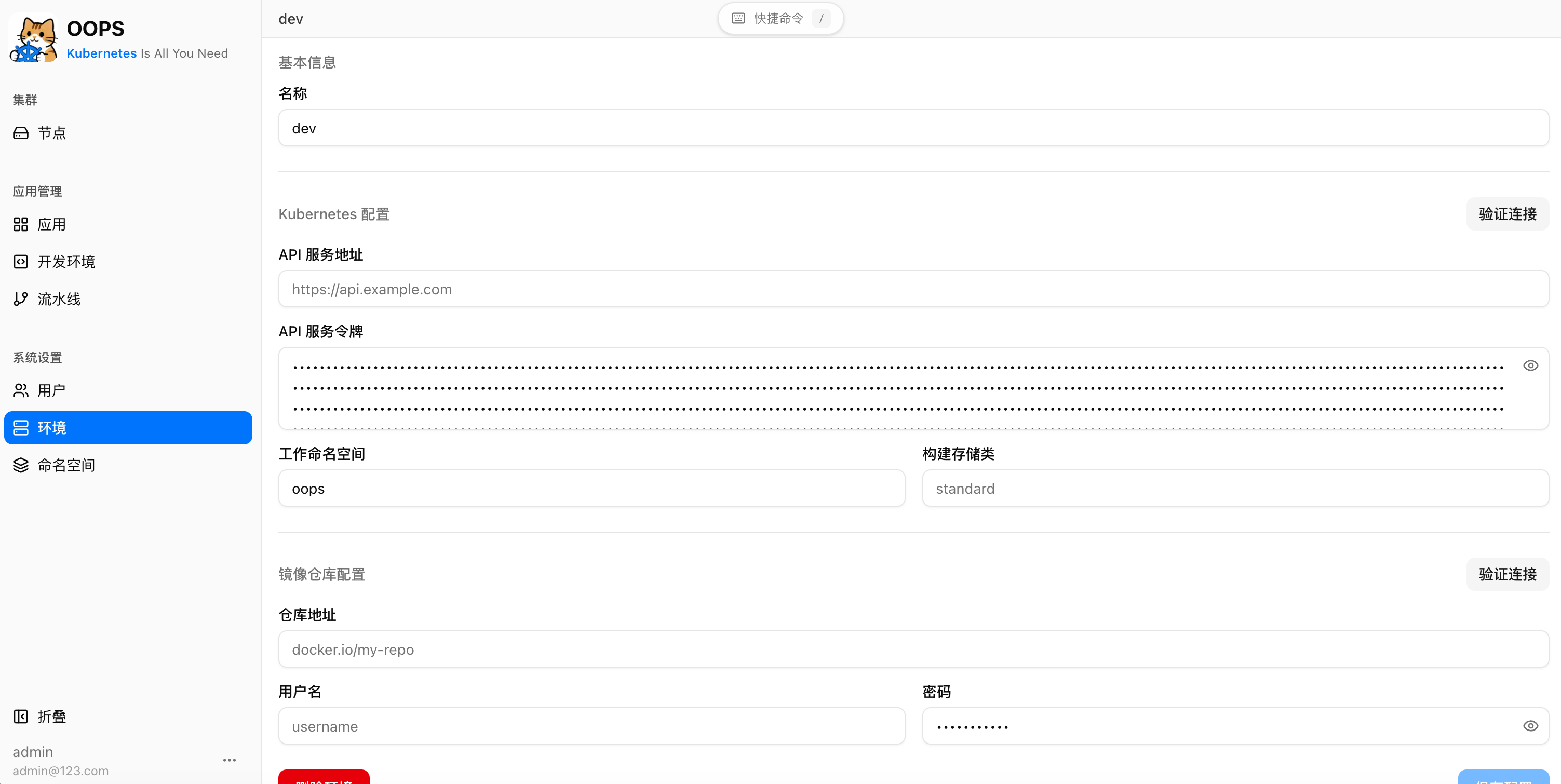
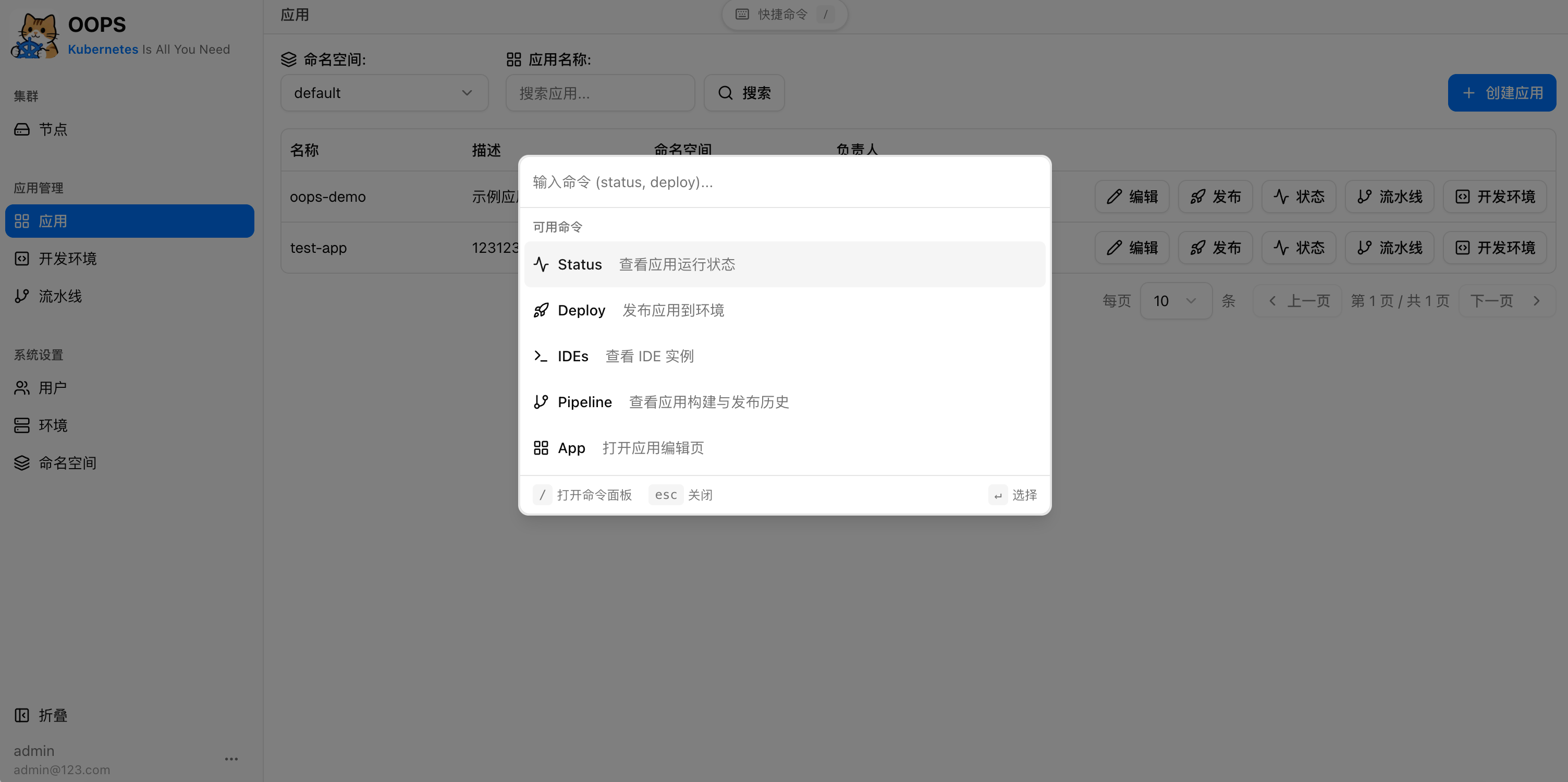
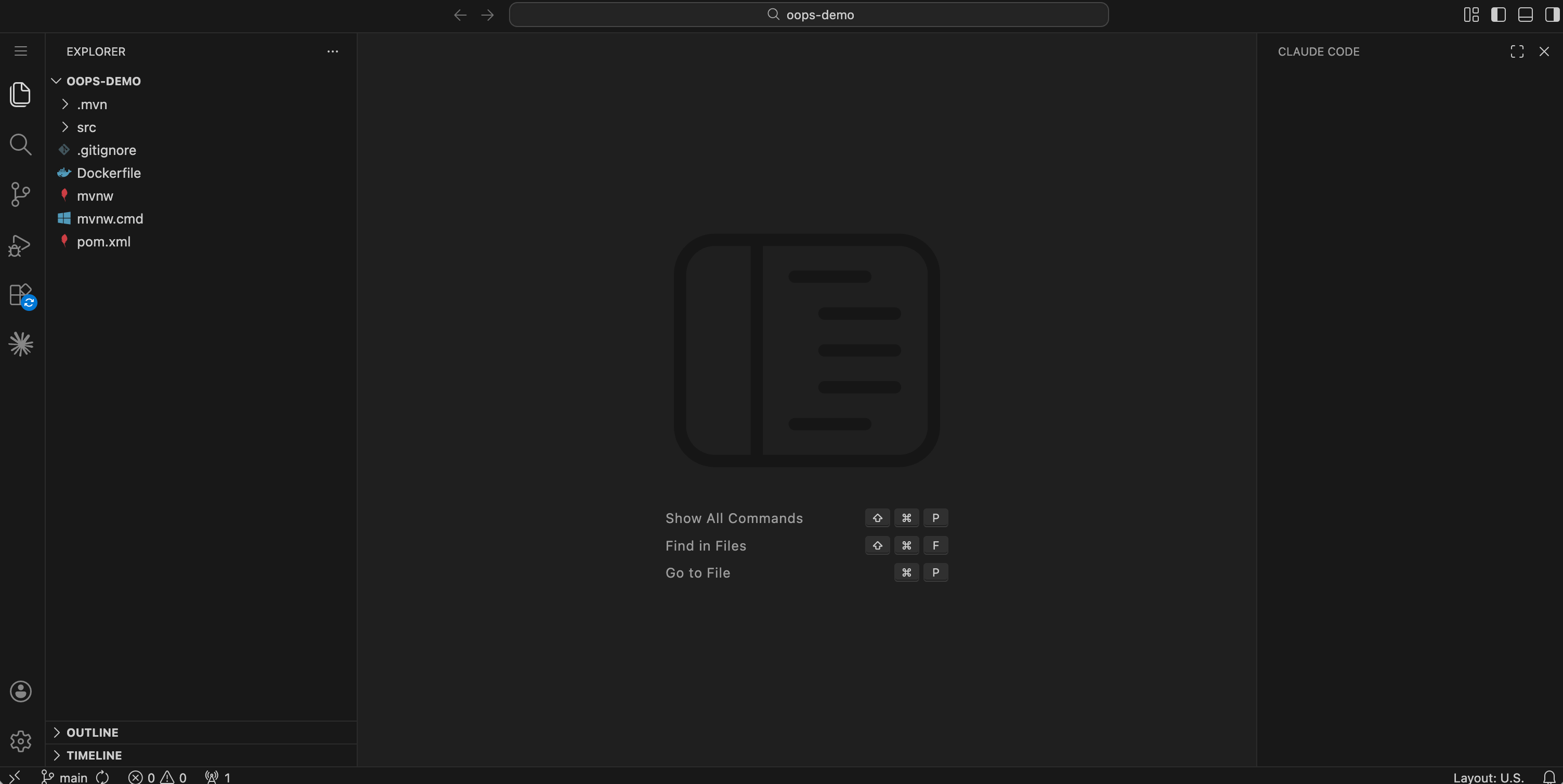
License
This project is licensed under the Apache License 2.0. See the LICENSE file for details.
Reviews (0)
Sign in to leave a review.
Leave a reviewNo results found