WendyOS
Health Pass
- License — License: Apache-2.0
- Description — Repository has a description
- Active repo — Last push 0 days ago
- Community trust — 98 GitHub stars
Code Fail
- process.env — Environment variable access in .github/actions/release-priority/action.yml
- fs module — File system access in .github/actions/release-priority/action.yml
- rm -rf — Recursive force deletion command in .github/assets/readme/render.sh
Permissions Pass
- Permissions — No dangerous permissions requested
No AI report is available for this listing yet.
Build, deploy, and debug robot apps with your coding agent. Supports Jetson, Raspberry Pi, Linux, and simulation.
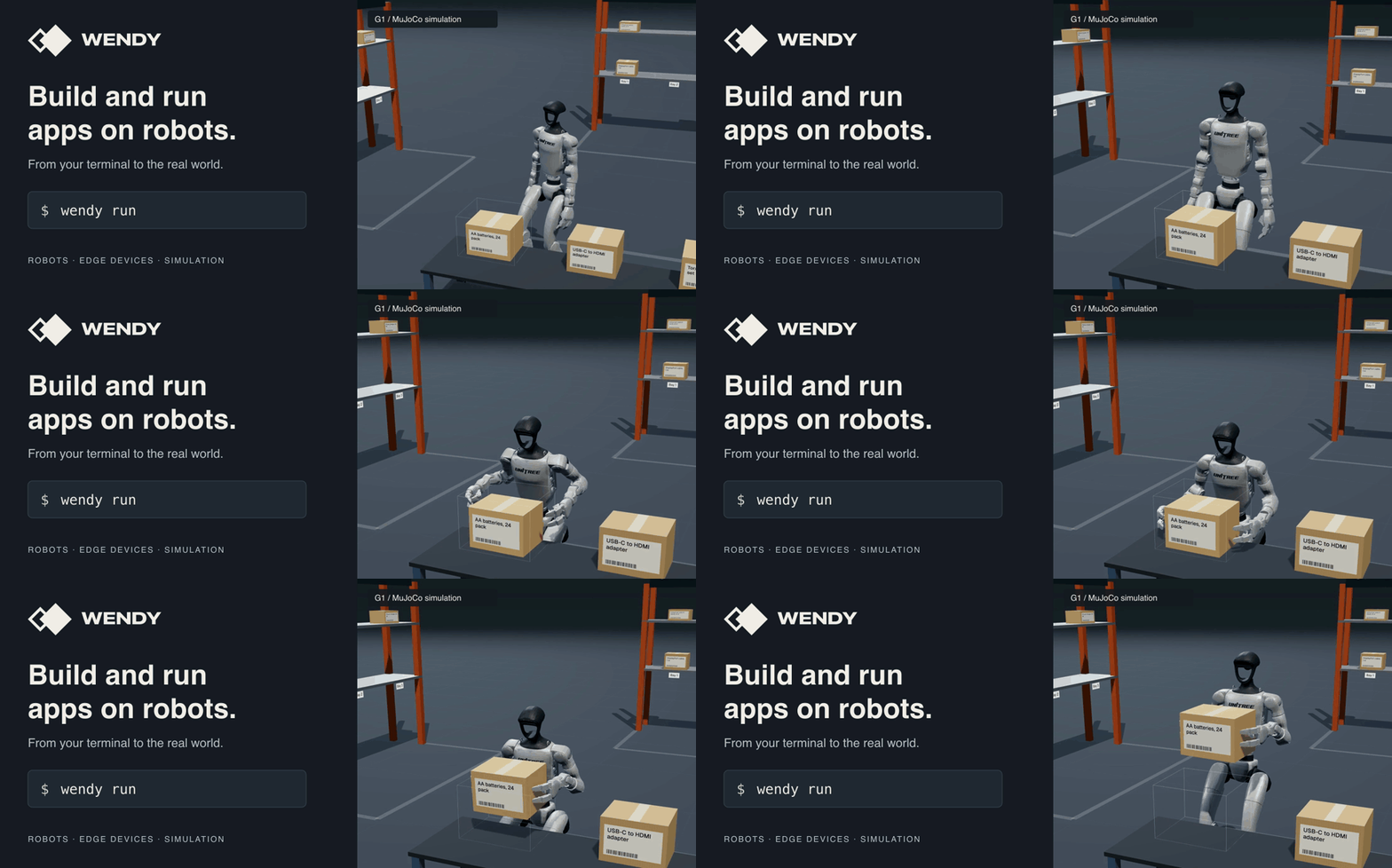
Wendy
Build, deploy, and debug apps on robots, Raspberry Pis, Jetsons, and Linux devices.
Bring your Dockerfile or Compose project. Start with hardware or a simulator.
Get started · Watch the demo · Examples · Discord
Install
On macOS or Linux:
curl -fsSL https://install.wendy.dev/cli.sh | bash
wendy --version
On Windows:
winget install WendyLabs.Wendy --source winget
The Linux app examples below use a macOS or Linux terminal. On Windows, use
WSL2 with the Wendy CLI and Docker with Buildx installed inside WSL2.
Other installation methods and updates
Choose a starting point
Use your own device
wendy tour --hardware
The tour guides you through device setup. Start with a Raspberry Pi, NVIDIA
Jetson, or an existing Linux computer or robot.
Find the setup guide for your hardware.
Try a simulated robot
wendy tour --simulator
The tour creates a simulated Unitree Go2, opens its 3D viewer, and runs a short
walking demo. No physical robot or cloud account is needed. The installer may
start the tour automatically.
You need macOS or Linux, Docker with Buildx, and QEMU. Allow 4 GiB of memory for
the VM and several minutes for the first download and build. Apple Silicon is
the fastest path; x86 Linux uses ARM64 emulation.
See simulator setup
for prerequisites. When finished, use the wendy vm stop command printed by the tour.
Build and deploy an app
With your device set up and Docker running, create a small HTTP app:
wendy init hello-wendy --target wendyos --language node --template simple-api --var APP_ID=hello-wendy --assistant skip --git-init no
cd hello-wendy
wendy run
Select your device. Open the address Wendy prints and check for{"message":"hello-world"}. Press Ctrl+C, edit src/index.ts, save, then runwendy run again against the same target. Node.js runs inside the container.
Follow the full walkthrough
for watch mode, local-only Linux targets, and stopping the app when finished.
Why Wendy?
The CLI runs on your computer; Wendy Agent runs on your device,
manages your apps, and returns logs. Install the Agent on an existing Linux system,
or use WendyOS with the Agent included.
- Build and deploy: use Docker or Compose, build for the target, and send changes with
wendy run. - Work with hardware: declare camera, GPU, and device access in
wendy.json; inspect ROS 2 nodes and topics. - Use a coding agent: connect through MCP to deploy changes and inspect the device.
Local development needs no cloud account. Wendy Cloud
adds remote access and fleet management. Compare deployment options.
Build with a coding agent
After your first successful run, you can let a coding agent deploy changes and
inspect the device through Wendy's MCP server:
wendy mcp setup
Follow the coding-agent setup guide
for supported tools. For ChatGPT, see the ChatGPT guide.
Keep building
- Robot apps with ROS 2 in containers, remote topic inspection, and a Foxglove bridge.
- Camera and AI apps with access to cameras, audio, and GPUs.
- Multi-service apps with ROS 2 talkers, listeners, and shared configuration.
- Data collection that records sensor data, app events, and model results around triggers.
Browse the examples or follow a
tutorial to build your next app.
Wendy Cloud adds remote access and fleet management.
Local development does not require a cloud account.
Reviews (0)
Sign in to leave a review.
Leave a reviewNo results found