flowie
Health Warn
- License — License: GPL-3.0
- Description — Repository has a description
- Active repo — Last push 0 days ago
- Low visibility — Only 5 GitHub stars
Code Pass
- Code scan — Scanned 12 files during light audit, no dangerous patterns found
Permissions Pass
- Permissions — No dangerous permissions requested
No AI report is available for this listing yet.
A fast, keyboard-first outliner for Mac: zoom, links, mirrors, LaTeX math and MCP — all stored locally.

Flowie
A fast, keyboard-first outliner for thinking in lists.
Zoom into any bullet, link and mirror ideas, write math, and search your outline. Your notes are stored on your device.





Features
Write and organize
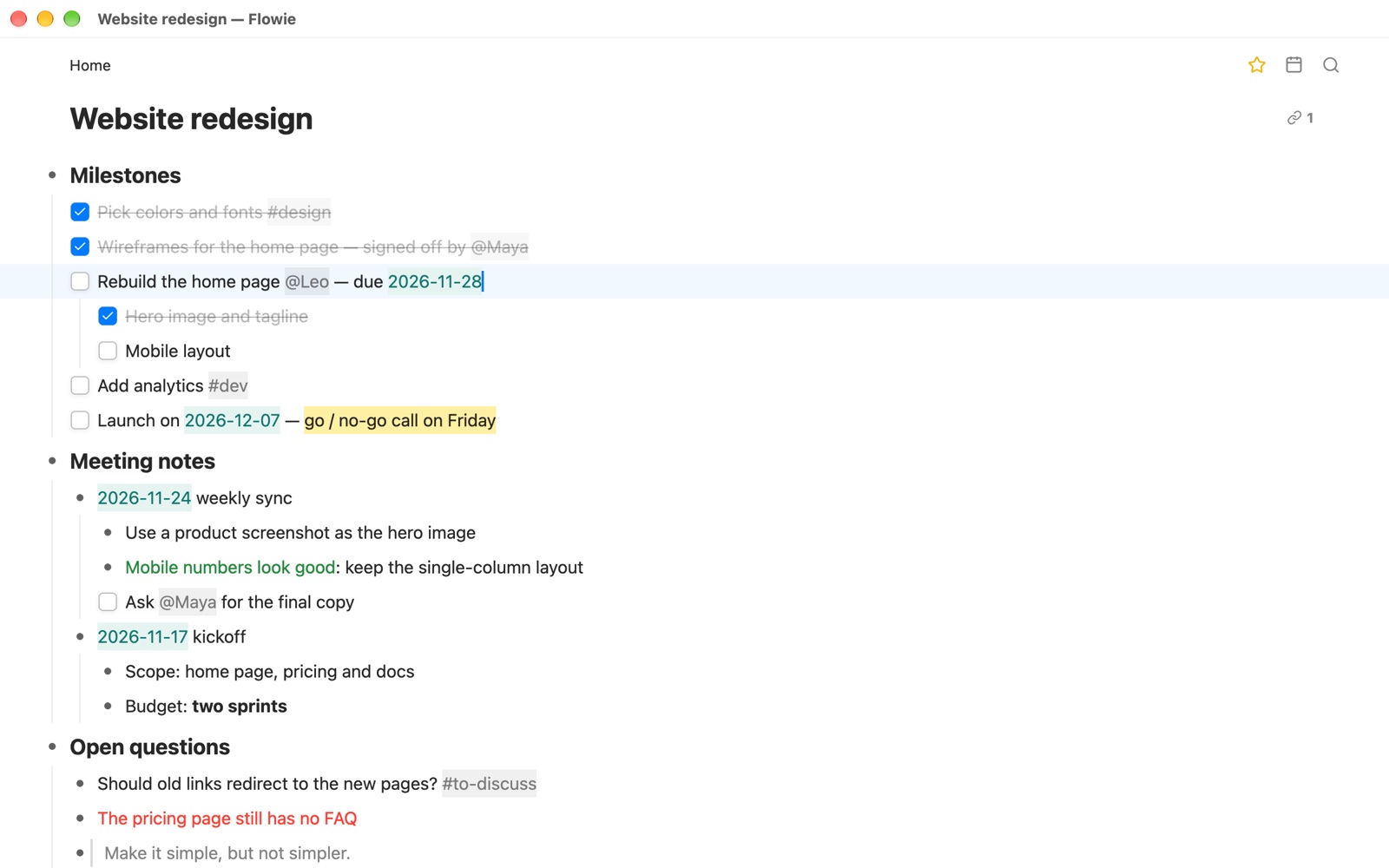
- Every bullet is a page: zoom in to focus, zoom out to see the big picture, with smooth animations.
- Indent, collapse, move and drag bullets; select several and act on them together.
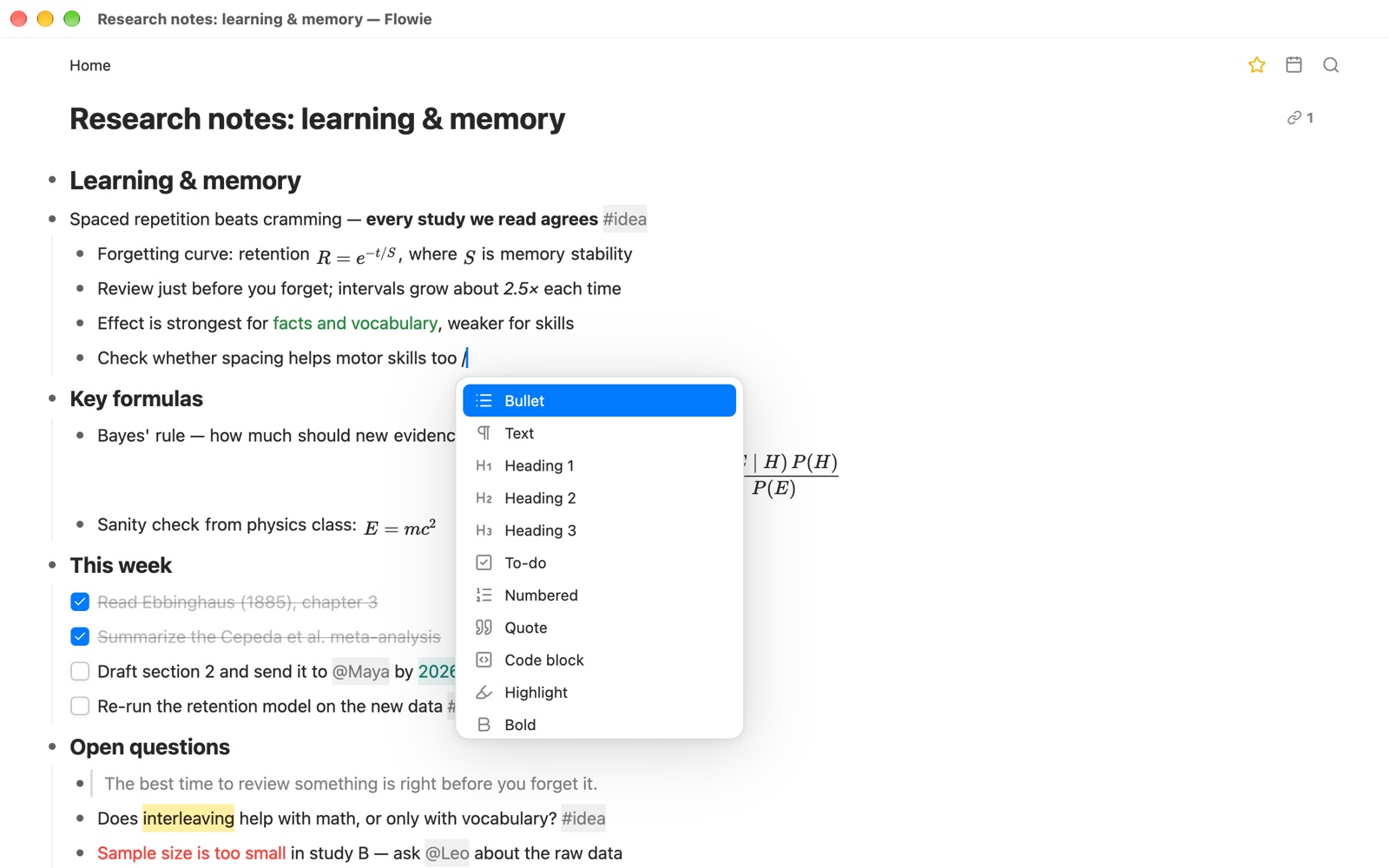
- Headings, to-dos, numbered lists, quotes, code blocks and plain text, from the keyboard or the
/menu. - Bold, italic, strikethrough, highlight, seven colors and links — markup shows only on the bullet you're editing.
- Notes under any bullet, and undo for everything.
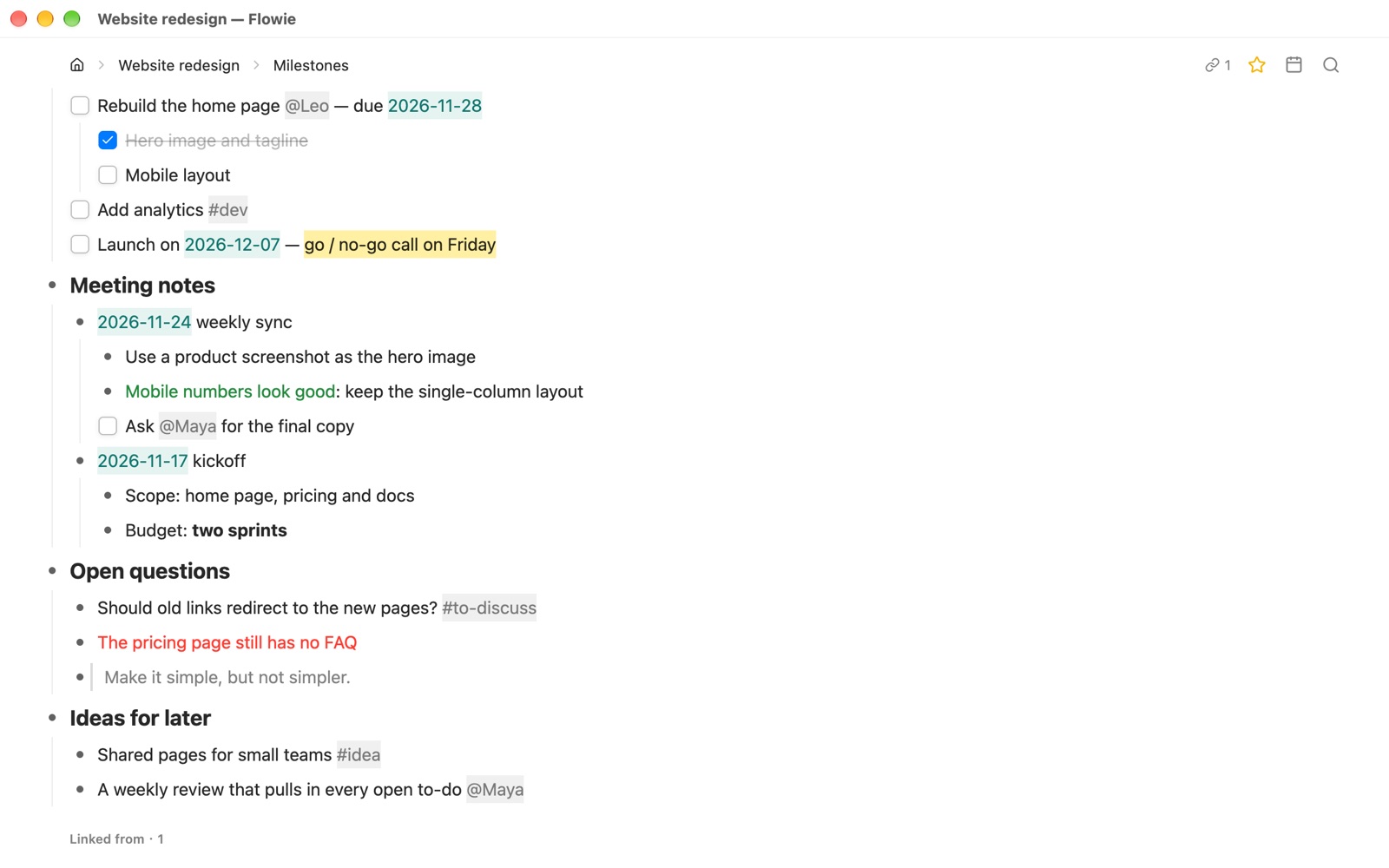
- Paste or drop images into the outline and add captions.
Math
- Inline
$…$and display$$…$$LaTeX, rendered natively as you type, with a live preview while editing.
Connect ideas
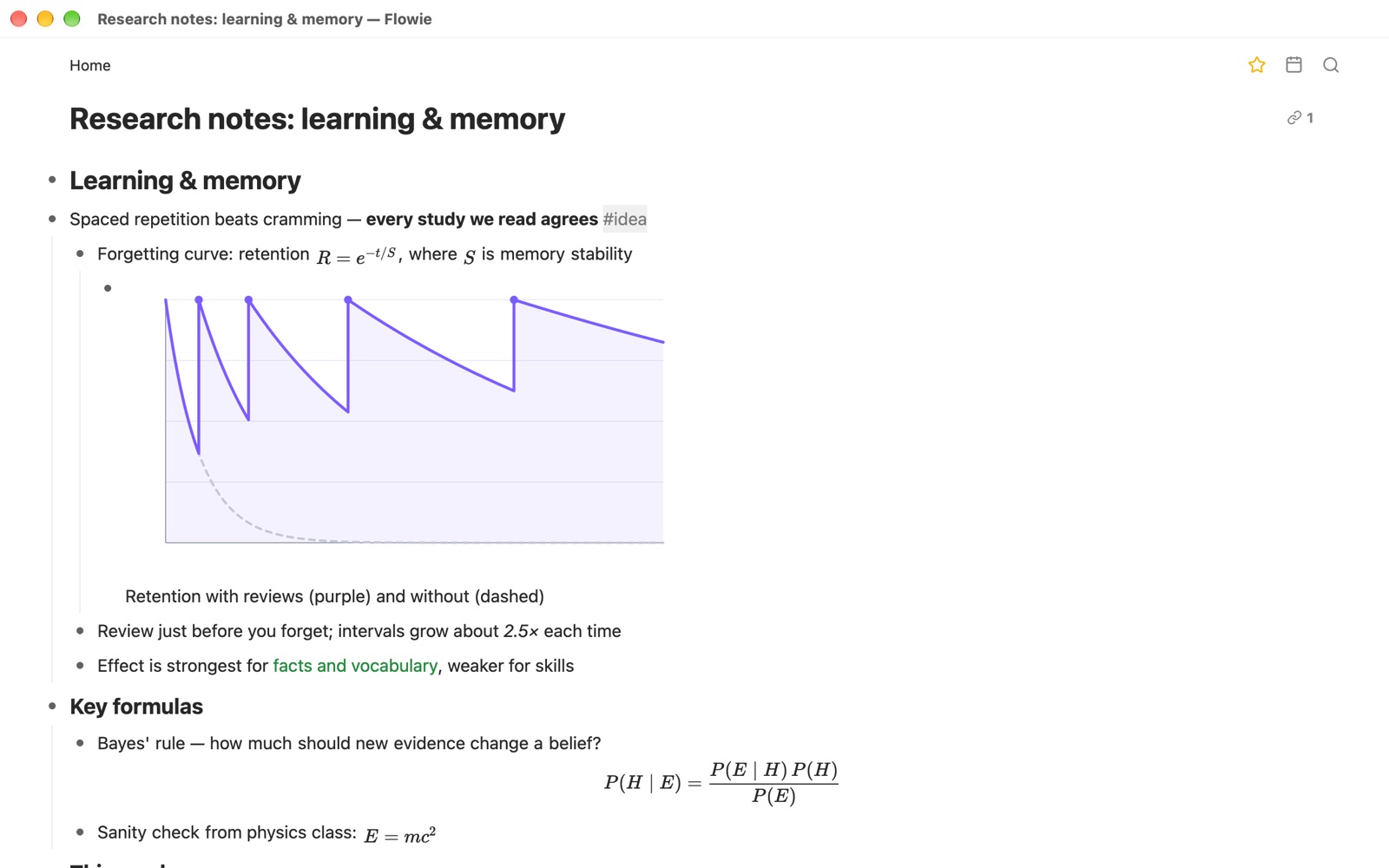
- Link to any bullet with
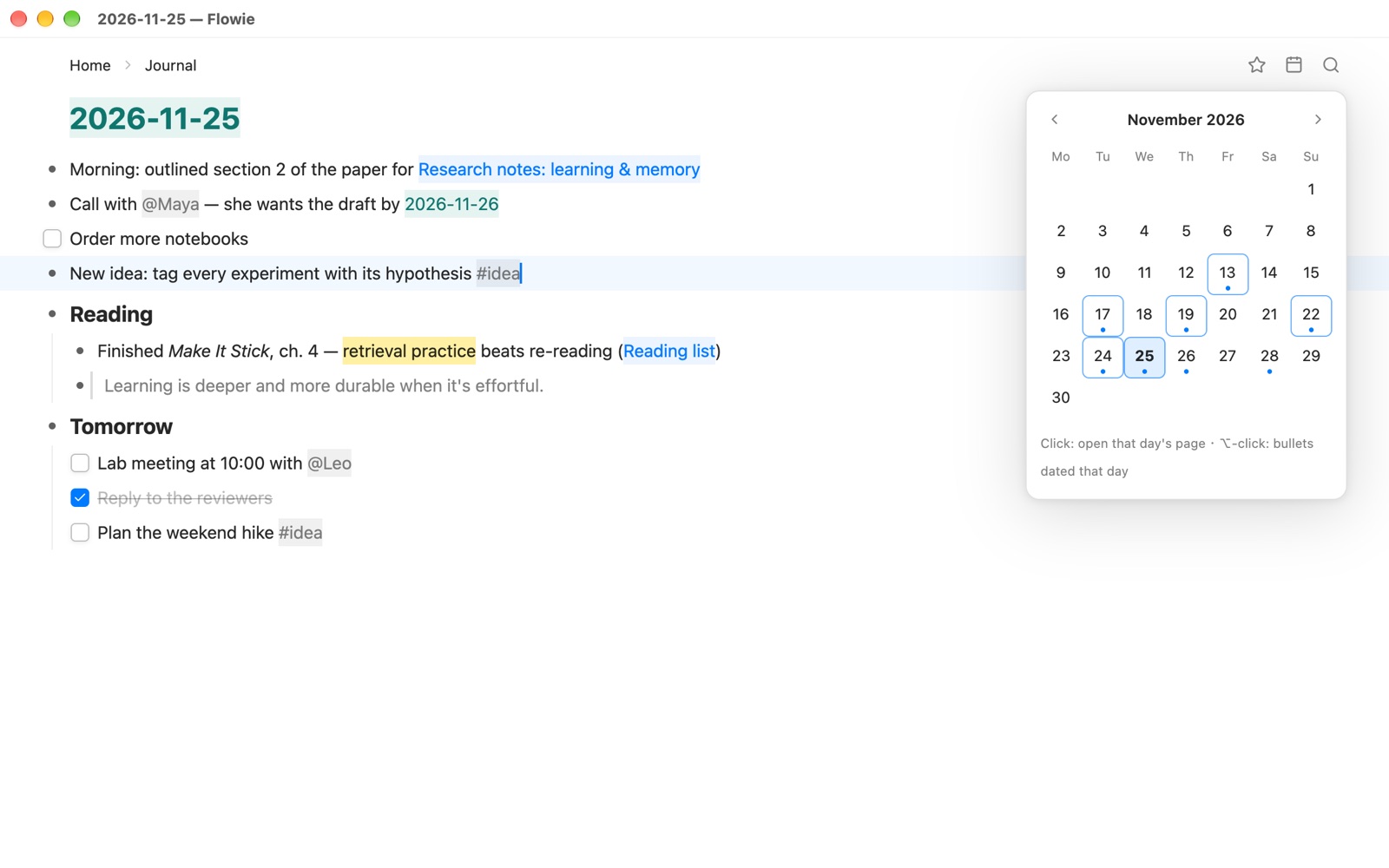
[[. Hover over an internal link to preview its target, or open the target to see backlinks. - Mirrors: one bullet in several places — edit it anywhere, it changes everywhere.
#tagsand@mentionswith completion; clickable dates.- A journal page for every day and a calendar to get around.
![Linking to a page with [[](https://raw.githubusercontent.com/wesleyel/flowie/main/website/images/07-links-en-US.jpg)
Find anything
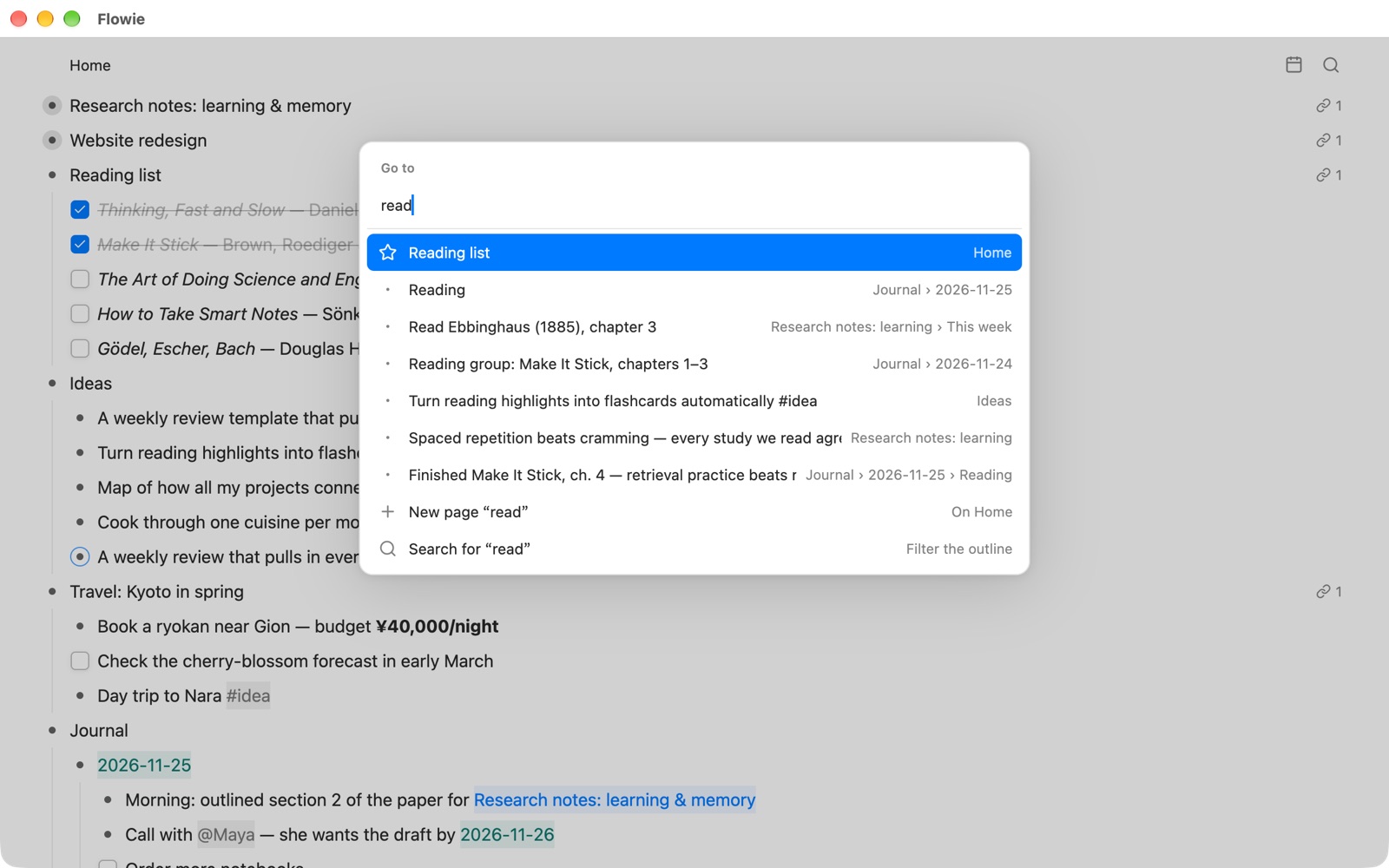
- ⌘P jumps to any bullet, starred page or saved search — or creates a new page.
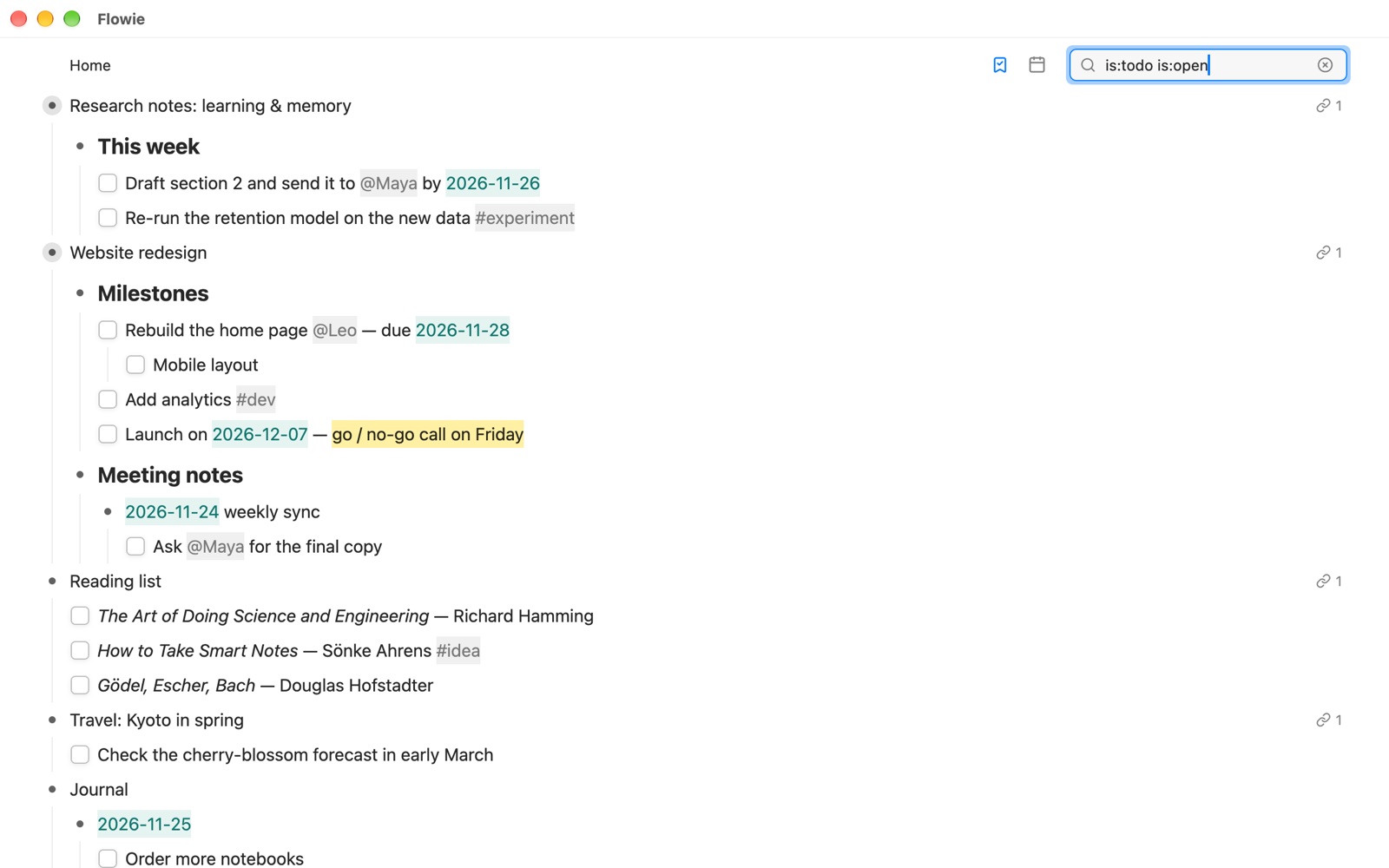
- Search with filters: phrases, tags, people, to-dos, completed, headings, notes, dates and "changed in the last N days".
Keep and share your notes
- Flowie stores the outline in a local SQLite database. No account, no cloud, no tracking.
- Import OPML, Markdown and text (Workflowy exports work); export Markdown, OPML or text.
- Flowie's OPML exports keep internal links and mirrors. To take images with you, use a
.flowiepackage or keep theimagesfolder with your Markdown export. - Share a branch as a
.flowiefile. The recipient can preview it, choose where to import it, and merge later updates while keeping their own edits. Useis:newto find unread imports. - Deleted bullets stay in the Trash for 30 days.
Made for the keyboard
- Every action has a shortcut, and every shortcut can be changed — including mouse side buttons.
- A built-in tutorial: a quick start, three examples to adapt and a manual covering every feature.
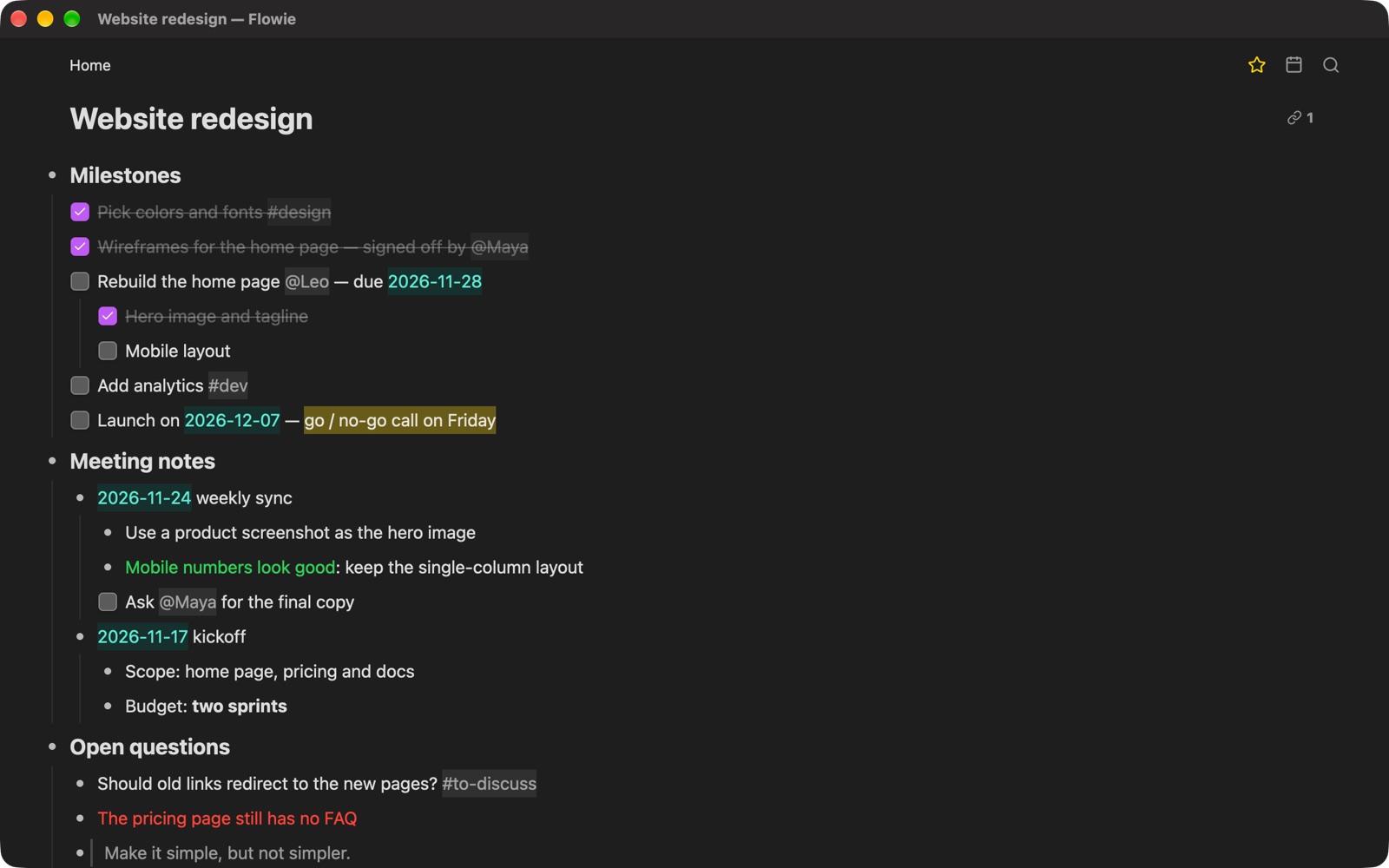
- Light and dark themes, accent colors, English and 简体中文.
- Read release notes in the app under Help → What's New.
Works with AI assistants
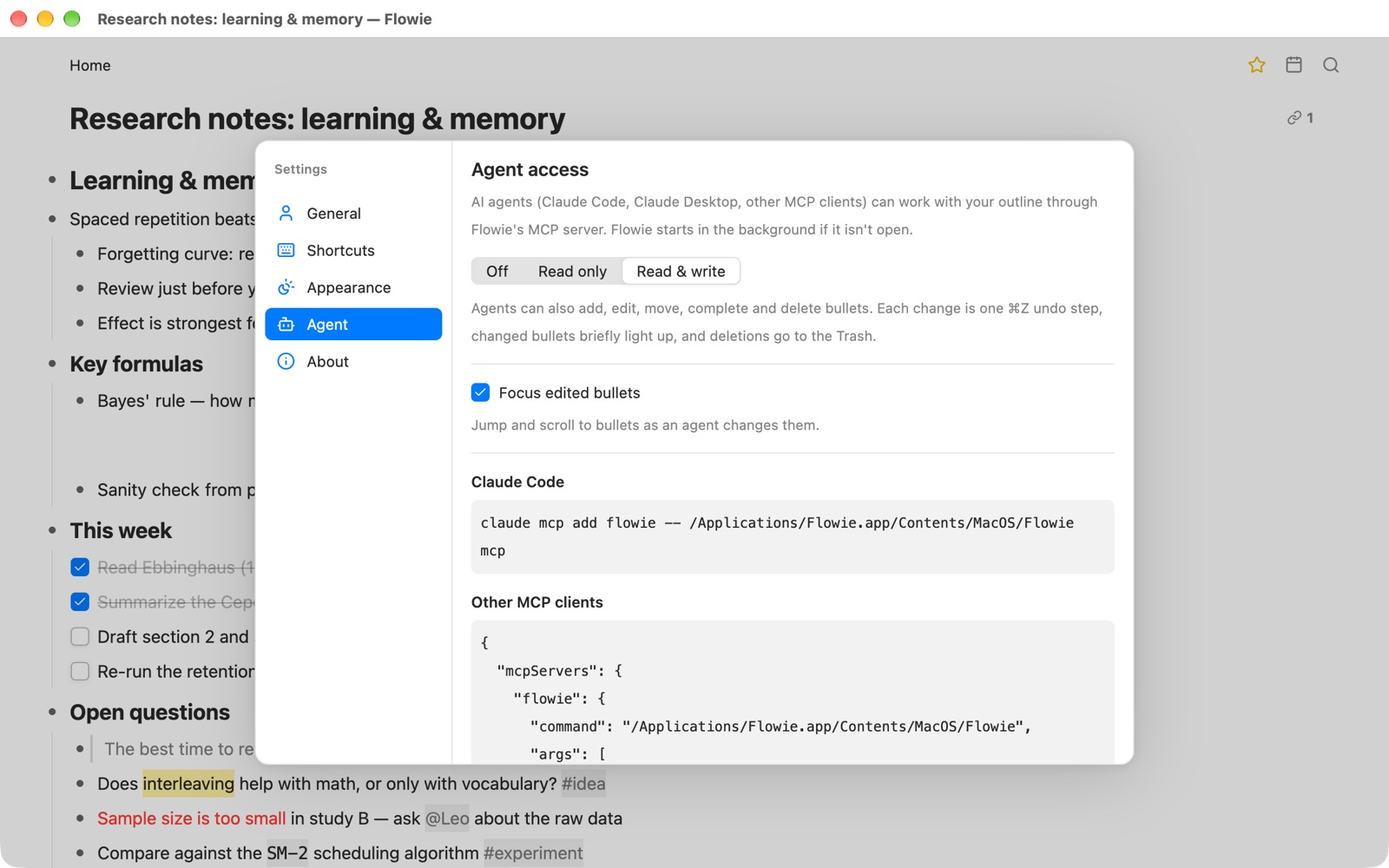
- A built-in MCP server lets Claude and other assistants read your outline — and edit it, if you allow it. Every change is live and undoable.
Get Flowie
macOS
Requires macOS 13 or later on Apple silicon or Intel.
- Mac App Store — a signed, sandboxed build with automatic updates. Buying it supports development. Get it on the Mac App Store.
- Homebrew — install with
brew install --cask wesleyel/tap/flowieand update withbrew upgrade --cask wesleyel/tap/flowie. - GitHub — download
Flowie-<version>-macos.zip, unzip it and moveFlowie.appto Applications. Download from GitHub Releases.
The Homebrew and GitHub builds are not notarized. On macOS 15 or later, try opening Flowie.app first, then go to System Settings → Privacy & Security → Open Anyway if macOS blocks it. On older macOS versions, right-click the app and choose Open.
Windows
Requires Windows 10 or 11 (64-bit). Download Flowie-<version>-windows-x64.zip, unzip it and run Flowie.exe. Download from GitHub Releases.
GitHub Releases and Homebrew include release candidates (-rc.N).
Build from source
You can build Flowie on macOS, Windows or Linux. Build guide.
Learn more
- Using Flowie — shortcuts, markup and search syntax
- AI assistants (MCP)
- Translating Flowie
- Changelog · Contributing · Security · Issues · Privacy policy
Credits
Flowie builds on GPUI, RaTeX, KaTeX fonts and Lucide icons.
Thanks to the LINUX DO community for feedback and support.
License
© 2026 Wesley Yang. Flowie is licensed under the GNU General Public License v3.0 or later; the app bundle lists every third-party license.
Reviews (0)
Sign in to leave a review.
Leave a reviewNo results found