kaja
Health Pass
- License — License: MIT
- Description — Repository has a description
- Active repo — Last push 0 days ago
- Community trust — 16 GitHub stars
Code Pass
- Code scan — Scanned 12 files during light audit, no dangerous patterns found
Permissions Pass
- Permissions — No dangerous permissions requested
No AI report is available for this listing yet.
A canvas for your gRPC, MCP and OpenAPI

macOS · Docker
A canvas for your APIs
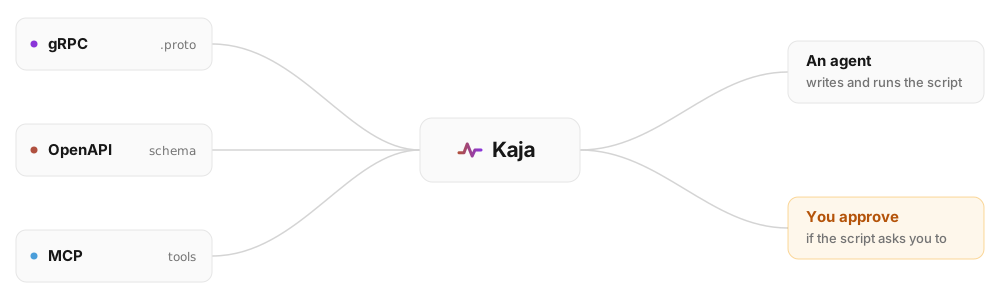
An API client like Postman or Bruno, except your agent writes the payloads.
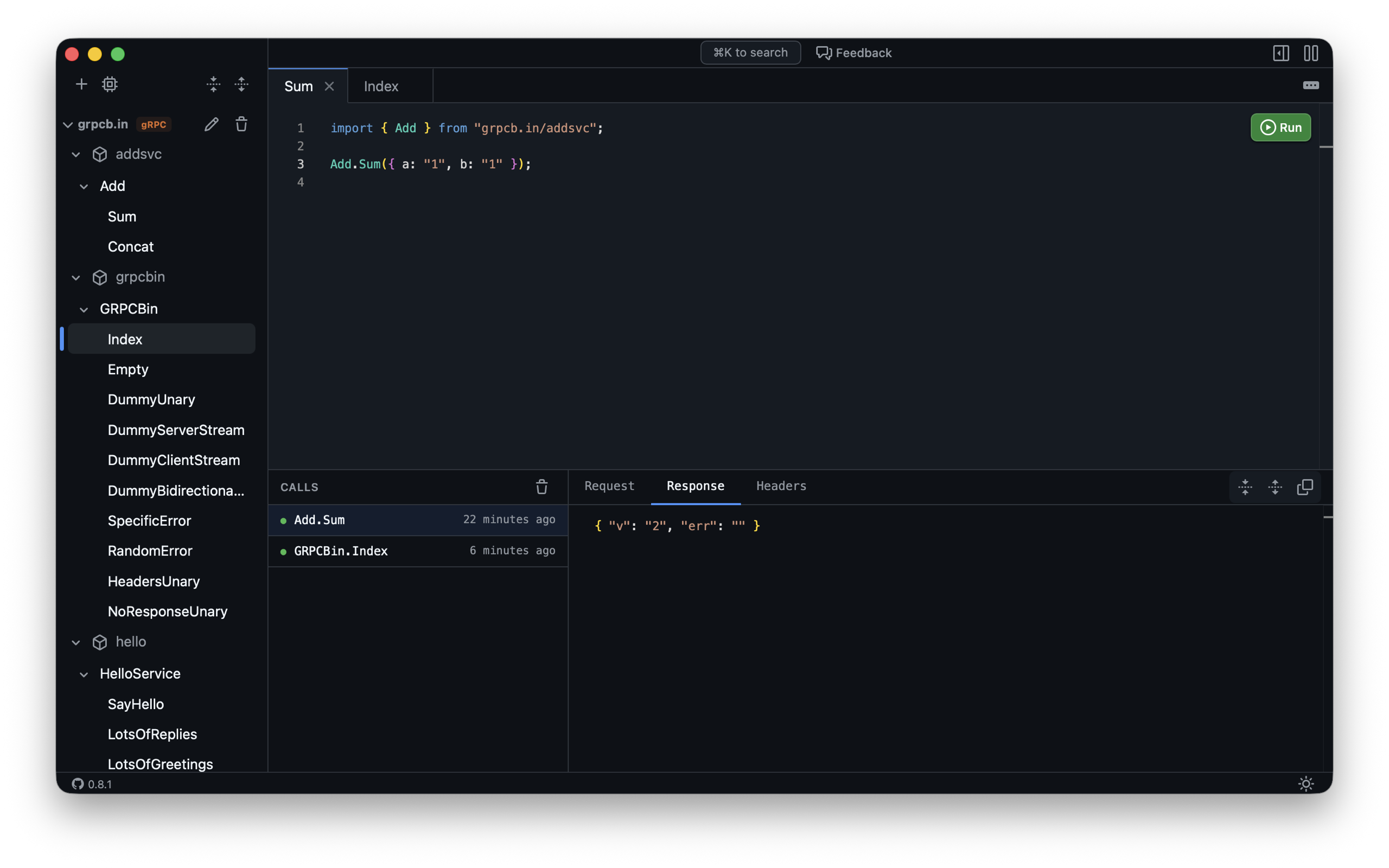
Kaja draws the flow, and you can inspect every call.

Documentation · Live Demo · Website



Documentation
Installing Kaja, connecting apps, keeping credentials in variables, writing scripts
and pointing an agent at it are all documented on the website.
Read the docs at kaja.tools/docs →
| Installation | The Mac App Store build, or one docker run with your protos and kaja.json mounted |
| Apps | Connect gRPC, OpenAPI, Twirp and MCP apps, and what each type's block takes |
| Variables | Named values your scripts and your app configuration both read, with secrets kept out of the file |
| Scripts | TypeScript with a typed import for every app you connected, drawing on the canvas |
| Agents | Point your agent at Kaja's MCP server, and watch every run it makes |
Development
The development scripts require Go and Bun installed. If not installed, they will offer to install them for you via Homebrew.
- Run in local server:
scripts/server(pass--editableto editworkspace/kaja.jsonfrom the UI) - Run in Docker:
scripts/docker - Run the desktop app:
scripts/desktop - Test UI:
(cd ui && bun test) - TSC UI:
(cd ui && bun run tsc) - Test server:
(cd server && go test ./... -tags development -v). Thedevelopmenttag is the onescripts/serverbuilds with. Without it the packages embed a production UI bundle, which onlygo run cmd/build-ui/main.gowrites. - Update demo protos:
scripts/demo-protosrefreshes thequirksandgrpcb.inprotos inworkspace/. The demo services themselves live in kaja-tools/website.
Releases
Releases are cut from GitHub, so no local build is needed. Every push to main uploads a new build to TestFlight. To ship a version, run the release workflow (Actions → Run workflow):
open(withpatch/minor/major) bumps the version on a branch and opens a PR. Merge it yourself:mainis protected, so the bump has to arrive as a PR and pass thetestcheck. TestFlight builds carry the new version from then on.shiptags the commit and publishes a GitHub Release for it, with notes covering the whole cycle. Run it when you promote one of those TestFlight builds to the App Store.
Reviews (0)
Sign in to leave a review.
Leave a reviewNo results found