macos-computer-use-skill
Health Warn
- License — License: MIT
- Description — Repository has a description
- Active repo — Last push 0 days ago
- Low visibility — Only 9 GitHub stars
Code Pass
- Code scan — Scanned 12 files during light audit, no dangerous patterns found
Permissions Pass
- Permissions — No dangerous permissions requested
This standalone MCP server provides AI agents with full GUI control over macOS, including the ability to take screenshots, simulate mouse and keyboard inputs, manage applications, and access the clipboard across multiple displays.
Security Assessment
Overall Risk: High. By design, this tool requires extensive system privileges. It explicitly needs macOS Accessibility and Screen Recording permissions to function. While the automated code scan found no dangerous patterns, hardcoded secrets, or unauthorized network requests, the fundamental nature of the tool is highly invasive. Because it gives an AI agent full control over the mouse, keyboard, and clipboard, a misconfigured or malicious AI could easily access sensitive data, execute unintended actions, or interact with other local applications.
Quality Assessment
The project is relatively new but actively maintained, with its most recent push occurring today. It is properly licensed under the permissive MIT license. The codebase is small and manageable, having passed a basic code scan. However, community trust is currently minimal. The repository has low visibility with only 9 GitHub stars, meaning the code has likely not been widely reviewed by independent security researchers.
Verdict
Use with caution: While the code itself appears clean, the tool's inherently high system privileges and lack of widespread community auditing mean you should only run it in isolated or tightly controlled environments.
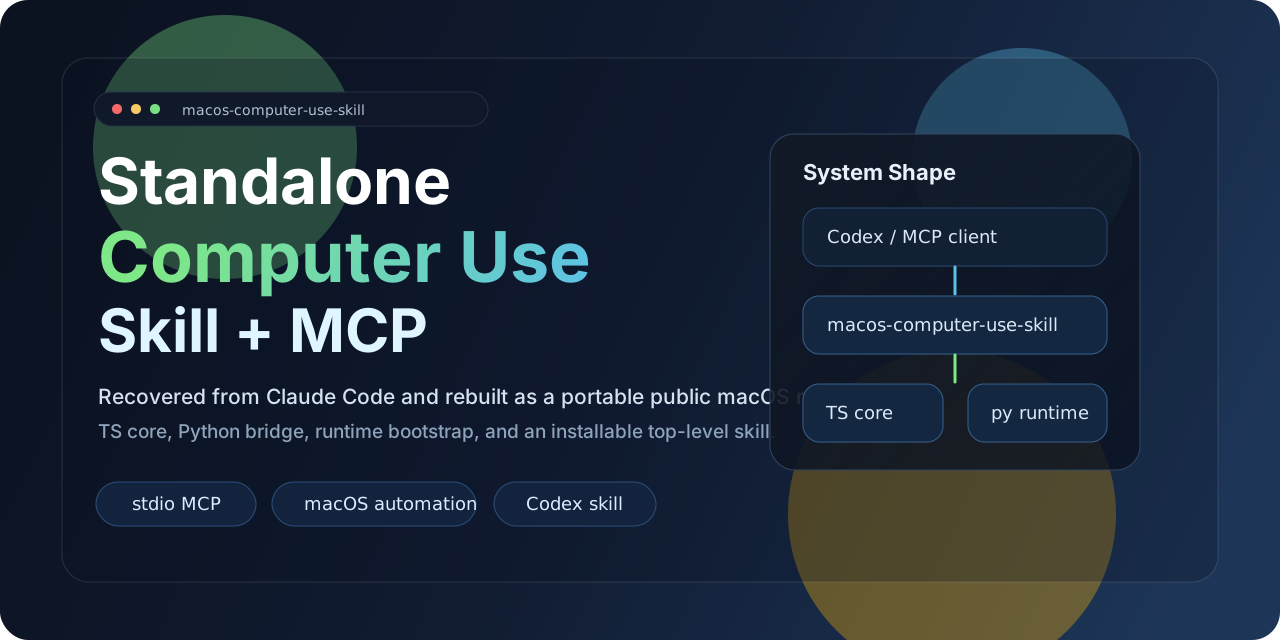
Standalone MCP server that gives AI agents full GUI control over macOS — screenshots, mouse, keyboard, apps, clipboard, and multi-display. Zero private dependencies.
macOS Computer-Use Skill
Standalone MCP server that gives AI agents full GUI control over macOS — screenshots, mouse, keyboard, apps, clipboard, and multi-display — with zero private dependencies.






Quick Start · Tools · MCP Config · ClawHub
Features
| Feature | Description | |
|---|---|---|
| Vision | Screenshot & Display | Capture any display, enumerate monitors, zoom into regions |
| Input | Mouse & Keyboard | Click, drag, scroll, type, key combos, hold keys — with IME-safe clipboard routing |
| Apps | Application Control | Launch apps, detect frontmost app, list installed/running apps, tiered permission model |
| Clipboard | Read & Write | Full clipboard access for paste-based workflows |
| Batch | Action Batching | Chain multiple actions in a single MCP call for speed |
| Runtime | Zero-Config Bootstrap | Auto-creates Python virtualenv and installs dependencies on first run |
| Portable | Skill Packaging | Ships as a standalone skill — install once, works without the source repo |
| Public | No Private Dependencies | Built entirely on public packages: Node.js, Python, pyautogui, mss, Pillow, pyobjc |
Quick Start
1. Clone & build
git clone https://github.com/wimi321/macos-computer-use-skill.git
cd macos-computer-use-skill
npm install && npm run build
2. Run the MCP server
node dist/cli.js
On first launch the server automatically creates a Python virtualenv in .runtime/venv and installs all runtime dependencies. No Claude desktop app, no private native modules.
3. Or install from ClawHub
clawhub install computer-use-macos
[!NOTE]
macOS requires Accessibility and Screen Recording permissions for the host process. The server checks both on startup and reports status through MCP.
Architecture
flowchart LR
    A[AI Agent / MCP Client] --> B[MCP Server<br/>TypeScript + stdio]
    B --> C[Tool Layer<br/>28 MCP tools]
    B --> D[Python Bridge<br/>auto-bootstrapped venv]
    D --> E[pyautogui]
    D --> F[mss + Pillow]
    D --> G[pyobjc<br/>Cocoa + Quartz]
    E --> H[Mouse / Keyboard]
    F --> I[Screenshots]
    G --> J[Apps / Displays<br/>Clipboard / Windows]
Available Tools
Vision & Display
| Tool | Description |
|---|---|
screenshot |
Capture the current display as a JPEG image |
zoom |
Crop and zoom into a region of the last screenshot |
switch_display |
Switch the active capture target to a different monitor |
Input
| Tool | Description |
|---|---|
left_click |
Left-click at a coordinate |
double_click |
Double-click at a coordinate |
triple_click |
Triple-click (select paragraph/line) |
right_click |
Right-click (context menu) |
middle_click |
Middle-click |
left_click_drag |
Click-and-drag between two points |
left_mouse_down |
Press and hold the left mouse button |
left_mouse_up |
Release the left mouse button |
mouse_move |
Move the cursor without clicking |
scroll |
Scroll in any direction at a coordinate |
type |
Type text (clipboard-routed on macOS to avoid IME corruption) |
key |
Press a key combo (e.g. cmd+c, ctrl+shift+t) |
hold_key |
Hold a key for a duration |
cursor_position |
Get the current cursor coordinates |
Application & System
| Tool | Description |
|---|---|
open_application |
Launch a macOS application by name |
request_access |
Request access to interact with an application |
list_granted_applications |
List apps the current session has permission to control |
read_clipboard |
Read the system clipboard |
write_clipboard |
Write to the system clipboard |
wait |
Pause for a specified duration |
Batch & Teach Mode
| Tool | Description |
|---|---|
computer_batch |
Execute multiple actions in a single call |
request_teach_access |
Request elevated access for teaching workflows |
teach_step |
Single-step action in teach mode |
teach_batch |
Batch actions in teach mode |
MCP Configuration
Add to your MCP client config:
{
  "mcpServers": {
    "computer-use": {
      "command": "node",
      "args": ["/absolute/path/to/macos-computer-use-skill/dist/cli.js"],
      "env": {
        "CLAUDE_COMPUTER_USE_DEBUG": "0",
        "CLAUDE_COMPUTER_USE_COORDINATE_MODE": "pixels"
      }
    }
  }
}
See examples/mcp-config.json for a ready-to-use template.
Skill Install
This project ships as a self-contained skill at skill/computer-use-macos.
From ClawHub:
clawhub install computer-use-macos
From the repo:
bash skill/computer-use-macos/scripts/install.sh
The installer copies the full project to ~/.codex/skills/computer-use-macos/project — the skill keeps working even if the original clone is removed.
Environment Variables
| Variable | Default | Description |
|---|---|---|
CLAUDE_COMPUTER_USE_DEBUG |
0 |
Enable verbose debug logging |
CLAUDE_COMPUTER_USE_COORDINATE_MODE |
pixels |
Coordinate mode: pixels or normalized_0_100 |
CLAUDE_COMPUTER_USE_CLIPBOARD_PASTE |
1 |
Prefer clipboard-based typing (IME-safe) |
CLAUDE_COMPUTER_USE_MOUSE_ANIMATION |
0 |
Animate mouse movement |
CLAUDE_COMPUTER_USE_HIDE_BEFORE_ACTION |
0 |
Hide overlay windows before actions |
Requirements
| Requirement | Version |
|---|---|
| macOS | 12+ (Monterey or later) |
| Node.js | 20+ |
| Python | 3.10+ (ships with macOS or via Homebrew) |
| Permissions | Accessibility + Screen Recording |
Python dependencies (pyautogui, mss, Pillow, pyobjc) are installed automatically into an isolated virtualenv on first run.
Repository Layout
macos-computer-use-skill/
├── src/
│   ├── cli.ts                    # Entry point
│   ├── server.ts                 # MCP server setup
│   ├── session.ts                # Session context factory
│   ├── computer-use/
│   │   ├── executor.ts           # macOS executor (bridges to Python)
│   │   ├── pythonBridge.ts       # Venv bootstrap + Python IPC
│   │   ├── hostAdapter.ts        # Host adapter factory
│   │   └── ...
│   └── vendor/computer-use-mcp/
│       ├── mcpServer.ts          # MCP server factory
│       ├── toolCalls.ts          # Tool dispatch logic
│       ├── tools.ts              # MCP tool schemas
│       └── ...
├── runtime/
│   ├── mac_helper.py             # Python runtime (pyautogui + pyobjc)
│   └── requirements.txt
├── skill/
│   └── computer-use-macos/       # Portable skill package
├── examples/
│   ├── mcp-config.json
│   └── env.sh.example
├── assets/
│   └── hero.svg
├── package.json
└── tsconfig.json
Roadmap
- App icon extraction without private APIs
- Stronger nested helper-app filtering
- Automated MCP integration test suite
- Pre-built release artifacts for easier distribution
Contributing
Contributions are welcome. See CONTRIBUTING.md for guidelines.
License
Acknowledgments
This project extracts and adapts reusable TypeScript computer-use logic from the Claude Code workflow, replacing the private native runtime with a fully standalone, publicly installable macOS implementation. Built on top of the Model Context Protocol.
Reviews (0)
Sign in to leave a review.
Leave a reviewNo results found