autogpt
Health Gecti
- License — License: MIT
- Description — Repository has a description
- Active repo — Last push 0 days ago
- Community trust — 112 GitHub stars
Code Gecti
- Code scan — Scanned 12 files during light audit, no dangerous patterns found
Permissions Gecti
- Permissions — No dangerous permissions requested
This project is a framework written in Rust designed to help developers build Artificial General Intelligence (AGI) agents. It provides a structured environment for creating autonomous AI systems and is currently labeled as a work in progress.
Security Assessment
The automated code scan reviewed 12 files and found no dangerous patterns. The tool does not request inherently dangerous system permissions, and there are no hardcoded secrets present in the audited codebase. However, as an agent framework, its core purpose inherently involves executing tasks and potentially making network requests depending on the specific agents a developer builds. Because the framework itself is clean, the overall risk is rated as Low.
Quality Assessment
The project is highly active, with its most recent updates pushed just today. It is legally transparent and well-received, using the highly permissive MIT license and boasting 112 GitHub stars. A CI/CD pipeline is also integrated, and the code is published on Crates.io, indicating a standard and reliable software development lifecycle.
Verdict
Safe to use, provided you account for its work-in-progress status when implementing it in production environments.
🦀 A Pure Rust Framework For Building AGI (WIP).
🤖 AutoGPT














🐧 Linux (Recommended) |
🪟 Windows | 🐋 | 🐋 |
|---|---|---|---|
 |
|
 |
 |
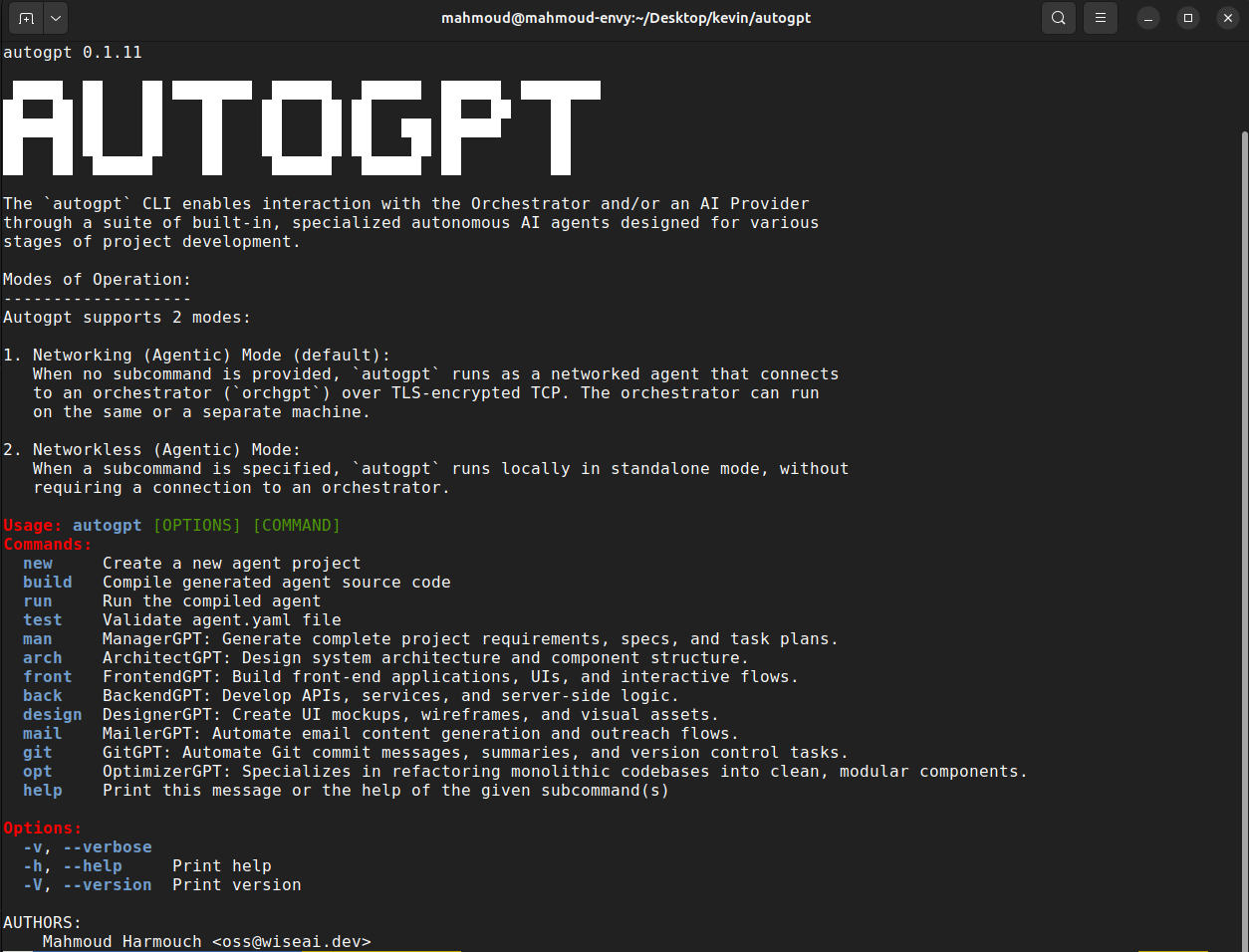 |
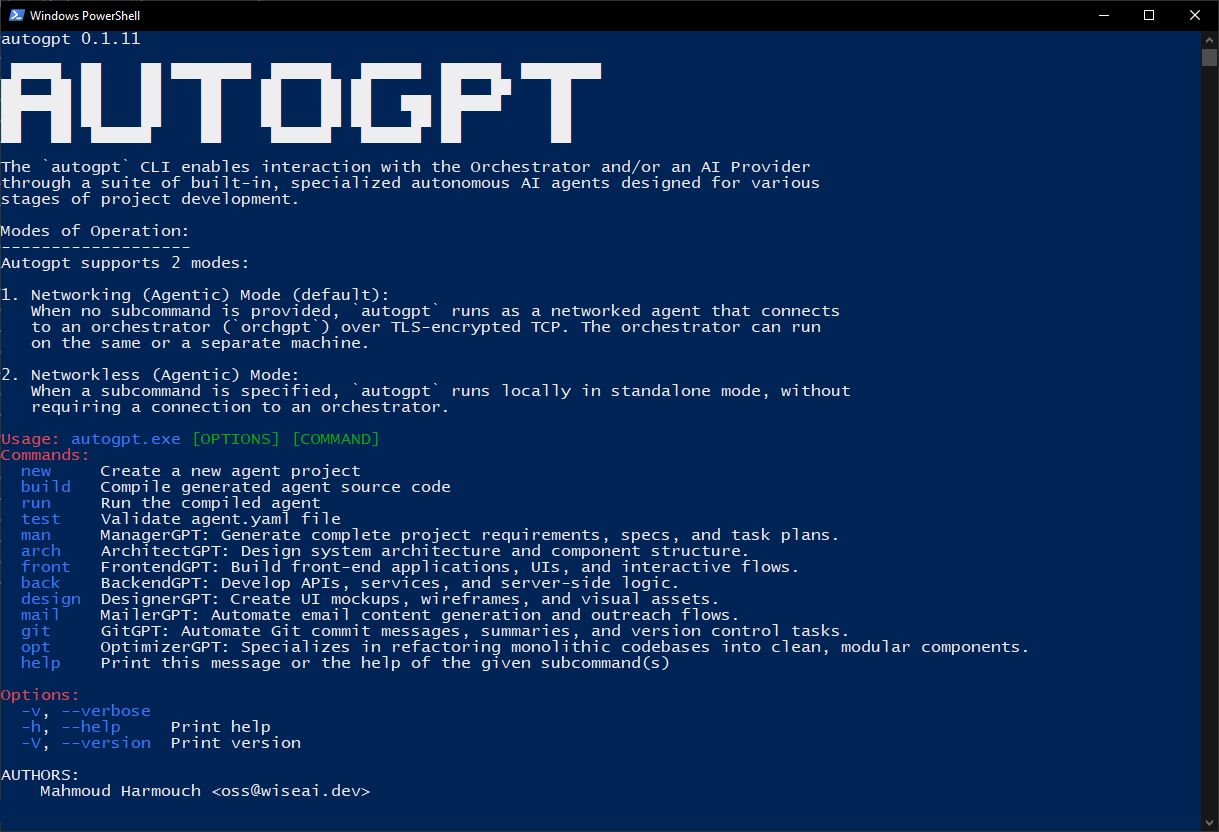 |
- | - |
| Method 1: Download Executable File | Download .exe File |
- | - |
Method 2: cargo install autogpt --all-features |
cargo install autogpt --all-features |
docker pull kevinrsdev/autogpt:0.2.5 |
docker pull kevinrsdev/orchgpt:0.2.5 |
| Set Environment Variables | Set Environment Variables | Set Environment Variables | Set Environment Variables |
autogpt -h orchgpt -h |
autogpt.exe -h |
docker run kevinrsdev/autogpt:0.2.5 -h |
docker run kevinrsdev/orchgpt:0.2.5 -h |
[!NOTE]
This project is under active development. There is also a parallel project, lmm, under equally active development; It does not use LLMs at all. Instead, it uses equation-based intelligence to predict new words and reason without gradient-trained models. Check it out if you're interested in a fundamentally different approach to machine intelligence!
AutoGPT is a pure rust framework that simplifies AI agent creation and management for various tasks. Its remarkable speed and versatility are complemented by a mesh of built-in interconnected GPTs, ensuring exceptional performance and adaptability.
🧠 Framework Overview
⚙️ Agent Core Architecture
AutoGPT agents are modular and autonomous, built from composable components:
- 🔌 Tools & Sensors: Interface with the real world via actions (e.g., file I/O, APIs) and perception (e.g., audio, video, data).
- 🧠 Memory & Knowledge: Combines long-term vector memory with structured knowledge bases for reasoning and recall.
- 📝 No-Code Agent Configs: Define agents and their behaviors with simple, declarative YAML, no coding required.
- 🧭 Planner & Goals: Breaks down complex tasks into subgoals and tracks progress dynamically.
- 🧍 Persona & Capabilities: Customizable behavior profiles and access controls define how agents act.
- 🧑🤝🧑 Collaboration: Agents can delegate, swarm, or work in teams with other agents.
- 🪞 Self-Reflection: Introspection module to debug, adapt, or evolve internal strategies.
- 🔄 Context Management: Manages active memory (context window) for ongoing tasks and conversations.
- 📅 Scheduler: Time-based or reactive triggers for agent actions.
🚀 Developer Features
AutoGPT is designed for flexibility, integration, and scalability:
- 🧪 Custom Agent Creation: Build tailored agents for different roles or domains.
- 📋 Task Orchestration: Manage and distribute tasks across agents efficiently.
- 🧱 Extensibility: Add new tools, behaviors, or agent types with ease.
- 💻 CLI Tools: Command-line interface for rapid experimentation and control.
- 🧰 SDK Support: Embed AutoGPT into existing projects or systems seamlessly.
📦 Installation
Please refer to our tutorial for guidance on installing, running, and/or building the CLI from source using either Cargo or Docker.
[!NOTE]
For optimal performance and compatibility, we strongly advise utilizing a Linux operating system to install this CLI.
🔄 Workflow
AutoGPT supports 4 modes of operation: interactive, direct prompt, standalone agentic, and distributed agentic.
0. 🤖 GenericGPT Interactive Mode (Default)
When you run autogpt with no subcommand or flags, it launches an interactive AI shell powered by GenericGPT, a production-hardened autonomous software engineering agent with session persistence, model switching, and multi-provider support:
autogpt
The interactive shell supports the following commands:
| Command | Description |
|---|---|
<your prompt> |
Send a task to the GenericGPT autonomous agent |
/help |
Show available commands |
/provider |
Switch AI provider (Gemini, OpenAI, Anthropic, XAI, Cohere) |
/models |
Browse and switch between provider-native models |
/sessions |
List and resume previous sessions |
/status |
Show current model, provider, and directory |
/workspace |
Show the current workspace path |
/clear |
Clear the terminal |
exit / quit |
Save session and quit |
Press
ESCat any time to interrupt a running generation.
The .autogpt Directory
GenericGPT maintains all persistent state inside the workspace root (defaults to the current directory):
.autogpt/
├── sessions/          # YAML conversation snapshots, auto-saved after every response
│   ├── <uuid>.yaml
│   └── ...
└── skills/            # TOML lesson files, injected into future prompts automatically
    ├── rust.toml
    ├── web.toml
    └── python.toml
Control the workspace root with AUTOGPT_WORKSPACE:
export AUTOGPT_WORKSPACE=/my/project   # scope all file ops to a specific directory
autogpt
Model Selection
Models are sourced dynamically from each provider's crate, no hardcoded strings. Override the active model without entering the shell:
export GEMINI_MODEL=gemini-2.5-pro-preview-05-06
export OPENAI_MODEL=gpt-4o
export MODEL=<any-model-id>    # global fallback for any provider
How GenericGPT Works
Each prompt goes through a six-step pipeline:
- Reasoning: structured internal monologue stored in the session log.
- Task synthesis: decomposition into typed actions (
CreateFile,PatchFile,RunCommand, ...). - Execution: surgical file edits via
PatchFile; shell execution viaRunCommand. - Build-and-verify: auto-detects
Cargo.toml/package.json/Makefileand runs the build; retries on failure up to 3 times. - Reflection: reviews outcomes and lesson candidates.
- Skill extraction: lessons written to
.autogpt/skills/<domain>.tomland injected in future sessions.
flowchart TD
    A([User enters prompt]) --> B[Reasoning pre-step]
    B --> C[Task synthesis]
    C --> D{User approves?}
    D -- yolo mode / yes --> E[Execute actions]
    E --> G[Build-and-verify loop]
    G -- pass --> H[Reflection]
    G -- fail, retry ≤3 --> E
    H --> I[Save skills & session]
    I --> K([Ready for next prompt])
flowchart TD
    A([User launches autogpt]) --> B{Any args?}
    B -- No --> C[GenericGPT Interactive Shell]
    B -- Yes --> D{Subcommand}
    C --> E[Select Provider & Model]
    E --> F[Enter Prompt Loop]
    F --> G[Agent Generates Response]
    G --> F
    D -- arch --> H[ArchitectGPT]
    D -- back --> I[BackendGPT]
    D -- front --> J[FrontendGPT]
    D -- design --> K[DesignerGPT]
    D -- manage --> L[ManagerGPT]
    D -- -p prompt --> M[Direct LLM Prompt]
1. 💬 Direct Prompt Mode
In this mode, you can use the CLI to interact with the LLM directly, no need to define or configure agents. Use the -p flag to send prompts to your preferred LLM provider quickly and easily.
autogpt -p "Explain the Rust borrow checker in simple terms"
2. 🧠 Agentic Networkless Mode (Standalone)
In this mode, the user runs an individual autogpt agent directly via a subcommand (e.g., autogpt arch). Each agent operates independently without needing a networked orchestrator.
flowchart TD
    User([User Provides Project Prompt]) --> M[ManagerGPT\nDistributes Tasks]
    M --> B[BackendGPT]
    M --> F[FrontendGPT]
    M --> D[DesignerGPT\nOptional]
    M --> A[ArchitectGPT]
    B --> BL[Backend Logic]
    F --> FL[Frontend Logic]
    D --> DL[Design Assets]
    A --> AL[Architecture Diagram]
    BL & FL & DL & AL --> M2[ManagerGPT\nCollects & Consolidates]
    M2 --> Result([User Receives Final Output])
- ✍️ User Input: Provide a project's goal (e.g. "Develop a full stack app that fetches today's weather. Use the axum web framework for the backend and the Yew rust framework for the frontend.").
- 🚀 Initialization: AutoGPT initializes based on the user's input, creating essential components such as the
ManagerGPTand individual agent instances (ArchitectGPT, BackendGPT, FrontendGPT). - 🛠️ Agent Configuration: Each agent is configured with its unique objectives and capabilities, aligning them with the project's defined goals.
- 📋 Task Allocation: ManagerGPT distributes tasks among agents considering their capabilities and project requirements.
- ⚙️ Task Execution: Agents execute tasks asynchronously, leveraging their specialized functionalities.
- 🔄 Feedback Loop: Continuous feedback updates users on project progress and addresses issues.
3. 🌐 Agentic Networking Mode (Orchestrated)
In networking mode, autogpt connects to an external orchestrator (orchgpt) over a secure TLS-encrypted TCP channel. This orchestrator manages agent lifecycles, routes commands, and enables rich inter-agent collaboration using a unified protocol.
AutoGPT introduces a novel and scalable communication protocol called IAC (Inter/Intra-Agent Communication), enabling seamless and secure interactions between agents and orchestrators, inspired by operating system IPC mechanisms.
flowchart TD
    U([User sends prompt via CLI]) -- TLS + Protobuf over TCP --> O[Orchestrator\nReceives & Routes Commands]
    O --> AG[ArchitectGPT]
    O --> MG[ManagerGPT]
    AG <-- IAC --> MG
    subgraph IAC [" IAC - Inter/Intra-Agent Communication Layer"]
        MG
        BG[BackendGPT]
        FG[FrontendGPT]
        DG[DesignerGPT]
    end
    MG -- IAC --> BG
    MG -- IAC --> FG
    MG -- IAC --> DG
    BG & FG & DG --> Exec[Task Execution & Collection]
    Exec --> R([User Receives Final Output])
All communication happens securely over TLS + TCP, with messages encoded in Protocol Buffers (protobuf) for efficiency and structure.
User Input: The user provides a project prompt like:
/arch create "fastapi app" | pythonThis is securely sent to the Orchestrator over TLS.
Initialization: The Orchestrator parses the command and initializes the appropriate agent (e.g.,
ArchitectGPT).Agent Configuration: Each agent is instantiated with its specialized goals:
- ArchitectGPT: Plans system structure
- BackendGPT: Generates backend logic
- FrontendGPT: Builds frontend UI
- DesignerGPT: Handles design
Task Allocation:
ManagerGPTdynamically assigns subtasks to agents using the IAC protocol. It determines which agent should perform what based on capabilities and the original user goal.Task Execution: Agents execute their tasks, communicate with their subprocesses or other agents via IAC (inter/intra communication), and push updates or results back to the orchestrator.
Feedback Loop: Throughout execution, agents return status reports. The
ManagerGPTcollects all output, and the Orchestrator sends it back to the user.
🤖 Available Agents
At the current release, AutoGPT consists of 9 built-in specialized autonomous AI agents ready to assist you in bringing your ideas to life!
Refer to our guide to learn more about how the built-in agents work.
📌 Examples
Your can refer to our examples for guidance on how to use the cli in a jupyter environment.
📚 Documentation
For detailed usage instructions and API documentation, refer to the AutoGPT Documentation.
🤝 Contributing
Contributions are welcome! See the Contribution Guidelines for more information on how to get started.
📝 License
This project is licensed under the MIT License - see the LICENSE file for details.
Yorumlar (0)
Yorum birakmak icin giris yap.
Yorum birakSonuc bulunamadi