rikkahub-agent-pure
Health Uyari
- License — License: AGPL-3.0
- Description — Repository has a description
- Active repo — Last push 0 days ago
- Low visibility — Only 5 GitHub stars
Code Gecti
- Code scan — Scanned 12 files during light audit, no dangerous patterns found
Permissions Gecti
- Permissions — No dangerous permissions requested
Bu listing icin henuz AI raporu yok.
RikkaHub Agent · Pure — an Android AI agent that survives long runs. Independent hardening pass on the rikkahub on-device agent: usage ledger & budgets, on-demand tools, expert sub-agents, cold memory, chained workflows. Kotlin/Compose, Shizuku/Termux/MCP. QQ group 1030362371.





RikkaHub Agent · Pure is an independent, hardened continuation of the on-device Android agent from ExTV/rikkahub-agent (itself built on RikkaHub). It keeps the entire upstream surface and adds one layer that answers a single question:
Can this run for hours without blowing up the context — or the bill?
Why this project · What's added · What it can do · Screens · Get started · Docs · 简体中文
Why this project
rikkahub/rikkahub                     the original native Android LLM chat client
   └─ ExTV/rikkahub-agent             adds the agent layer: device tools, workflows,
        │                             shells (Shizuku/Termux), sub-agents, Telegram bot…
        └─ wuyhong715/rikkahub-agent-pure    ★ this repo — the "Pure" hardening pass
Upstream's agent layer was built feature-first: the goal was to add capabilities, not to make a long unattended run survive its own output. Six things got in the way — every tool schema injected every turn; compaction that only fires on a token threshold; one logcat dump able to flood the context; sub-agents receiving only a bare task string; tokens counted but never attributed; and headless paths (cron, workflows) that auto-approved everything.
Pure removes nothing. It keeps the whole upstream surface and makes a long run survivable, observable and capped.
Note — since 2026-10-07 this repository is standalone: it is no longer a GitHub fork and no longer auto-syncs from upstream.
The seven additions
Every one of these is off by default — with the switch off, the default path is unchanged (several are byte-for-byte identical to upstream).
| Addition | What it gives you | |
|---|---|---|
| 💰 | Usage ledger & budgets | Every model call metered by purpose and cost; an orchestration can be capped. |
| 🧰 | On-demand tools | Search a tool directory; load only the schemas the model actually opens. |
| 🛡 | Long-run survival | Tool-result budgets, model-initiated compaction, execution retry, keep-alive. |
| 👥 | Expert library | Reusable sub-agents, each with its own model, tools, namespace and memory. |
| 📚 | Cold memory | A Markdown knowledge base read on demand, instead of pinned in context. |
| 🔗 | Workflows that chain | Data flow between actions, plus an encrypted secret store. |
| 🔒 | Headless safety fixes | Closed the paths where background runs auto-approved everything. |
Full detail — what each one does, the exact tool names, and where every switch lives — is in docs/PURE-FEATURES.md.
What you can do with it
See where the money goes. "How much did sub-agents cost me this week?" — the Statistics page groups the ledger by day / purpose / model / assistant and shows tok/s, and the orchestration tree lays out every parent → child dispatch. Cost is frozen at write time, so history doesn't shift when a provider changes its rates.
Cap a run. Set an orchestration token budget on an assistant — it covers the parent turn and everything it fans out. A dispatch that would exceed it is refused before it starts, with a readable reason the model can act on. Each expert can carry its own ceiling.
Run a long job unattended. "Refactor this module, run the tests, and keep going until they pass." A tool result that would flood the context is capped and spilled to disk with head + tail kept; the model can compress the conversation on its own; and the run holds a foreground service so switching apps doesn't kill it.
Build a team. "Create an expert called researcher that only uses web tools on the cheap model, and a coder that can edit files." Then: "dispatch the researcher to find X and the coder to implement Y, in parallel." Experts persist with their own namespace and memory, so you name them instead of re-describing them each time.
Keep a library. Point cold memory at a folder of Markdown; the agent indexes it and reads only what it needs. A large knowledge base costs nothing until it's actually read.
Wire up the boring stuff. "When I connect to the office WiFi, POST my status to this API." Workflow actions can pass data to each other and pull credentials from an encrypted store, so tokens never sit in the workflow definition.
Travel light. Turn on the tool palette and the agent searches for the tool it needs, instead of carrying every schema on every turn.
Screens
| Chat | Providers | Assistants |
|---|---|---|
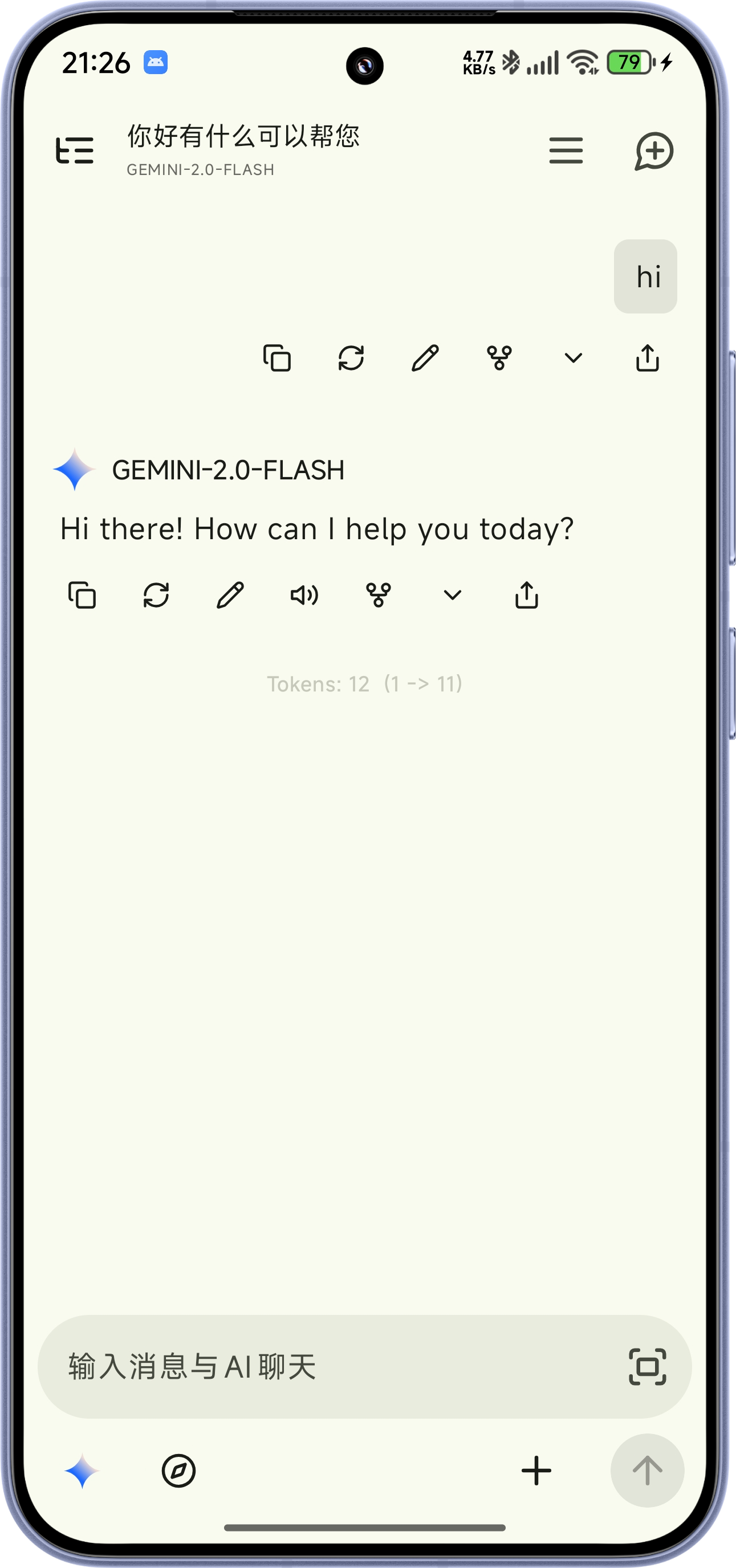 |
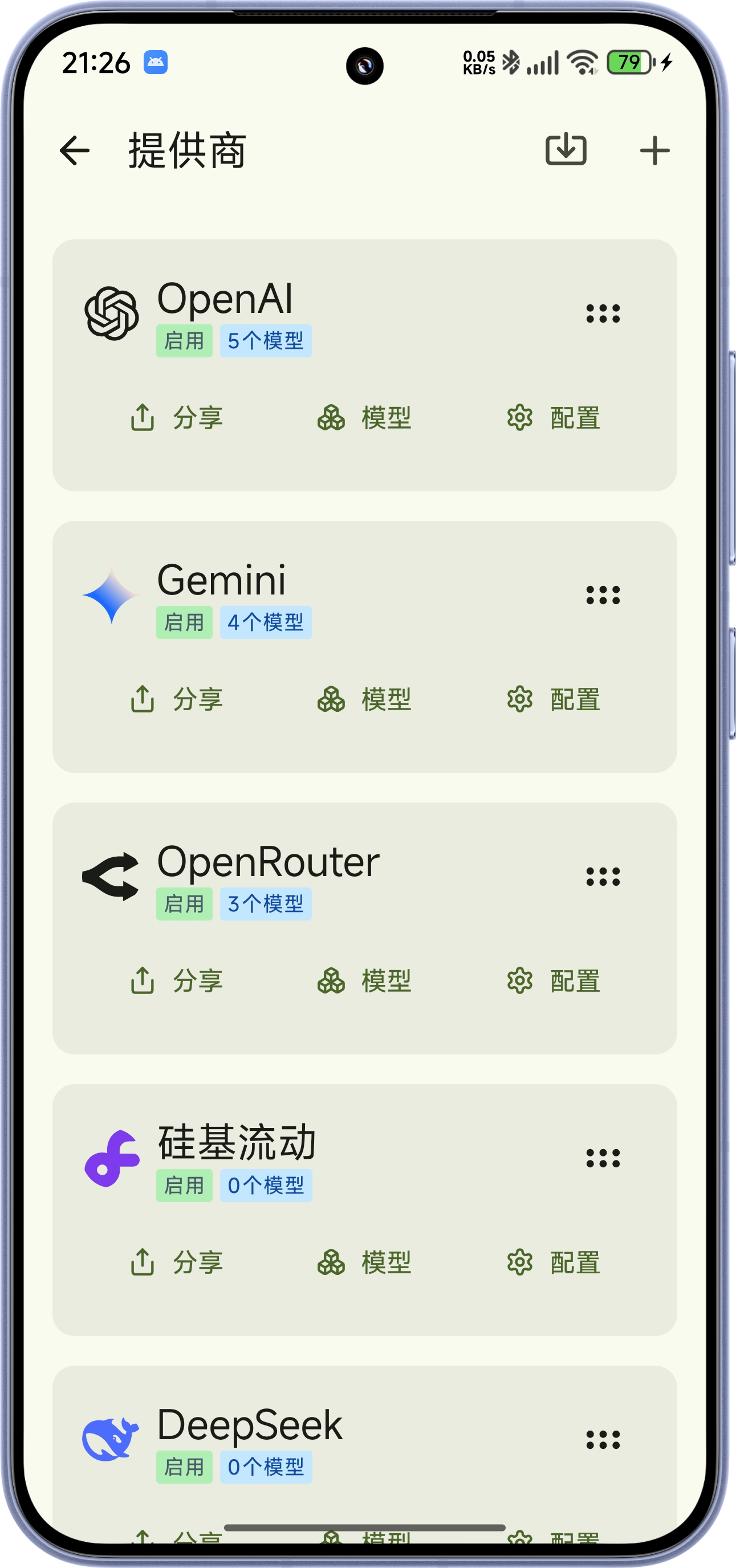 |
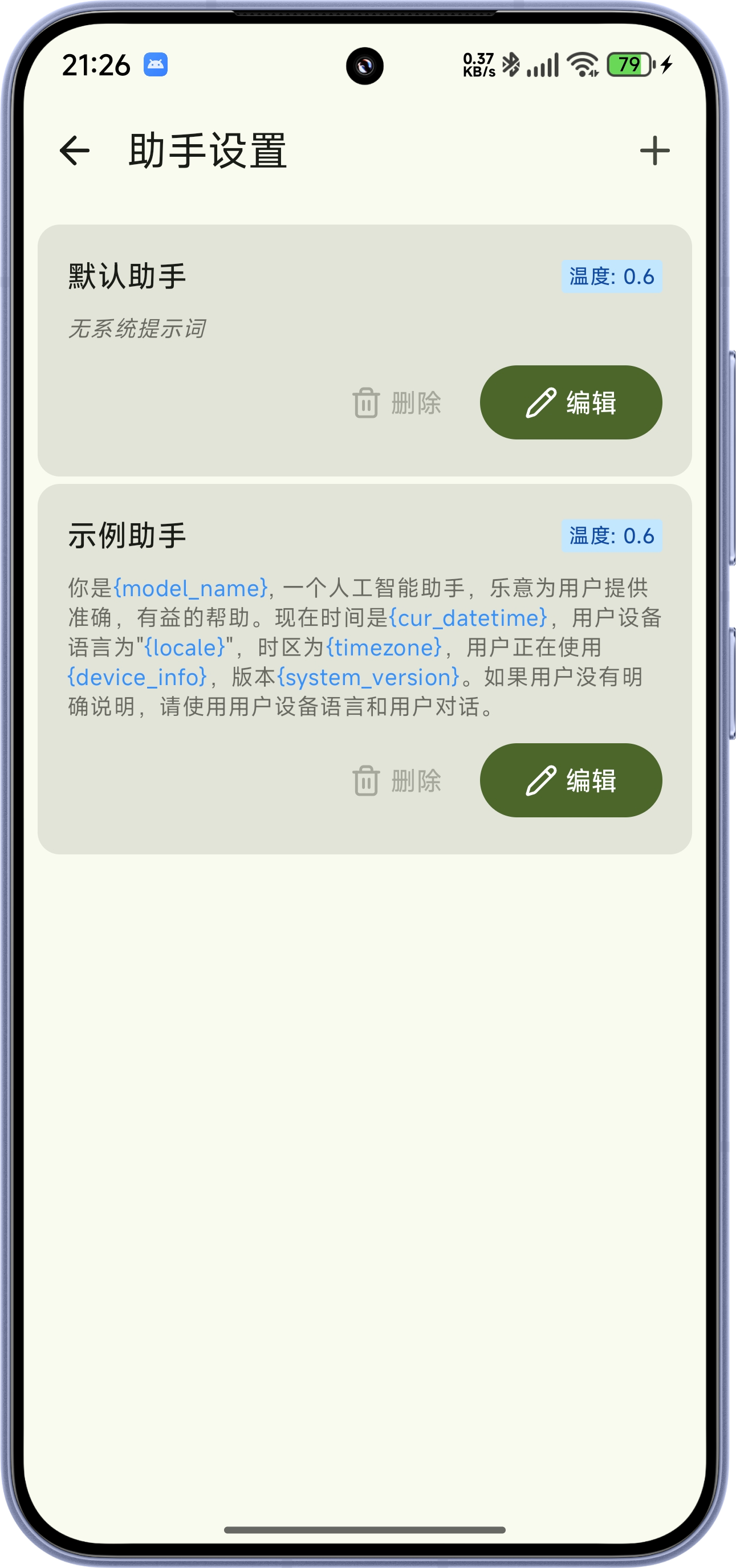 |
Getting started
0 · Install
Download the latest APK from Releases — or build from source (below).
It is a signed, R8-optimized build (excp.rikkahub.debug): it installs side by side with a release build of the upstream app.
1 · Add a model provider
Settings → Providers → pick one → paste your API key.
- OpenRouter — first-class support (auto-detected capabilities, pricing, routing, fallback models)
- Codex / Grok — sign in with your OpenAI / xAI account (OAuth, no key)
- Local · LiteRT — download a model (Gemma, Qwen) and run it on-device, no network
- AICore — Gemini Nano on Pixel 8/9/10 (AICore Beta)
- …or any OpenAI-compatible endpoint
2 · Turn on the tools you want
Settings → Assistant → tap your assistant → Local Tools — flip the groups you want. If you turn nothing on, the app behaves exactly like vanilla RikkaHub.
Inside an enabled group you can now switch individual tools off, not just the whole group. And Settings → Sub-agent profiles → Tool palette lets you search the whole tool directory (57 groups, ~180 tools) to find where a tool lives before enabling it.
3 · Your first conversation
- Leave Settings and open a new chat.
- Ask something that uses a tool: "What's my battery level?" — approve the tool call when it asks.
- Tap the tool call in the reply to inspect the result and re-run it with the same arguments, without spending a new turn.
- Try a multi-step one: "Find the PDFs on my phone and summarise the one about invoices."
- Open the chat drawer → Statistics to watch the tokens land in the ledger.
That's the upstream experience. Everything below is the Pure layer — all optional.
4 · Turn on the Pure features
A. Budgets and the ledger — Assistant → Basic Settings: Tool result budget, Orchestration token budget, Concurrent sub-agents. Then: chat drawer → Statistics for the ledger and orchestration tree. Price table: Settings → Providers → model → Price tab.
B. The advanced switches — Assistant → Basic Settings → Advanced / experimental card (off by default, read the risk note):
- Model-initiated context compaction (
compact_context) - Tool surface mode (
tool_search/tool_open) - Sub-agent context references
- Freeze sub-agent tool surface
C. Experts — Settings → Sub-agent profiles: create an expert with its own prompt, model, tool surface, MCP servers, skills and namespace. Then just dispatch to it by name.
D. Cold memory — bind a workspace (Assistant → Basic Settings), then Assistant → Memory → Cold memory (Markdown) and pick a folder.
E. Workflow secrets — Settings → Workflows → open one → API secrets; reference them from a web_fetch header as {{secret:NAME}}.
Cheat sheet · where things live
| I want to… | Go to |
|---|---|
| Enable/disable tools (per group or per tool) | Settings → Assistant → assistant → Local Tools |
| Search the tool directory | Settings → Sub-agent profiles → Tool palette |
| Set budgets / tool-result cap | Settings → Assistant → assistant → Basic Settings |
| Experimental switches | Assistant → Basic Settings → Advanced / experimental |
| Manage reusable experts | Settings → Sub-agent profiles |
| Cold memory folder | Assistant → Memory → Cold memory (Markdown) |
| See spend, tok/s, orchestration tree | Chat drawer → Statistics |
| Edit model prices | Settings → Providers → model → Price |
| Workflow API secrets | Settings → Workflows → workflow → API secrets |
Requirements
| Device | Android 8.0+ (API 26), arm64 or x86_64, ~51 MB |
| Provider | OpenAI, Google, Anthropic, OpenRouter, Codex, Grok, Ollama, any OpenAI-compatible endpoint — or an on-device LiteRT / AICore model |
Build from source
Requires JDK 17, the Android SDK (platform-tools), and bun + pnpm on your PATH (bun installs the web-ui dependencies, pnpm builds the bundle).
git clone --recursive https://github.com/wuyhong715/rikkahub-agent-pure.git
cd rikkahub-agent-pure

./gradlew :app:assembleDebug      # -> app/build/outputs/apk/debug/*.apk
./gradlew :app:assemblePure       # -> app/build/outputs/apk/pure/*.apk (R8-optimized, unsigned)
./gradlew :app:testDebugUnitTest  # unit tests
| Package | excp.rikkahub (debug: excp.rikkahub.debug) |
| Version | 2.5.1-pure.7 (versionCode 194) |
| Stack | Kotlin · Jetpack Compose · Room |
| Tests | 2,290+ unit tests, green in CI |
Documentation
| Doc | What's in it |
|---|---|
| docs/PURE-FEATURES.md | What Pure adds — every addition, its tools and switches, and where to find them. 中文对照在文末 |
| docs/PURE-DESIGN.md | Design notes — why a separate project, the rules it holds to, the three execution strengths, non-goals |
| docs/engineering/PHASE2.md | Engineering log, per change (中文) |
| docs/engineering/ACCEPT-FIX.md | Acceptance-fix batch record (中文) |
| docs/engineering/QA-PHASE2.md | On-device QA findings (中文) |
| upstream README | The full upstream feature tour this project builds on |
Community
- QQ group:
1030362371— install help, usage questions and feature requests (Chinese). - Issues: open one for bugs and feature requests.
Credits
| Project | Role |
|---|---|
| RikkaHub | The upstream chat client this project is built on |
| ExTV/rikkahub-agent | The direct upstream — the agent layer this builds on |
| cron-utils | Cron parser for the scheduler |
| whisper.cpp | On-device speech-to-text via Termux |
| Termux | Shell + package manager |
| JSch (mwiede fork) | Native SSH client |
| FlorisBoard | Base for the companion agent-keyboard |
This project is unaffiliated with the upstream RikkaHub or ExTV maintainers. All credit for the underlying chat client, provider abstraction and UI design goes to them.
License
GNU AGPL-3.0, inherited from upstream. See LICENSE.
中文说明
RikkaHub Agent · Pure —— ExTV/rikkahub-agent(其上游为 rikkahub/rikkahub)的独立强化延续(2026-10-07 起已脱离 fork 网络),面向长时间无人值守的 agent 运行。它完整保留上游功能,只加一层,回答一个问题:能不能跑几个小时,而不炸上下文、不炸钱包?
为什么做这个项目
上游的 agent 层是"功能优先"建起来的——目标是加能力,而不是让一次长跑能扛住自己的输出。六个拦路虎:每轮都注入所有已启用工具的 schema;压缩只在 token 阈值上触发;一个 logcat 转储就能灌爆上下文;子 agent 只拿到一个光秃秃的 task 字符串;token 有计数却从不归属;无头路径(cron、工作流)会自动批准一切。
Pure 不删任何功能,只让长跑变得可存活、可观察、可封顶。
说明:自 2026-10-07 起本仓库已脱离 fork 网络、成为独立仓库,不再自动同步上游。
多了什么(全部默认关)
| 新增 | 一句话 | |
|---|---|---|
| 💰 | 用量账本与预算 | 每次调用按用途与成本记账;编排可设上限 |
| 🧰 | 按需工具 | 可搜索工具目录;只注入模型真正打开的 schema |
| 🛡 | 长任务存活 | 工具结果预算、模型主动压缩、执行级重试、保活 |
| 👥 | 专家库 | 可复用子 agent,各有模型/工具/命名空间/记忆 |
| 📚 | 冷记忆 | Markdown 知识库,按需读取而非常驻 |
| 🔗 | 可串接的工作流 | 动作间传值 + 加密密钥库 |
| 🔒 | 无头安全修复 | 堵住后台运行"全自动批准"的路径 |
逐项细节、确切的工具名与开关名、以及它们各自在哪个菜单:见 docs/PURE-FEATURES.md(文末有中文对照)。
能做到什么
- 看清钱花在哪:Statistics 页按 日/用途/模型/助手 分组,带 tok/s,编排树列出每次父→子派发;成本在写入时冻结,价目变动不改写历史。
- 给一次运行封顶:助手级编排 token 上限,派发前检查,超限直接拒派并回可读原因。
- 长任务托管:"重构这个模块、跑测试、跑到全绿为止" —— 工具结果超长就留头尾、全文落盘;模型可自行压缩;后台不被杀。
- 组建团队:"建一个
researcher(只用网页工具、跑便宜模型)和一个coder(能改文件)",之后按名字派发、并行跑。 - 养一个知识库:冷记忆指向一个 Markdown 目录,按需索引与阅读,库再大也不占常驻上下文。
- 把杂事自动化:"连上公司 WiFi 就往这个 API POST 状态" —— 动作间可传值,密钥存加密库。
- 轻装出行:打开工具调色板,让 agent 去"搜"它需要的工具,而不是每轮背着所有 schema。
开始用(第一次对话)
- 安装:从 Releases 下载最新 APK(或从源码构建)。它是已签名、经 R8 优化的构建(
excp.rikkahub.debug),可与上游 release 并存安装。 - 接模型:设置 → 模型提供商 → 选一个 → 填 API key(或 Codex/Grok OAuth、本地 LiteRT、Pixel 的 AICore)。
- 开工具:设置 → 助理 → 点你的助手 → 本地工具 → 打开你要的组(组内还能逐工具关闭)。什么都不开=原版 RikkaHub。
- 第一次对话:回到聊天,新建会话 → 问一句要用工具的,如 "我的电量多少?" → 弹审批就允许 → 点回复里的工具调用可查看结果、用同参数重跑。再试 "找出手机里的 PDF,把关于发票的那份总结一下"。
- 打开 Pure 功能(都可选):
- 预算/结果上限:助理 → 基本设置(工具结果预算 / 编排 token 预算 / 并发子 agent)
- 实验开关:助理 → 基本设置 → 高级 / 实验功能(模型主动压缩、工具面模式、子 agent 上下文引用、工具面冻结)
- 专家库 + 工具调色板:设置 → 子 agent 配置
- 冷记忆:助理 → 记忆 → 冷记忆(Markdown)——先在基本设置里绑一个工作区
- 工作流密钥:设置 → 工作流 → 打开一个 → API secrets
- 看账单:聊天抽屉 → 统计
构建
需要 JDK 17、Android SDK(platform-tools)、PATH 上的 bun 与 pnpm。
git clone --recursive https://github.com/wuyhong715/rikkahub-agent-pure.git
cd rikkahub-agent-pure
./gradlew :app:assembleDebug      # 产物:app/build/outputs/apk/debug/*.apk
./gradlew :app:assemblePure       # 产物:app/build/outputs/apk/pure/*.apk(R8 优化,未签名)
./gradlew :app:testDebugUnitTest  # 单元测试
| 包名 | excp.rikkahub(debug:excp.rikkahub.debug) |
| 版本 | 2.5.1-pure.7(versionCode 194) |
| 技术栈 | Kotlin · Jetpack Compose · Room |
| 测试 | 2,290+ 单元测试,CI 全绿 |
上游功能
上游 ExTV 的全部能力原样保留(80+ 设备工具、Shizuku/Termux、工作流与定时、内置浏览器、免密钥网页搜索、Linux 工作区、SSH、音乐、skills、Telegram 机器人、MCP、Doctor 体检、本地模型、全套 provider)。完整清单见 上游 README。
设计思路
为什么要做这个项目、七条自我约束、三种执行强度、以及刻意不做的事:见 docs/PURE-DESIGN.md。
社区
- QQ 群:
1030362371—— 安装、使用、功能建议都在这儿。 - 反馈:欢迎直接开 Issue。
许可
GNU AGPL-3.0(继承自上游)。见 LICENSE。
Yorumlar (0)
Yorum birakmak icin giris yap.
Yorum birakSonuc bulunamadi