arxiv-reader-mcp
mcp
Gecti
Health Gecti
- License — License: MIT
- Description — Repository has a description
- Active repo — Last push 0 days ago
- Community trust — 15 GitHub stars
Code Gecti
- Code scan — Scanned 8 files during light audit, no dangerous patterns found
Permissions Gecti
- Permissions — No dangerous permissions requested
Bu listing icin henuz AI raporu yok.
Want to search arXiv papers, fetch metadata, and extract full-text PDFs without leaving your editor? This MCP server connects any MCP-compatible client (Claude Code, etc.) directly to arXiv.
README.md

MCP server for searching and retrieving papers from arXiv, including full-text PDF extraction.
Features
- search_arxiv: Search papers by keyword, author, category, and/or date range
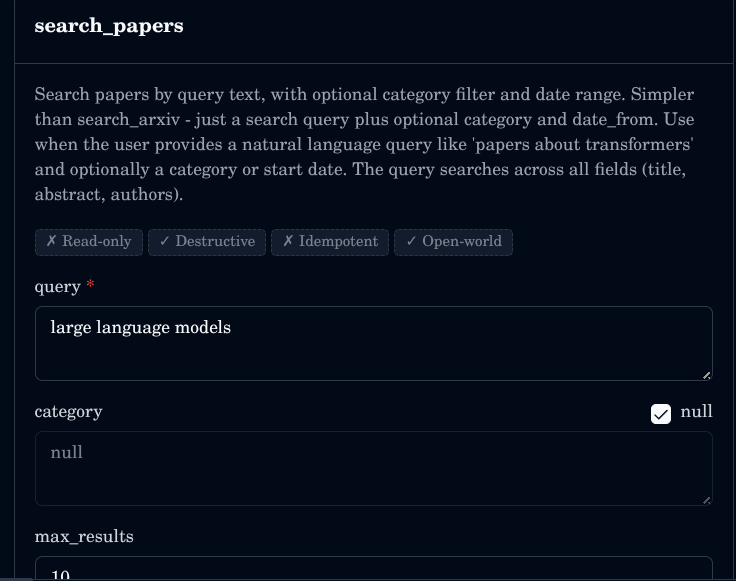
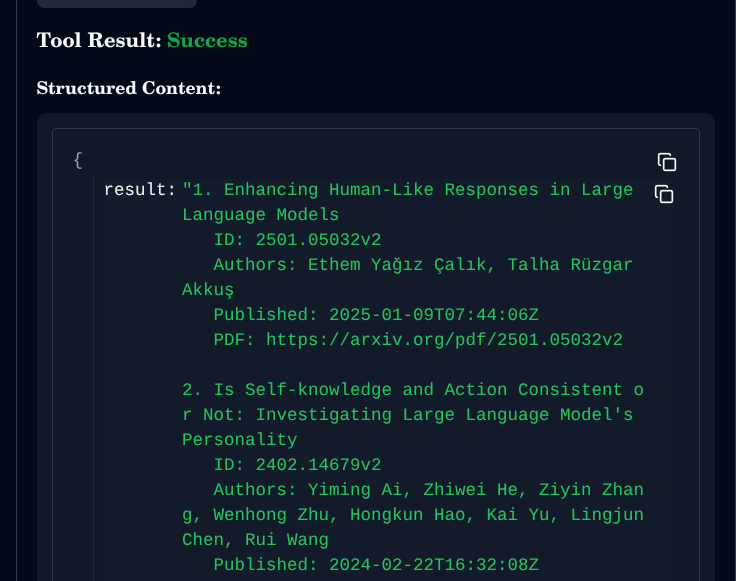
- search_papers: Quick search by query text with optional category and date filters
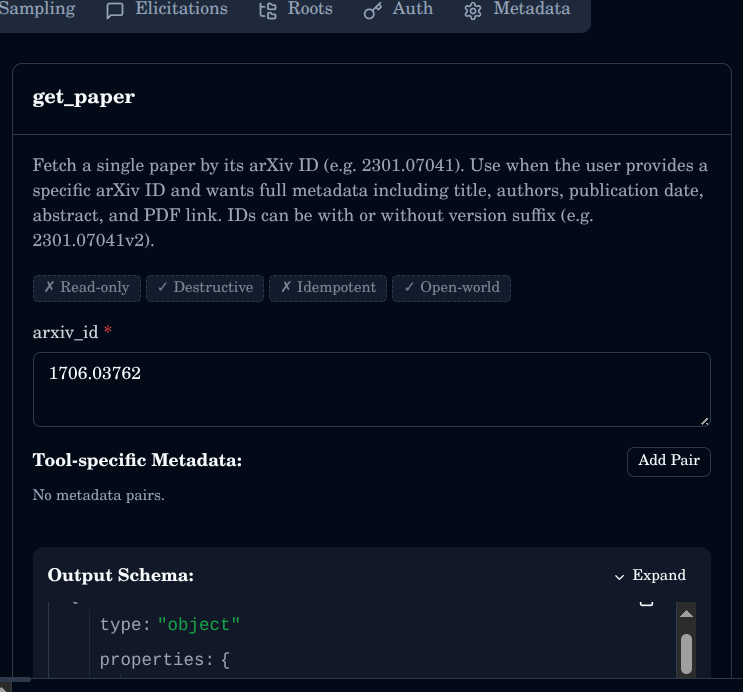
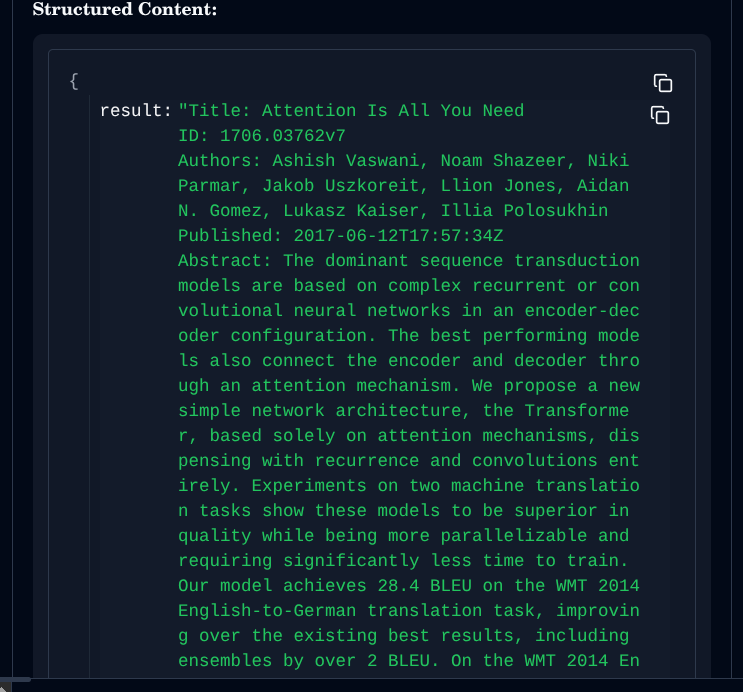
- get_paper: Fetch full metadata (title, authors, abstract, PDF link) for a specific arXiv ID
- get_recent: Get the most recent papers in a given category
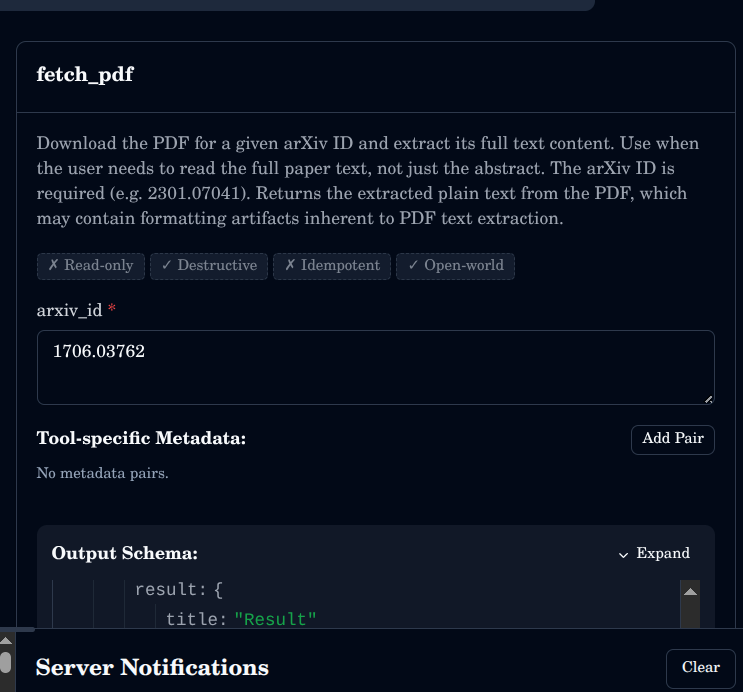
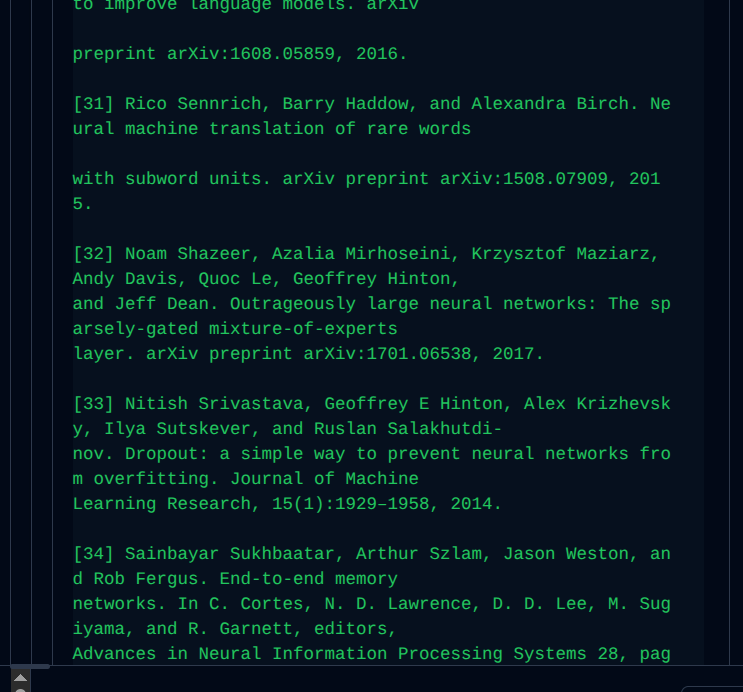
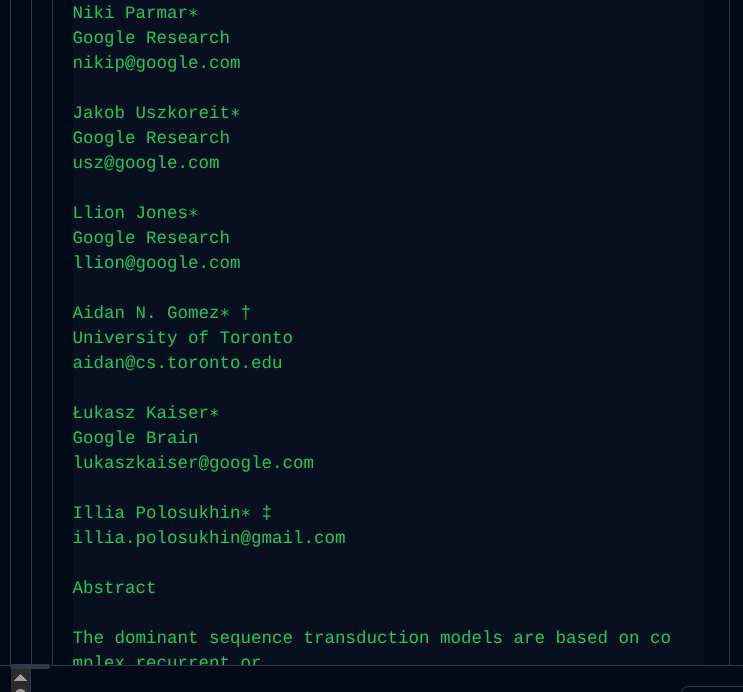
- fetch_pdf: Download and extract full text from a paper's PDF by arXiv ID
Available Tools
| Tool | Inputs | Returns |
|---|---|---|
search_arxiv |
keyword, author, category, date_from, date_to, max_results, start |
Numbered list of papers with title, ID, authors, date, PDF link |
search_papers |
query, category, max_results, date_from |
Numbered list of matching papers with title, ID, authors, date, PDF link |
get_paper |
arxiv_id |
Title, ID, authors, published date, abstract, PDF URL |
get_recent |
category, max_results |
Numbered list of recent papers with title, ID, authors, date, PDF link |
fetch_pdf |
arxiv_id |
Full extracted text content of the paper PDF |
Usage
Clone and run
git clone https://github.com/younesbensafia/arxiv-mcp-server
cd arxiv-mcp-server
uv run arxiv-mcp-server
Test with MCP Inspector
- Run the server:
uv run arxiv-mcp-server - Open MCP Inspector or run
npx @modelcontextprotocol/inspector - Set transport to STDIO
- Command:
uv - Args:
run arxiv-mcp-server - Working directory: path to this repo
- Click Connect -- all tools appear on the left
Connect to Claude.ai
Add to your MCP settings:
{
  "mcpServers": {
    "arxiv": {
      "command": "uv",
      "args": ["run", "--directory", "/path/to/arxiv-mcp-server", "arxiv-mcp-server"]
    }
  }
}
arXiv Category Codes
| Code | Area |
|---|---|
cs.AI |
Artificial Intelligence |
cs.CL |
Computation and Language |
cs.CV |
Computer Vision and Pattern Recognition |
cs.IR |
Information Retrieval |
cs.LG |
Machine Learning |
cs.NE |
Neural and Evolutionary Computing |
cs.SE |
Software Engineering |
eess.AS |
Audio and Speech Processing |
math.ST |
Statistics Theory |
physics.chem-ph |
Chemical Physics |
physics.optics |
Optics |
q-bio.BM |
Biomolecules |
q-fin.ST |
Statistical Finance |
quant-ph |
Quantum Physics |
stat.ML |
Machine Learning (Statistics) |
stat.TH |
Statistics Theory |
Full list at arxiv.org/category_taxonomy.
Examples
Ask Claude (or any MCP-compatible assistant):
- "Find the latest papers on RAG from the last 3 months"
- "Summarise arxiv paper 2301.07041"
- "What are the most recent cs.LG papers today?"
- "Find all papers by Andrej Karpathy"
- "Read the full text of 1706.03762 and explain the methodology"
Don't have an MCP-compatible client? Try Claude Code or the MCP Inspector with
uv run arxiv-mcp-server.
Demo
search_papers
get_paper
fetch_pdf
Contributing
See CONTRIBUTING.md.
Yorumlar (0)
Yorum birakmak icin giris yap.
Yorum birakSonuc bulunamadi