dotfiles
Health Warn
- License — License: GPL-3.0
- Description — Repository has a description
- Active repo — Last push 0 days ago
- Low visibility — Only 6 GitHub stars
Code Fail
- rm -rf — Recursive force deletion command in agents/install.sh
Permissions Pass
- Permissions — No dangerous permissions requested
No AI report is available for this listing yet.
macOS dotfiles and agent skills for Claude Code and Codex
Jiachen's Dotfiles and Agent Skills
macOS dotfiles, plus agent skills for Claude Code, Codex, and any agent that
reads SKILL.md. The skills live in agents/skills.
Agent Skills
| Skill | What it does |
|---|---|
| lifting-loops | Finds the loops where you keep acting as a manual step for your agents (retrying, approving, carrying context) and proposes fixes: skill edits, scripts, scheduled tasks. Reads your local Claude Code and Codex sessions. |
| making-flashcards | Turns a conversation, your notes, or a research topic into Anki flashcards, checked for duplicates against your local Anki collection. |
| review-skill | Audits a skill against Anthropic's Agent Skills best practices and reports Must Fix / Should Consider items with file:line fixes. |
| making-content | Rewrites AI-sounding Chinese drafts in a restrained style, and makes Xiaohongshu (小红书) image posts and short vertical videos. |
Install
Any agent, with the skills CLI:
npx skills add yujiachen-y/dotfiles --skill review-skill
Claude Code:
claude plugin marketplace add yujiachen-y/dotfiles
claude plugin install review-skill@jiachen-skills
Codex:
codex plugin marketplace add yujiachen-y/dotfiles
codex plugin add review-skill@jiachen-skills
Replace review-skill with any skill above. Installed as a plugin, a skill
runs as /review-skill:review-skill in Claude Code.
Dotfiles
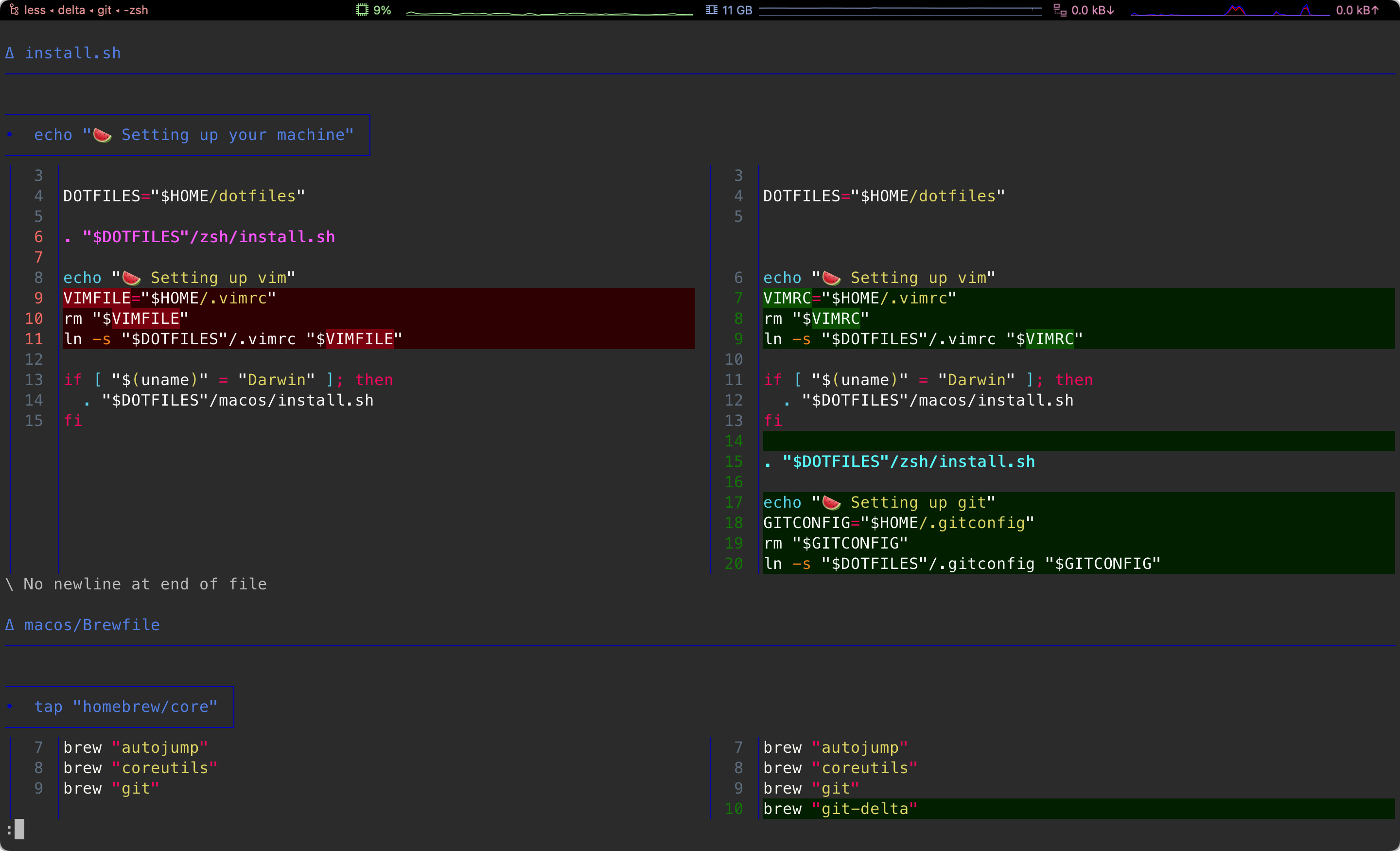
Pre Requirements
Basic Requirements
- Download this repo via git or other ways.
- Some mac configurations
(e.g. iCloud / Mac App Store account / keyboard shortcuts)
still need manual operations.
Folder Structure
This repo assumes the user puts the repo under the home fold.
This assumption makes scripts to locate files easier.
Proxy
Setting up proxy before running ./install.sh could improve the download
speed.
Workspace
Run sh ~/dotfiles/workspace/install.sh to set up or refresh the workspace
without running the full machine installer. The main install.sh also runs it.
Day to day, workspace/repos.sh (aliased as ws in .zshrc) manages checkouts:
ws pullfetches every checkout under~/Workspacein parallel and
fast-forwards the clean ones. Modified, detached, ahead, and diverged
checkouts are fetched and otherwise left alone.ws add <repo>clones into~/Workspace/<host>/<path>.<repo>isowner/repo(GitHub over SSH),host/group/repo, or any git URL. It does
not editworkspace/github-repos.txt; add a line there yourself for a public
repository you want on every machine.Creates
~/Workspace/localand replaces~/Workspace/AGENTS.mdwith a link toworkspace/AGENTS.workspace.md. The dotfiles version is authoritative.Reads
workspace/github-repos.txt: one public GitHubowner/repoper line,
with optional#comments. Only add repositories
you want on every machine; private remotes and machine-specific inventories
do not belong here.Processes four repositories at a time. Clones missing repositories into
~/Workspace/github.com/<owner>/<repo>after an anonymous GitHub API check
that they are public; existing checkouts skip that check (theiroriginmust
match the entry) and so are not affected by API rate limits. Existing
checkouts fetchorigin; clean branches trackingoriginalso fast-forward
when possible. Modified, detached, ahead, and
diverged checkouts keep their local state. Removing a list entry does not
delete its checkout. No repository setup scripts or submodules are executed.Uses the
codexCLI's native config API to set the App's projectless task
folder to~/Workspace/local/chatgpt. It reads the current setting (default:~/Documents/Codex), changes the setting first, then moves existing files and
leaves a relative old-path compatibility link for historical chats. A link
that arrives through iCloud before this machine has run the installer is left
alone. It does not inspect running tasks or require the App to quit. Existing
nonempty source and destination directories are never merged. Reopening the
App may be needed to refresh cached settings.
GitHub syncing needs git, plus curl and jq for first clones; App configuration needs codex
and jq on PATH. Missing tools, unavailable public repositories, and network
failures are reported as skipped steps. Invalid entries, path conflicts, config
errors, and migration failures return a nonzero exit status. All steps can be
rerun. Other App settings and chat databases are left to the native config API;
cloud links and private repositories are not managed by this installer.
References
Reviews (0)
Sign in to leave a review.
Leave a reviewNo results found