CCUI
Health Warn
- No license — Repository has no license file
- Description — Repository has a description
- Active repo — Last push 0 days ago
- Community trust — 39 GitHub stars
Code Fail
- execSync — Synchronous shell command execution in bin/cli.ts
- execSync — Synchronous shell command execution in packages/server/src/core/cli-providers.ts
- execSync — Synchronous shell command execution in packages/server/src/core/file-manager.ts
- execSync — Synchronous shell command execution in packages/server/src/core/git-ops.ts
Permissions Pass
- Permissions — No dangerous permissions requested
No AI report is available for this listing yet.
Web dashboard for running multiple Claude Code sessions in parallel across git worktrees

Claude Code WebUI
One codebase. Multiple Claude agents. Each on its own branch.



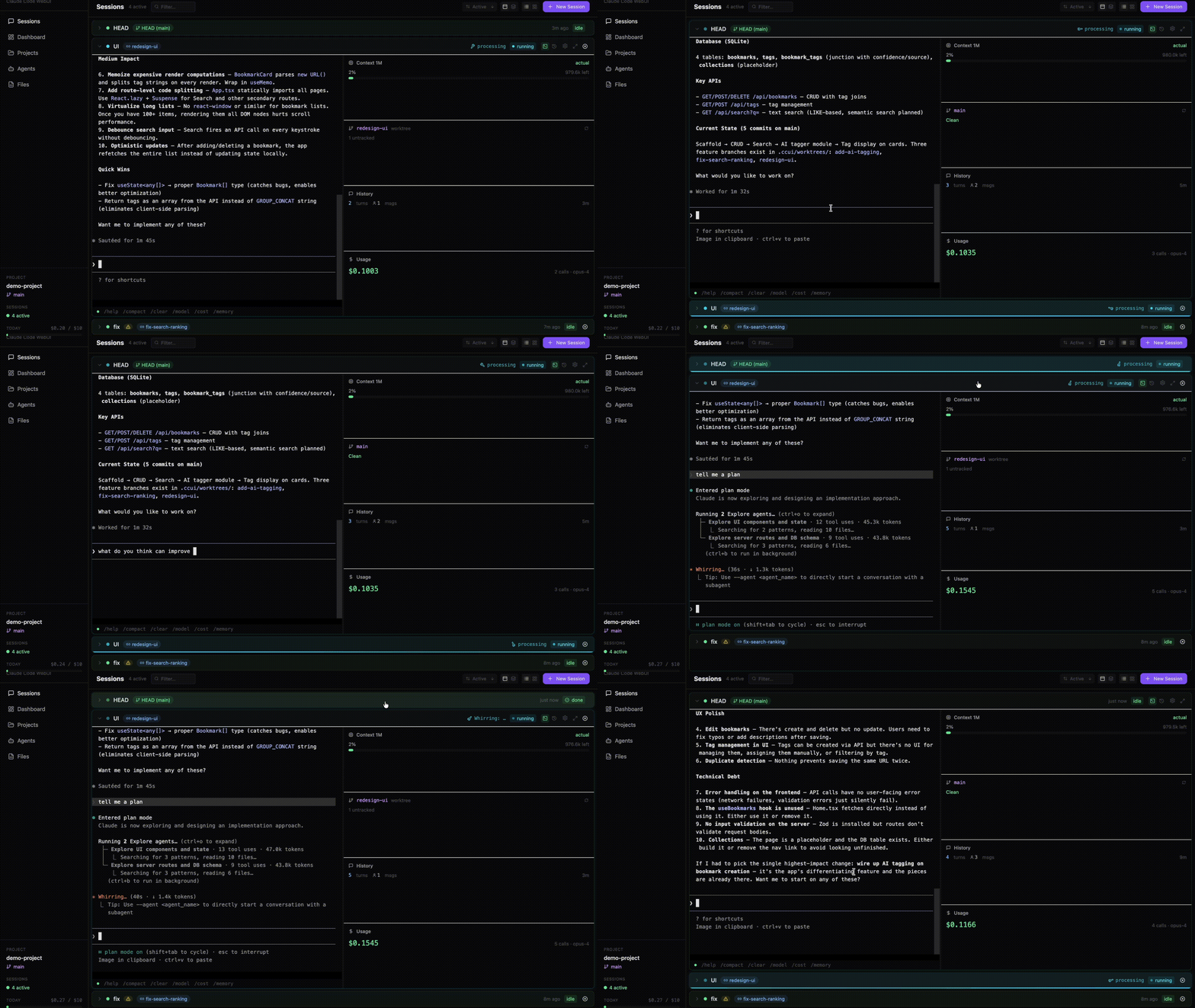
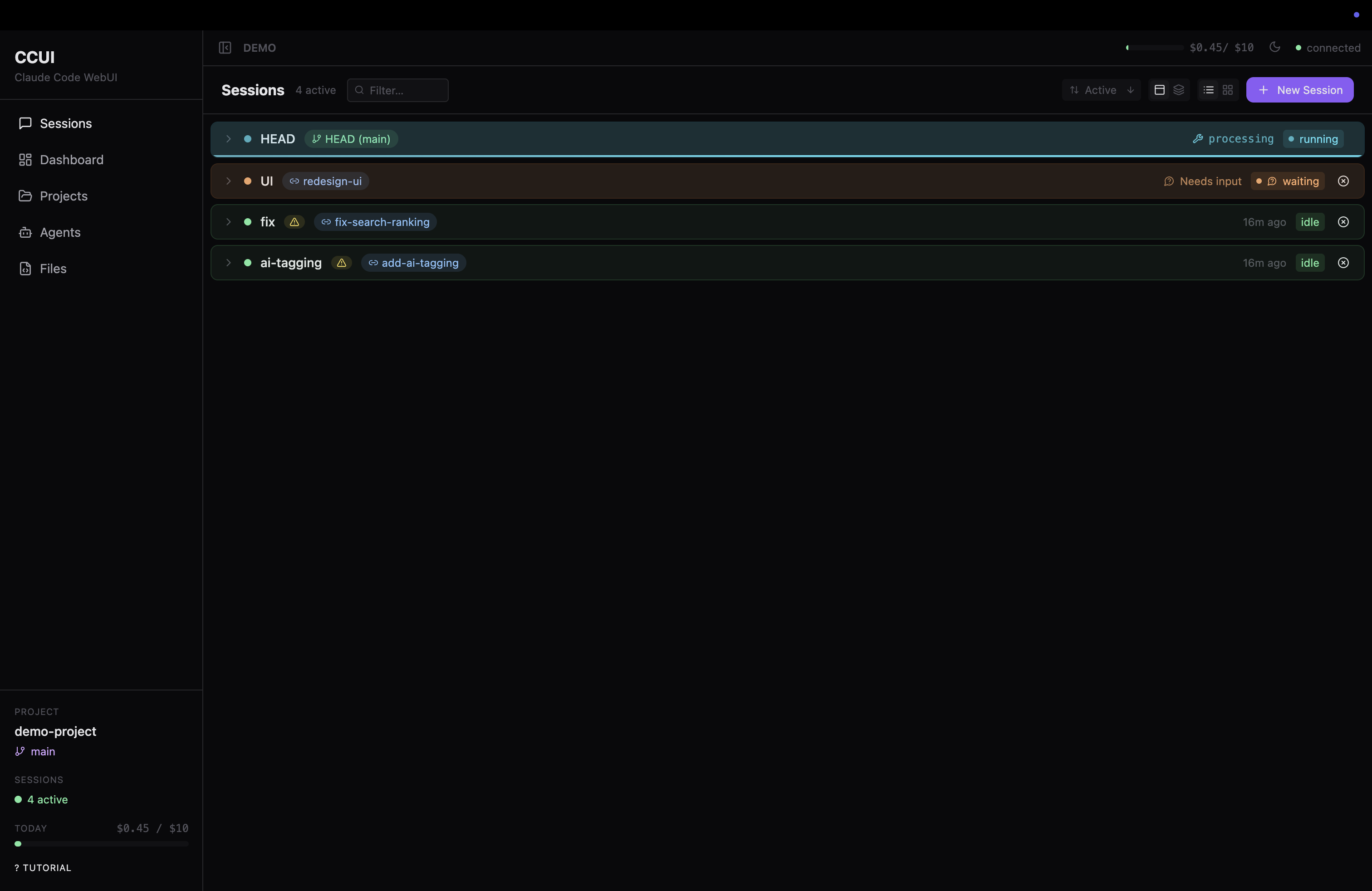
🚀 Quick Start
You need: Node.js 18+, pnpm, Claude Code CLI authenticated.
git clone https://github.com/yxwucq/CCUI.git
cd CCUI
pnpm install && pnpm build
pnpm link --global # link to $PATH
Then point it at any project:
ccui                    # current directory
ccui --path ~/my-app    # specific project
ccui --port 8080        # custom port
--port <n>       Server port              default: 3456
--host <addr>    Bind address             default: localhost
--path <dir>     Project directory         default: cwd
--no-open        Don't auto-open browser
-v, --version    Version
-h, --help       Help
💡 What is CCUI?
A web dashboard for Claude Code that enables multi-worktree parallel development. Each session runs a real Claude Code CLI in an isolated git worktree on its own branch — fix a bug, add a feature, and refactor a module simultaneously from a single browser tab.
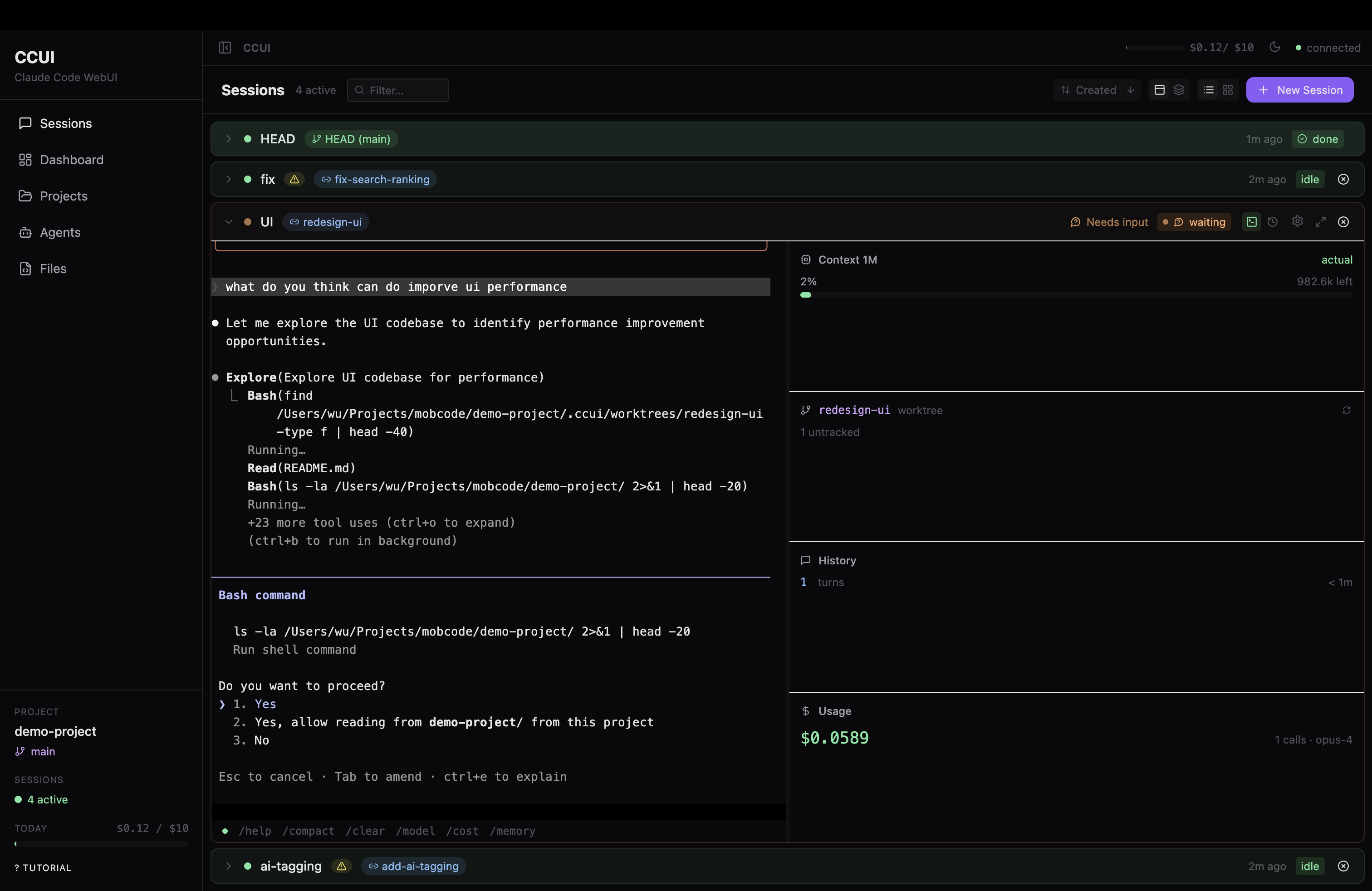
Full interactive terminal with live activity tracking, context panel, and usage stats
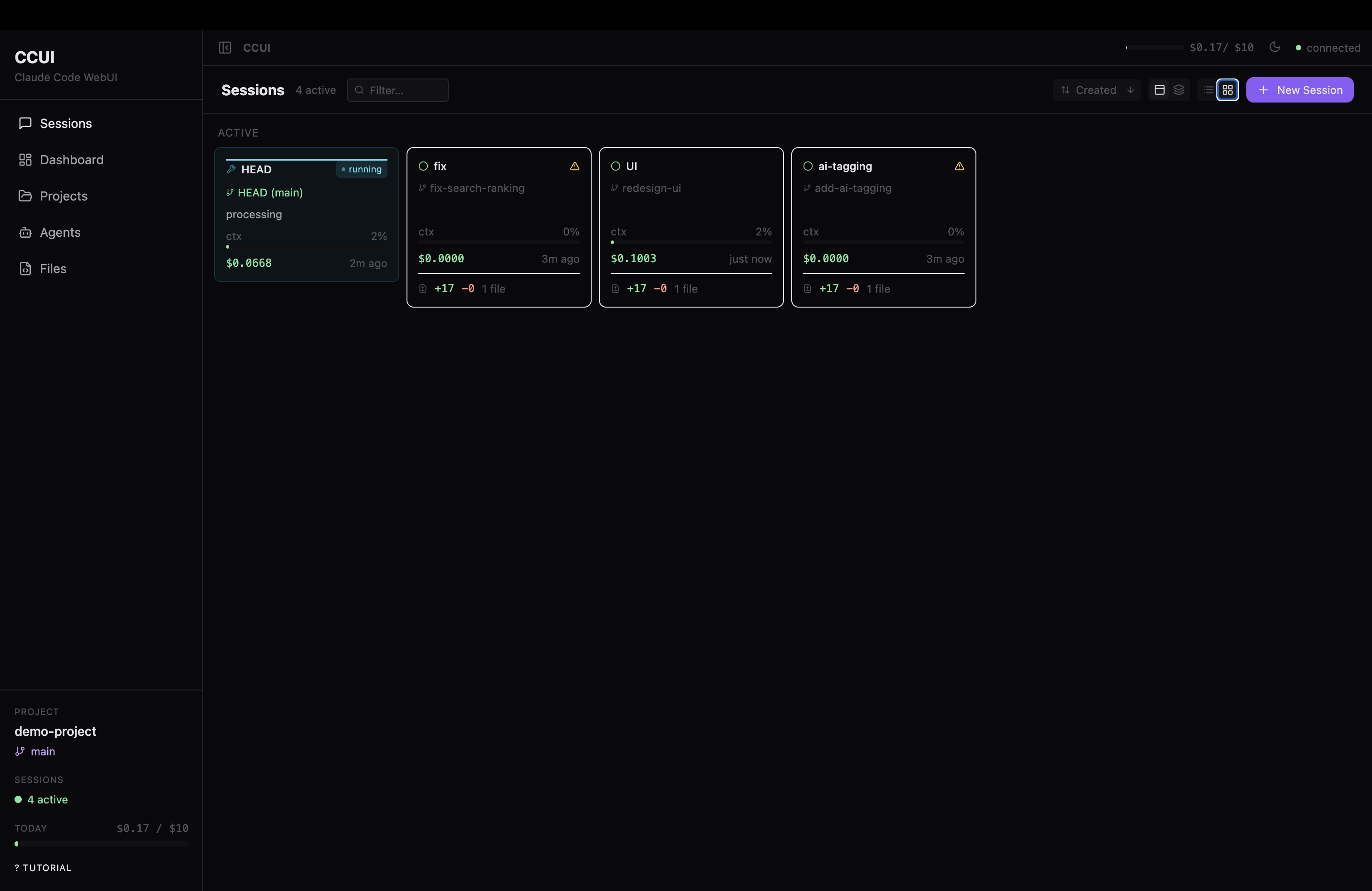
Grid view — cost, diff stats, and branch info per session
Features
- Parallel sessions — spawn multiple Claude Code processes, each in its own xterm.js terminal
- Git worktree isolation — each session forks a new branch + worktree, merge or discard when done
- Attach mode — connect to an existing branch without forking
- Live status — see which sessions are running, waiting for input, or idle
- File browser — browse and diff files across worktrees
- Cost tracking — per-session token usage with daily budget alerts
- Custom agents — define system prompts and tool permissions
- 8 themes — Dark, Light, Nord, Dracula, Catppuccin, Solarized, Tokyo Night, Sakura
- 100% local — all data stays in
.ccui/inside your project
How It Works
Each session spawns a claude CLI process attached to a real PTY. Sessions can run in two modes:
- Fork — creates a new branch + git worktree from any base. Claude works in complete isolation. When done, merge back or discard.
- Attach — connects to an existing branch directly. Good for continuing work on a feature branch.
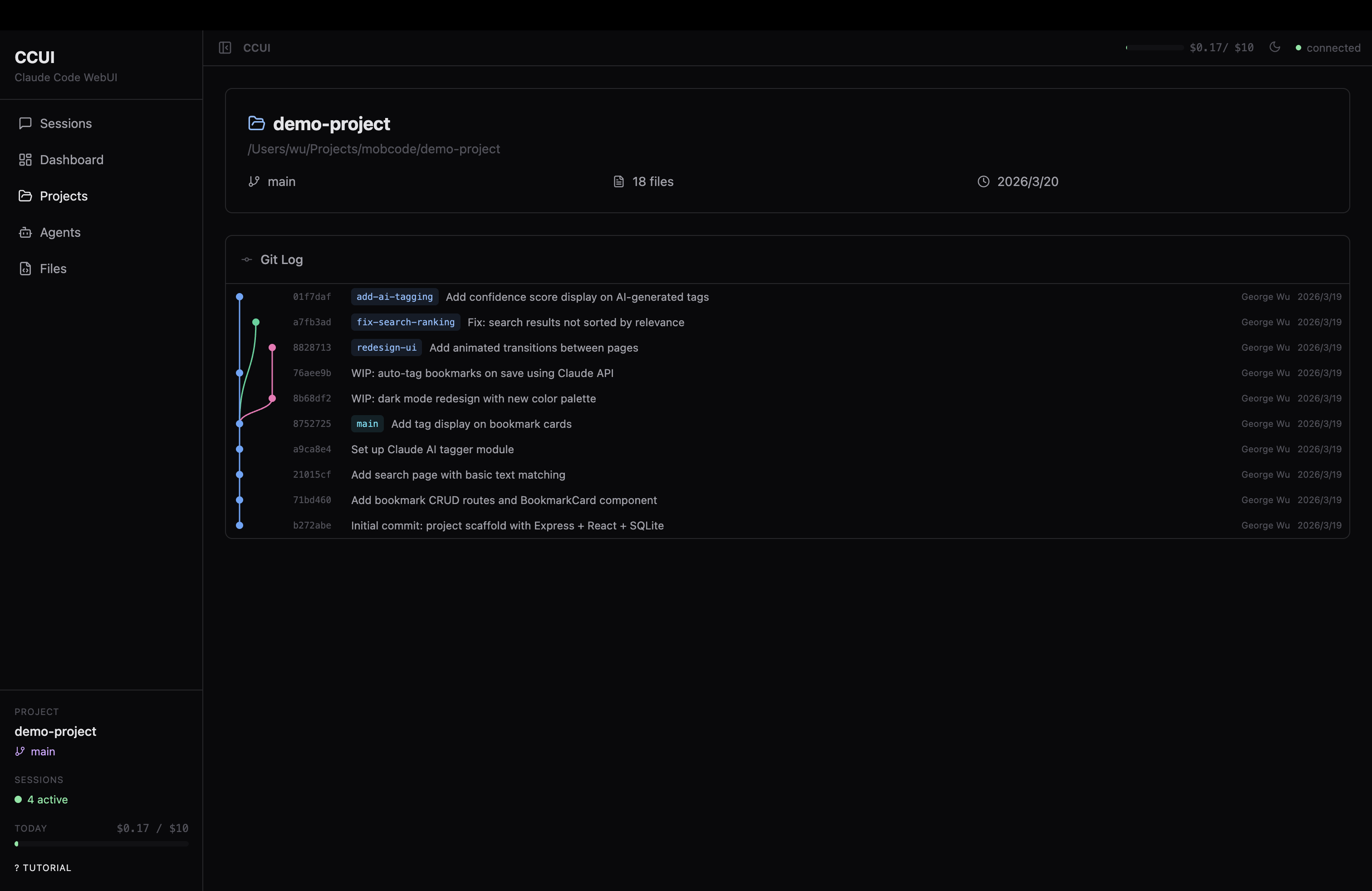
🎨 Themes
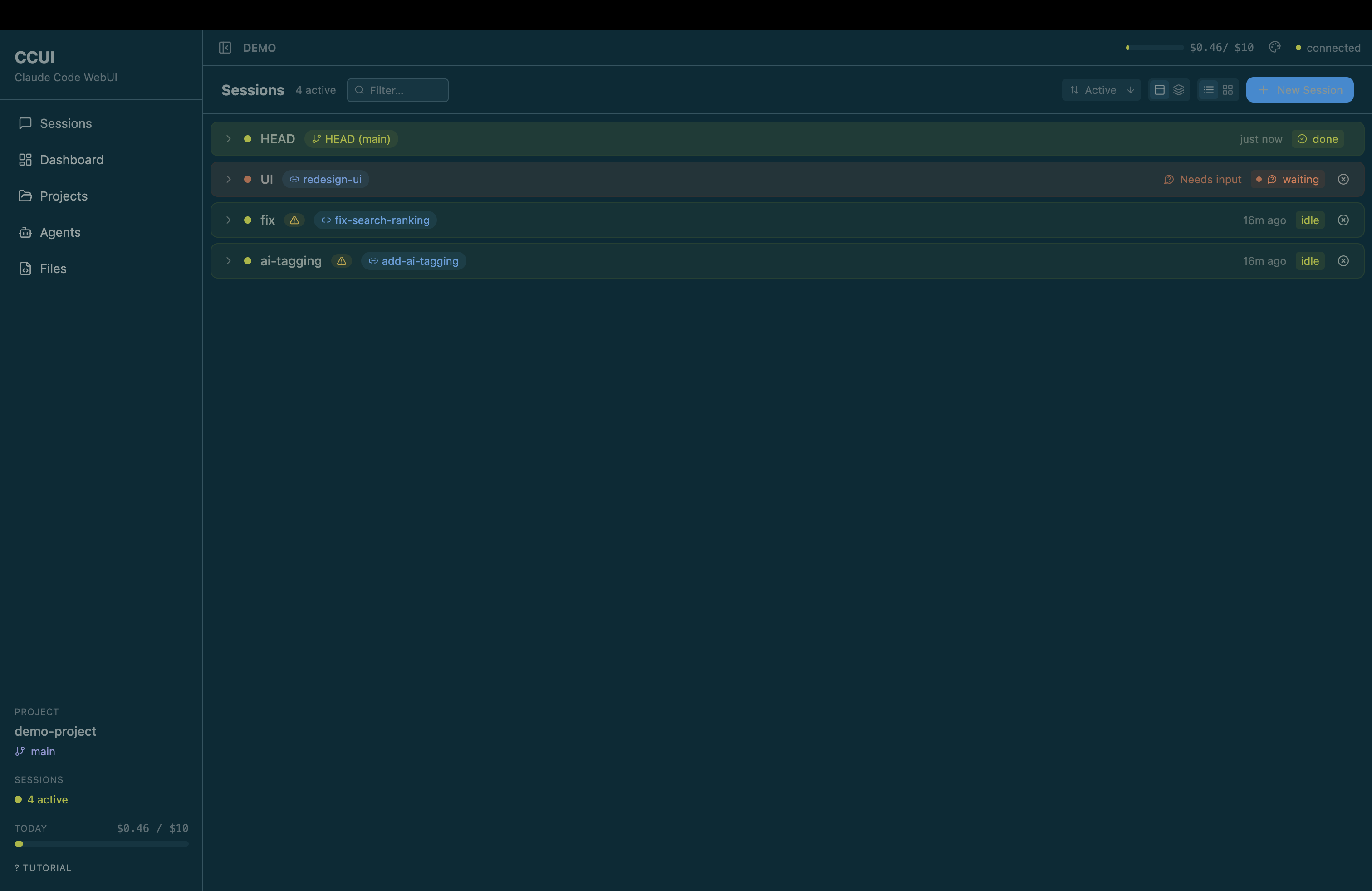
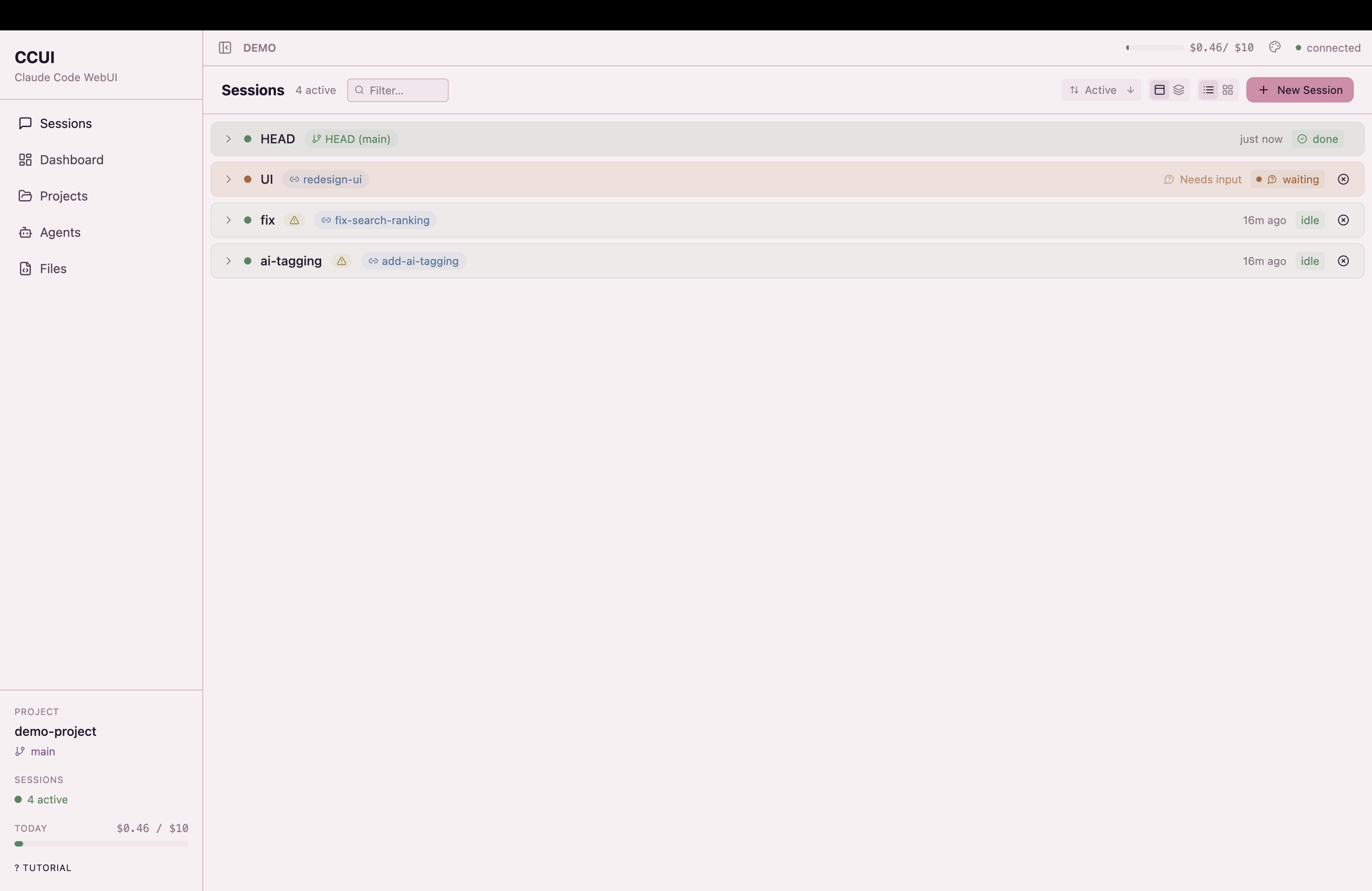
Dark · Light · Nord · Dracula · Catppuccin · Solarized · Tokyo Night · Sakura
📄 License
MIT
Built for developers who think one Claude isn't enough.

Reviews (0)
Sign in to leave a review.
Leave a reviewNo results found