content-repurposer
Health Warn
- No license — Repository has no license file
- Description — Repository has a description
- Active repo — Last push 0 days ago
- Low visibility — Only 6 GitHub stars
Code Pass
- Code scan — Scanned 8 files during light audit, no dangerous patterns found
Permissions Pass
- Permissions — No dangerous permissions requested
No AI report is available for this listing yet.
Turn one Reel/TikTok into platform-correct Instagram, TikTok & YouTube posts with auto-translated CTAs — then auto-schedule TikTok + YouTube via Zernio. A distributable Claude skill.
content-repurposer
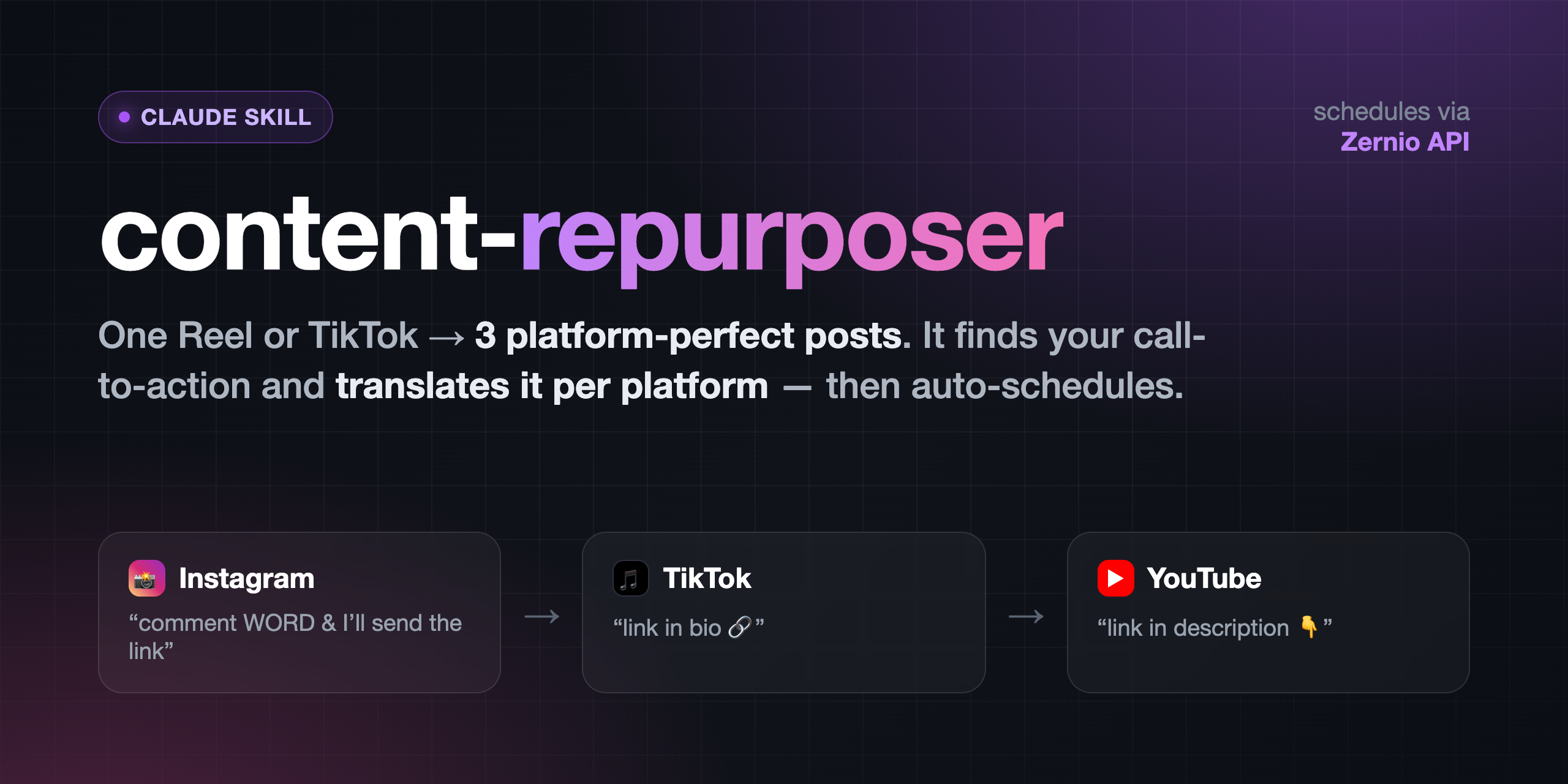
A Claude skill that turns one short-form video (an Instagram Reel or a TikTok)
into platform-correct versions for Instagram, TikTok, and YouTube — then
auto-schedules TikTok + YouTube through your own Zernio
account.
The hard part of cross-posting isn't the format (they're all 9:16) — it's the
call-to-action. "Comment WORD and I'll send the link" is right for Instagram
(DMs are the mechanic) but means nothing on TikTok or YouTube, where the link lives
in the bio / description. This skill detects the CTA (it transcribes the audio
and OCRs the frames) and translates it per platform — on the video and in
the caption — then schedules the result.
Your original video file is never modified. Every output is a new file.
What it does
- Setup (once) — installs the free local tools and walks you through Zernio.
- Analyze — finds the CTA: spoken, on-screen text, or description-only.
- Translate — Instagram → "comment X and I'll send the link"; TikTok → "link
in bio"; YouTube → "link in description". Edits the video where needed. - Caption — writes a caption per platform (YouTube gets a title + description).
- Schedule — uploads and schedules TikTok + YouTube via Zernio. Instagram is
manual by default (or automatic if you connect it on a paid Zernio plan).
Install
Clone into your Claude skills folder:
git clone <THIS_REPO_URL> ~/.claude/skills/content-repurposer(Or copy the
content-repurposer/folder there.)First run does the rest. Ask Claude to "repurpose this video for TikTok and
YouTube and schedule it," and the skill auto-runs setup:bash scripts/setup.shinstallsffmpeg,tesseract,faster-whisper,Pillow(all free/local) and creates.env.- It walks you through connecting TikTok + YouTube in Zernio (first 2
accounts free) and pasting your API key into.env. - It writes your personal
repurpose-config.md.
Prefer to set up by hand first? See
references/setup-guide.md
andreferences/zernio-setup.md.
Requirements
- Python 3.9+
- A Zernio account (free tier covers TikTok + YouTube)
- macOS / Linux / Windows (WSL recommended on Windows)
Configure
Everything you'd want to change lives in repurpose-config.md (your link, the
comment trigger word, post times, timezone, TikTok privacy, YouTube visibility,
whether Instagram is connected). Edit it in plain English anytime — no code changes.
Your Zernio key lives in .env (gitignored — never committed).
Layout
content-repurposer/
├── SKILL.md                 # the skill instructions Claude follows
├── scripts/
│   ├── setup.sh             # one-time installer + verifier
│   ├── update.sh            # pull the latest version, then re-run setup
│   ├── repurpose.py         # transcribe + spoken-CTA detect/trim
│   ├── scan_text_cta.py     # OCR on-screen CTA detection
│   ├── cover_cta.py         # cover + replace an on-screen CTA card
│   └── schedule_zernio.py   # upload + schedule via the Zernio API
├── references/              # caption patterns, Zernio + manual setup guides
└── assets/                  # config template + example scheduling job
Privacy & cost
Transcription and all video edits run locally — no API, no key, no cost.
Nothing leaves your machine until you schedule a post. Zernio is the only external
service, and its first 2 connected accounts are free.
Updating
bash ~/.claude/skills/content-repurposer/scripts/update.sh
It pulls the latest version, keeps your own commits, and re-runs scripts/setup.sh to install
any new tool. Your .env and repurpose-config.md are never touched.
Forked it on GitHub? Run git push afterwards, or click Sync fork on your fork's
page.
License
MIT
Reviews (0)
Sign in to leave a review.
Leave a reviewNo results found