content-repurposer
Health Uyari
- No license — Repository has no license file
- Description — Repository has a description
- Active repo — Last push 0 days ago
- Low visibility — Only 6 GitHub stars
Code Gecti
- Code scan — Scanned 8 files during light audit, no dangerous patterns found
Permissions Gecti
- Permissions — No dangerous permissions requested
Bu listing icin henuz AI raporu yok.
Turn one Reel/TikTok into platform-correct Instagram, TikTok & YouTube posts with auto-translated CTAs — then auto-schedule TikTok + YouTube via Zernio. A distributable Claude skill.
content-repurposer
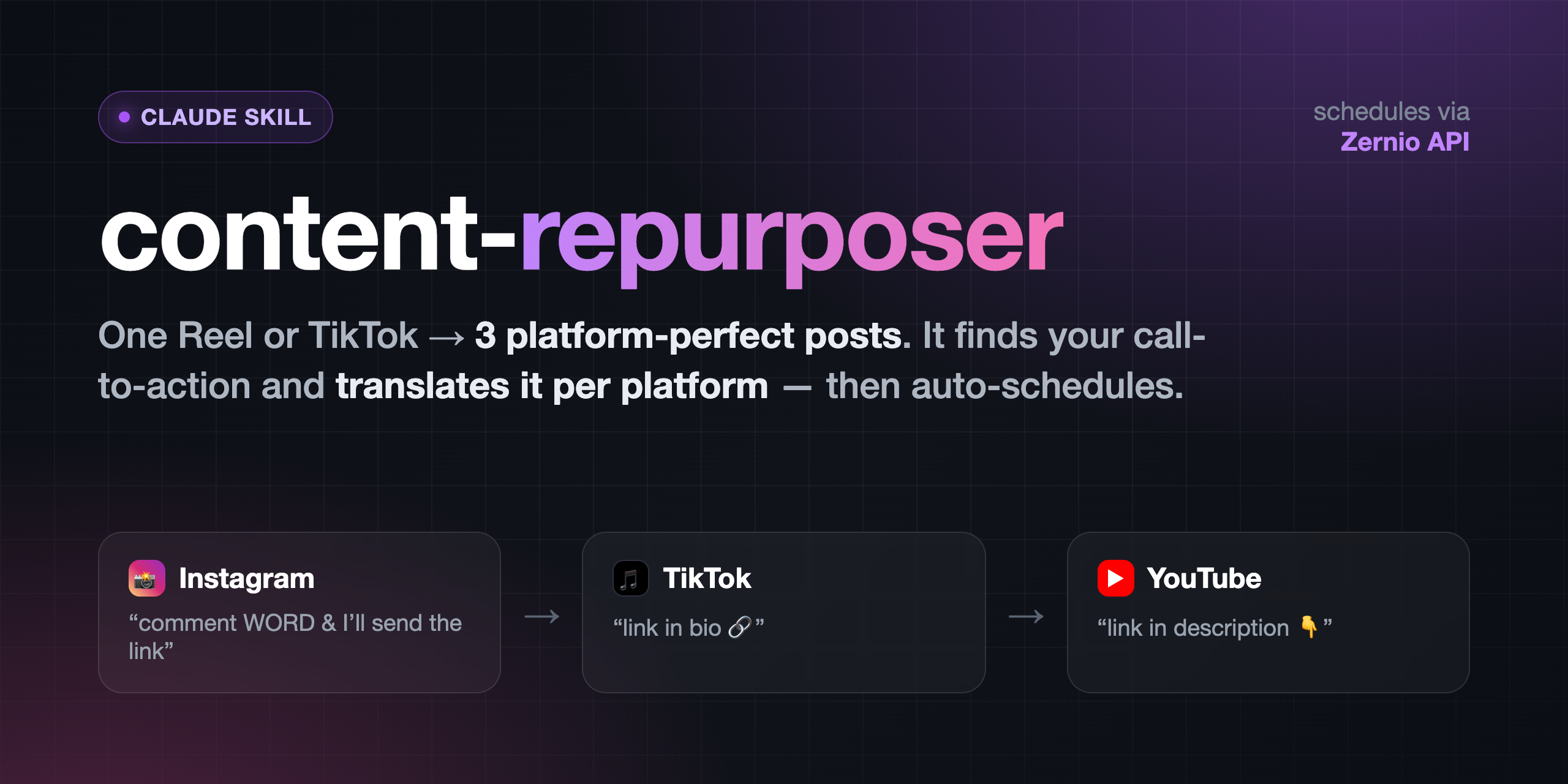
A Claude skill that turns one short-form video (an Instagram Reel or a TikTok)
into platform-correct versions for Instagram, TikTok, and YouTube — then
auto-schedules TikTok + YouTube through your own Zernio
account.
The hard part of cross-posting isn't the format (they're all 9:16) — it's the
call-to-action. "Comment WORD and I'll send the link" is right for Instagram
(DMs are the mechanic) but means nothing on TikTok or YouTube, where the link lives
in the bio / description. This skill detects the CTA (it transcribes the audio
and OCRs the frames) and translates it per platform — on the video and in
the caption — then schedules the result.
Your original video file is never modified. Every output is a new file.
What it does
- Setup (once) — installs the free local tools and walks you through Zernio.
- Analyze — finds the CTA: spoken, on-screen text, or description-only.
- Translate — Instagram → "comment X and I'll send the link"; TikTok → "link
in bio"; YouTube → "link in description". Edits the video where needed. - Caption — writes a caption per platform (YouTube gets a title + description).
- Schedule — uploads and schedules TikTok + YouTube via Zernio. Instagram is
manual by default (or automatic if you connect it on a paid Zernio plan).
Install
Clone into your Claude skills folder:
git clone <THIS_REPO_URL> ~/.claude/skills/content-repurposer(Or copy the
content-repurposer/folder there.)First run does the rest. Ask Claude to "repurpose this video for TikTok and
YouTube and schedule it," and the skill auto-runs setup:bash scripts/setup.shinstallsffmpeg,tesseract,faster-whisper,Pillow(all free/local) and creates.env.- It walks you through connecting TikTok + YouTube in Zernio (first 2
accounts free) and pasting your API key into.env. - It writes your personal
repurpose-config.md.
Prefer to set up by hand first? See
references/setup-guide.md
andreferences/zernio-setup.md.
Requirements
- Python 3.9+
- A Zernio account (free tier covers TikTok + YouTube)
- macOS / Linux / Windows (WSL recommended on Windows)
Configure
Everything you'd want to change lives in repurpose-config.md (your link, the
comment trigger word, post times, timezone, TikTok privacy, YouTube visibility,
whether Instagram is connected). Edit it in plain English anytime — no code changes.
Your Zernio key lives in .env (gitignored — never committed).
Layout
content-repurposer/
├── SKILL.md                 # the skill instructions Claude follows
├── scripts/
│   ├── setup.sh             # one-time installer + verifier
│   ├── update.sh            # pull the latest version, then re-run setup
│   ├── repurpose.py         # transcribe + spoken-CTA detect/trim
│   ├── scan_text_cta.py     # OCR on-screen CTA detection
│   ├── cover_cta.py         # cover + replace an on-screen CTA card
│   └── schedule_zernio.py   # upload + schedule via the Zernio API
├── references/              # caption patterns, Zernio + manual setup guides
└── assets/                  # config template + example scheduling job
Privacy & cost
Transcription and all video edits run locally — no API, no key, no cost.
Nothing leaves your machine until you schedule a post. Zernio is the only external
service, and its first 2 connected accounts are free.
Updating
bash ~/.claude/skills/content-repurposer/scripts/update.sh
It pulls the latest version, keeps your own commits, and re-runs scripts/setup.sh to install
any new tool. Your .env and repurpose-config.md are never touched.
Forked it on GitHub? Run git push afterwards, or click Sync fork on your fork's
page.
License
MIT
Yorumlar (0)
Yorum birakmak icin giris yap.
Yorum birakSonuc bulunamadi