shared-brainstorm
Health Pass
- License — License: NOASSERTION
- Description — Repository has a description
- Active repo — Last push 0 days ago
- Community trust — 10 GitHub stars
Code Warn
- process.env — Environment variable access in demo/video-build/assemble-audio-v2.mjs
Permissions Pass
- Permissions — No dangerous permissions requested
No AI report is available for this listing yet.
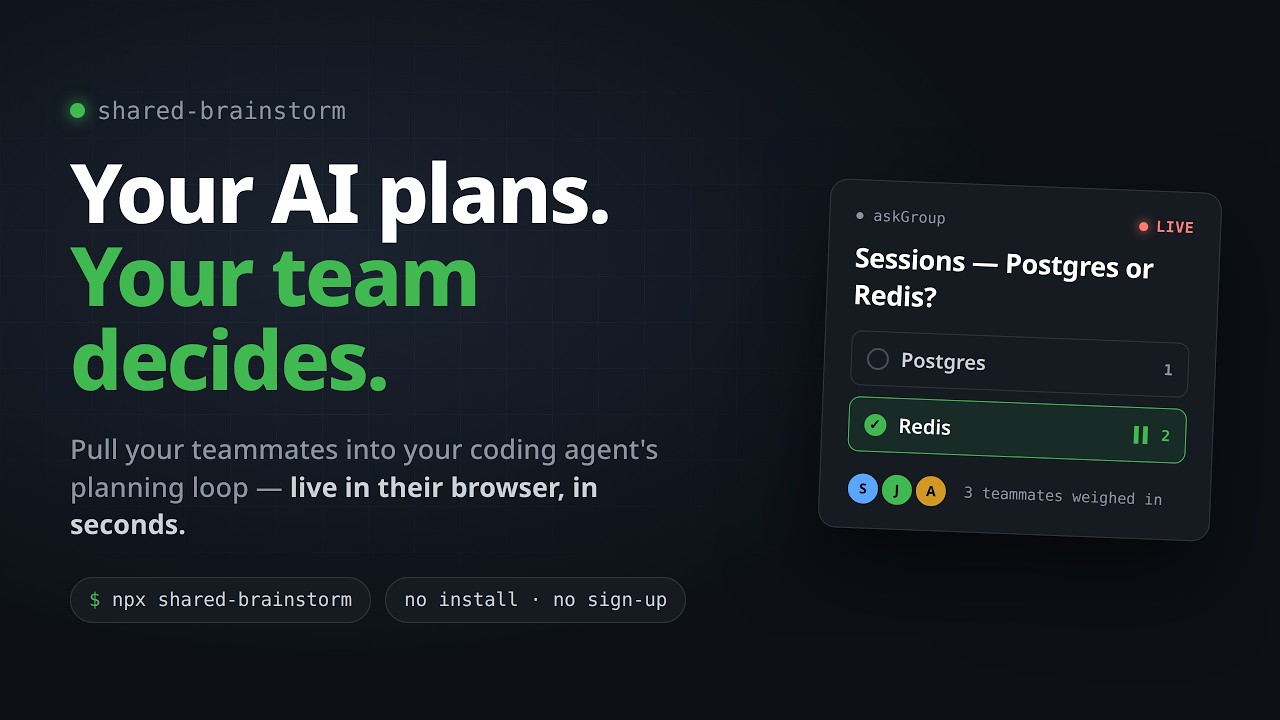
Bring your teammates into your AI coding agent's planning loop. An MCP server that routes your agent's design questions to a shared web page where teammates discuss in their browser — no install, no signup. Works with Claude Code, Codex, OpenCode & Gemini CLI.
shared-brainstorm



Get your team's input on your AI agent's design decisions — live in their browser, in seconds, with nothing to install.
Your AI plans alone, but real product decisions need your team. Your agent asks "Postgres or DynamoDB?" — your teammates weigh in on a live page — your agent plans with their answer.
What you get
- Link-only join — the host approves each joiner (no code). Teammates just open the link in any browser.
- Teammates submit suggestions, comments, and clarifying questions in real time.
- Live presence indicators and session status visible to all participants.
- Batch questions — the agent can post multiple questions at once; teammates answer in any order.
- Talk-with-AI — participants can ask the agent clarifying questions; the reply appears inline.
- Per-room chat — teammates can discuss freely alongside the suggestion stream.
- Coordinator web UI — drive the session from a browser tab alongside the CLI; approve, lock, and kick participants.
- Coordinator as planner — you can add your own answer to the pool (shown to teammates as "Coordinator") and then pick the final answer from all candidates, yours included.
- A transcript of every decision saved to
~/.shared-brainstorm/sessions/.
Install
npx shared-brainstorm --install claude-code
Then restart Claude Code. Other agents:
npx shared-brainstorm --install codex
npx shared-brainstorm --install opencode
npx shared-brainstorm --install gemini-cli
For shareable links beyond your LAN, install cloudflared (free, zero-config tunnel):
# macOS
brew install cloudflare/cloudflare/cloudflared

# Linux
wget -q https://github.com/cloudflare/cloudflared/releases/latest/download/cloudflared-linux-amd64.deb
sudo dpkg -i cloudflared-linux-amd64.deb
Skip cloudflared if your team is already on the same network.
How it works
Ask your agent to brainstorm with your team — for example:
"Brainstorm the auth flow with my team."
Your agent will:
- Spin up a session and hand you a share link (auto-copied to your clipboard).
- Your teammates open the link — the host approves each one before they enter the session.
- Post questions to the live page (one at a time, or a batch). Teammates submit suggestions and comments in real time.
- Pick the final answer from the CLI or from the coordinator browser UI — or add your own answer as a planner first, then pick from the whole pool. Lock or kick participants as needed.
You can drive the whole session from the terminal; the coordinator browser UI is available for a more visual experience.
Documentation
- Configuration — environment variables, rate limits, bind address, cloudflared version pin.
- Development — monorepo layout, build, and test commands.
- Releasing — how a new version gets published to npm.
Contributing
PRs welcome. By opening a pull request you agree to the project's CLA. You keep the copyright in your contribution; you just grant the project a broad license to ship it under AGPL today and under other licenses.
License
AGPL-3.0-or-later. You can use, modify, and redistribute this software freely — including running modified versions as a hosted service — as long as any such copy stays under AGPL, makes its source available, and gives credit back to this project.
Reviews (0)
Sign in to leave a review.
Leave a reviewNo results found