shared-brainstorm
Health Gecti
- License — License: NOASSERTION
- Description — Repository has a description
- Active repo — Last push 0 days ago
- Community trust — 10 GitHub stars
Code Uyari
- process.env — Environment variable access in demo/video-build/assemble-audio-v2.mjs
Permissions Gecti
- Permissions — No dangerous permissions requested
Bu listing icin henuz AI raporu yok.
Bring your teammates into your AI coding agent's planning loop. An MCP server that routes your agent's design questions to a shared web page where teammates discuss in their browser — no install, no signup. Works with Claude Code, Codex, OpenCode & Gemini CLI.
shared-brainstorm



Get your team's input on your AI agent's design decisions — live in their browser, in seconds, with nothing to install.
Your AI plans alone, but real product decisions need your team. Your agent asks "Postgres or DynamoDB?" — your teammates weigh in on a live page — your agent plans with their answer.
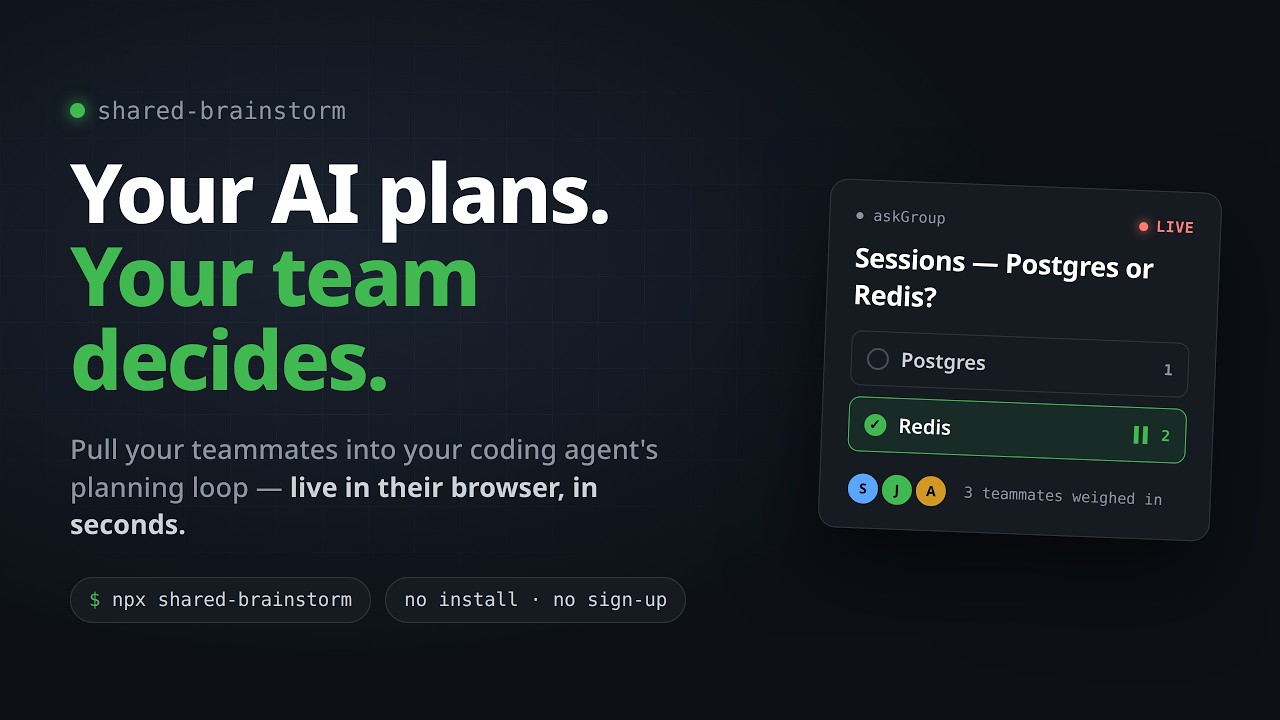
What you get
- Link-only join — the host approves each joiner (no code). Teammates just open the link in any browser.
- Teammates submit suggestions, comments, and clarifying questions in real time.
- Live presence indicators and session status visible to all participants.
- Batch questions — the agent can post multiple questions at once; teammates answer in any order.
- Talk-with-AI — participants can ask the agent clarifying questions; the reply appears inline.
- Per-room chat — teammates can discuss freely alongside the suggestion stream.
- Coordinator web UI — drive the session from a browser tab alongside the CLI; approve, lock, and kick participants.
- Coordinator as planner — you can add your own answer to the pool (shown to teammates as "Coordinator") and then pick the final answer from all candidates, yours included.
- A transcript of every decision saved to
~/.shared-brainstorm/sessions/.
Install
npx shared-brainstorm --install claude-code
Then restart Claude Code. Other agents:
npx shared-brainstorm --install codex
npx shared-brainstorm --install opencode
npx shared-brainstorm --install gemini-cli
For shareable links beyond your LAN, install cloudflared (free, zero-config tunnel):
# macOS
brew install cloudflare/cloudflare/cloudflared

# Linux
wget -q https://github.com/cloudflare/cloudflared/releases/latest/download/cloudflared-linux-amd64.deb
sudo dpkg -i cloudflared-linux-amd64.deb
Skip cloudflared if your team is already on the same network.
How it works
Ask your agent to brainstorm with your team — for example:
"Brainstorm the auth flow with my team."
Your agent will:
- Spin up a session and hand you a share link (auto-copied to your clipboard).
- Your teammates open the link — the host approves each one before they enter the session.
- Post questions to the live page (one at a time, or a batch). Teammates submit suggestions and comments in real time.
- Pick the final answer from the CLI or from the coordinator browser UI — or add your own answer as a planner first, then pick from the whole pool. Lock or kick participants as needed.
You can drive the whole session from the terminal; the coordinator browser UI is available for a more visual experience.
Documentation
- Configuration — environment variables, rate limits, bind address, cloudflared version pin.
- Development — monorepo layout, build, and test commands.
- Releasing — how a new version gets published to npm.
Contributing
PRs welcome. By opening a pull request you agree to the project's CLA. You keep the copyright in your contribution; you just grant the project a broad license to ship it under AGPL today and under other licenses.
License
AGPL-3.0-or-later. You can use, modify, and redistribute this software freely — including running modified versions as a hosted service — as long as any such copy stays under AGPL, makes its source available, and gives credit back to this project.
Yorumlar (0)
Yorum birakmak icin giris yap.
Yorum birakSonuc bulunamadi