orb
Health Warn
- No license — Repository has no license file
- Description — Repository has a description
- Active repo — Last push 0 days ago
- Community trust — 515 GitHub stars
Code Warn
- network request — Outbound network request in .opencode/tool/library-agents.ts
- network request — Outbound network request in .opencode/tool/library-commands.ts
- network request — Outbound network request in .opencode/tool/library-git.ts
- network request — Outbound network request in .opencode/tool/library-skills.ts
Permissions Pass
- Permissions — No dangerous permissions requested
No AI report is available for this listing yet.
Your agents, machines and subscriptions in one place on macOS and iOS. Formerly sandboxed.sh (now the backend to the Orb clients).

Orb
Your agents, machines and subscriptions. One place to work.
Use Orb on desktop or iOS to organize projects, launch agents and continue their conversations.
Formerly sandboxed.sh — sandboxed.sh is now the backend to the Orb clients.
Get started · Documentation · Desktop · iOS · Website · Discord
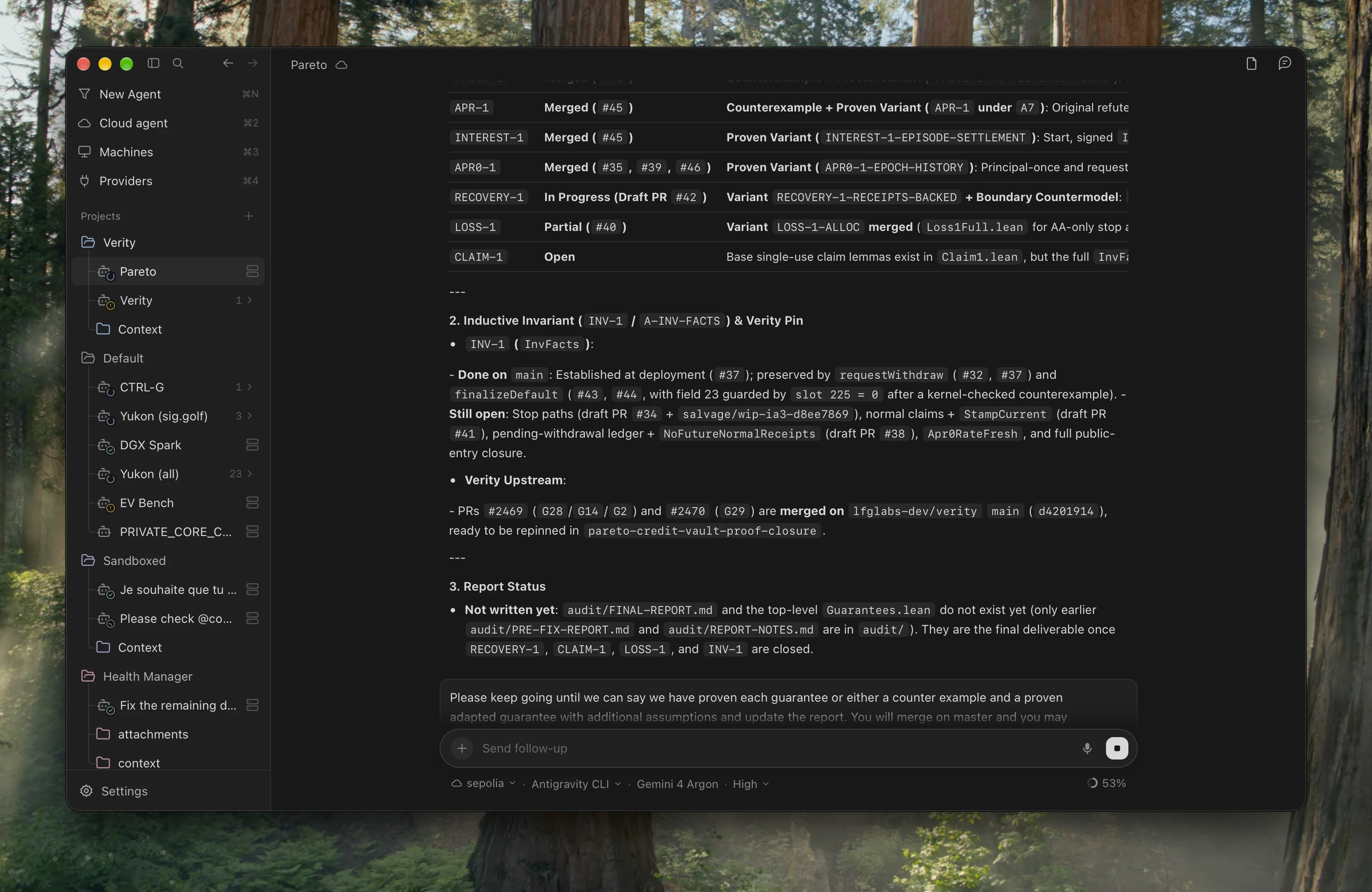
Choose where your agent works
| Mode | Where it runs | How you use it |
|---|---|---|
| Your computer | A local coding agent on your desktop | Choose New Agent → This computer, then a harness and model. Work with your local files and tools. |
| Your private cloud | Your own servers and remote machines | Add machines to sandboxed.sh, then select one in Orb. Run agents in the configured host or isolated container workspace. |
| Cloud agents | A coordinator or provider-managed assistant | Choose Cloud agent, then Hermes, ChatGPT, Grok Bot or Cursor Cloud. Continue durable or provider conversations from Orb. |
Use Claude Code, Codex, Antigravity, OpenCode or Grok for
local and remote work, with live model, effort and cyber-access controls where
supported. Cloud agents have their own connections: Hermes binds to durable
coordinator conversations and router chains; ChatGPT uses a signed-in
browser profile and your available subscription modes; Grok Bot uses its
connected account; Cursor Cloud uses its official API with a repository,
Git reference and model.
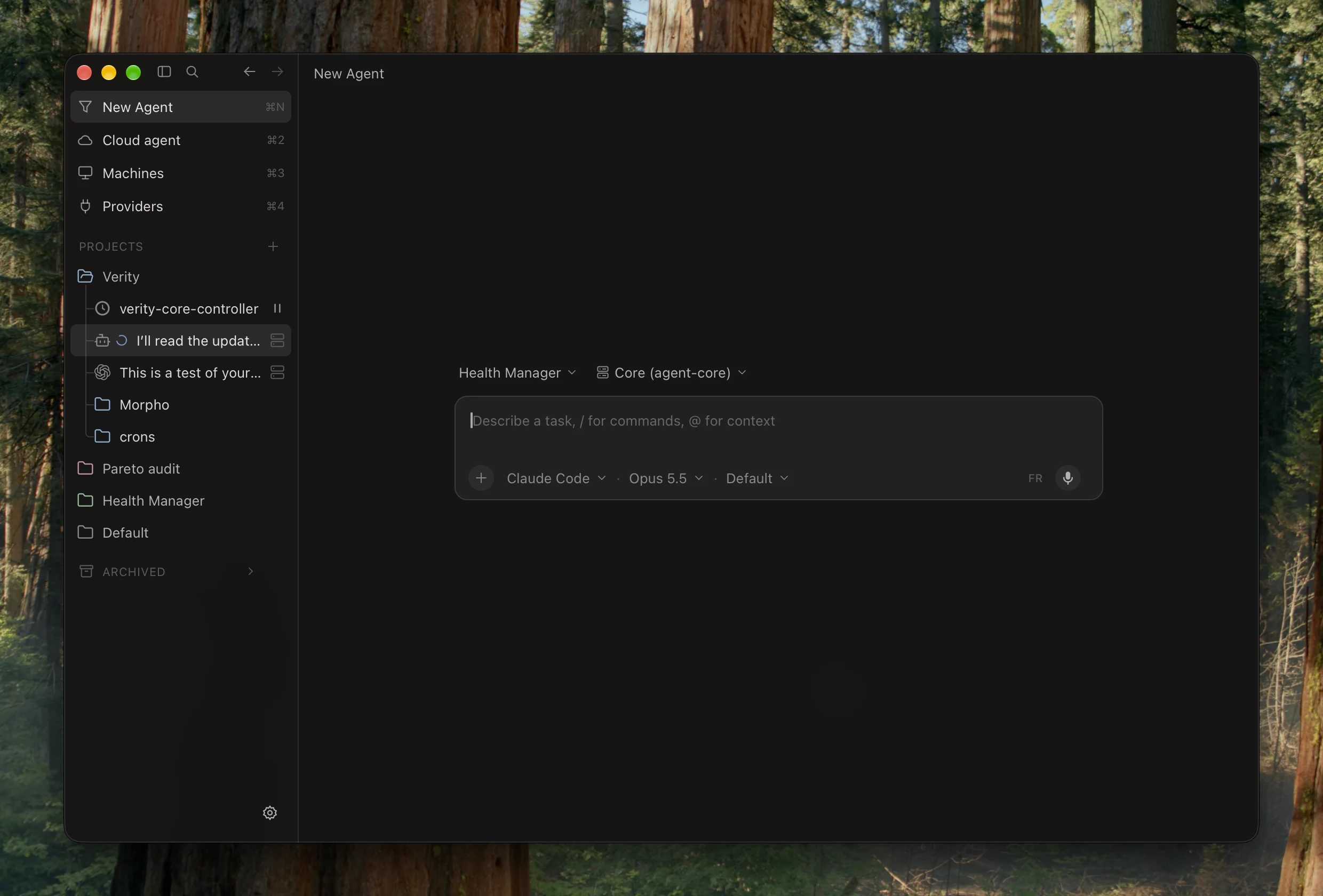
Pick up the conversation anywhere
Projects organize missions, per-project colors, skills and a synced local
Context folder in Finder. Inside a conversation:
- Follow and steer live runs: collapsible
Worked — …tool/thought folds,
nested subagents and callback reviews, inline prompt editing, and a
Cursor-style follow-up queue that sends on turn completion or immediately. - Ask on the side: open the docked
/btwside-agent panel (⌘⇧J) to ask
questions with shared workspace context without interrupting the main turn. - Keep long work moving: schedule durable mission wake-ups, automatically
resume interrupted runs after restarts, and transfer workspaces across
machines (preserving symlinks while skipping build artifacts). - Rich output: Markdown, code, tables, LaTeX, quizzes, inline images and
clickable file links stay readable inside the transcript.
Orb for iOS connects to the same sandboxed.sh server: browse projects with
synced colors, inspect mission transcripts and activity folds, send follow-ups,
view or edit shared Markdown context, and manage backend, machines (with a
shared SSH address book) and providers.
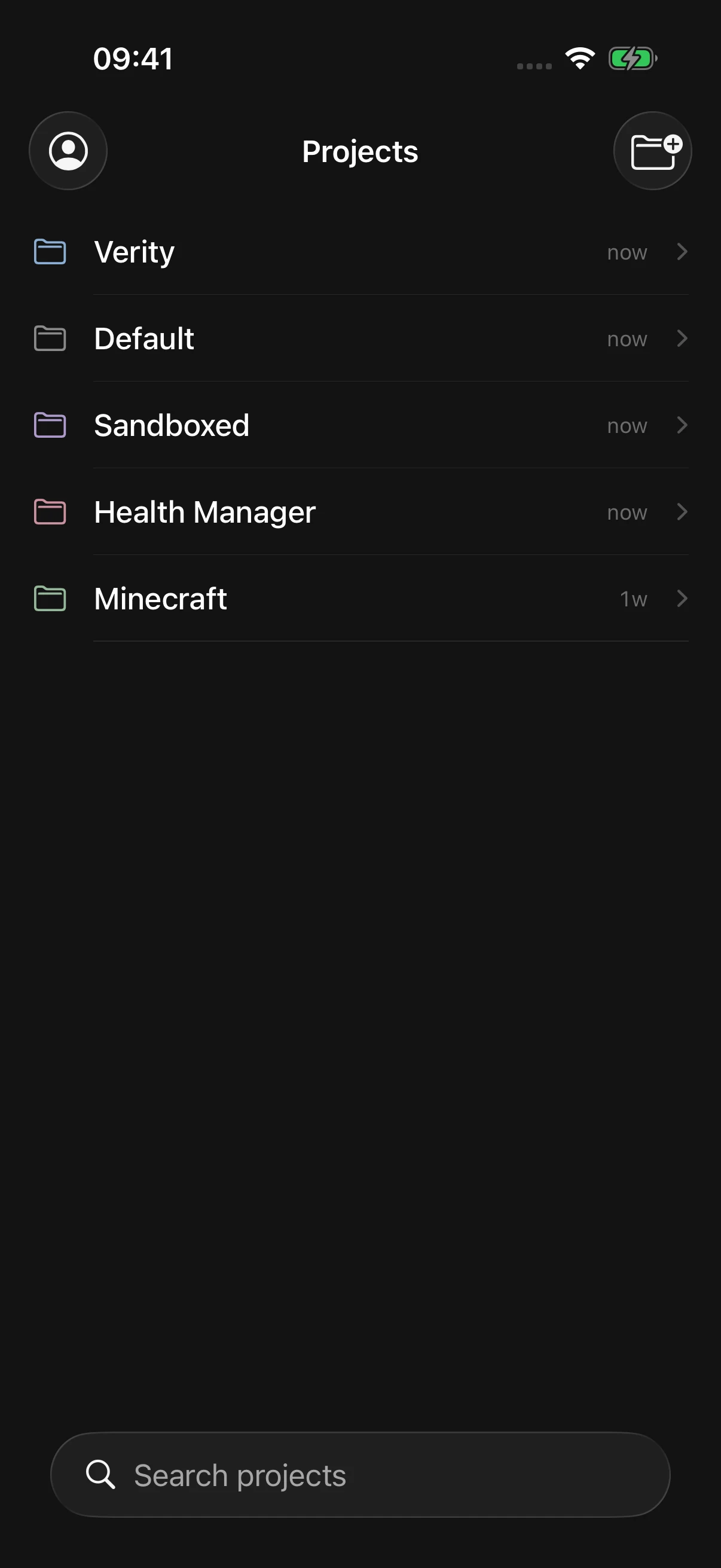
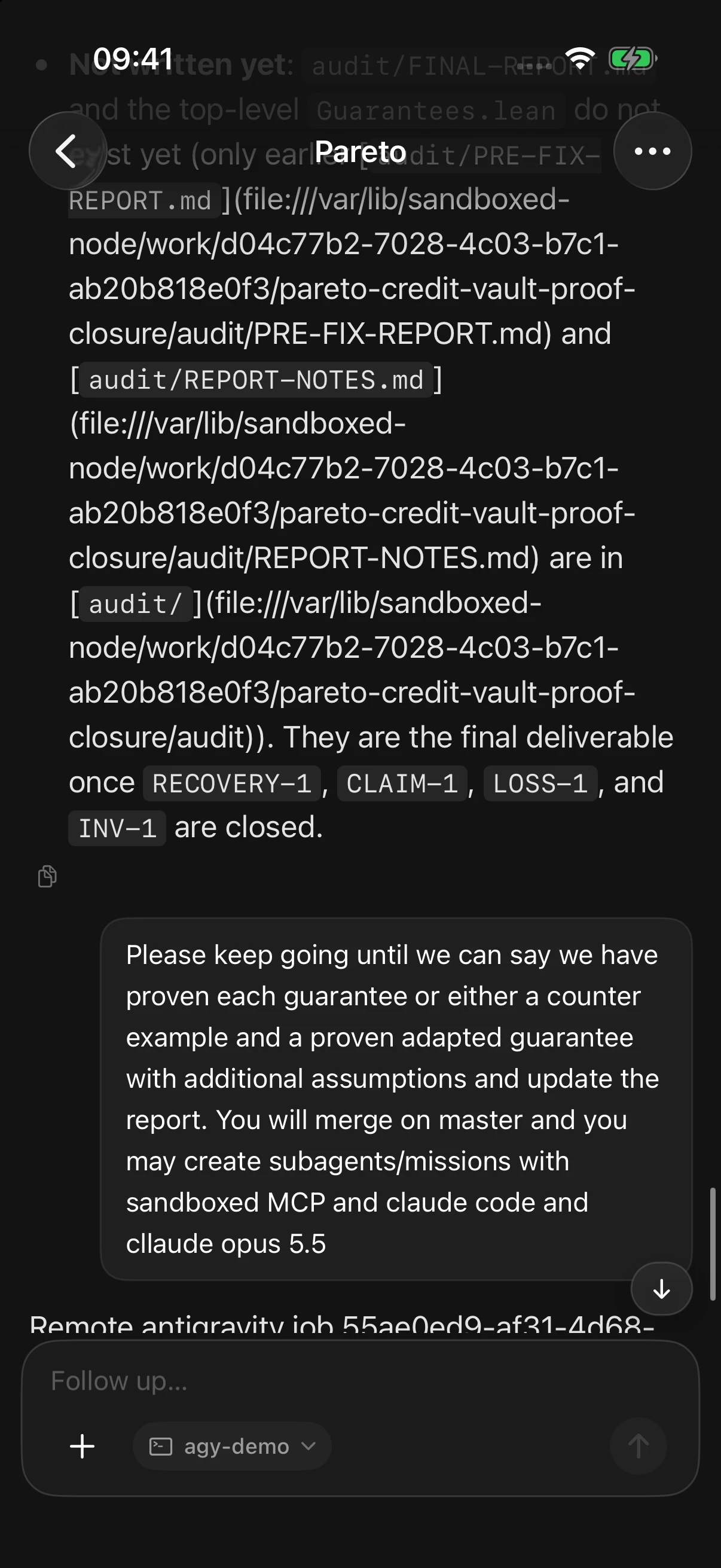
iOS Simulator · Connected to production (`Projects` list and `Verity / Pareto` mission).
Bring your subscriptions
Sign in to supported subscription accounts directly from Providers in Orb
(macOS, web and iOS) or connect them through CLIProxyAPI Plus. You can
authenticate via OAuth, renew tokens, enable or disable individual accounts,
and inspect live plan/quota status; the proxy handles routing and rotation
across eligible accounts while Orb lets you choose the harness and model.
- CLIProxyAPI Plus — maintained CCS fork
- CLIProxyAPI — upstream
- Credential ownership and proxy configuration
This routes model inference for coding agents. Managed cloud agents use
separate service adapters; connecting a proxy account does not sign in to the
ChatGPT browser or create a Cursor Cloud API account.
Get started
- Run sandboxed.sh. Follow the Docker guide or
native Linux guide. It keeps the project record,
mission history and remote execution services. - Open Orb. Build the desktop client or the
iOS app, then enter your server URL and sign in. - Connect your execution environment. Set up local harnesses, register
remote machines, or connect a cloud-agent account.
Configure inference providers for the models you want to use. - Create a project and launch an agent. Choose its execution mode, write
your task, and keep its conversation and results together.
Under the hood
Orb is the client; sandboxed.sh (the project's former name) is now the backend to the Orb clients.
Desktop is built with Tauri and SolidJS; iOS uses SwiftUI. The Rust backend owns
projects, missions, event history and remote-node coordination. Cloud adapters
observe provider work independently of the client window.
The same control plane is available over MCP for coordinators such as
Hermes. Automation uses the same project
and mission records as Orb.
Documentation index ·
Execution architecture ·
Workspaces ·
MCP and Hermes ·
Development and troubleshooting
Orb (orb.thomas.md) · Formerly sandboxed.sh (now the backend to the Orb clients).
Reviews (0)
Sign in to leave a review.
Leave a reviewNo results found